Preview the Most Expensive Room Before You Spend
Upload a kitchen photo and try cabinet colors, counters, and backsplash on the room you already have. The footprint stays. The finishes change.
Preview a Kitchen Remodel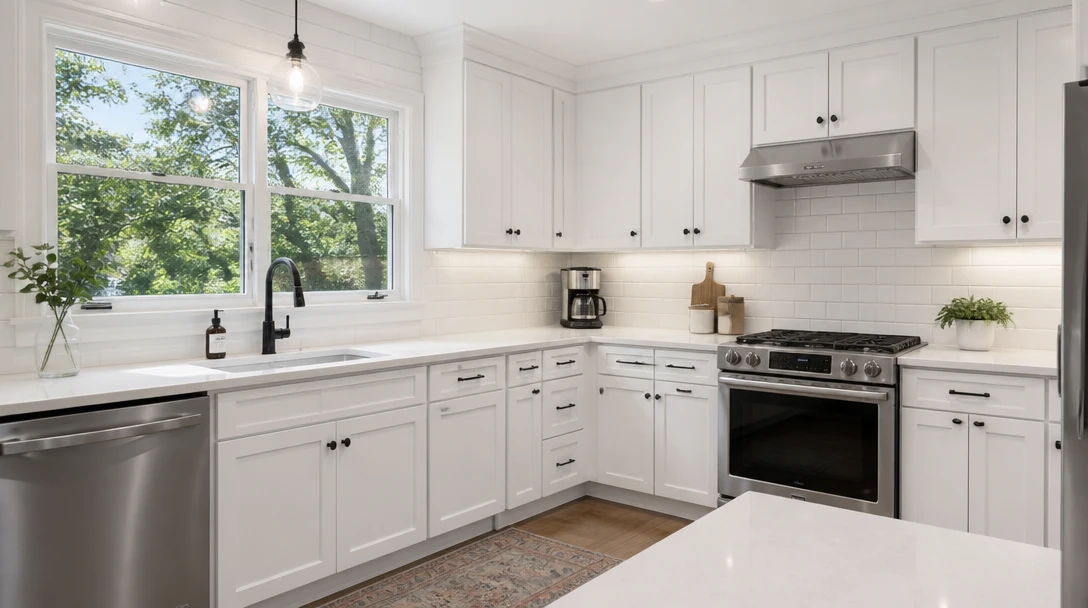
Preview Any Kitchen Remodel
Add a photo of your kitchen and we'll open AI Home Studio ready to try cabinets, counters, and tile.
Drag & drop your kitchen photo here
Stand back so cabinets and counters are visible — JPG, PNG or WebP, up to 15MB
Your photo is used only to preview finishes. This is not a contractor quote or a structural plan.
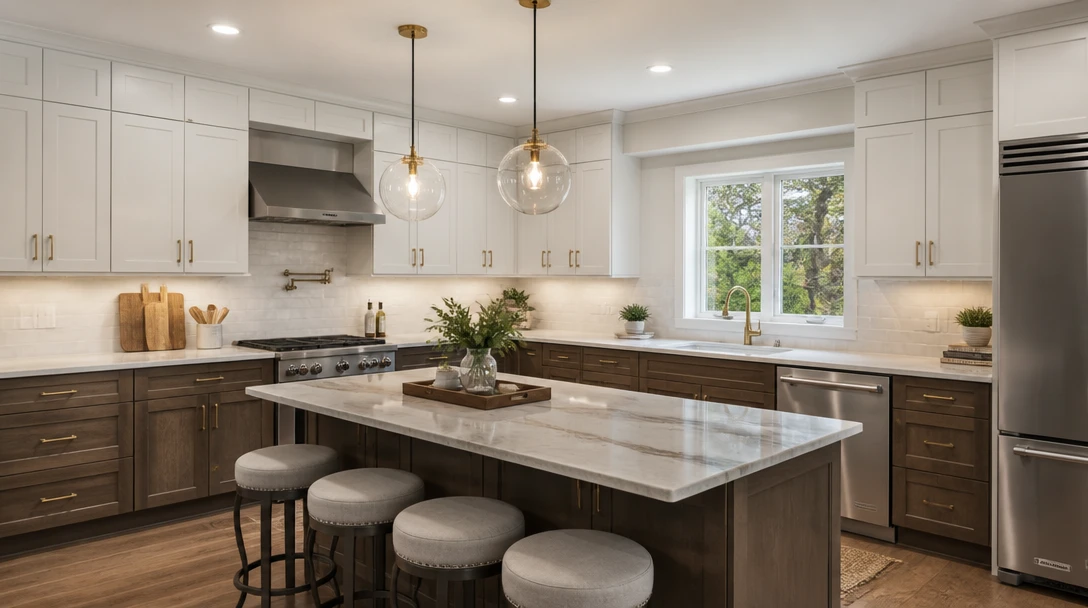
See Cabinets and Counters on Your Actual Kitchen
White shaker, handleless modern, warm wood, two-tone, or a moody dark set — generated on the same footprint, windows, and camera angle as your photo.
Try Cabinet Looks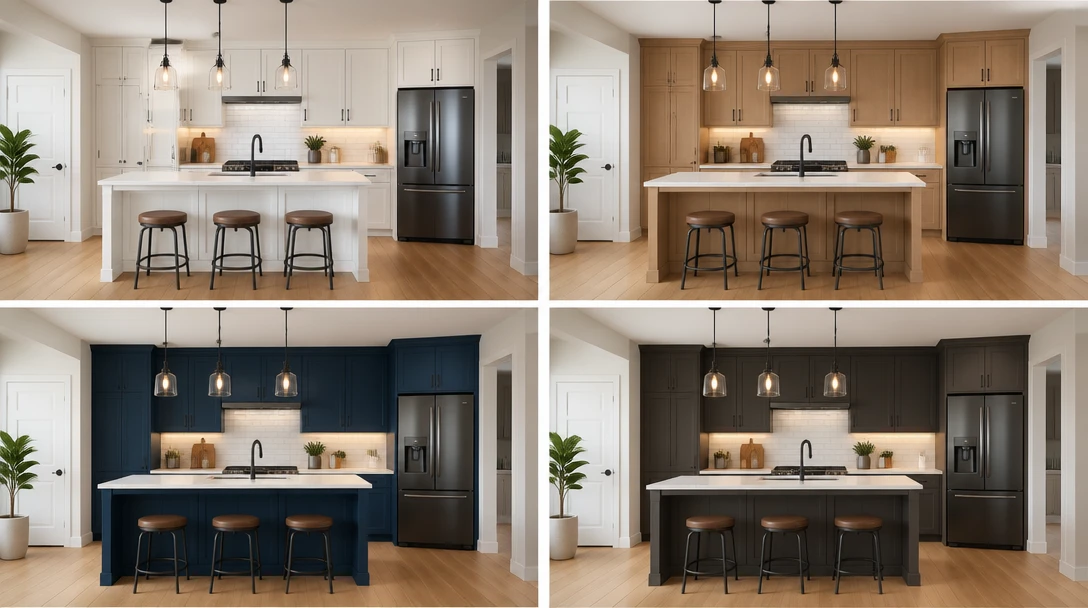
Compare Looks Before You Book a Contractor
Generate a few finish directions in minutes and take them to a showroom or designer. The tool does not price labor, move plumbing, or approve a build.
Compare Kitchen Styles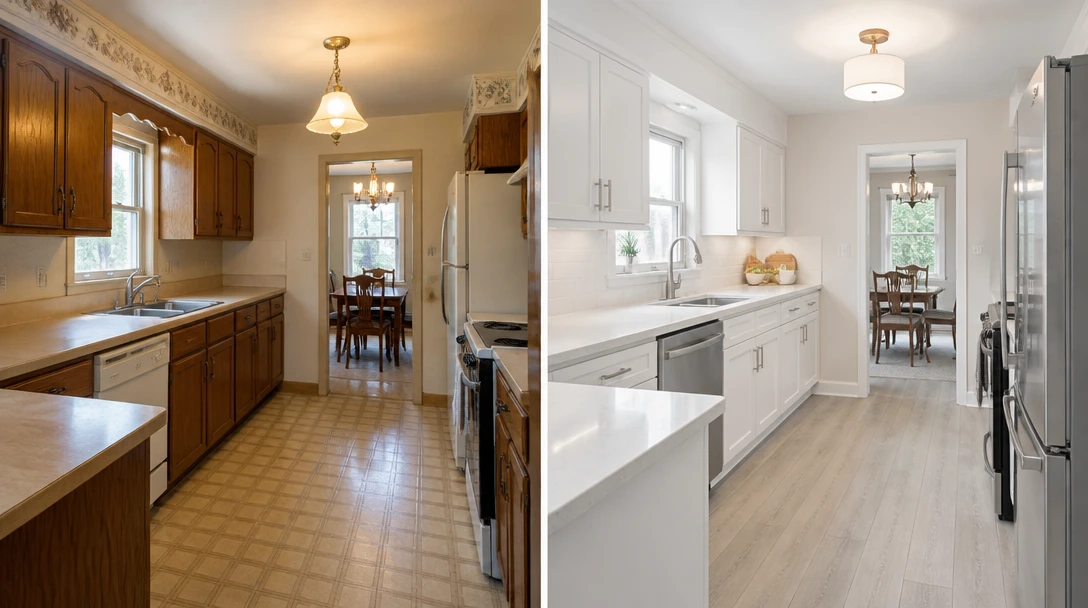
Refresh a Listing Kitchen Without a Gut Job
Agents and sellers can preview a brighter cabinet and counter set on a dated kitchen photo for marketing, while being clear it is a visualization.
Refresh a Listing Kitchen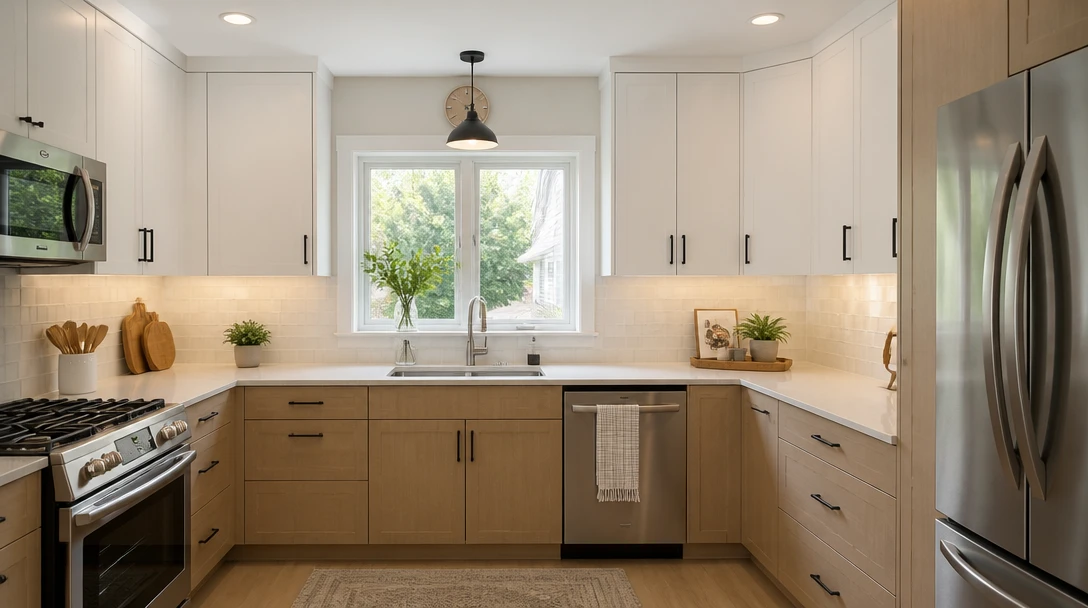
Keep the Layout. Change the Finishes.
Sink, windows, and room shape stay. You are previewing surfaces — cabinets, counters, backsplash, hardware, and lighting — not a new floor plan.
Remodel Finishes OnlyWho Uses the Kitchen Remodel Preview
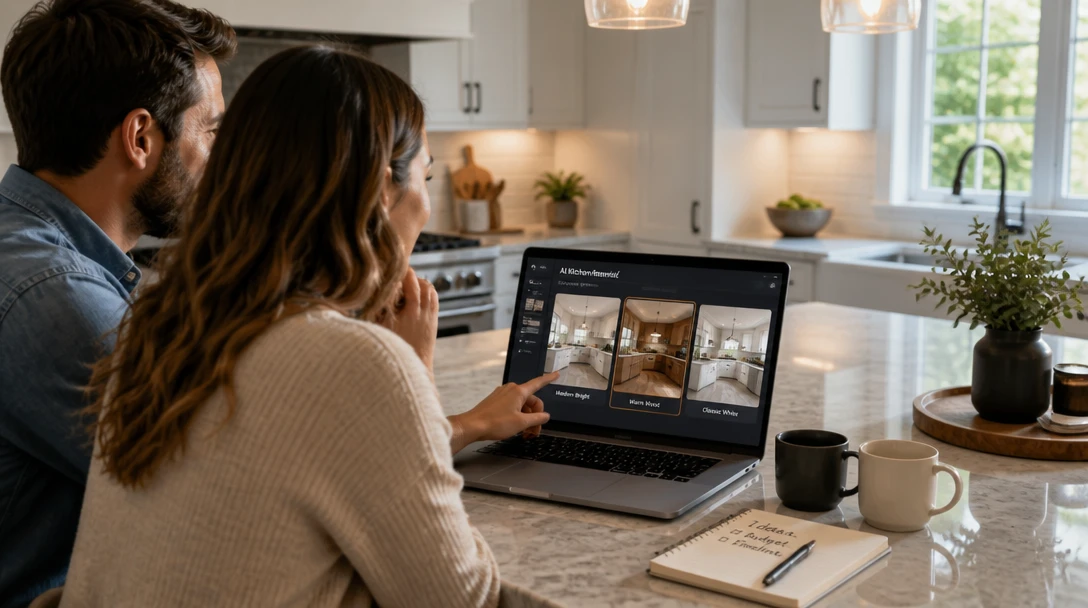
Homeowners Planning a Remodel
Test cabinet colors and stone looks on your kitchen before you spend on samples, design retainers, or a demolition date.

Kitchen Designers
Turn a site photo into a few finish concepts for a first meeting. Bring real measurements and quotes separately.
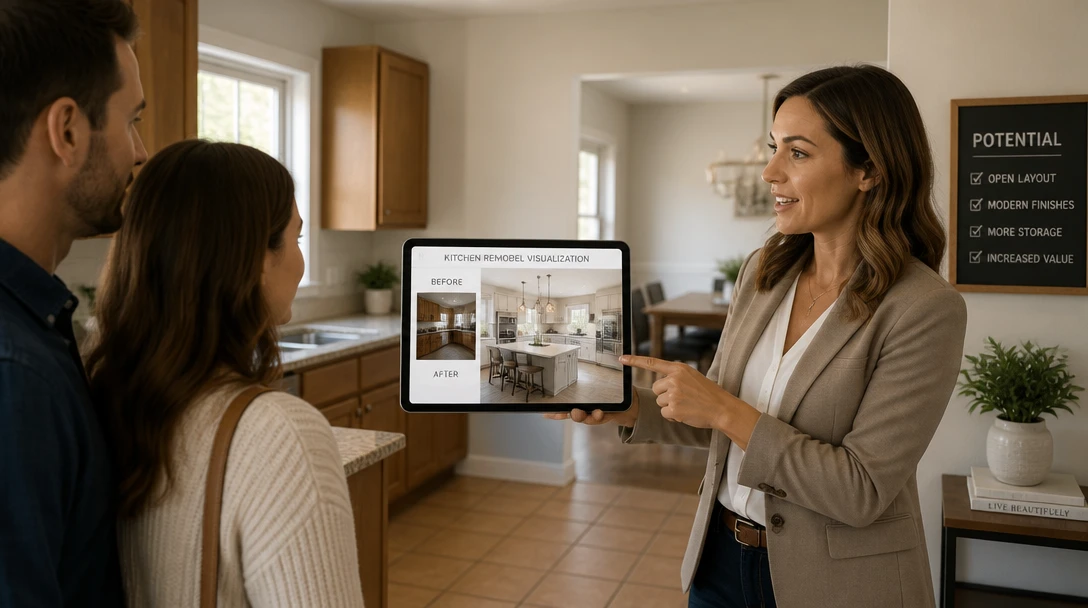
Real Estate Agents
Help buyers see potential in a dated kitchen photo. Label it as a preview so nobody confuses it with completed work.
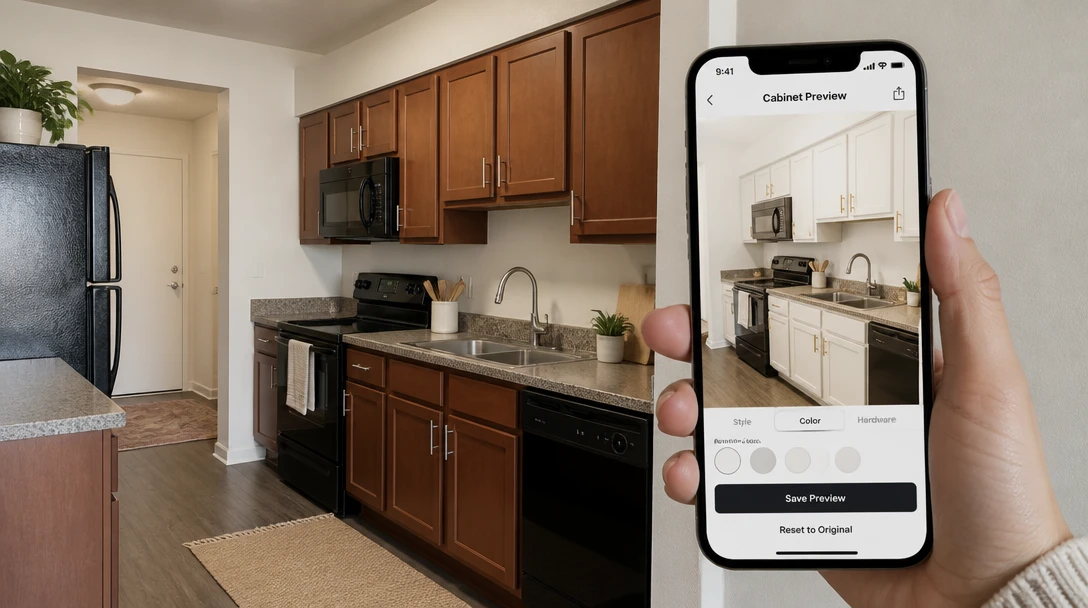
Landlords
Preview a lighter cabinet refresh on a rental kitchen before you decide whether a paint-grade update is enough.
How to Preview a Kitchen Remodel with AI
Upload the Kitchen Photo
Stand in a doorway or corner so the run of cabinets, counters, and a window or backsplash are in frame.
Choose a Kitchen Look
White shaker, modern, warm wood, moody, farmhouse, Scandi, two-tone, chef, coastal, or industrial.
Generate the Finish Preview
Cabinets, counters, tile, and lighting update. The room footprint and camera stay the same.
Download and Take It to a Showroom
Use the image to talk through taste. Get measurements, allowances, and prices from a real kitchen professional.
Explore More
More AI Studio Tools
Discover other powerful AI tools to enhance your creative workflow
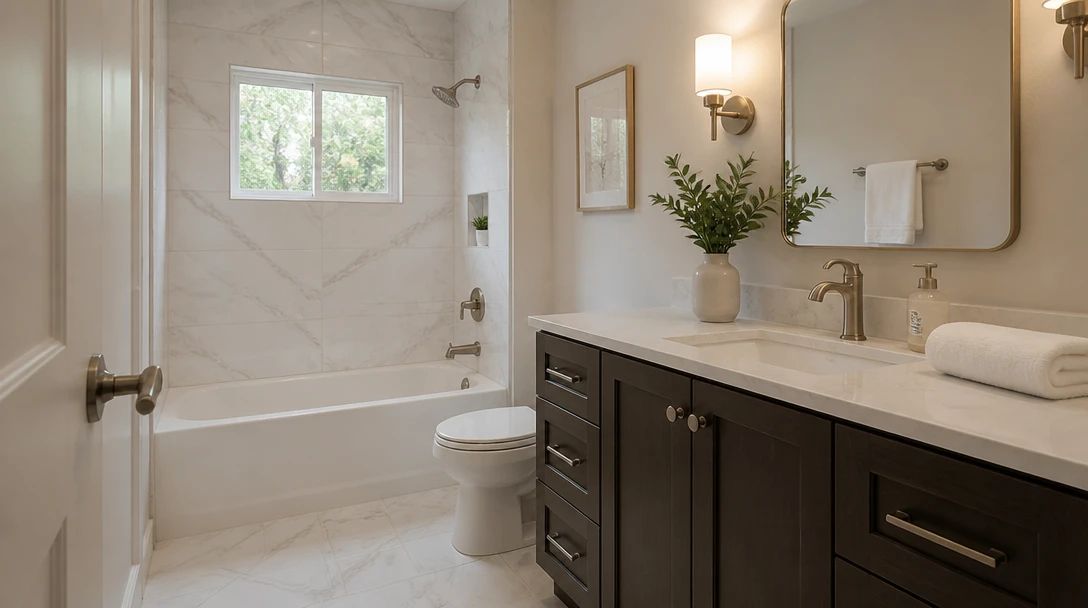
AI Bathroom Remodel
Preview tile, vanity, and lighting on your bathroom photo — a visual remodel, not a quote
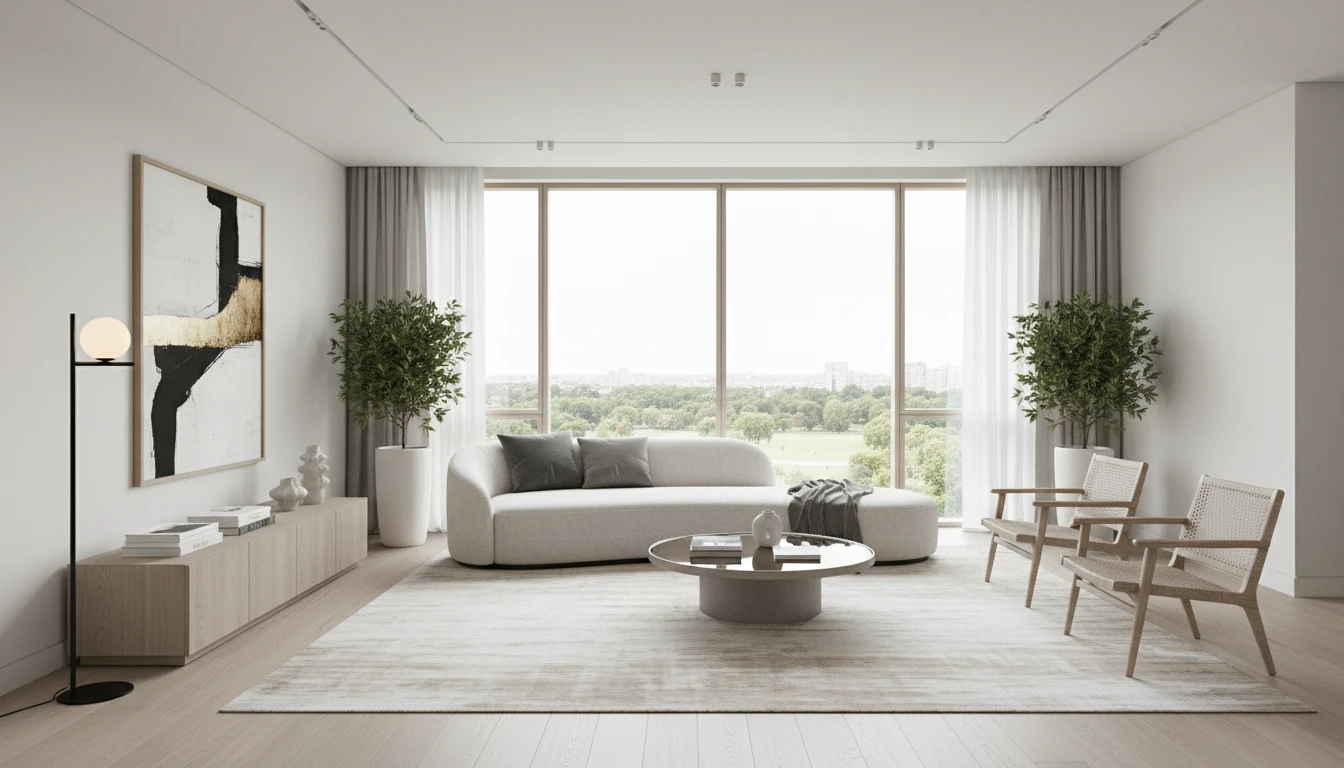
AI Interior Design
Upload a photo of any room and AI generates a photorealistic interior redesign in seconds. Choose from 15 distinct styles including Modern, Scandinavian, Bohemian, Japandi, Hollywood Regency, Art Deco, New York Loft, and more. The result preserves your room layout, windows, and architecture while replacing furniture, finishes, and decor. Works for living rooms, bedrooms, kitchens, bathrooms, and home offices.
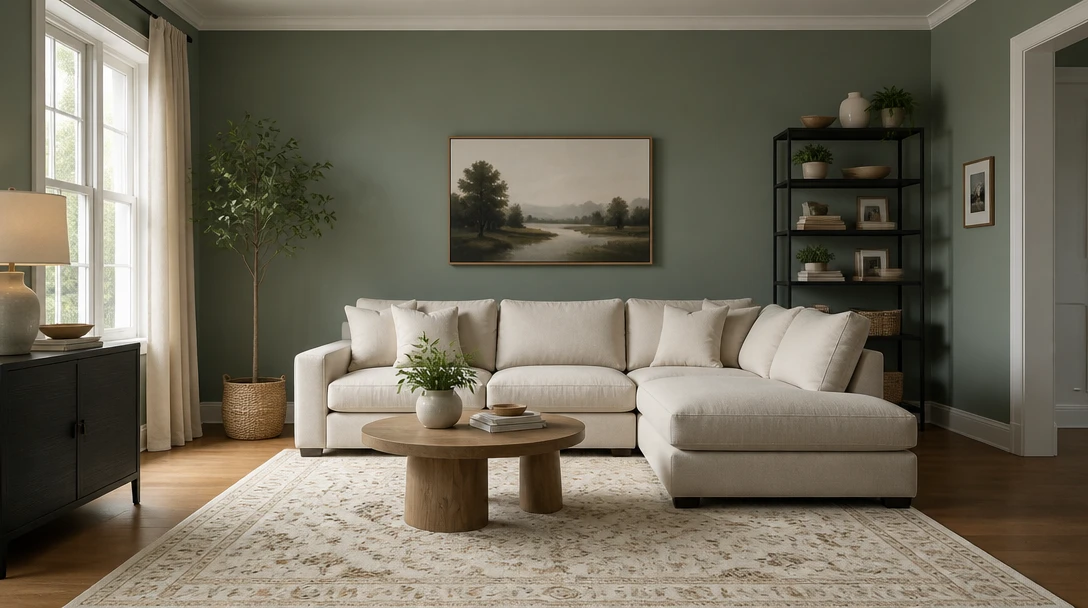
AI Wall Paint Visualizer
Change only the wall color on your room photo. Furniture and layout stay put.
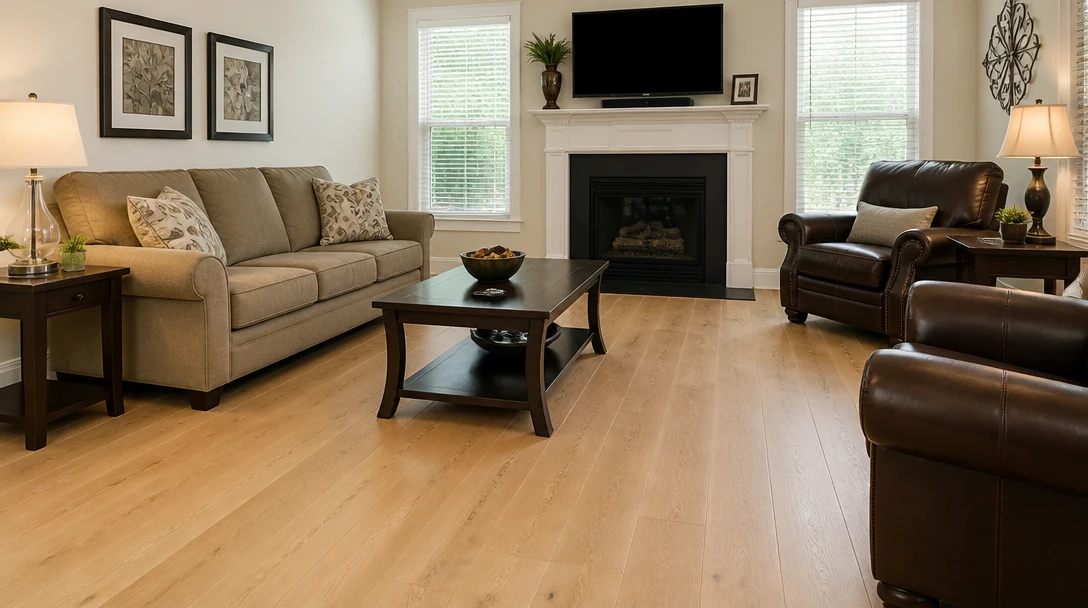
AI Flooring Visualizer
Keep the room and swap wood, tile, or carpet on the floor plane of your photo
Opens in
Image Studio
Frequently Asked Questions
Everything you need to know to get started.
How does the kitchen remodel preview work?
You upload a kitchen photo and pick a finish style. The model updates cabinets, counters, backsplash, hardware, and lighting while keeping the room footprint and camera angle.
Will it move my sink or island?
It is not a layout tool. Plumbing, windows, and the overall footprint stay. If a photo hides part of the kitchen, the model cannot invent a reliable new plan.
Is this a contractor quote?
No. There is no pricing, permit advice, or structural review. Treat the image as a taste preview you can take to a designer or kitchen company.
What photo should I take?
Daylight, stand far enough back to show a full run of cabinets, and avoid extreme wide-angle if you can. JPEG, PNG, or WebP up to 15MB.
Can I preview just the backsplash?
Styles change the kitchen finishes together. For a single-surface experiment, Wall Paint or Flooring lock to one plane. Kitchen remodel is a full finish look.
Can I use the result in a listing?
You can, if you are clear it is a visualization. Do not present a remodel preview as completed work.
See the Kitchen Before You Buy Cabinets
Sign up free and get 100 credits. Preview finishes on your kitchen photo, then take real measurements to a showroom.
Preview a Kitchen RemodelDisclaimer: This tool uses generative AI technology which may produce content that resembles copyrighted materials or that is inaccurate, incomplete, or out-of-date. It is provided for general information and educational purposes only and is not intended for illegal activities or to replace professional advice, diagnosis, or treatment. Users are solely responsible for how they use the generated content. If you plan to use AI-generated content commercially or publicly, we strongly recommend reviewing it for potential copyright issues and obtaining proper permissions where necessary. We accept no liability for copyright infringement or any other consequences resulting from the use of content generated by this tool.