Upscale any video to 4K with AI.
Upload a video and AI enhances it to 1080p, 2K, or 4K, sharpening edges and removing compression artifacts. Optionally boost to 60 fps.
Upscale your video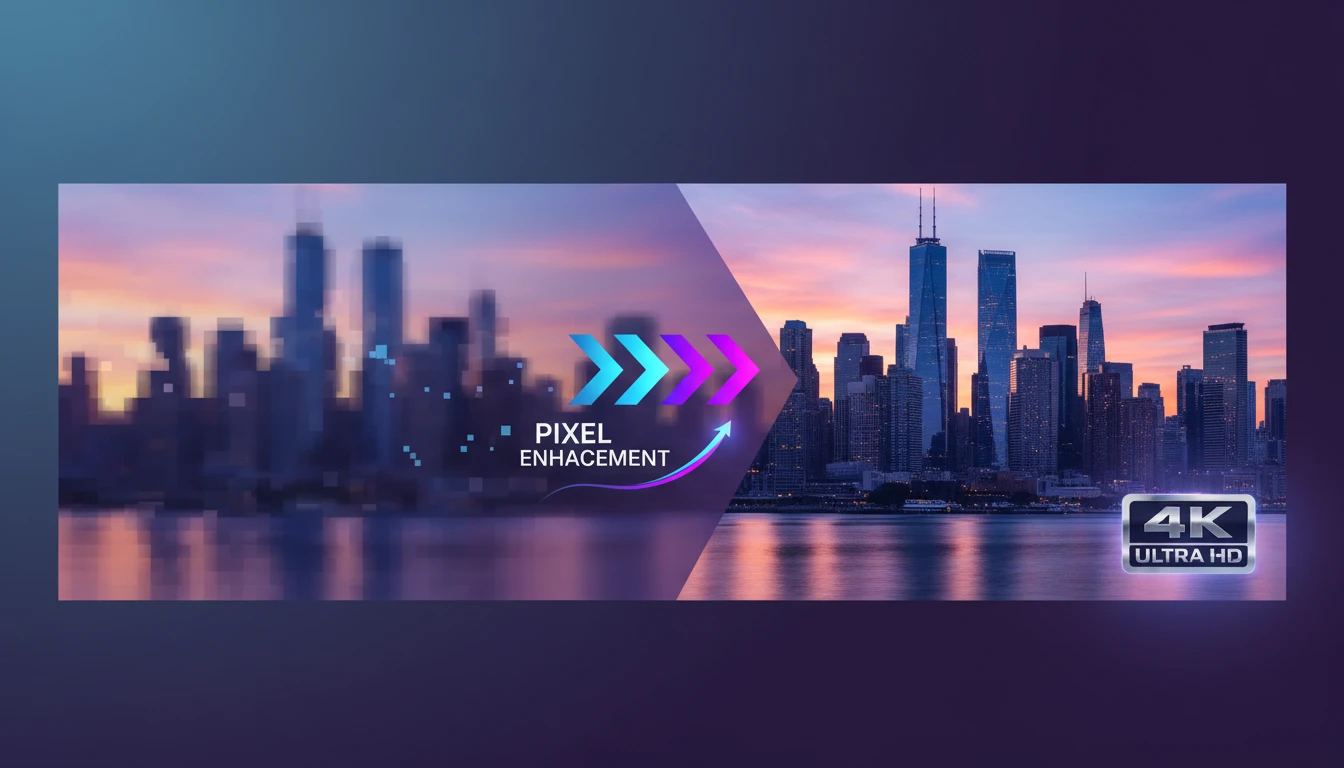
AI Video Upscaler
Upscale any video to 1080p, 2K, or 4K with AI. Enhance sharpness, recover fine detail, and optionally boost to 60 fps.
Output
AI Video Upscaler
Your video will appear here
Upload a video and click Upscale.
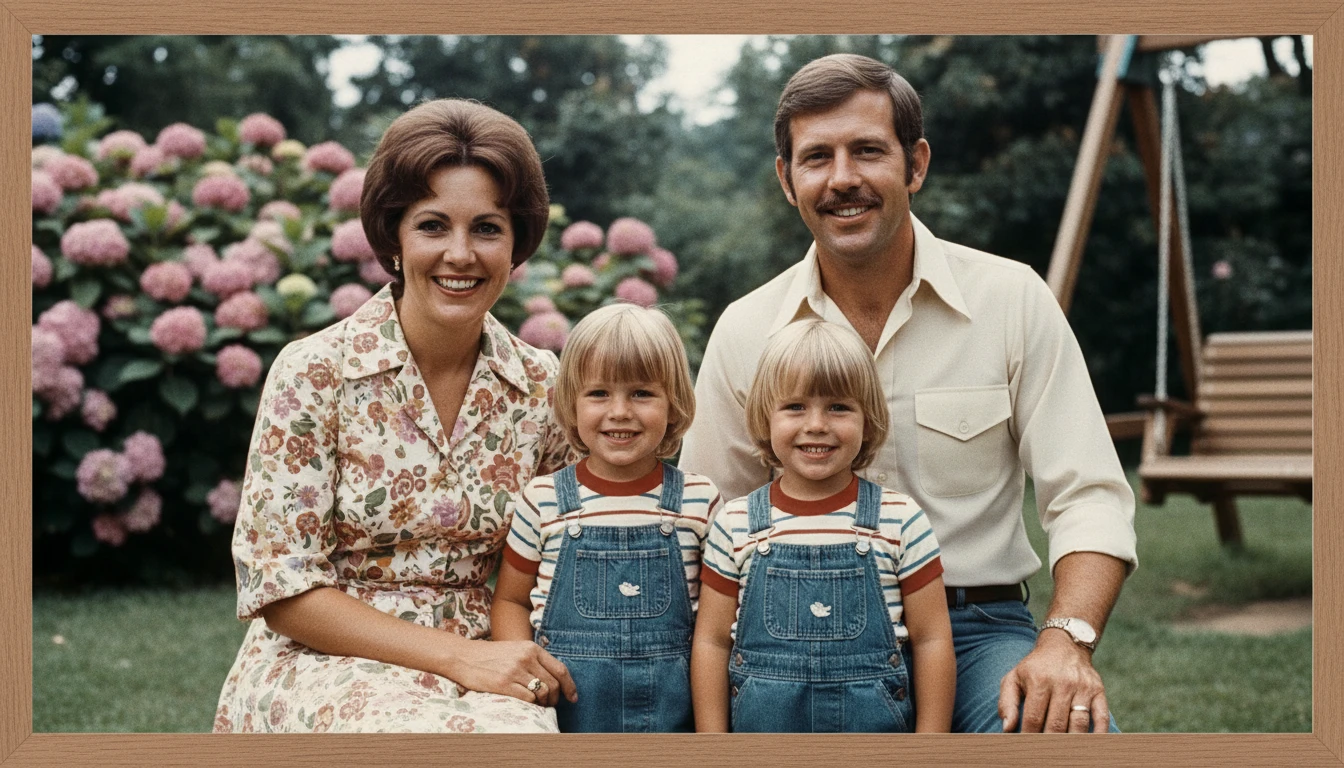
Turn old footage into crisp 4K
Old home videos, archive footage, or low-res recordings can be revived. AI fills in missing detail and sharpens every frame, making decades-old content look modern.
Upscale your footage
Enhance social media clips
Platform compression degrades your video quality. Upscale before or after uploading to maintain sharp, professional-looking video across Instagram, TikTok, and YouTube.
Enhance your clips
Smooth motion with 60 fps
AI frame interpolation adds extra frames for buttery-smooth playback. Ideal for gameplay footage, sports clips, and any content where motion fluidity matters.
Boost to 60 fps
Restore and remaster classics
Remaster old projects, training videos, or stock footage to modern HD standards. Sharper text, cleaner faces, and detailed textures, all automatically.
Remaster your videoWho Uses AI Video Upscaler
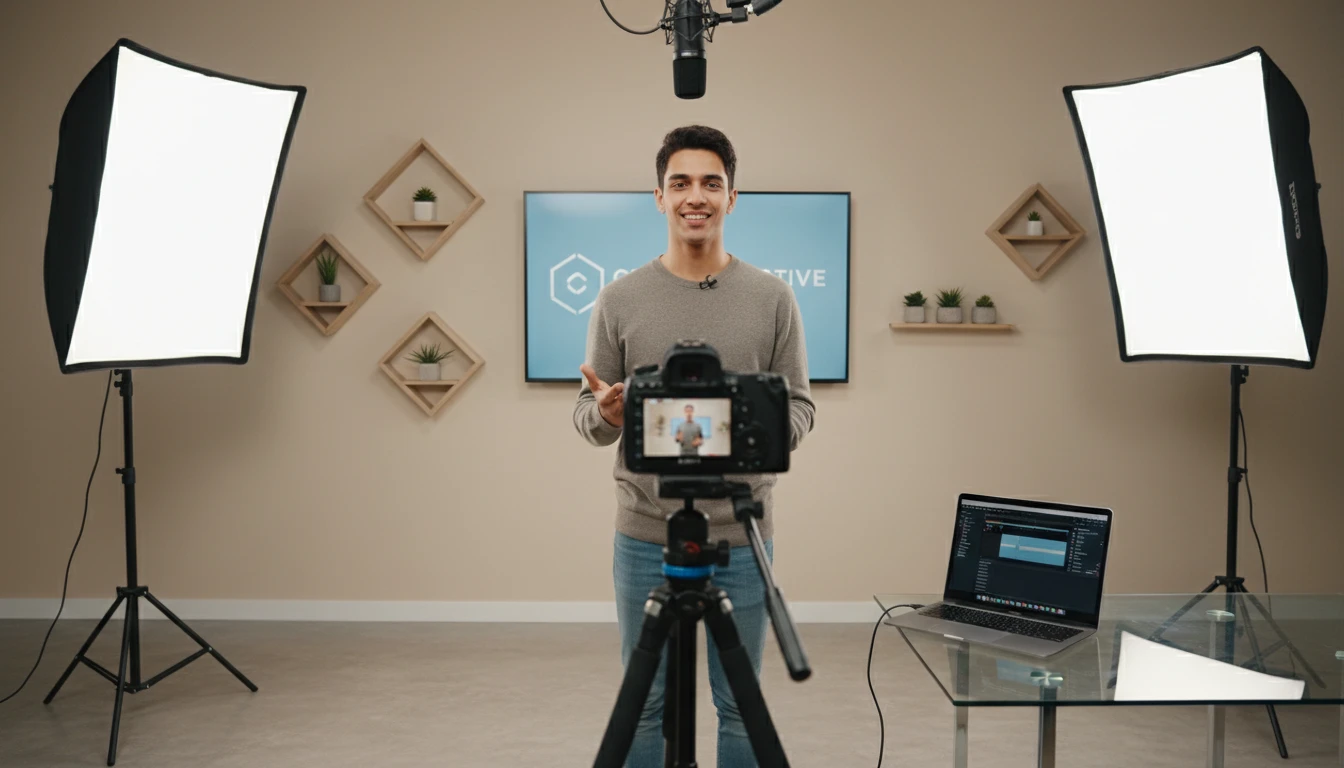
Content creators and YouTubers
Upscale older videos or b-roll shot on older equipment to match the quality of your current content. Maintain a consistent, high-quality look across your channel.
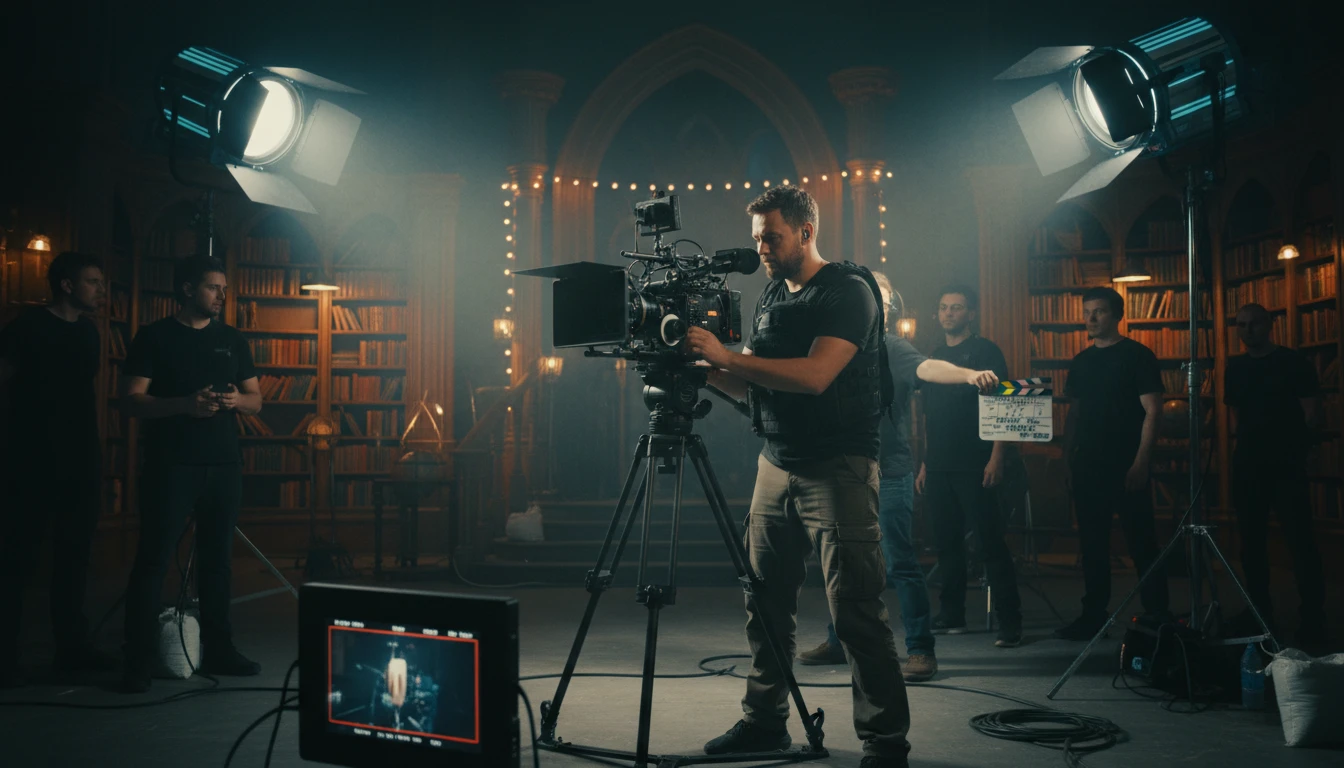
Videographers and filmmakers
Deliver client videos in 4K even when shot in lower resolution. Recover detail from compressed exports and give every project a premium finish.
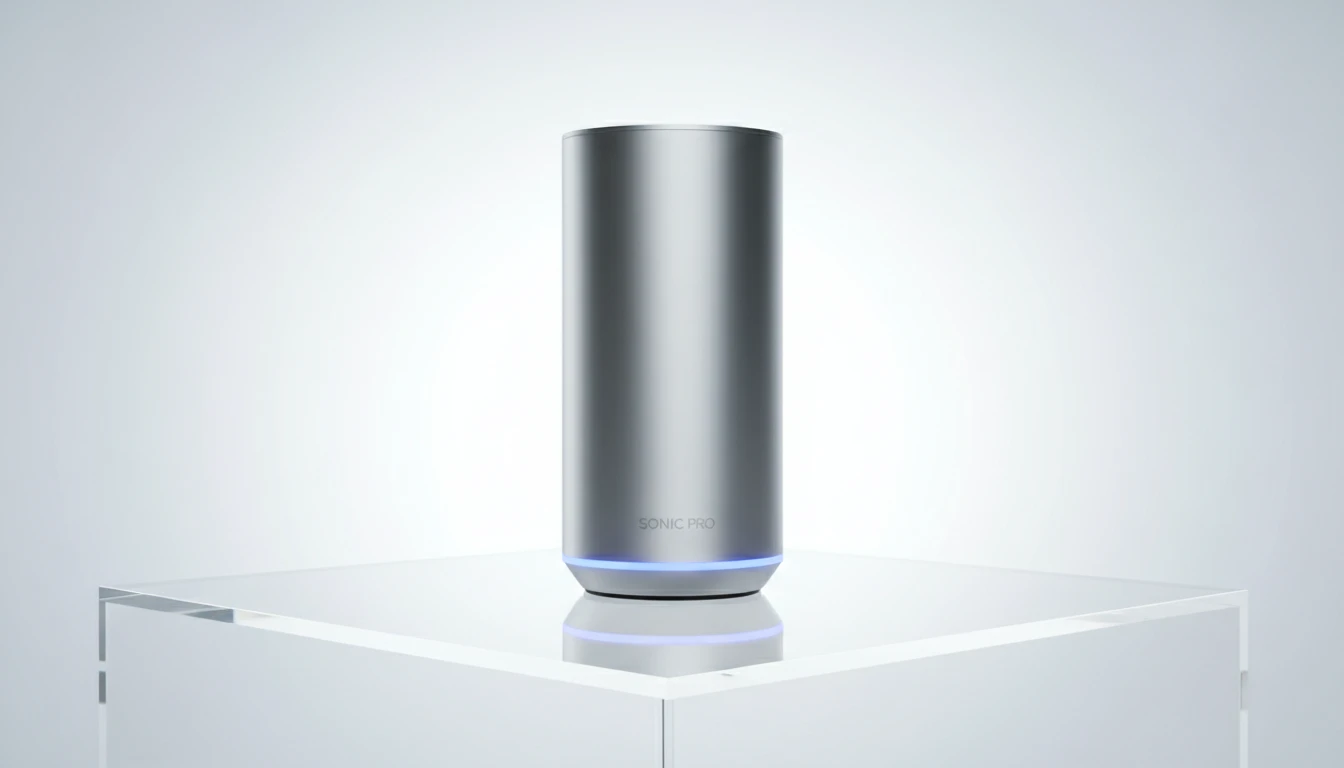
Businesses and marketing teams
Breathe new life into existing video assets. Upscale product demos, testimonials, and training content without expensive reshoots.
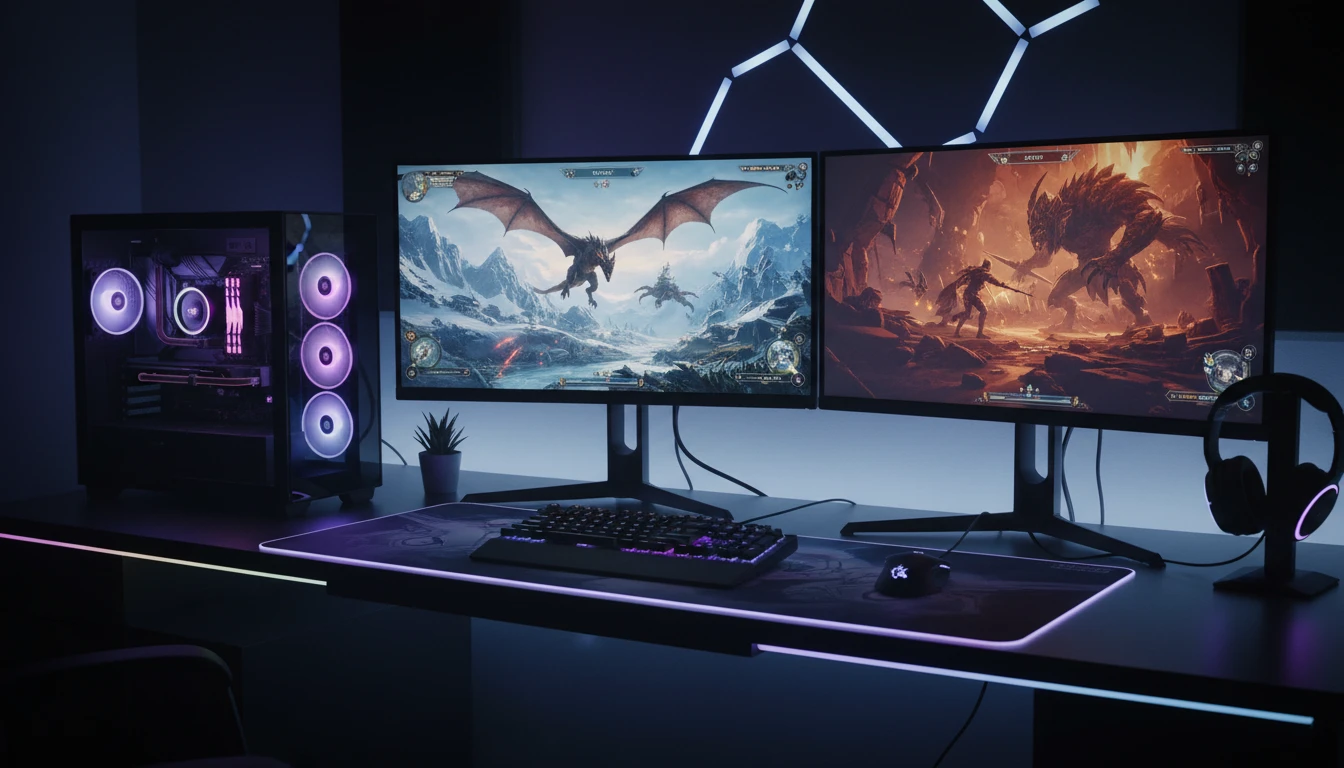
Gamers and streamers
Upscale gameplay recordings and boost to 60 fps for smooth, high-quality clips suitable for highlight reels, YouTube, and stream promotions.
How to upscale your video
From low-res to 4K in four simple steps
Upload your video
Upload any MP4, MOV, or WebM video file up to 60 seconds long.
Choose output resolution
Select 1080p Full HD, 2K, or 4K depending on your quality needs and credit budget.
Set frame rate
Keep the original frame rate or enable 60 fps for ultra-smooth playback. Note: 60 fps doubles the credit cost.
Download your upscaled video
Processing takes a few minutes. Download your enhanced MP4 when ready, sharp, detailed, and ready for any platform.
Explore More
More AI Studio Tools
Discover other powerful AI tools to enhance your creative workflow
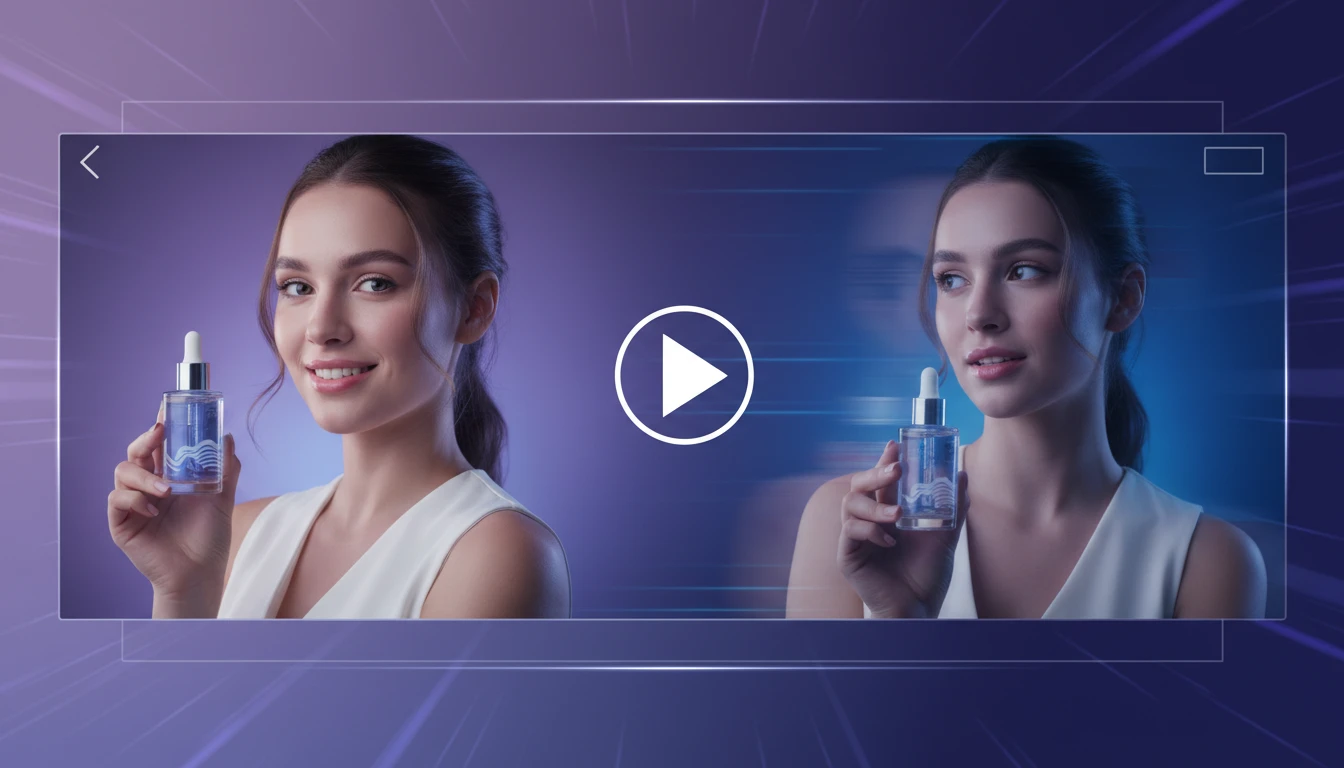
AI Image to Video Generator
Transform any image into a captivating video with AI. Describe the motion you want: camera pan, zoom, object movement, or weather effects. Get a smooth video clip in seconds.
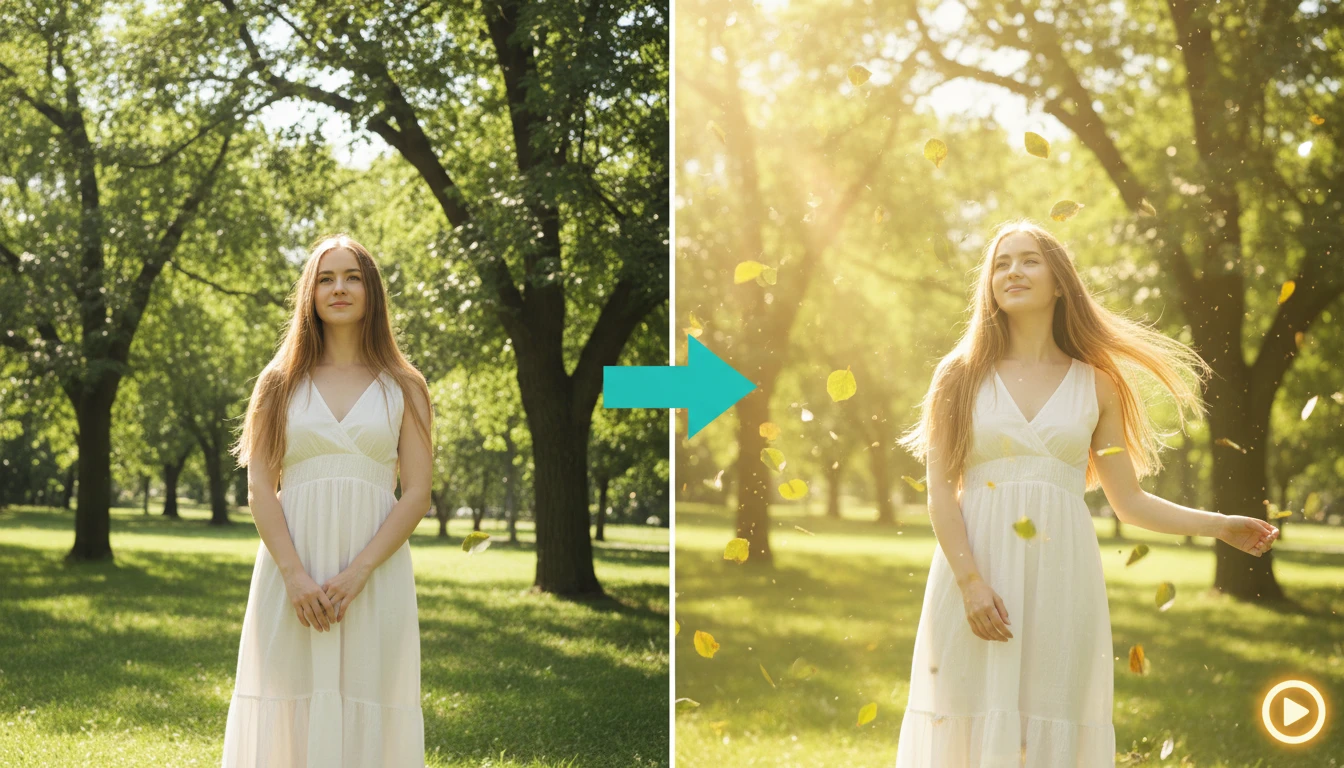
AI Image Animator
Bring any image to life with smooth, natural animation. Upload a photo and describe the motion — AI adds fluid movement, environmental animation, and atmosphere.

AI Text to Video Generator
Turn any text description into a short video clip with AI. Describe your scene, choose an aspect ratio and style, and get a ready-to-use MP4 in minutes.
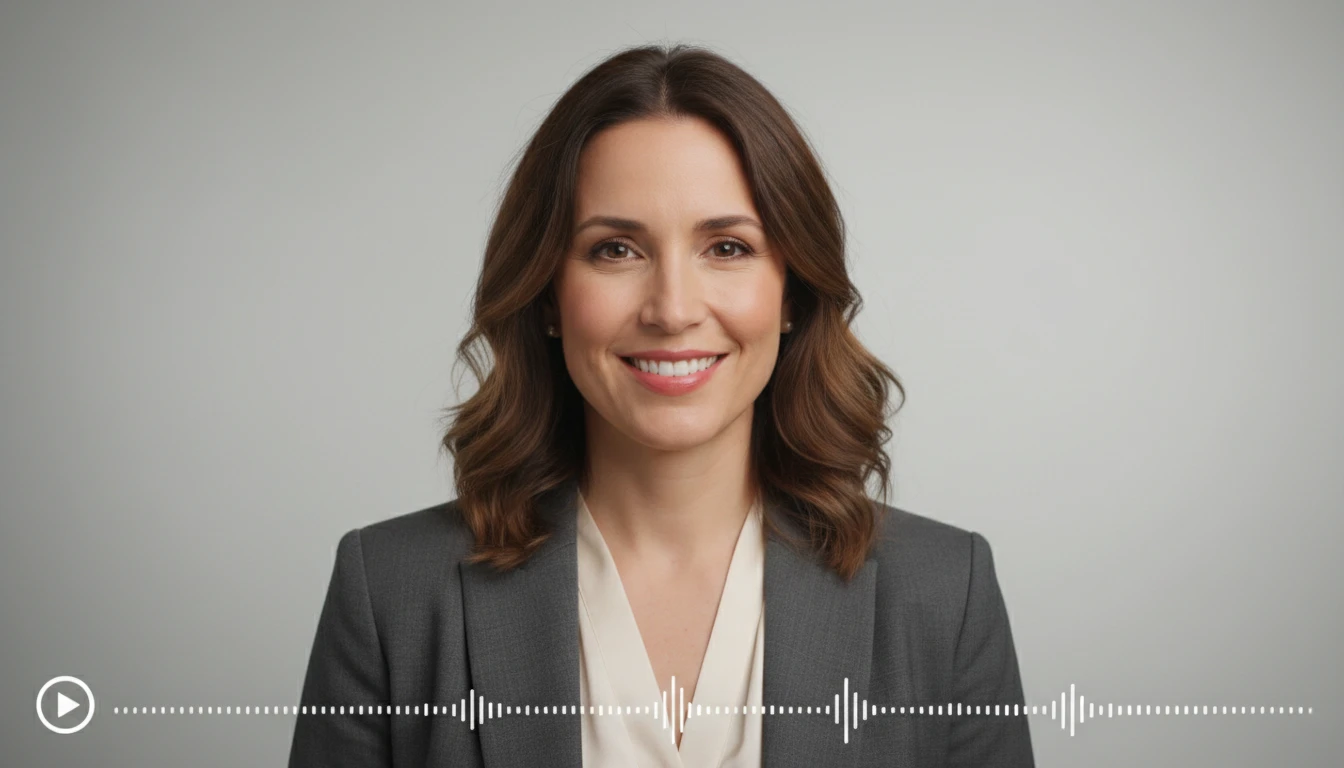
AI Talking Avatar Creator
Bring any portrait to life. Upload a face image and provide an audio file or text script — AI animates the avatar to speak with natural lip sync.
Opens in
Image Studio
Frequently Asked Questions
Everything you need to know to get started.
What is an AI video upscaler?
An AI video upscaler uses machine learning to increase the resolution of a video, for example from 480p to 1080p or from 1080p to 4K, by intelligently reconstructing detail that was not in the original recording.
What input resolutions can I upload?
Any resolution can be uploaded. The AI will upscale it to your chosen target (1080p, 2K, or 4K) regardless of the starting resolution.
What does enabling 60 fps do?
AI frame interpolation generates extra frames between existing frames, smoothing out motion and achieving 60 fps playback. This doubles the credit cost because twice as many frames are processed.
What file formats are supported?
MP4, MOV, and WebM input files are supported. The output is delivered as an MP4 file, compatible with all major platforms, editors, and devices.
How long does upscaling take?
Processing time depends on video length and output resolution. Short clips under 30 seconds typically complete in 2 to 5 minutes. Longer or higher-resolution jobs may take longer.
Can I use the upscaled videos commercially?
Yes. All videos processed through RauGen can be used for commercial purposes including ads, client projects, social media, and broadcast. You retain full rights to your content.
Ready to upscale your video?
Upload any video and enhance it to 1080p, 2K, or 4K with AI in minutes.
Upscale your video nowDisclaimer: This tool uses generative AI technology which may produce content that resembles copyrighted materials or that is inaccurate, incomplete, or out-of-date. It is provided for general information and educational purposes only and is not intended for illegal activities or to replace professional advice, diagnosis, or treatment. Users are solely responsible for how they use the generated content. If you plan to use AI-generated content commercially or publicly, we strongly recommend reviewing it for potential copyright issues and obtaining proper permissions where necessary. We accept no liability for copyright infringement or any other consequences resulting from the use of content generated by this tool.