Make any portrait speak with AI.
Upload a face photo, add audio or type a script, and AI animates the avatar with natural lip sync. No filming or studio required.
Create your talking avatar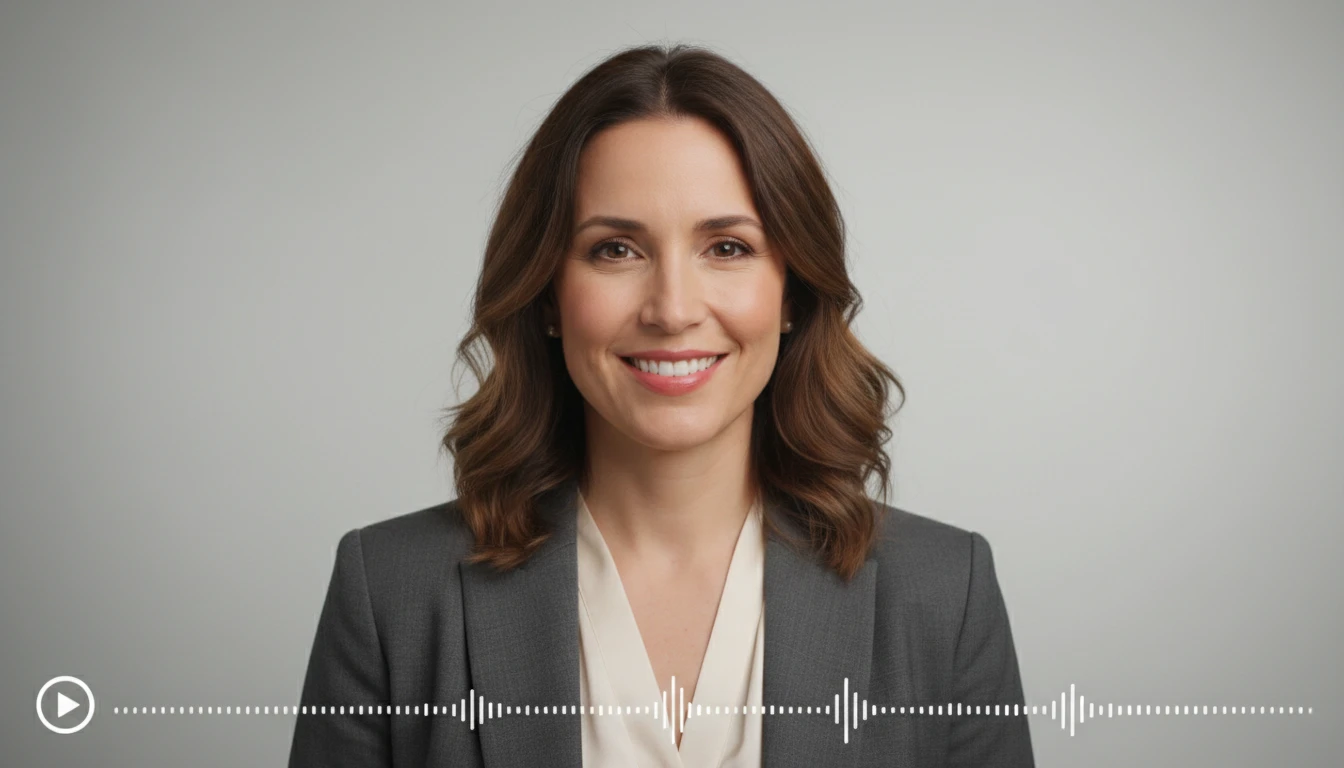
AI Talking Avatar Creator
Upload a face photo and provide an audio file or type a script, and AI animates the portrait to speak with natural lip sync. The avatar matches mouth movements, facial expressions, and head motion to the audio. Works for spokesperson videos, explainer content, ads, social media, and brand presentations. No filming or studio required.
Images containing real human faces or identifiable people cannot be processed due to content policy restrictions.
Output aspect ratio matches your uploaded image.
Output
AI Talking Avatar Creator
Your video will appear here
Upload a portrait and add audio or text, then click Generate.
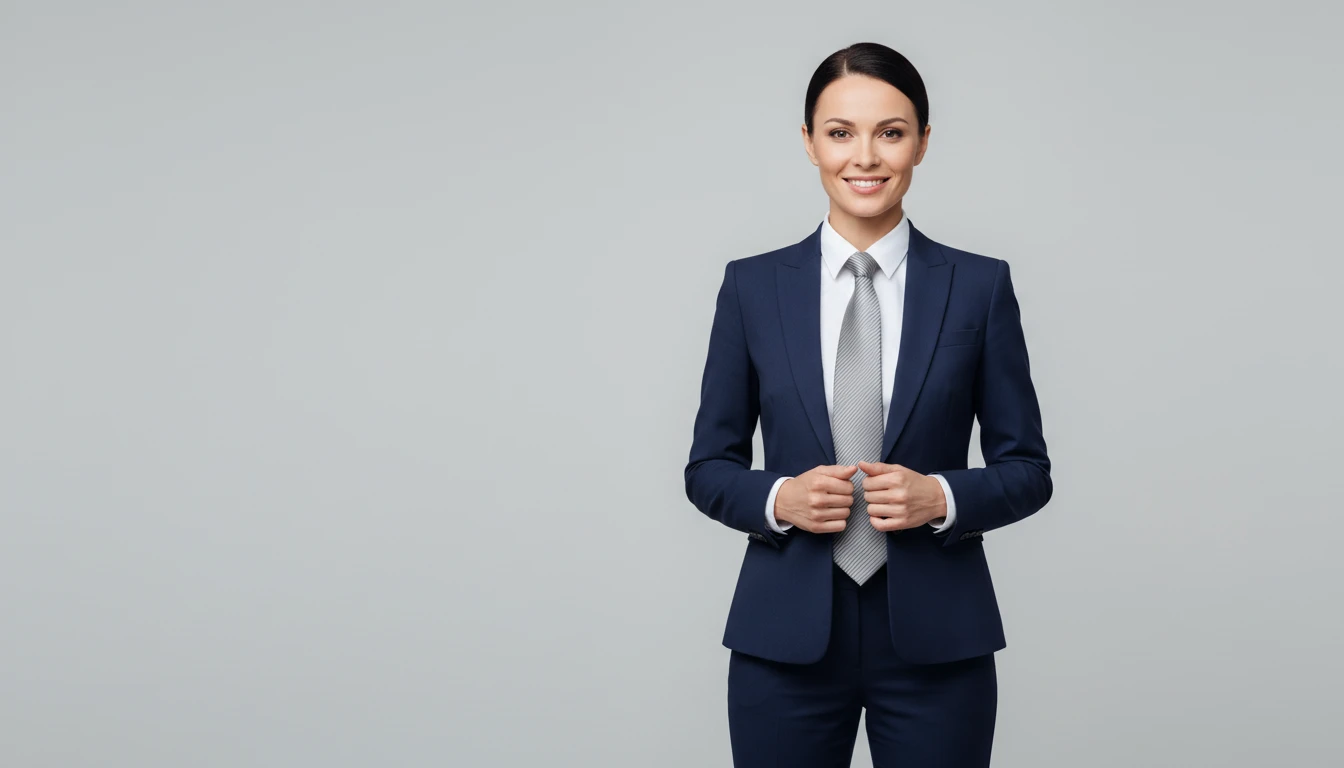
Spokesperson videos without a camera
Turn any portrait or stock photo into a professional spokesperson video. Upload your audio or type a script and the avatar delivers your message with natural lip sync.
Create your spokesperson video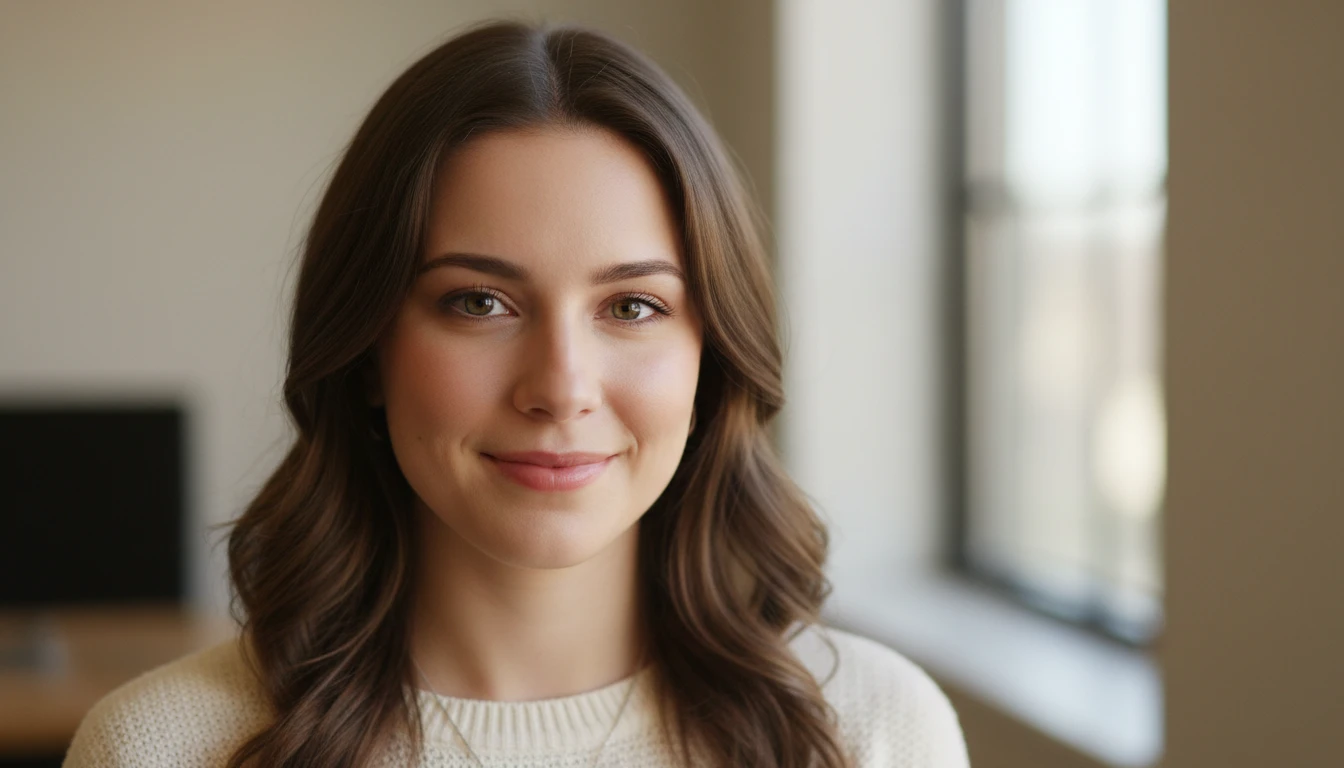
Multilingual ads from a single image
Record or write scripts in any language and create localized ad videos from one portrait. Scale your ad campaigns globally without reshooting.
Create multilingual avatar ads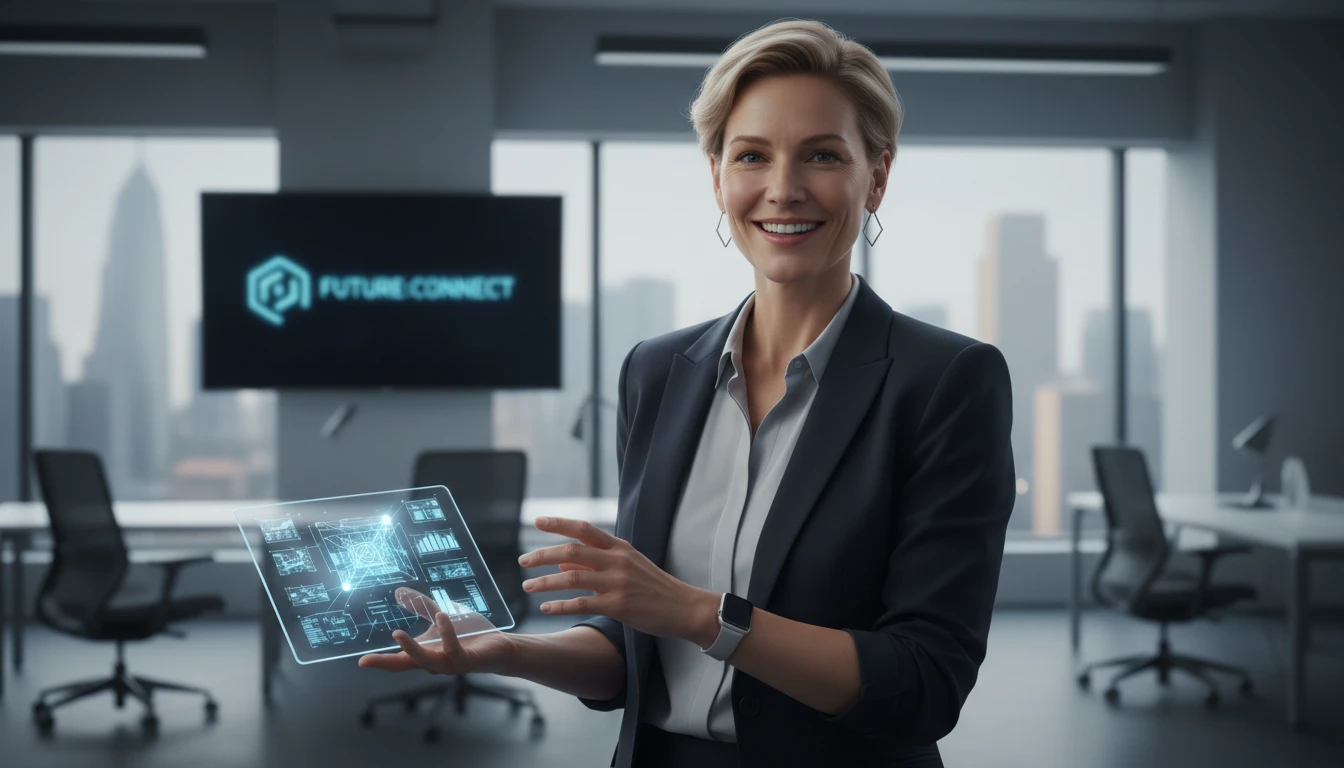
Explainer videos with a human face
Add a talking presenter to your product explainer or tutorial. Use your own voice recording or type the script and let AI generate the speech.
Build your explainer avatar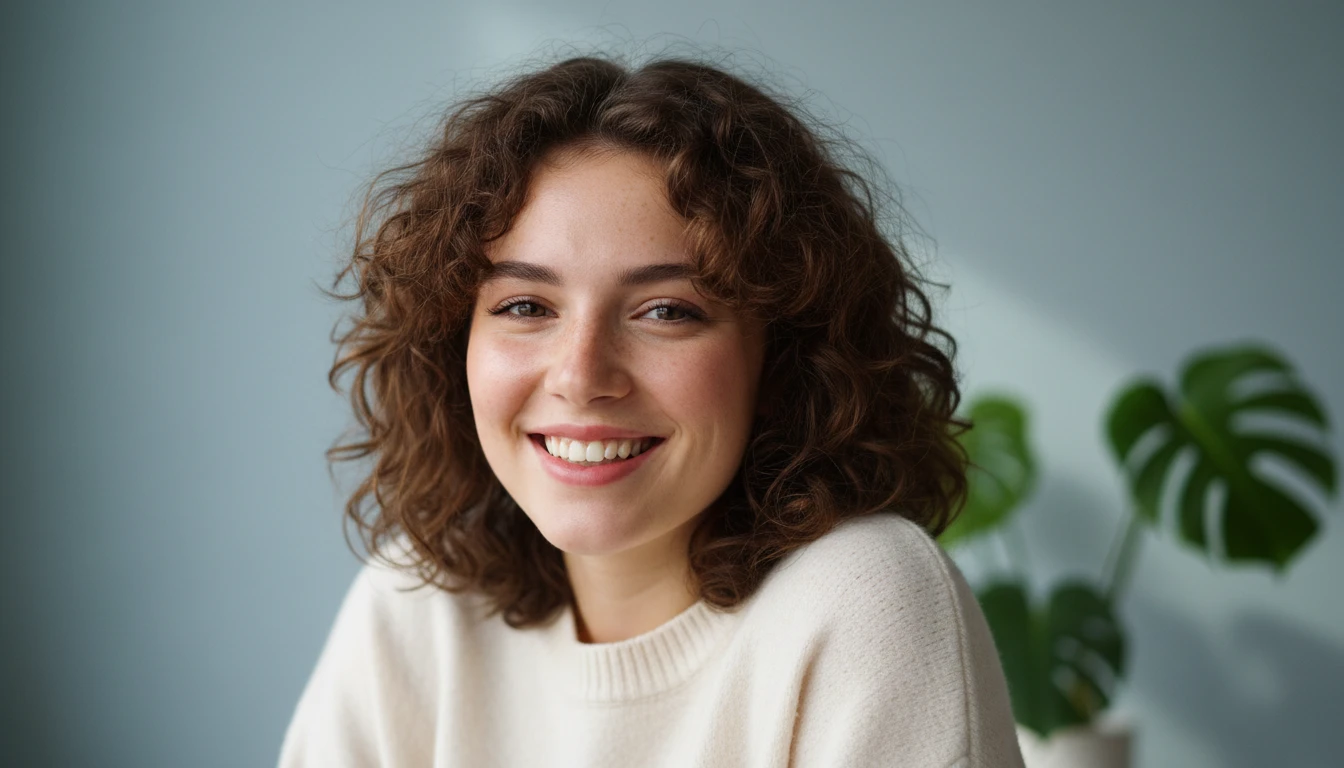
Social media content at scale
Create talking avatar content for TikTok, Instagram Reels, and YouTube Shorts. One portrait, endless scripts. Fresh content without endless filming.
Make social avatar contentWho Uses AI Talking Avatar Creator
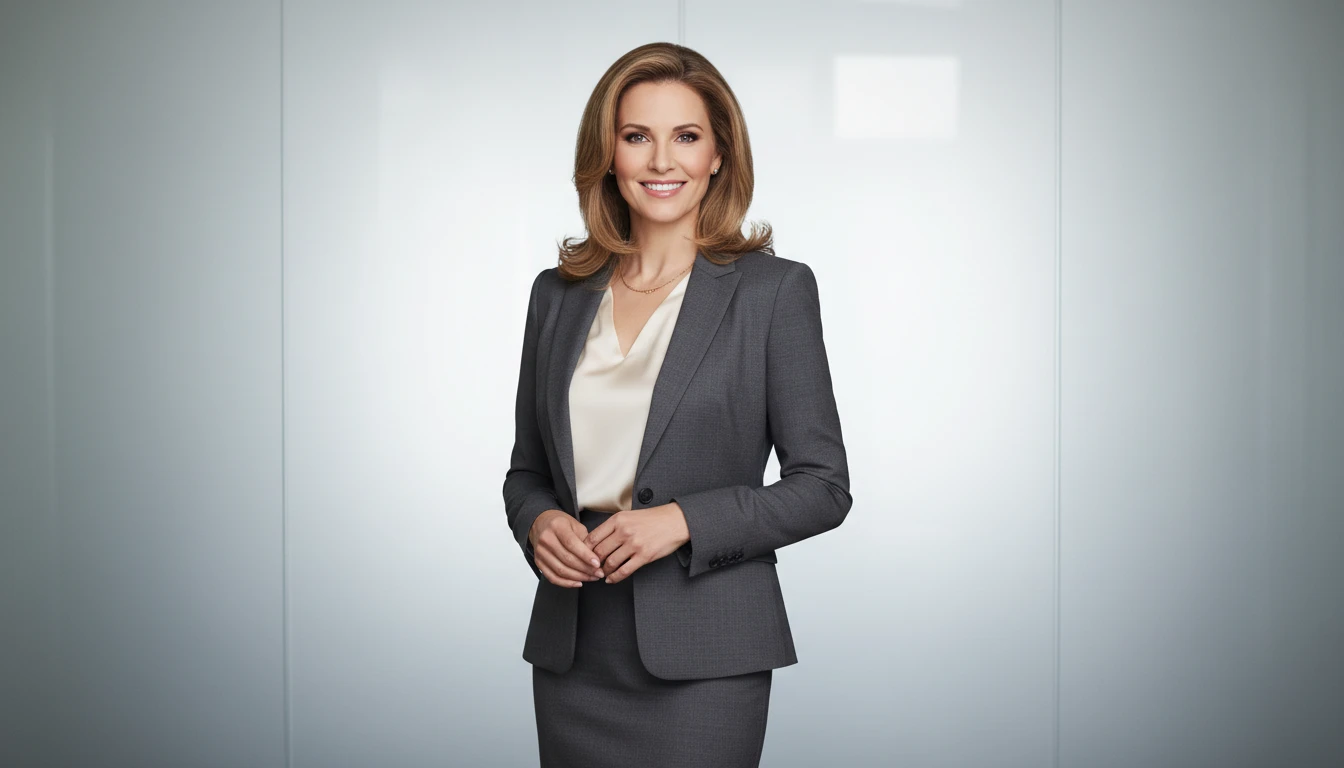
Marketers and brand teams
Create spokesperson videos at scale. One portrait image becomes unlimited ad scripts. Test messaging variants without reshooting or rehiring talent.
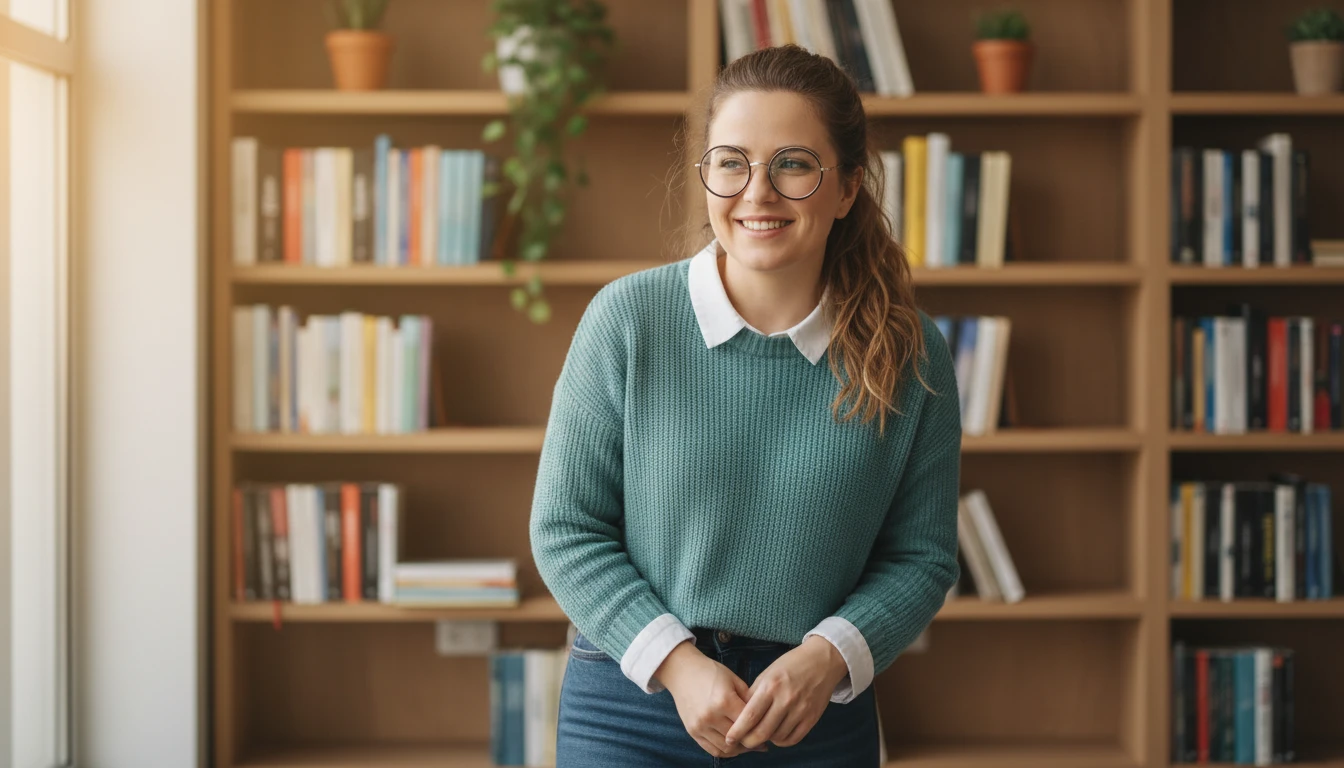
E-learning and course creators
Add a human presenter to course modules, tutorials, and explainer videos. Upload your voiceover or type the script and the avatar delivers it with natural lip sync.
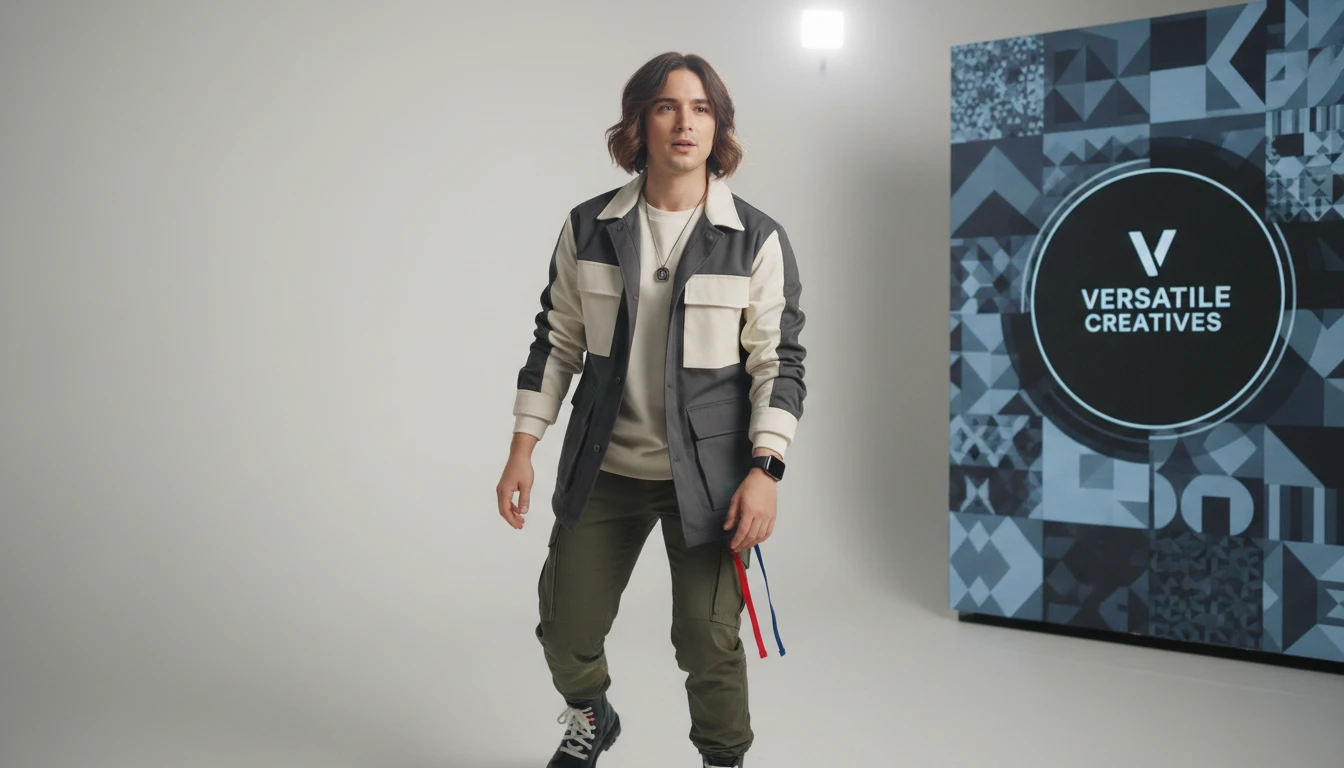
Agencies and content creators
Build talking avatar content for multiple clients from a single workflow. Localize into any language, swap scripts, and deliver at speed.
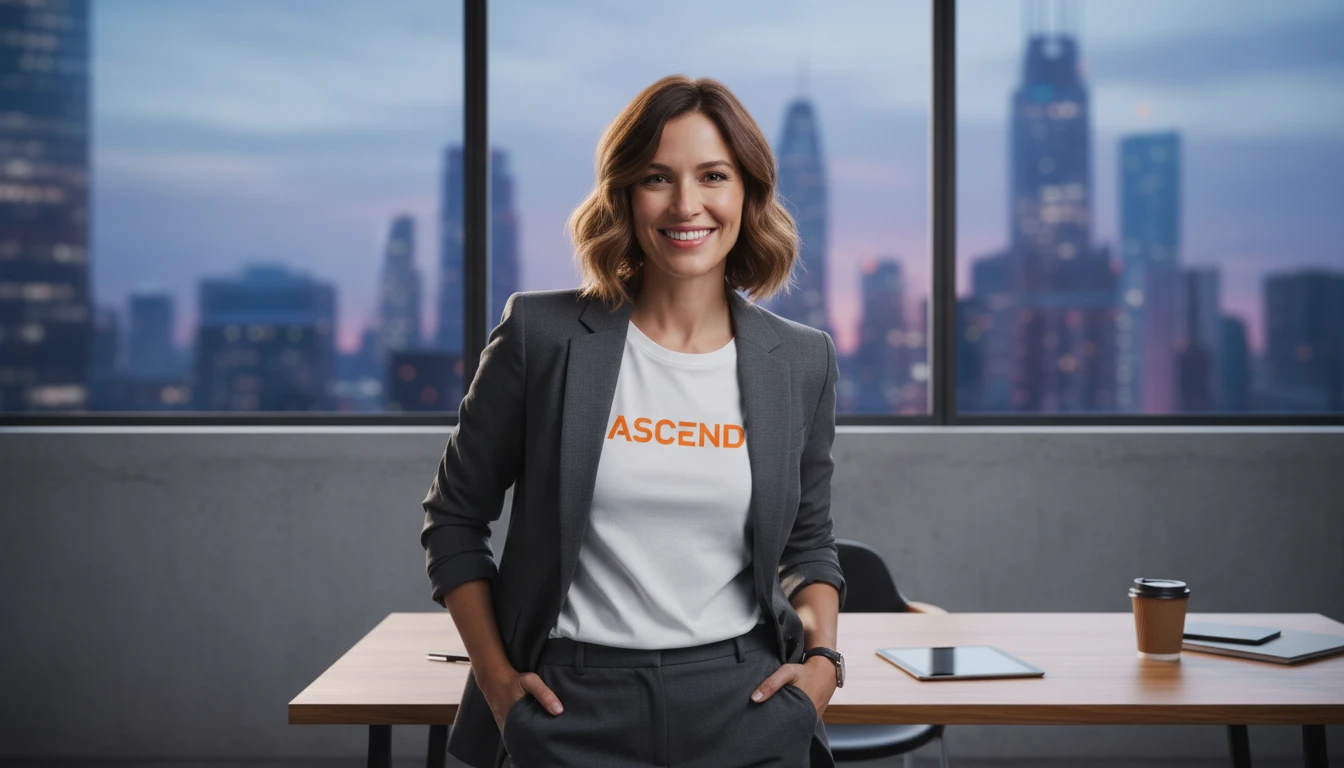
Startups and solopreneurs
Create a polished video presence without a production team. Use your own photo and record a quick voice message to get a professional talking avatar in minutes.
How to create a talking avatar video
From a portrait photo to a speaking AI avatar in four steps
Upload a portrait image
Upload a JPEG, PNG, or WebP photo showing a clear front-facing portrait. Artwork, illustrated characters, and stock photos all work.
Choose your input mode
Select Text to type a script that AI voices, then pick a voice from the dropdown. Or select Audio to upload your own MP3, WAV, or M4A recording. The avatar lip-syncs to whichever you provide.
Set resolution and generate
Choose your resolution (480p, 720p, or 1080p), talking style, and aspect ratio. Click Generate and the avatar video typically completes in 1 to 3 minutes.
Download your talking avatar video
Preview in the browser and download the MP4. Ready for ads, social media, explainer pages, or any platform that plays video.
Explore More
More AI Studio Tools
Discover other powerful AI tools to enhance your creative workflow
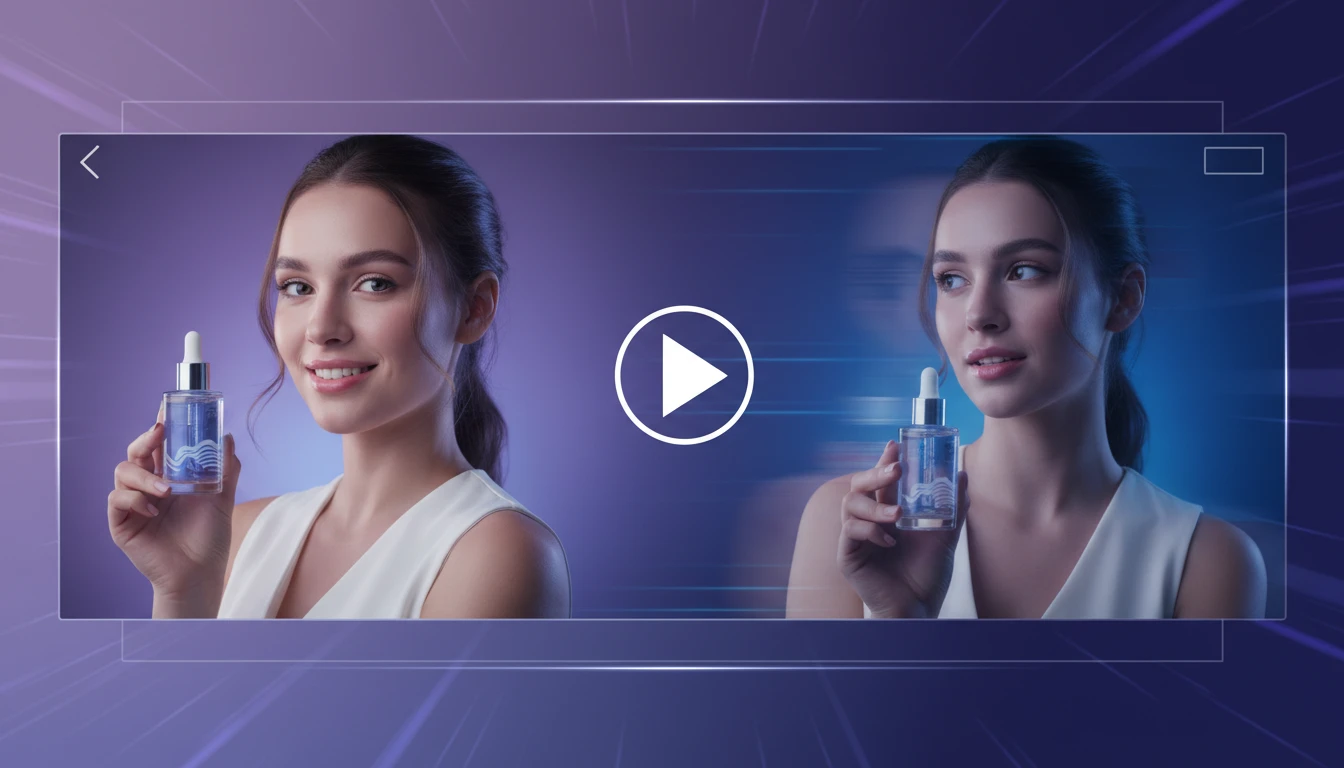
AI Image to Video Generator
Transform any image into a captivating video with AI. Describe the motion you want: camera pan, zoom, object movement, or weather effects. Get a smooth video clip in seconds.
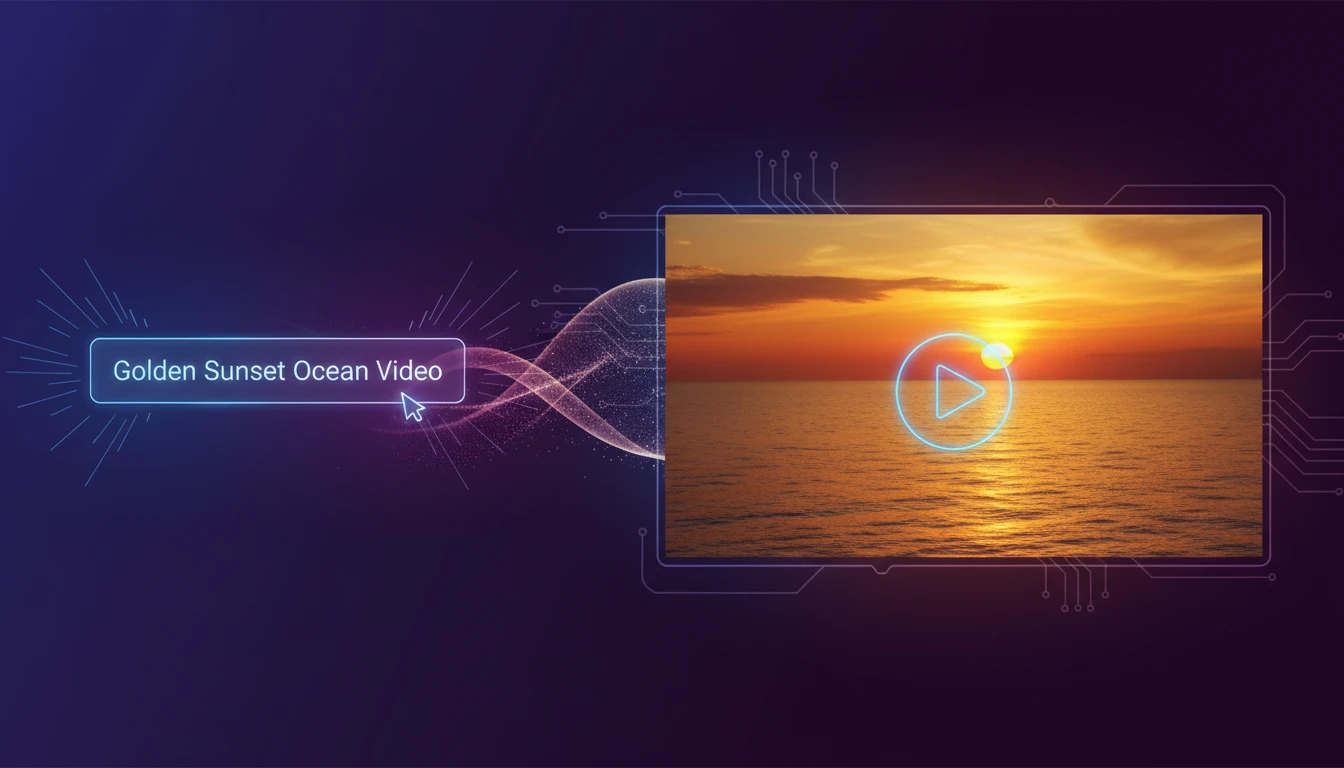
AI Text to Video Generator
Turn any text description into a short video clip with AI. Describe your scene, choose an aspect ratio and style, and get a ready-to-use MP4 in minutes.
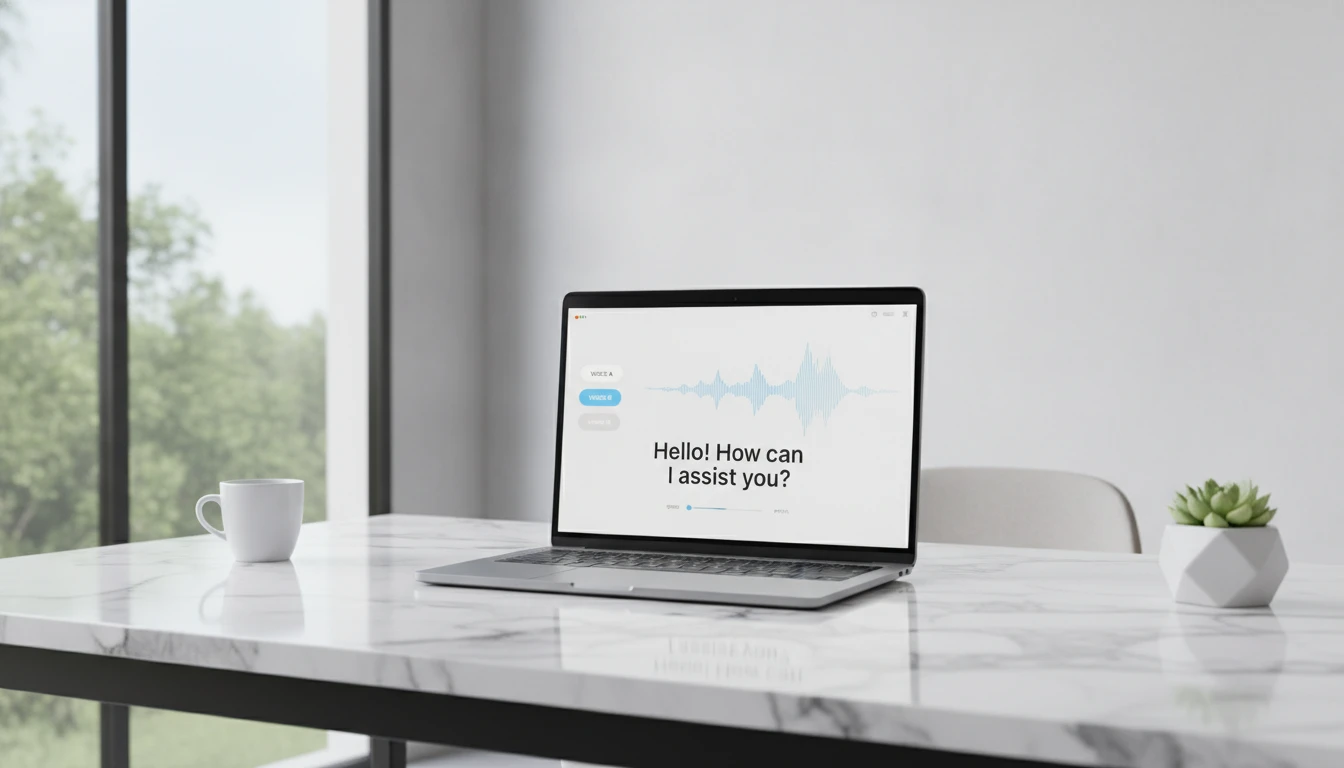
AI Text to Speech
Convert any text into natural-sounding speech. Choose from 30 AI voices, paste your script, and download studio-quality audio in seconds. Perfect for podcasts, audiobooks, and video narration.
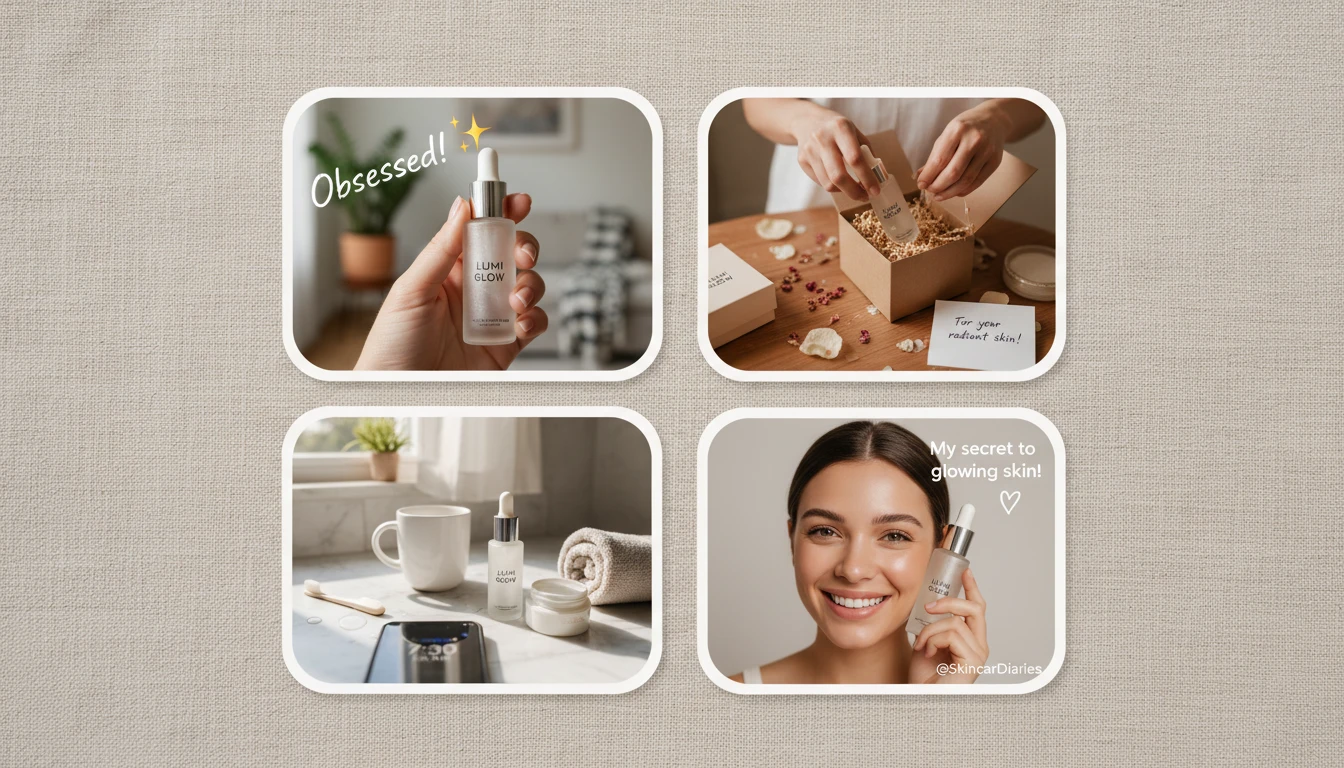
AI UGC Ad Creator
Turn any product photo into authentic UGC-style ad images. In-hand reviews, unboxing moments, morning routines, testimonials, TikTok-style, and more.
Opens in
Image Studio
Frequently Asked Questions
Everything you need to know to get started.
What is an AI talking avatar creator?
It takes a portrait image and either an audio file or a text script, then animates the face to speak with natural lip sync, creating a short video of the avatar delivering your message.
What AI model does this use?
The tool uses a state-of-the-art talking head model to animate portraits with natural lip sync from audio or text input. It supports multiple resolutions (up to 1080p), aspect ratios (landscape, portrait, square), talking styles, and over a dozen TTS voices for text mode.
What types of images work best?
Clear front-facing portraits with good lighting give the best results. Real photos, stock images, illustrated characters, and digital artwork all work. Avoid heavily obscured faces or extreme angles.
Can I use a real person's photo?
You should only use photos of people you have permission to animate: yourself, actors who have granted rights, or stock models. Do not use photos of real people without consent.
What audio formats are supported?
MP3, WAV, M4A, OGG, and WebM audio files up to 50 MB. For best results, use clean speech recordings without heavy background noise.
How long does generation take?
Typically 1 to 3 minutes depending on the length of the audio or text and server load. The page polls automatically so you can leave it open while it processes.
What file format is the output?
Generated talking avatar videos are delivered as MP4 files, compatible with all major video editors, ad platforms, social media, and website builders.
Ready to bring your avatar to life?
Upload a portrait, add your audio or script, and get a professional talking avatar video in minutes.
Create your talking avatar nowDisclaimer: This tool uses generative AI technology which may produce content that resembles copyrighted materials or that is inaccurate, incomplete, or out-of-date. It is provided for general information and educational purposes only and is not intended for illegal activities or to replace professional advice, diagnosis, or treatment. Users are solely responsible for how they use the generated content. If you plan to use AI-generated content commercially or publicly, we strongly recommend reviewing it for potential copyright issues and obtaining proper permissions where necessary. We accept no liability for copyright infringement or any other consequences resulting from the use of content generated by this tool.