Turn any idea into a video clip with AI.
Describe a scene, mood, or concept and AI renders it as a short video. No footage, no camera, no editing. Pick your aspect ratio and style, write your prompt, and get a ready-to-use MP4.
Generate your first video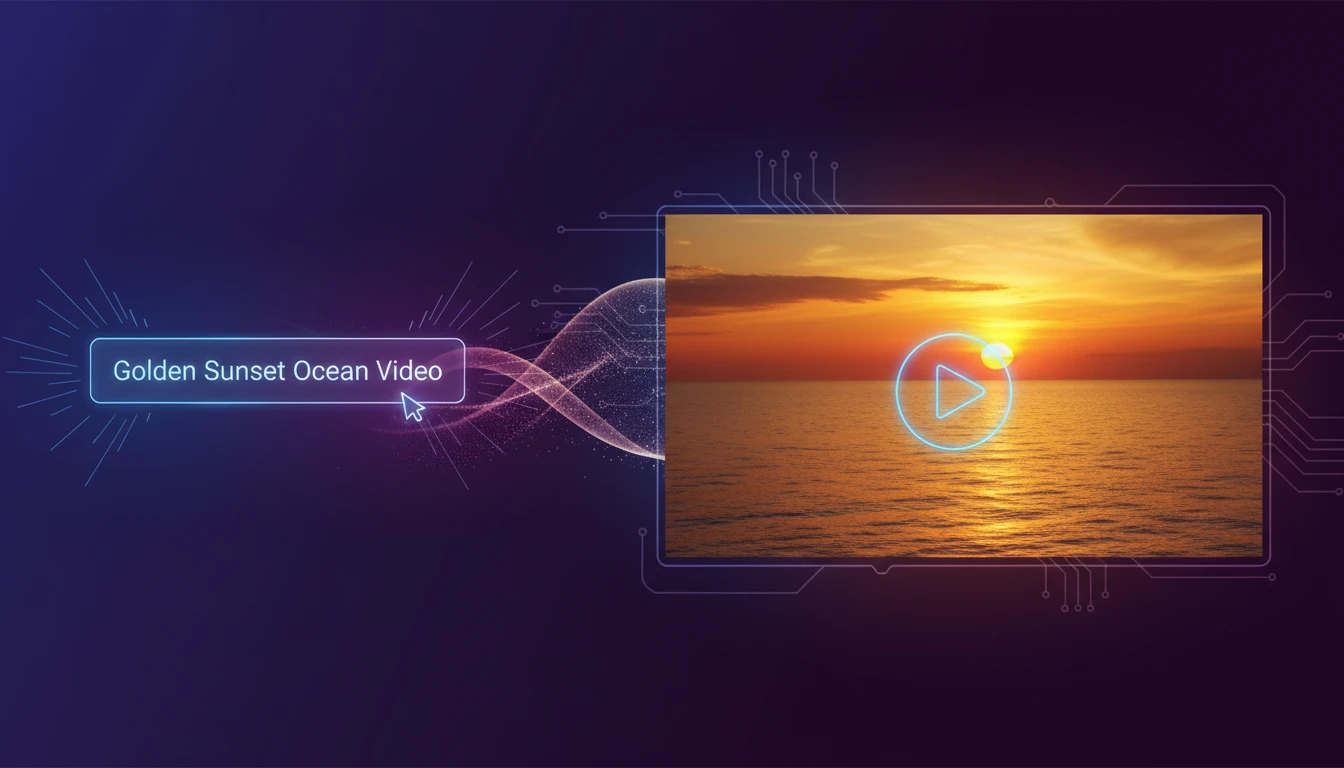
AI Text to Video Generator
Describe any scene, mood, or concept and AI renders it as a short video clip. No footage, camera, or editing required. Choose your aspect ratio and visual style, write your prompt, and get a ready-to-use MP4. Powered by Seedance 2.5 or MiniMax H3 Max. Ideal for social media content, ads, product teasers, and creative projects.
Describe the scene, camera movement, lighting, and mood you want.
Output
AI Text to Video Generator
Your video will appear here
Enter a prompt above and click Generate.
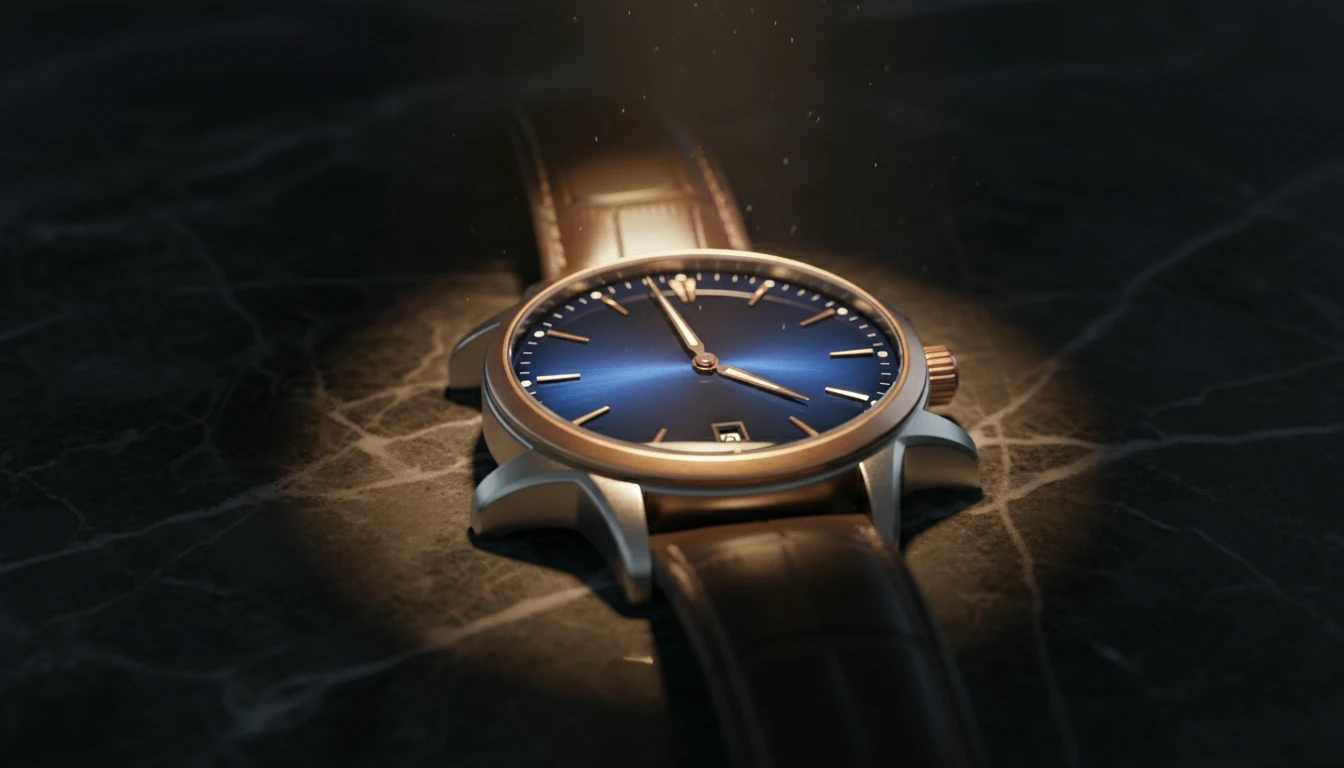
Cinematic brand content from a single sentence
Describe a scene and let AI render it as a polished video clip. Perfect for brand storytelling, hero sections, social ads, and campaign content. No footage required.
Create your brand video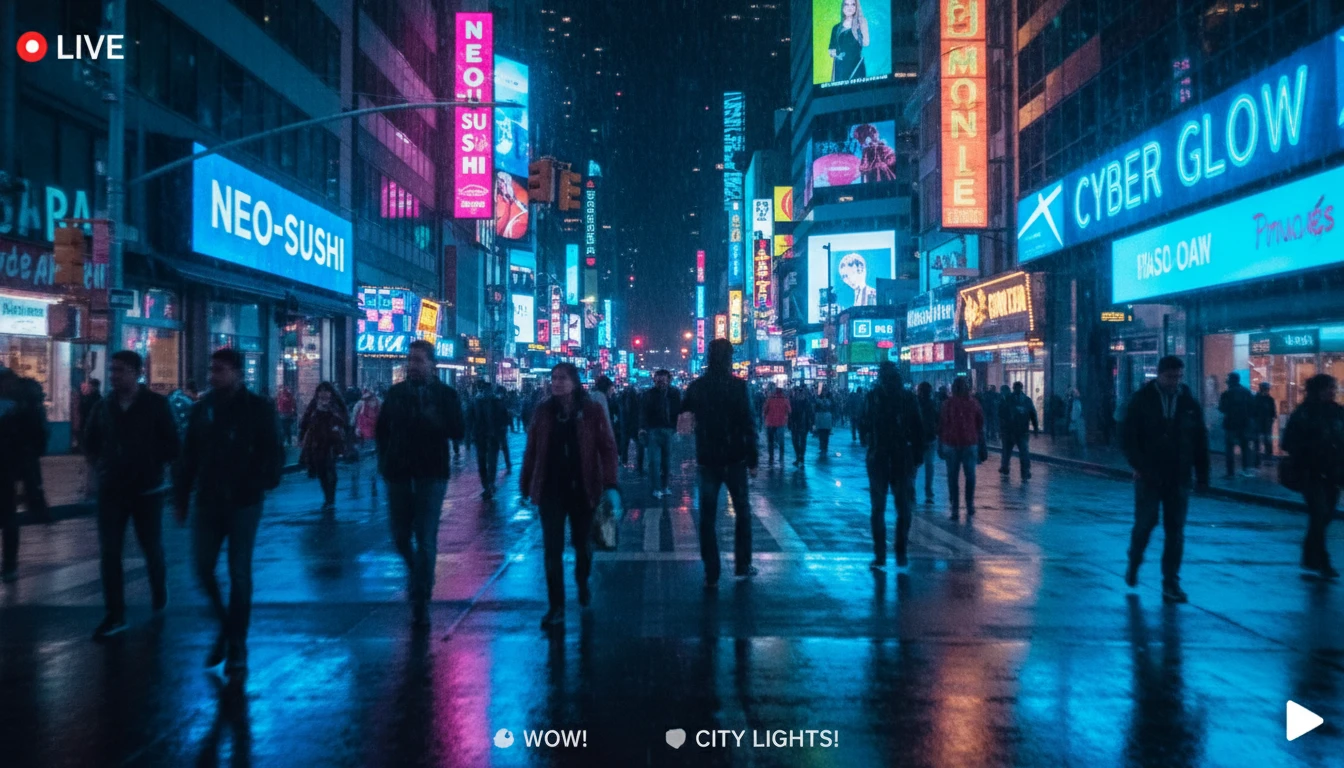
Vertical content built for Reels and TikTok
Generate 9:16 portrait videos from a text prompt. Scroll-stopping, native social content without a camera crew or video editor.
Create a Reel from text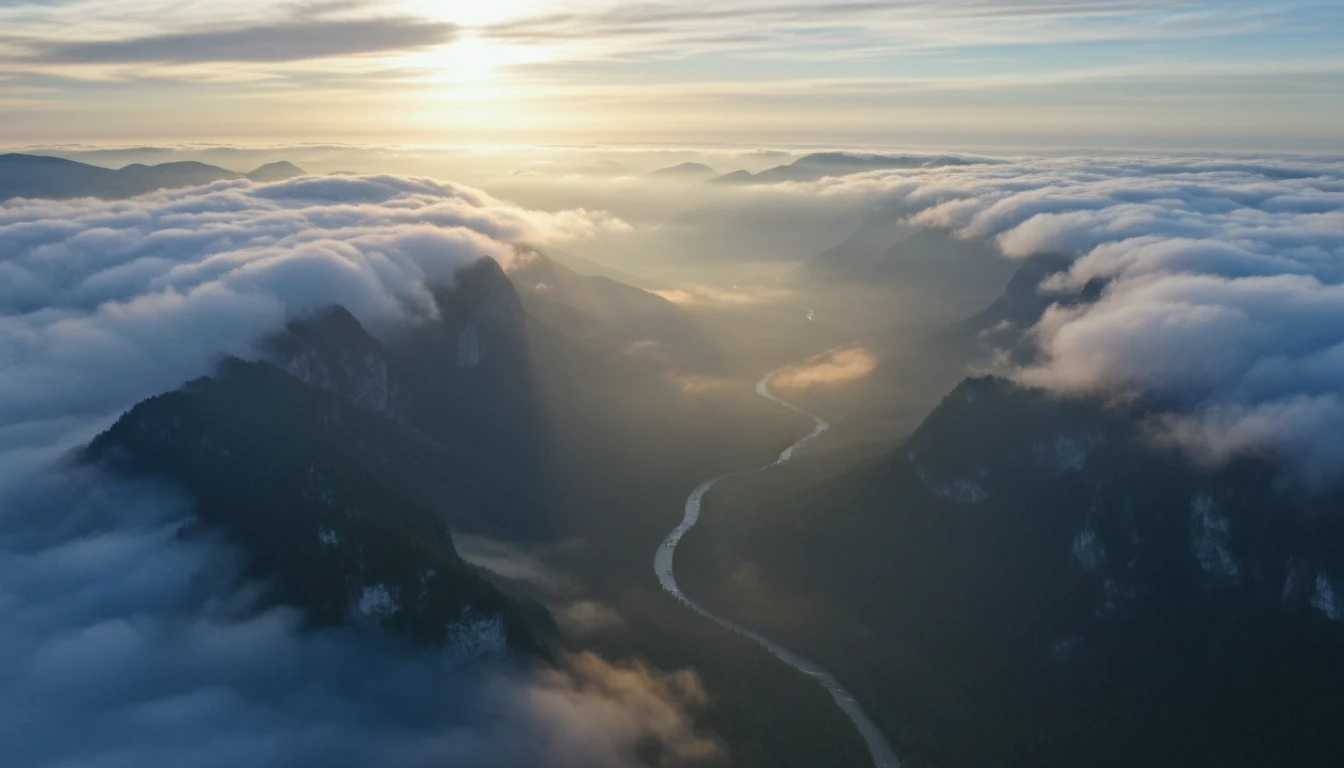
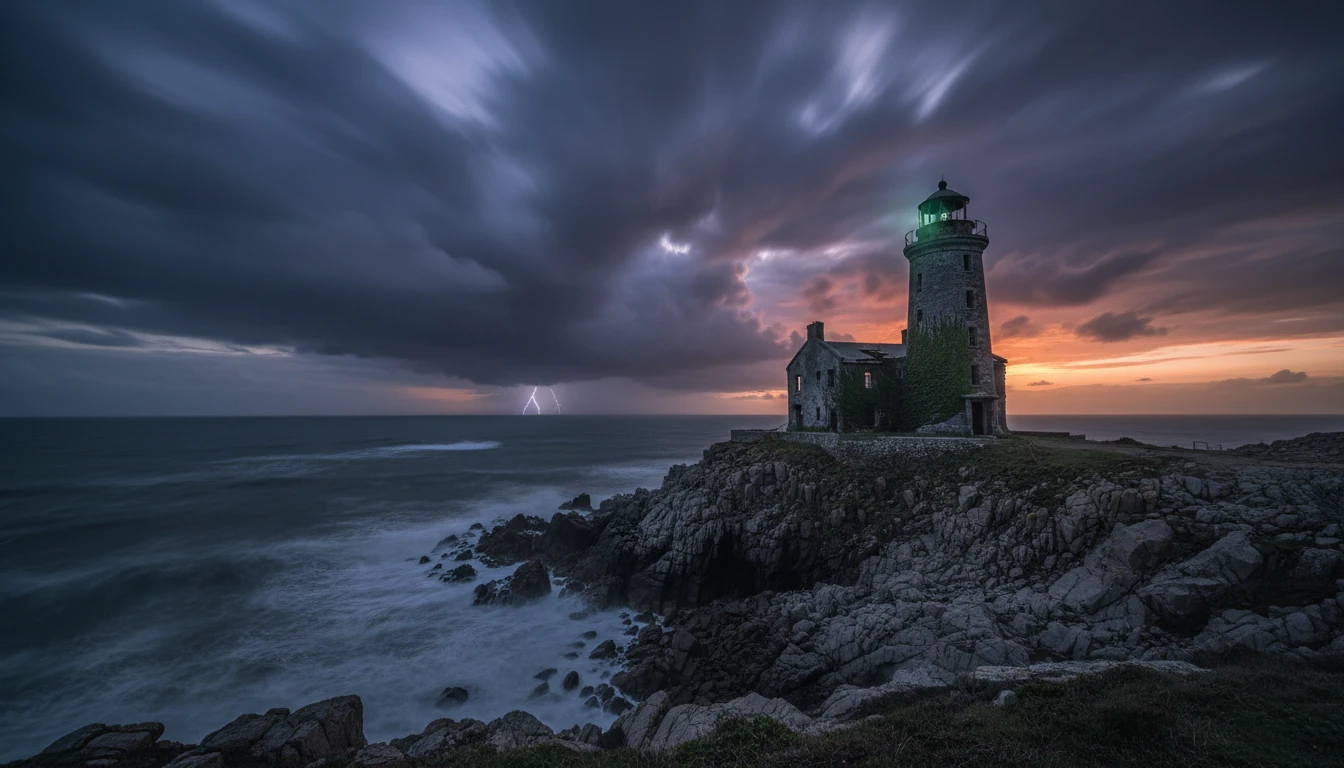
Nature and documentary visuals on demand
Describe a landscape, wildlife moment, or natural scene and AI renders it with realistic motion. Ideal for backgrounds, intros, and atmospheric content.
Generate a nature scene
Abstract and artistic visuals for any use case
Generate abstract motion graphics, atmospheric backgrounds, and creative visuals purely from a text description. Works for intros, backgrounds, and art projects.
Create an artistic videoWho Uses AI Text to Video

Content creators and social media managers
Generate scroll-stopping videos for TikTok, Reels, and Shorts without a camera. Describe the scene, pick 9:16, and publish.
Marketing and creative teams
Produce visuals for campaigns, landing pages, and ads without a video production budget. Describe the mood and let AI handle the rest.

Entrepreneurs and indie brands
Create professional-looking brand videos without hiring a production crew. Text-to-video lets you move as fast as your ideas.
Filmmakers and visual artists
Use AI video to pre-visualize concepts, generate B-roll, or explore creative directions before committing to a shoot.
How to generate a video from text
From a text prompt to a finished video clip in four steps
Write your video prompt
Describe the scene you want: the setting, camera movement, lighting, mood, and subject. Or just type a rough idea and hit ✨ Enhance. AI will expand it into a full cinematic prompt for you.
Choose model, resolution, and duration
Select Seedance 2.0 Mini for fast, affordable results or Seedance 2.0 for maximum quality. Pick 480p or 720p HD. Set duration anywhere from 4 to 15 seconds, or use Auto.
Pick an aspect ratio and style
Choose from 7 aspect ratios: 9:16 for Reels, 16:9 for landscape, 1:1 for ads, 21:9 ultrawide, and more. Add a visual style like Cinematic or Social Media, or leave on Auto.
Download your video
Generation takes 2 to 5 minutes. Your clip includes native synchronized audio. Preview in the browser and download the MP4 ready for social media, ads, and more.
Explore More
More AI Studio Tools
Discover other powerful AI tools to enhance your creative workflow
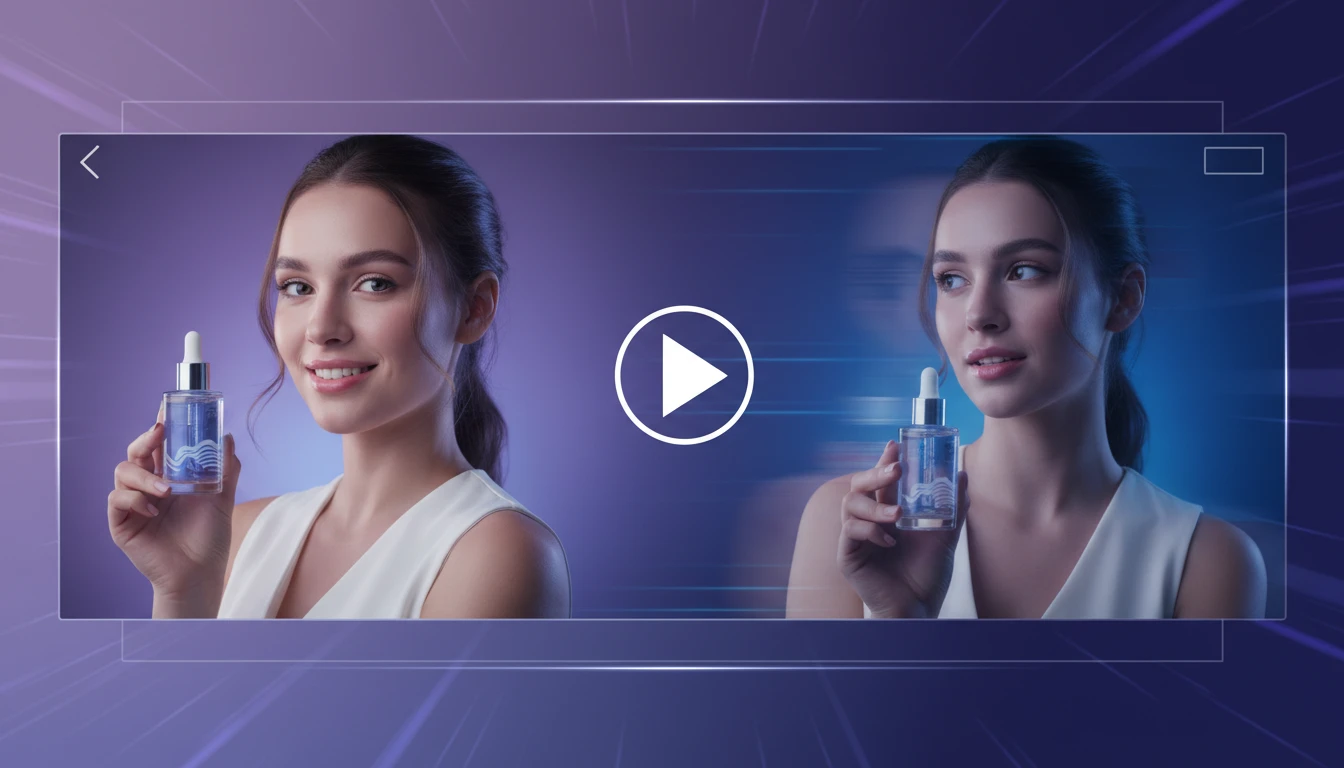
AI Image to Video Generator
Transform any image into a captivating video with AI. Describe the motion you want: camera pan, zoom, object movement, or weather effects. Get a smooth video clip in seconds.
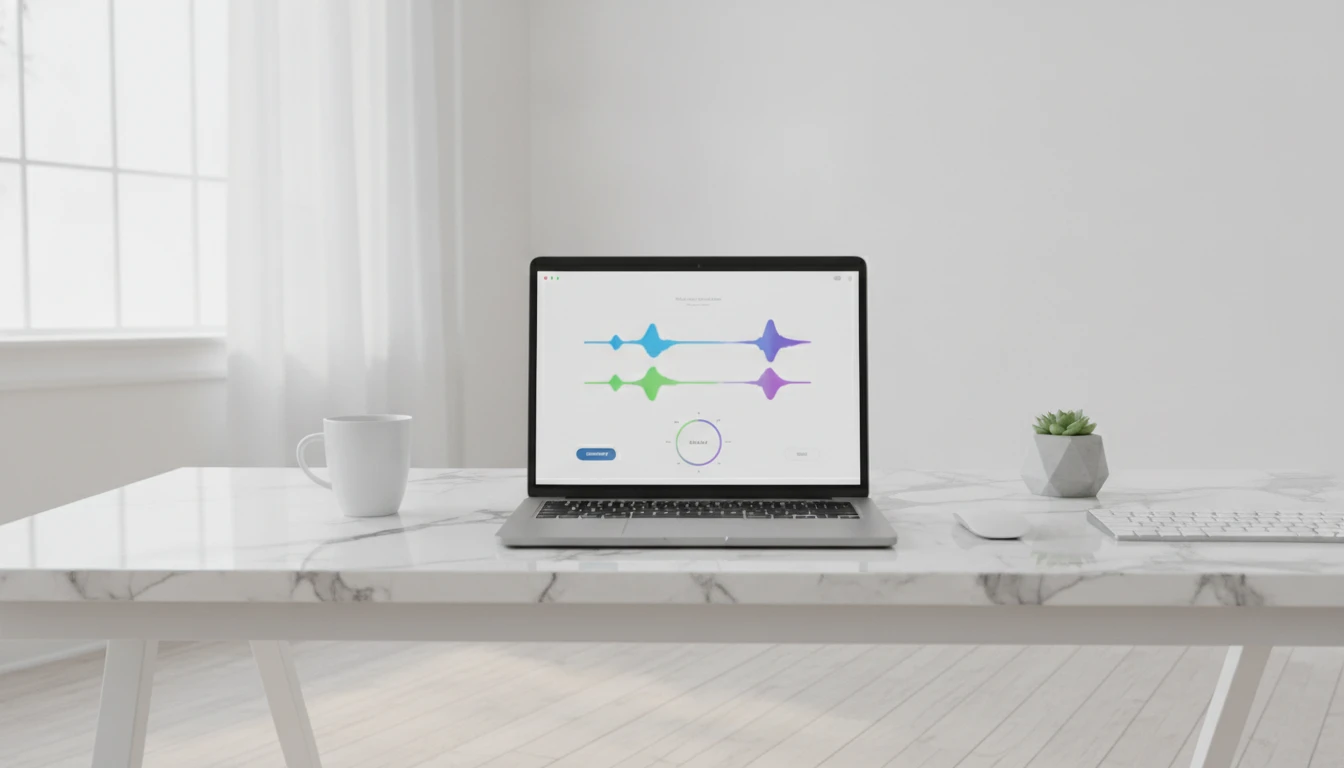
AI Background Music Generator
Generate royalty-free instrumental background music from text descriptions. Pick a mood, set the duration, and get a clean vocal-free track in seconds.
AI Text to Music Generator
Turn any idea into a full song with AI-written lyrics and vocals. Describe your genre, mood, and theme and get a completely unique, royalty-free track in seconds.
AI Text to Speech
Convert any text into natural-sounding speech. Choose from 30 AI voices, paste your script, and download studio-quality audio in seconds. Perfect for podcasts, audiobooks, and video narration.
Opens in
Image Studio
Frequently Asked Questions
Everything you need to know to get started.
What is an AI text to video generator?
It takes a written description of a scene and generates a short video clip using generative AI. You describe the subject, camera movement, lighting, and mood, and the AI renders it as a realistic video with native synchronized audio.
What AI model powers this tool?
This tool is powered by Seedance 2.0 by ByteDance, the same model behind the Image to Video tool. It offers two tiers: Seedance 2.0 Mini for fast, cost-effective results, and Seedance 2.0 for maximum cinematic quality.
What aspect ratios are supported?
Auto (model chooses), 21:9 ultrawide, 16:9 landscape (YouTube, websites), 4:3, 1:1 square (feed ads), 3:4, and 9:16 portrait (TikTok, Instagram Reels, Shorts). Seven options in total.
How long can the videos be?
4 to 15 seconds, or Auto, where the model picks the optimal length for your prompt. Longer clips use more credits.
What resolutions are available?
480p for faster generation and lower credit cost, and 720p HD for sharper results. Seedance 2.0 text-to-video currently maxes out at 720p.
What is the ✨ Enhance button?
Enhance takes your rough idea, even just a few words, and uses AI to expand it into a detailed, cinematic video prompt. It adds camera movement, lighting, atmosphere, and mood automatically. You can edit the result before generating.
What makes a good text-to-video prompt?
Describe the subject, the camera movement (pan, push-in, drift), the lighting quality (golden hour, soft studio light, moody), and the mood or atmosphere. The more specific and visual your description, the better the output. Use ✨ Enhance if you want help writing one.
Does the generated video include audio?
Yes. Seedance 2.0 generates synchronized audio natively: sound effects, ambient sounds, and lip-synced speech if your prompt includes dialogue. Audio is included at no extra credit cost.
What is the difference between Mini and the full model?
Seedance 2.0 Mini is faster and uses fewer credits, making it great for quick iterations and social content. Seedance 2.0 delivers higher visual quality, better physics, and more cinematic output for polished brand use.
How long does generation take?
Typically 2 to 5 minutes depending on model tier, resolution, and server load. The page polls automatically so you can leave it open while it runs.
Can I use generated videos commercially?
Yes. Videos generated through RauGen can be used in ads, social media, brand content, and commercial projects. You own the output.
Ready to create videos from text?
Describe any scene and get a polished video clip in minutes. No camera, no editing, no crew.
Generate your first videoDisclaimer: This tool uses generative AI technology which may produce content that resembles copyrighted materials or that is inaccurate, incomplete, or out-of-date. It is provided for general information and educational purposes only and is not intended for illegal activities or to replace professional advice, diagnosis, or treatment. Users are solely responsible for how they use the generated content. If you plan to use AI-generated content commercially or publicly, we strongly recommend reviewing it for potential copyright issues and obtaining proper permissions where necessary. We accept no liability for copyright infringement or any other consequences resulting from the use of content generated by this tool.