Generate Seamless Surface Textures from a Text Description
Describe any surface material and AI generates a high-quality seamless texture instantly. Wood, stone, metal, fabric, concrete, ceramic, leather, and more.
Generate a Texture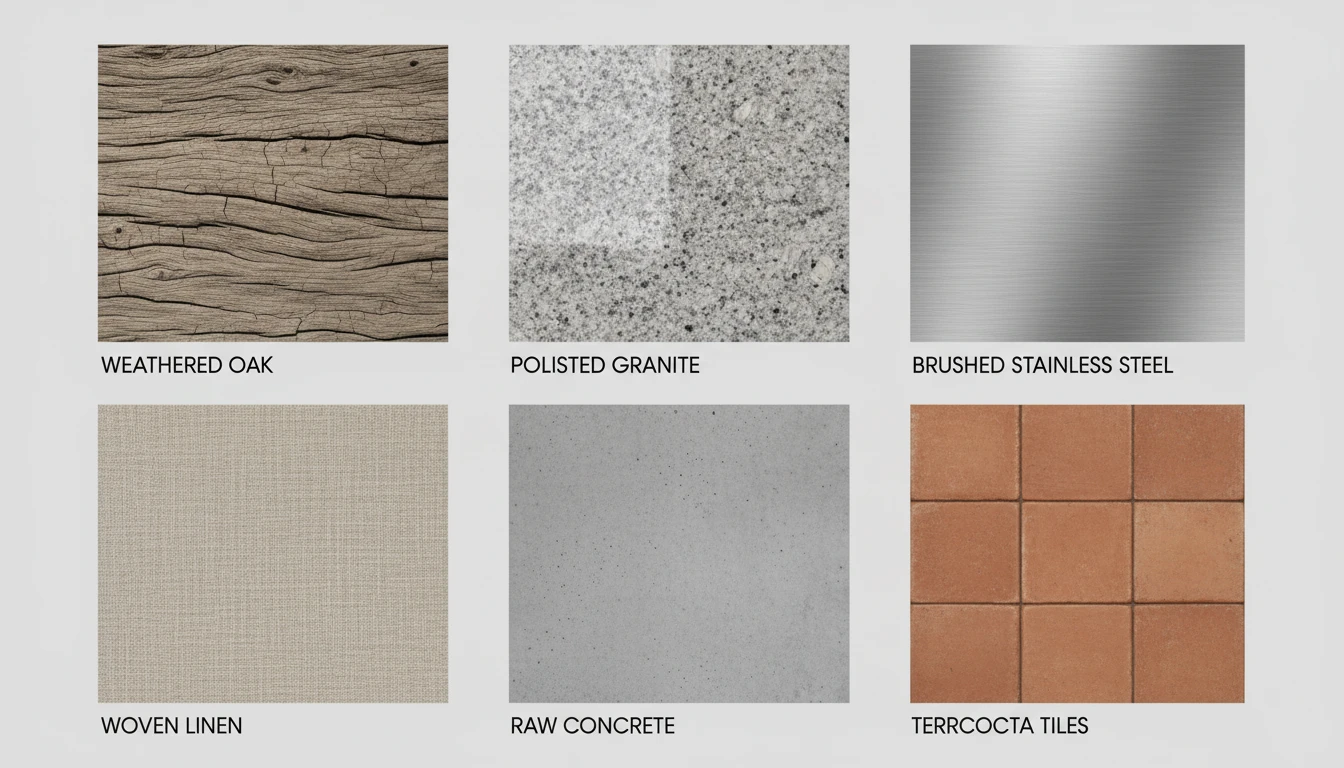
Describe Your Texture
Say the material, pick a style, then open it in AI Image Studio to generate.
Runs inside the AI Image Studio — generate and edit in one place.
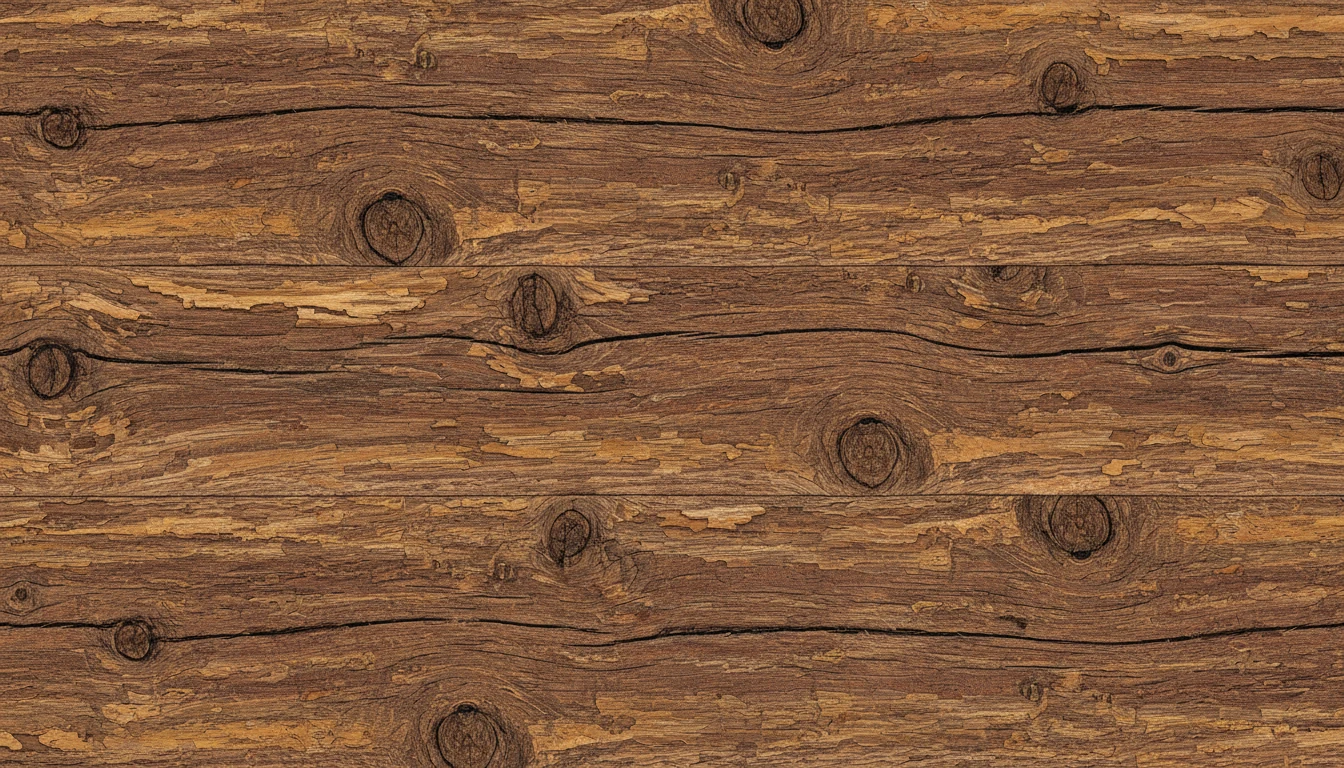
Wood and Stone Surface Textures
Generate photorealistic wood grain, stone, and marble textures for 3D environments, architectural visualizations, and interior design projects. Every texture is unique and tileable.
Generate a Wood or Stone Texture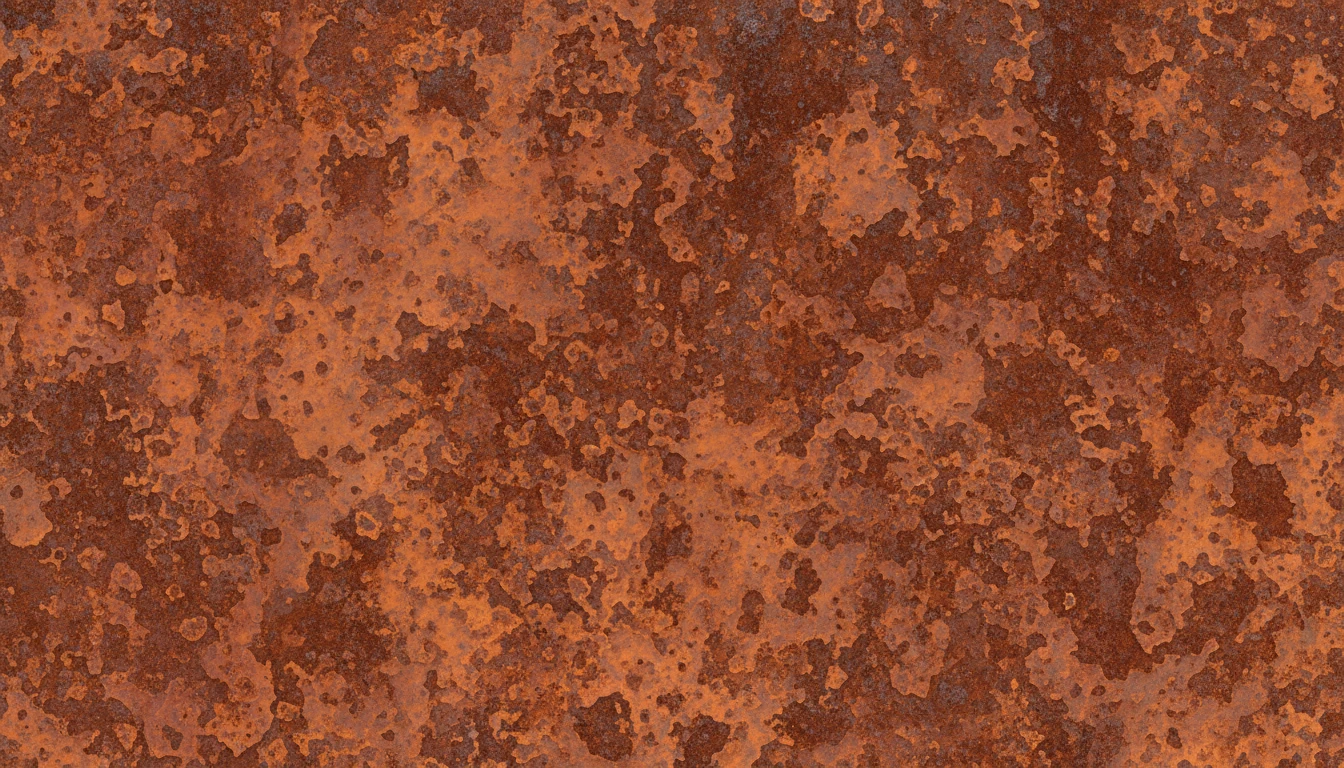
Metal and Industrial Surface Textures
Create brushed steel, rusted iron, hammered copper, and galvanized metal textures for game assets, product renders, and industrial UI design. Include aging, wear, and surface variation.
Generate a Metal Texture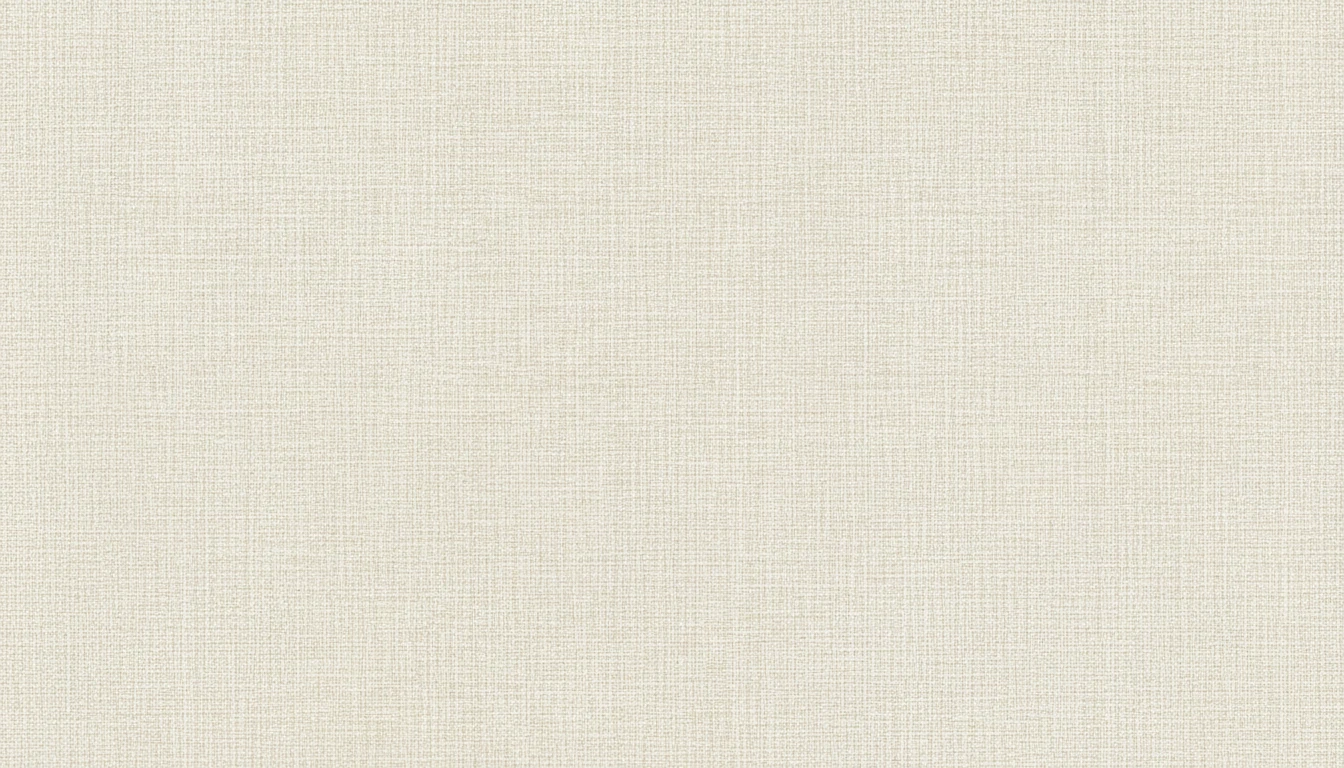
Fabric and Textile Textures
Generate linen, denim, velvet, canvas, and leather fabric textures for fashion design, product mockups, and interior scenes. Accurate weave structure and thread-level surface detail.
Generate a Fabric Texture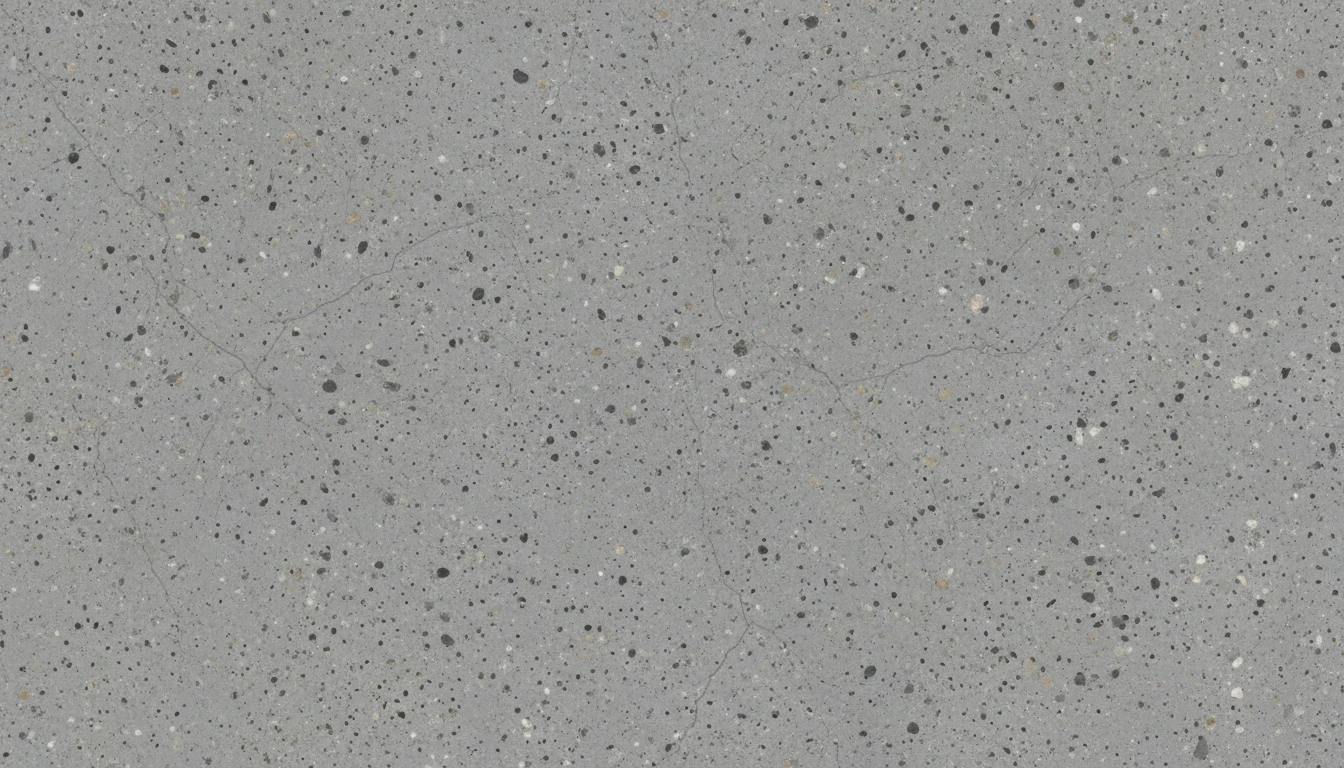
Concrete and Architectural Textures
Generate raw concrete, aged brick, poured cement, and architectural surface textures for game environments, architectural renders, and modern UI backgrounds.
Generate a Concrete TextureWho Uses AI Texture Generator
3D Modeling and Game Development
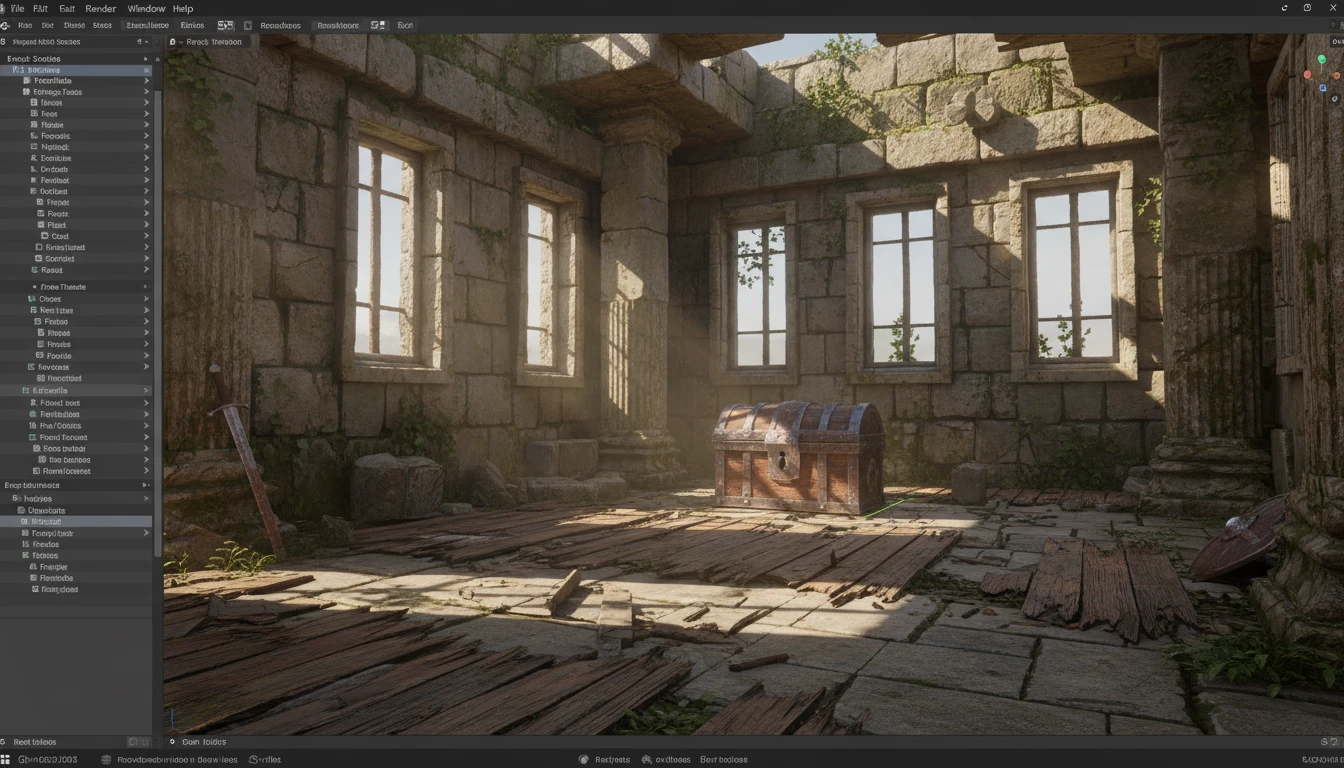
Create PBR-ready surface textures for 3D models, environments, and props. Build consistent material sets for Blender, Unity, and Unreal Engine without 3D scanning or expensive photo libraries.
Web and UI Design
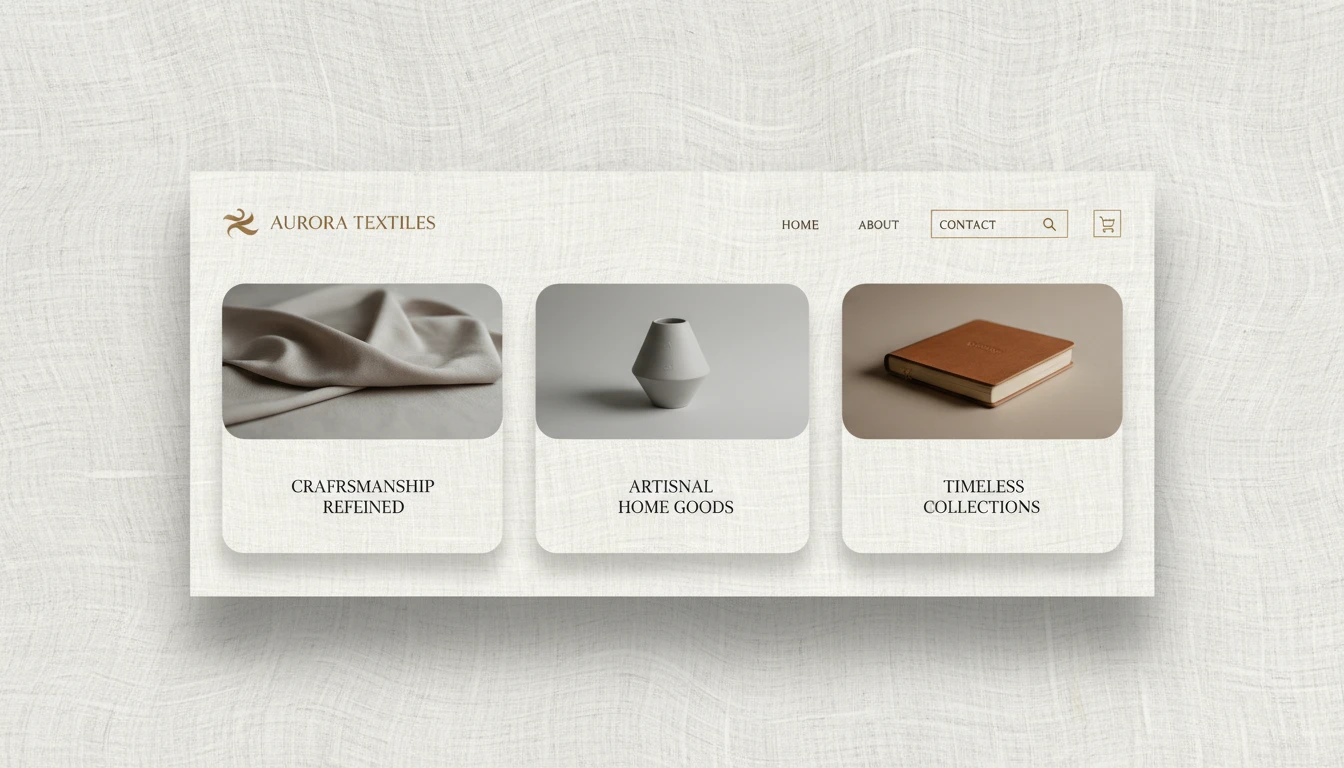
Generate beautiful surface textures as card backgrounds, decorative elements, and hero sections for websites and apps. Unique, on-brand materials without sourcing stock photos.
Print and Product Design
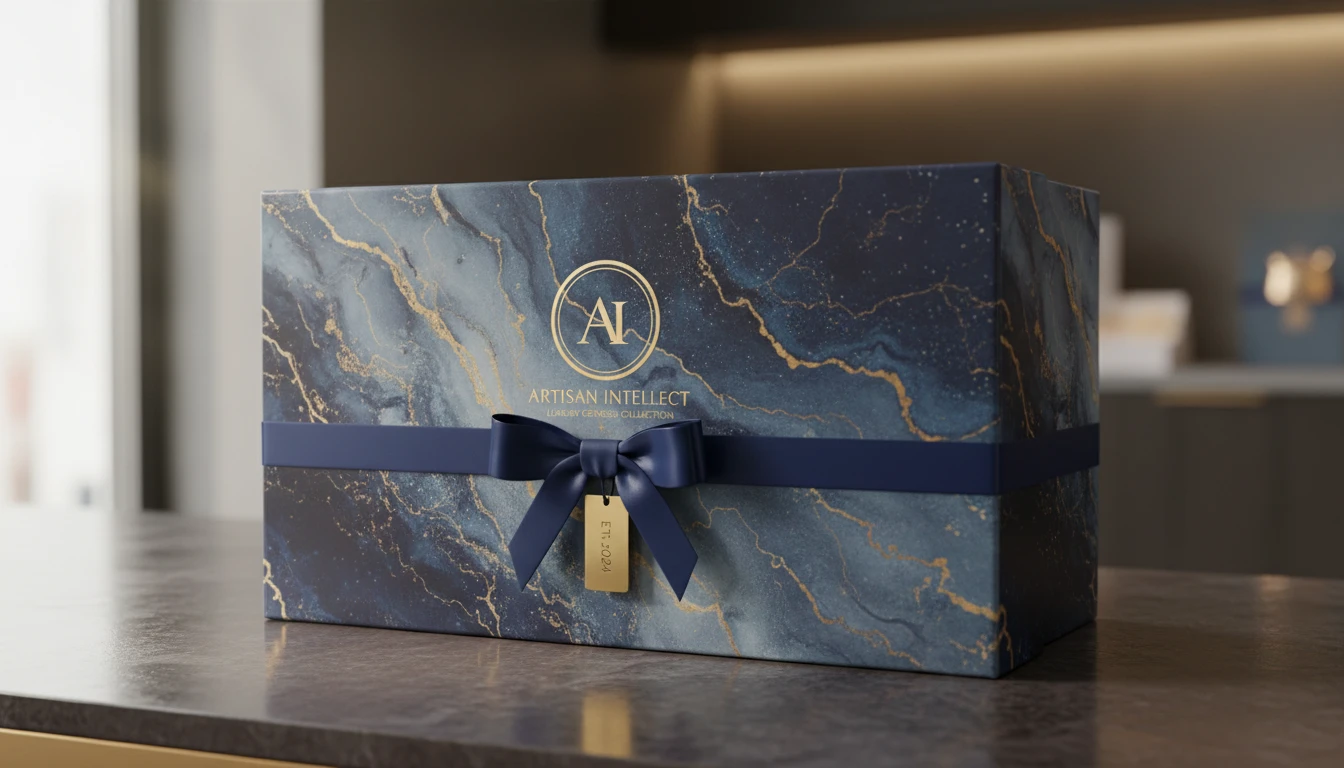
Design textured surfaces for print-on-demand products, packaging, wrapping paper, fabric prints, and custom wallpaper. Generate production-ready tileable patterns at any scale.
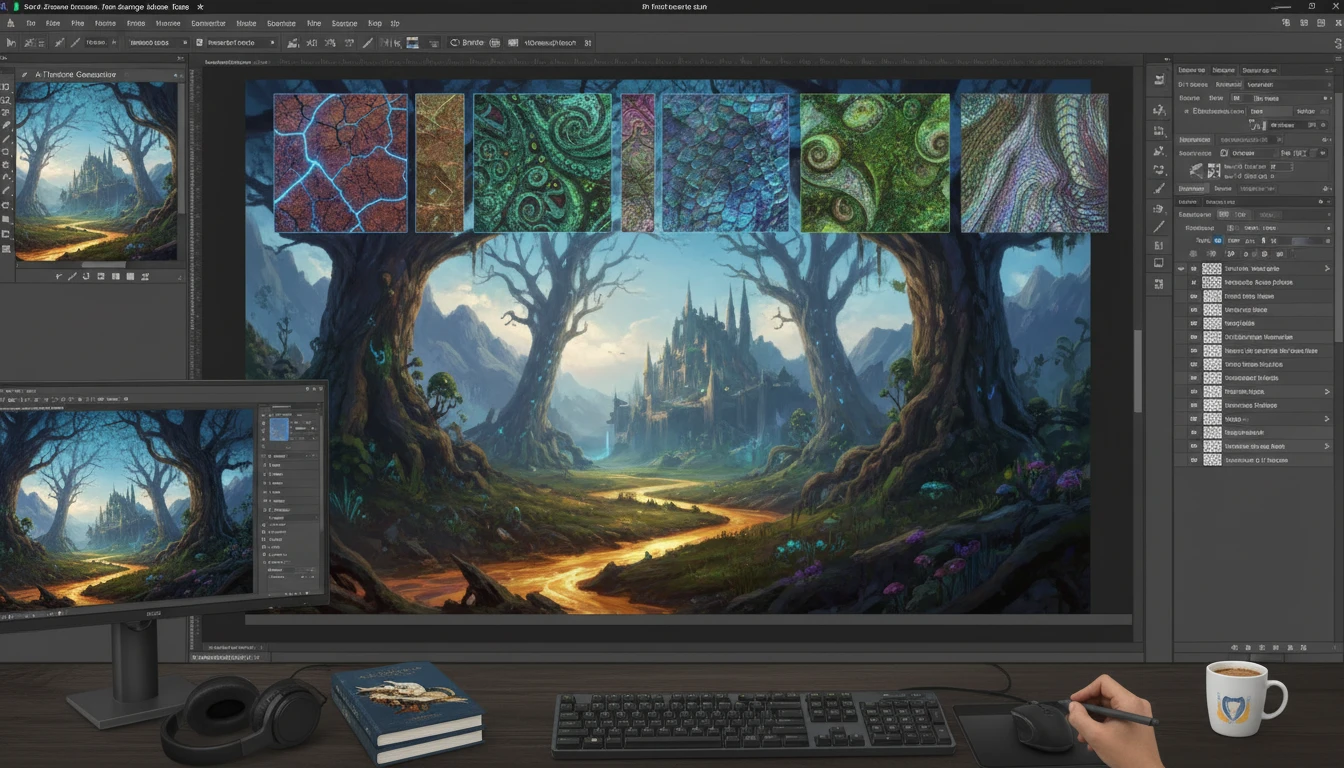
Digital Art and Illustration
Use AI-generated textures as brushes, overlays, and blending layers in Photoshop and Procreate. Add realistic surface details to illustrations, concept art, and photo composites.
How to Generate AI Surface Textures
Create seamless, production-ready textures in four simple steps
Describe Your Surface
Write a prompt describing the material, finish, color, and any visual details. Be specific: "rough weathered oak planks with knots and warm brown tones" produces far better results than "wood texture".
Upload a Reference (Optional)
Upload a reference photo of a real material to guide the AI toward accurate color, pattern scale, and surface appearance. Great for matching existing assets in your project.
Choose Material Type and Aspect Ratio
Select from 10 material types: Wood, Stone, Metal, Fabric, Concrete, Organic, Ceramic, Leather, Abstract, and Water/Glass. Use 1:1 square for seamless tiling in 3D and game engines.
Download and Apply
Get your texture in high resolution. Apply directly to 3D models, use as a background in web or print design, or import into Photoshop and Procreate as a surface overlay.
Explore More
More AI Studio Tools
Discover other powerful AI tools to enhance your creative workflow
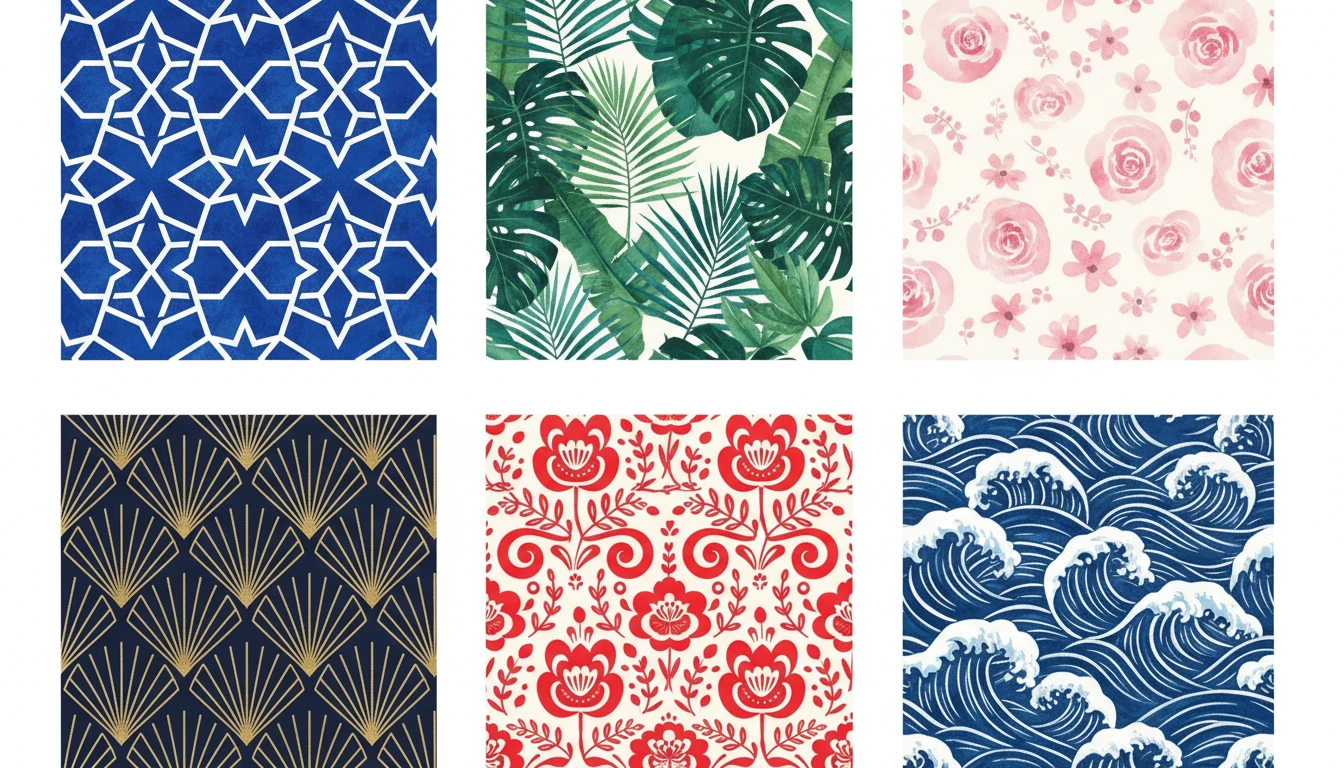
AI Pattern Generator
Generate seamless repeating patterns from text descriptions in geometric, floral, botanical, ethnic, abstract, Art Deco, damask, watercolor, Scandinavian, and Japanese styles
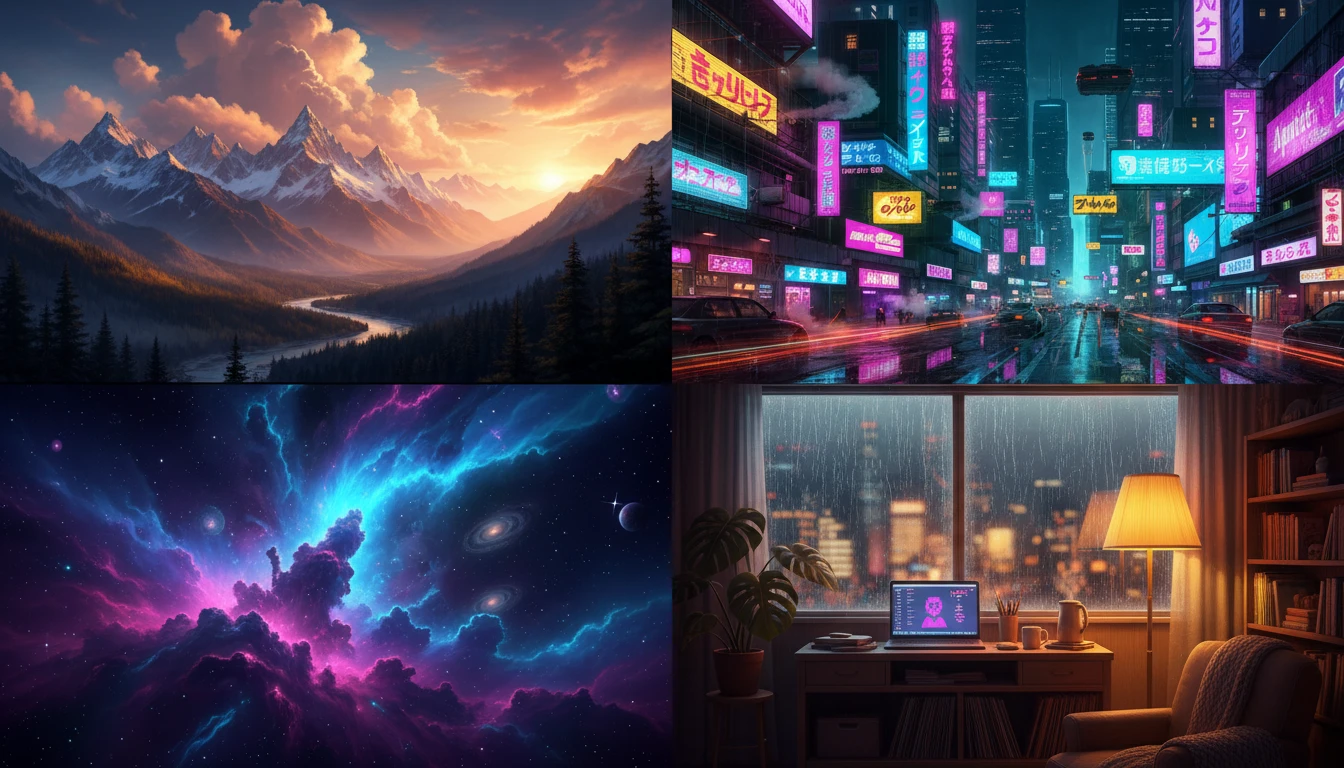
AI Wallpaper Generator
Generate stunning wallpapers for desktop, mobile, and ultrawide screens from text descriptions. Nature, cyberpunk, space, abstract, lofi, fantasy, minimalist, and more themes.
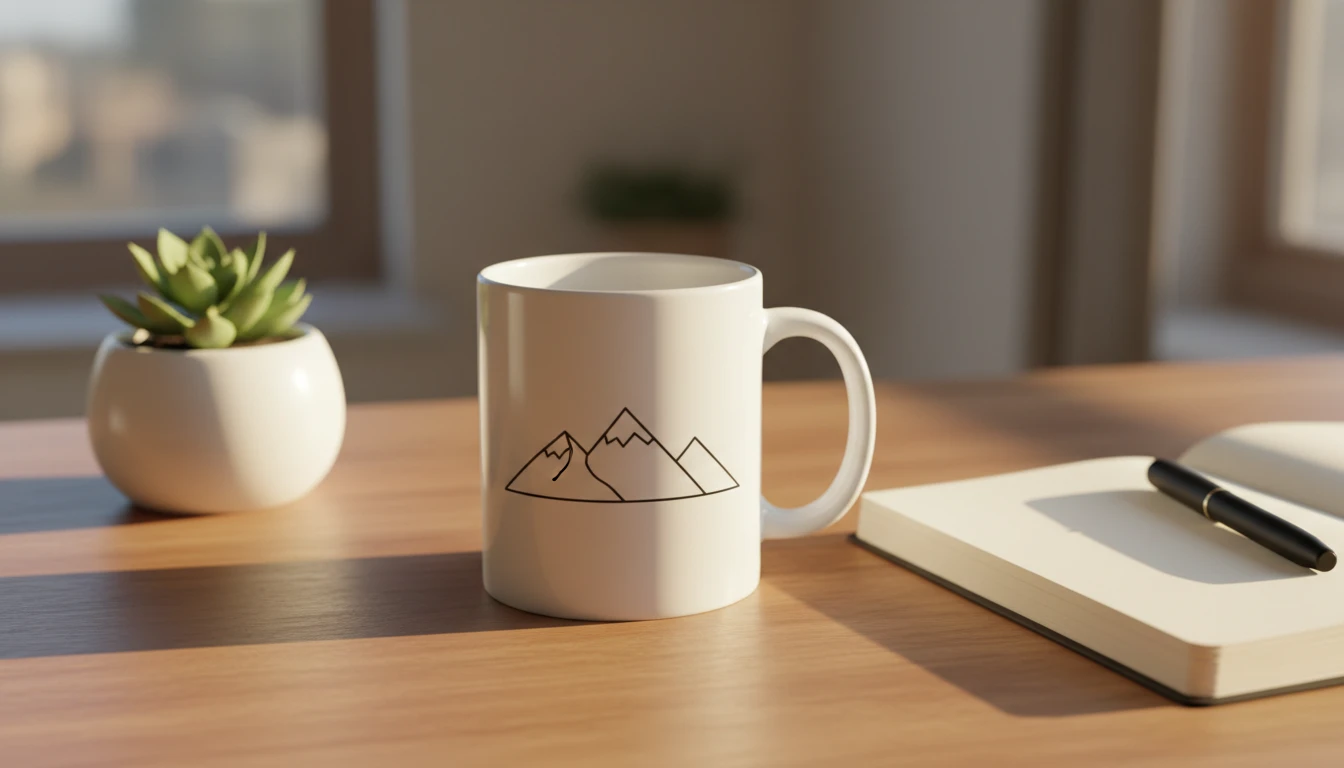
AI Mockup Generator
Generate professional product mockup images from text descriptions. Mugs, t-shirts, phones, packaging, and more in studio, lifestyle, flat lay, and premium styles.
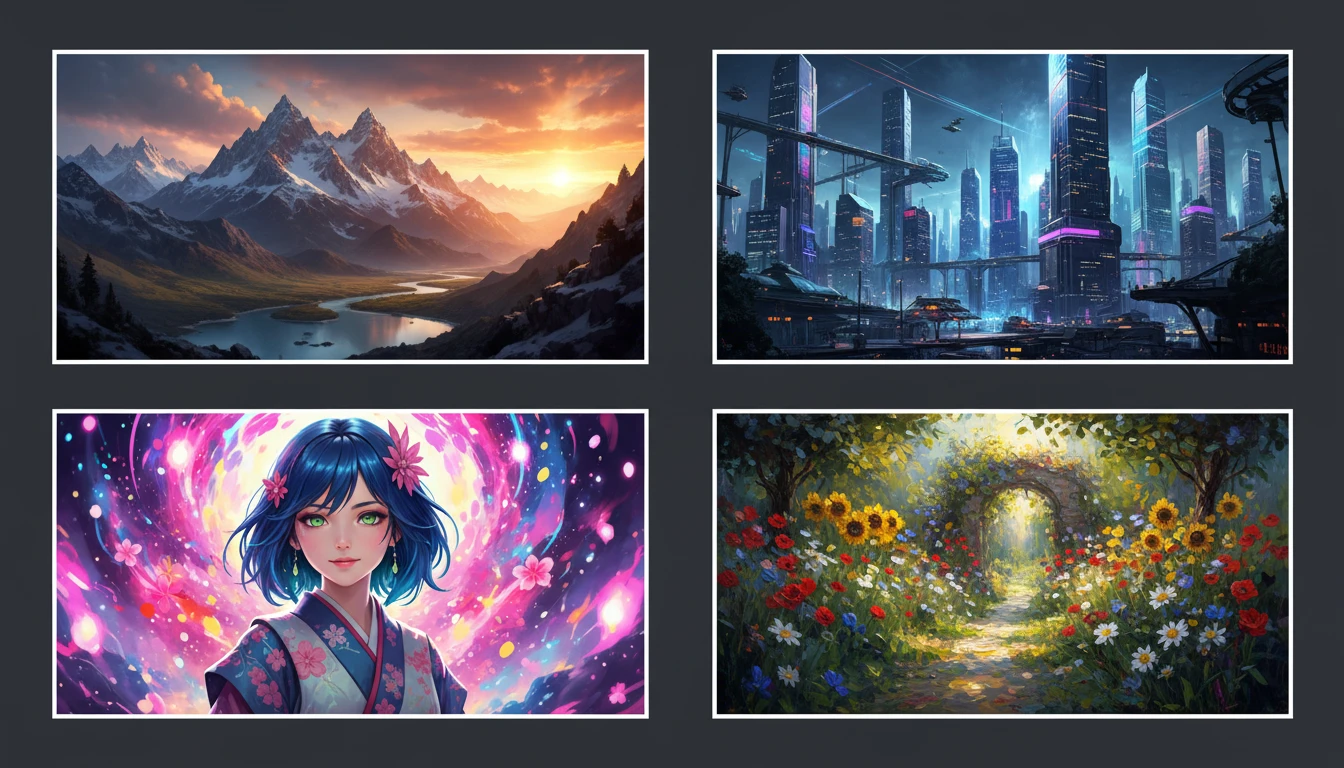
AI Text to Image
Describe any scene, character, or concept and AI generates a high-quality image in seconds. Choose from 10 artistic styles including photorealistic, cinematic, anime, oil painting, watercolor, and more, plus full aspect ratio control. Supports detailed prompt inputs and optional reference image uploads to guide the composition or style.
Opens in
Image Studio
Frequently Asked Questions
Everything you need to know to get started.
What material types are available?
There are 10 material types: Wood, Stone/Rock, Metal, Fabric/Textile, Concrete, Organic/Natural, Ceramic/Tile, Leather, Abstract/Artistic, and Water/Glass. Each applies optimized prompt context for that material's surface characteristics.
How do I write a good texture prompt?
Name the material clearly first: "oak wood plank", "rough granite slab", "worn denim fabric". Then add the finish: "smooth polished", "rough brushed", "aged weathered". Finally add color guidance: "warm golden tones", "cool dark gray". The more specific your description, the more accurate and usable the result.
What aspect ratio should I use for 3D and game textures?
1:1 square is the standard for seamlessly tileable PBR textures used in 3D applications, game engines like Blender, Unity, and Unreal Engine. For web backgrounds and UI panels, 16:9 or 4:3 landscape ratios work better.
Can I use a reference photo to match an existing material?
Yes. Upload a reference photo of a real material such as a piece of wood, stone, or fabric and AI will generate a texture inspired by its color palette, surface pattern, and finish quality. This is ideal for matching existing assets in your project.
How do I generate a consistent material set?
Generate your first texture, then use it as a reference image for subsequent generations while varying the prompt slightly. This locks in the color palette, scale, and surface quality across the entire set. Ideal for building a complete environment material library.
Can AI textures be used in commercial projects?
Yes. AI-generated textures can be used commercially in games, apps, web design, print products, and packaging. Build complete material libraries for game environments, create unique surface patterns for merchandise, or use as decorative elements in client design projects.
Generate Seamless Surface Textures Instantly
Describe any material and get a high-quality tileable texture in seconds. Wood, stone, metal, fabric, and more.
Create Your First TextureDisclaimer: This tool uses generative AI technology which may produce content that resembles copyrighted materials or that is inaccurate, incomplete, or out-of-date. It is provided for general information and educational purposes only and is not intended for illegal activities or to replace professional advice, diagnosis, or treatment. Users are solely responsible for how they use the generated content. If you plan to use AI-generated content commercially or publicly, we strongly recommend reviewing it for potential copyright issues and obtaining proper permissions where necessary. We accept no liability for copyright infringement or any other consequences resulting from the use of content generated by this tool.