See Every Angle at Once: Four Views in a Single Image
Describe your subject or upload a reference photo and AI generates a clean 2x2 grid showing four angles in one shot. Choose a view set for your use case.
Generate 4 Views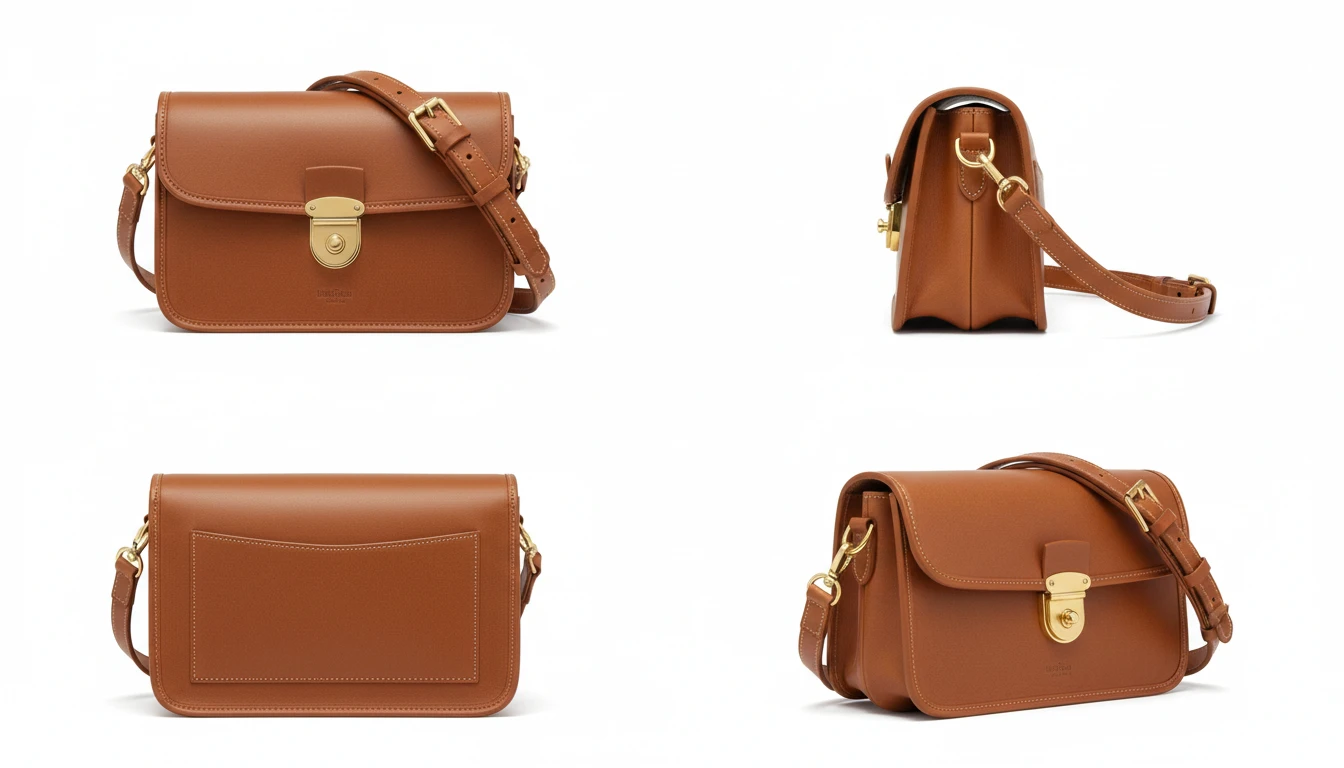
Describe Your Subject
Pick a view set, then describe the product, person, or scene. We'll open AI Image Studio ready to generate a four-view grid.
Runs inside the AI Image Studio — generate and edit in one place.
Product 360 for E-Commerce
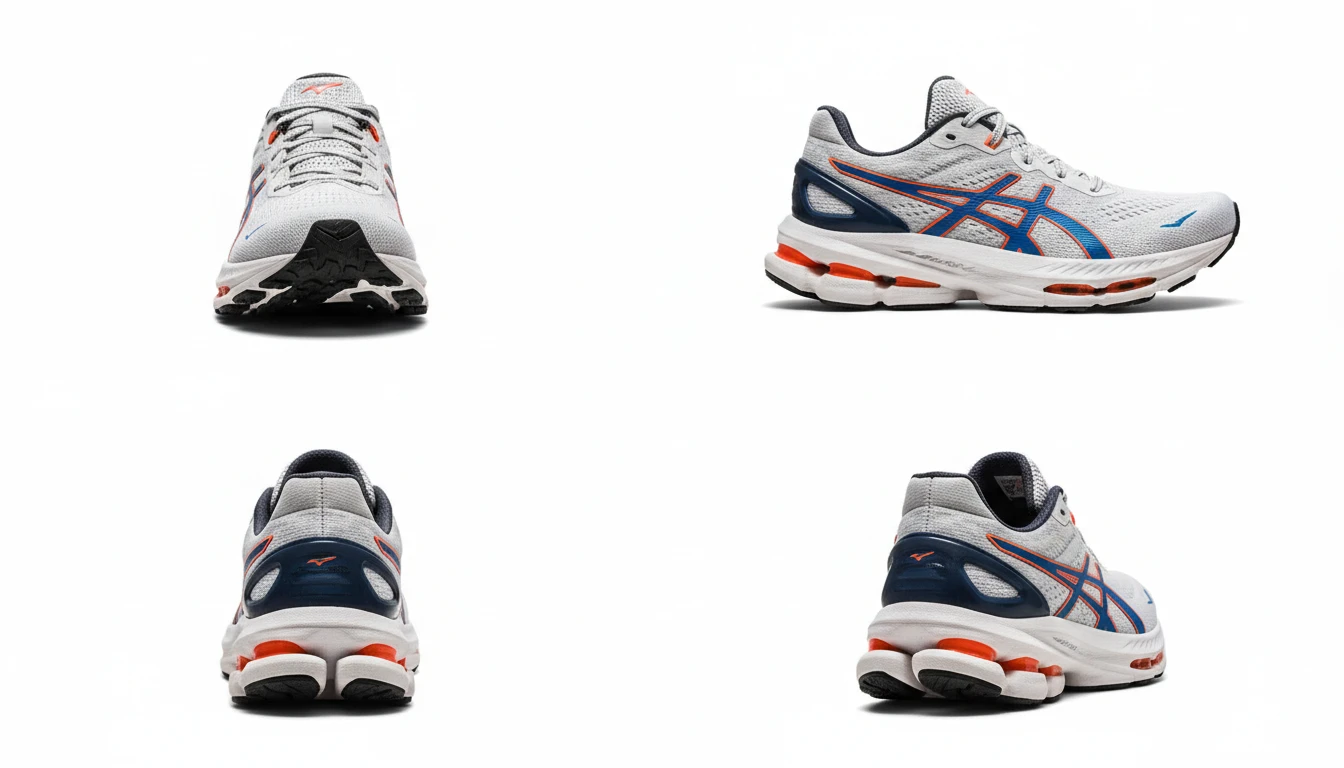
Show customers every angle before they buy. Generate front, side, back, and 3/4 views of any product in one grid. Ideal for product listings, pitch decks, and design reviews without a photoshoot.
Generate Product Views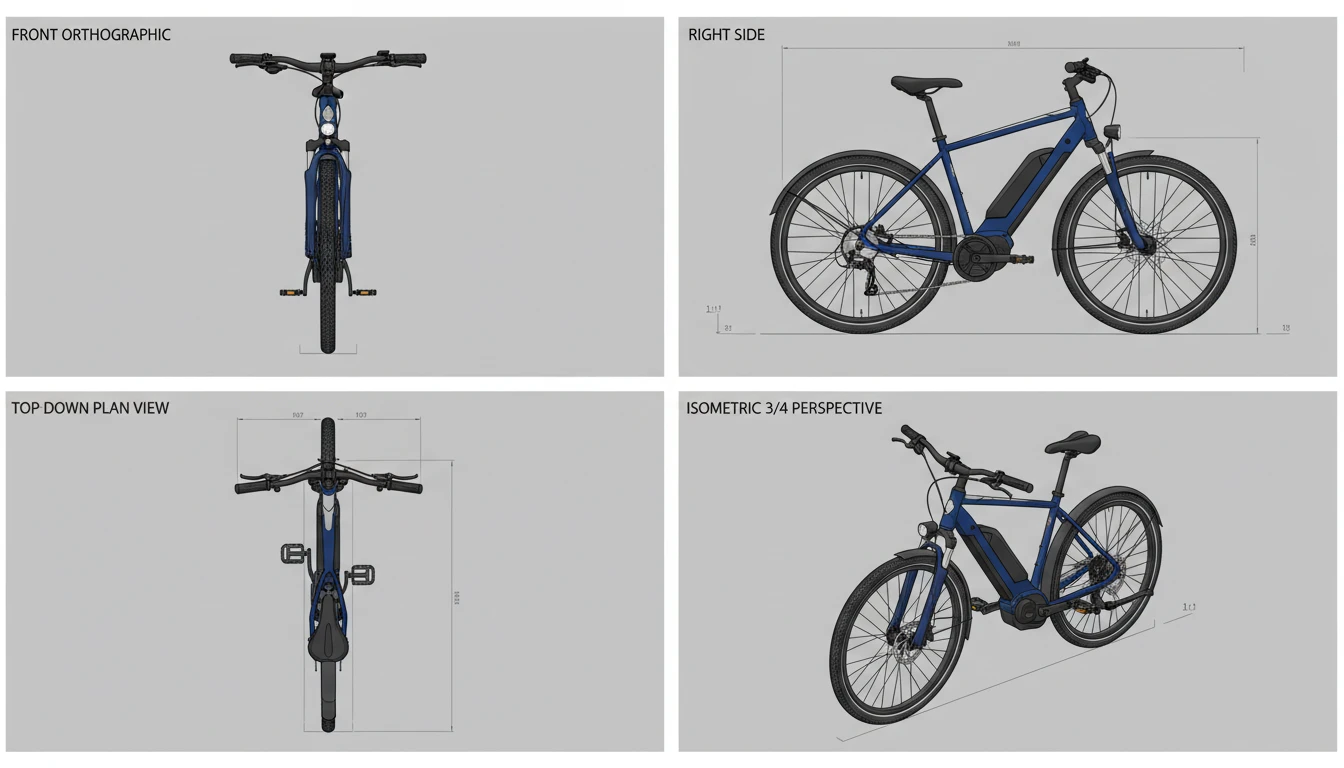
Technical and Isometric Views
Generate front, side, top, and isometric views for product design, architecture, and engineering visualization. Quickly explore how a design reads from every orthographic direction.
Generate Technical Views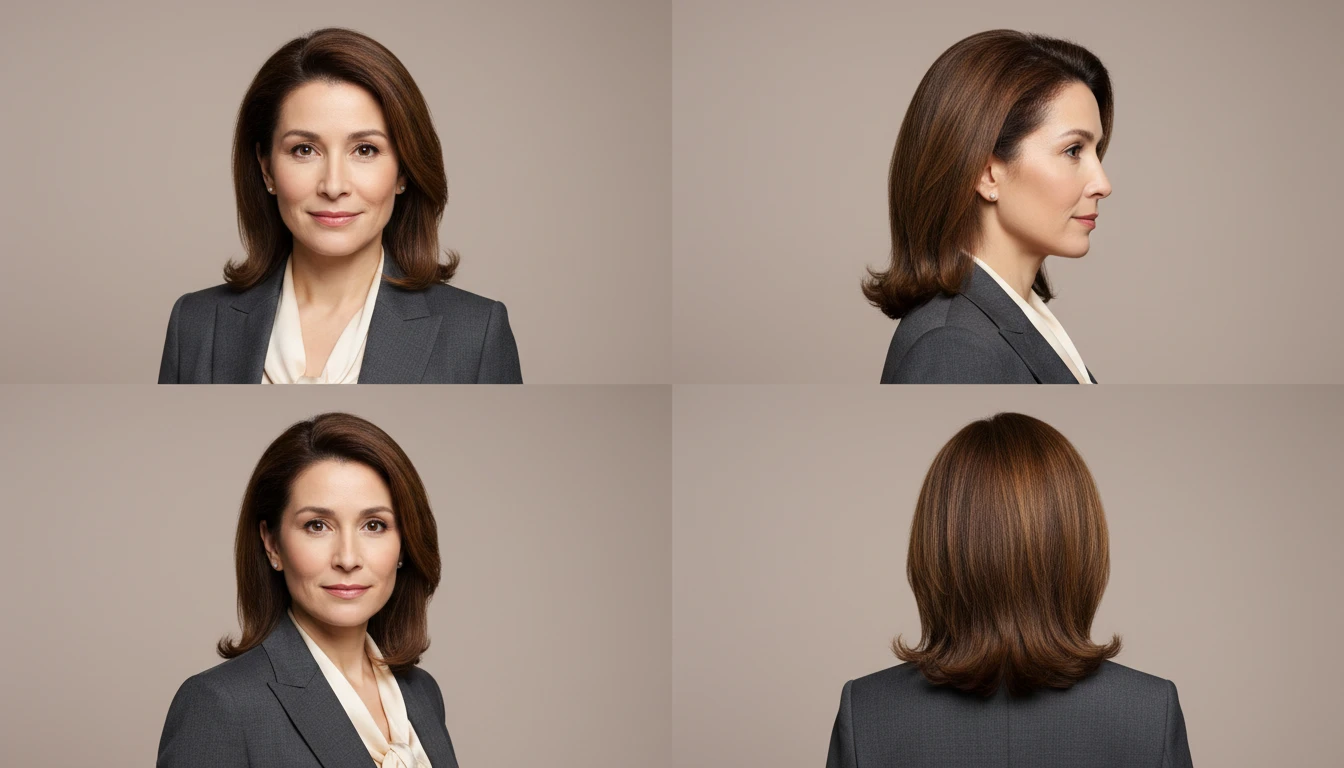
Portrait and Character Angles
Preview a face, character, or figure from front, side profile, 3/4, and rear in one image. Useful for character design, avatar creation, fashion lookbooks, and professional headshot planning.
Generate Portrait Views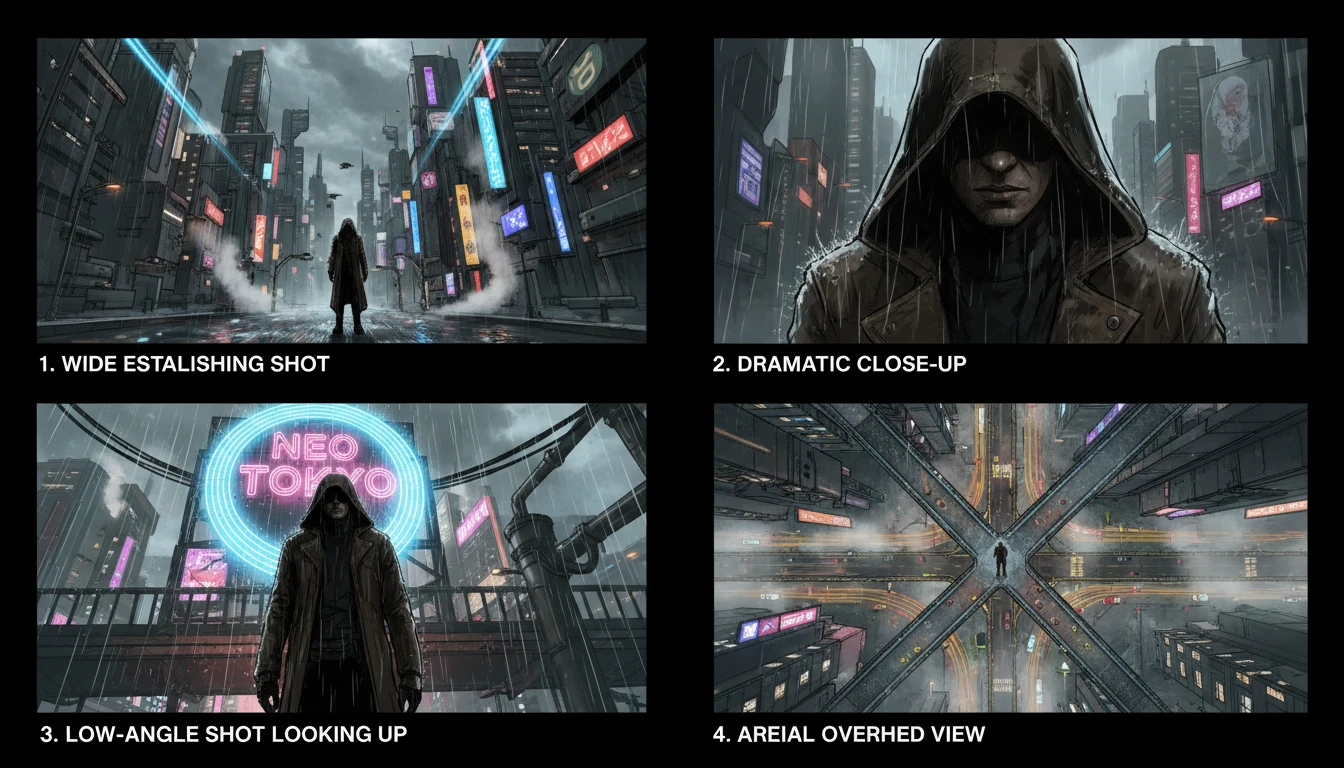
Cinematic Storyboard Angles
Explore a scene from four dramatic camera perspectives in one storyboard panel. Wide establishing shot, close-up, low angle, and aerial view give filmmakers and directors a fast way to plan shot variety.
Generate Cinematic ViewsWho Uses AI Multiview Image Generator

Product Teams and Designers
Generate 360-view product grids for catalogs and pitch decks without a full photoshoot. Show front, side, back, and 3/4 angles of a product concept or prototype instantly.
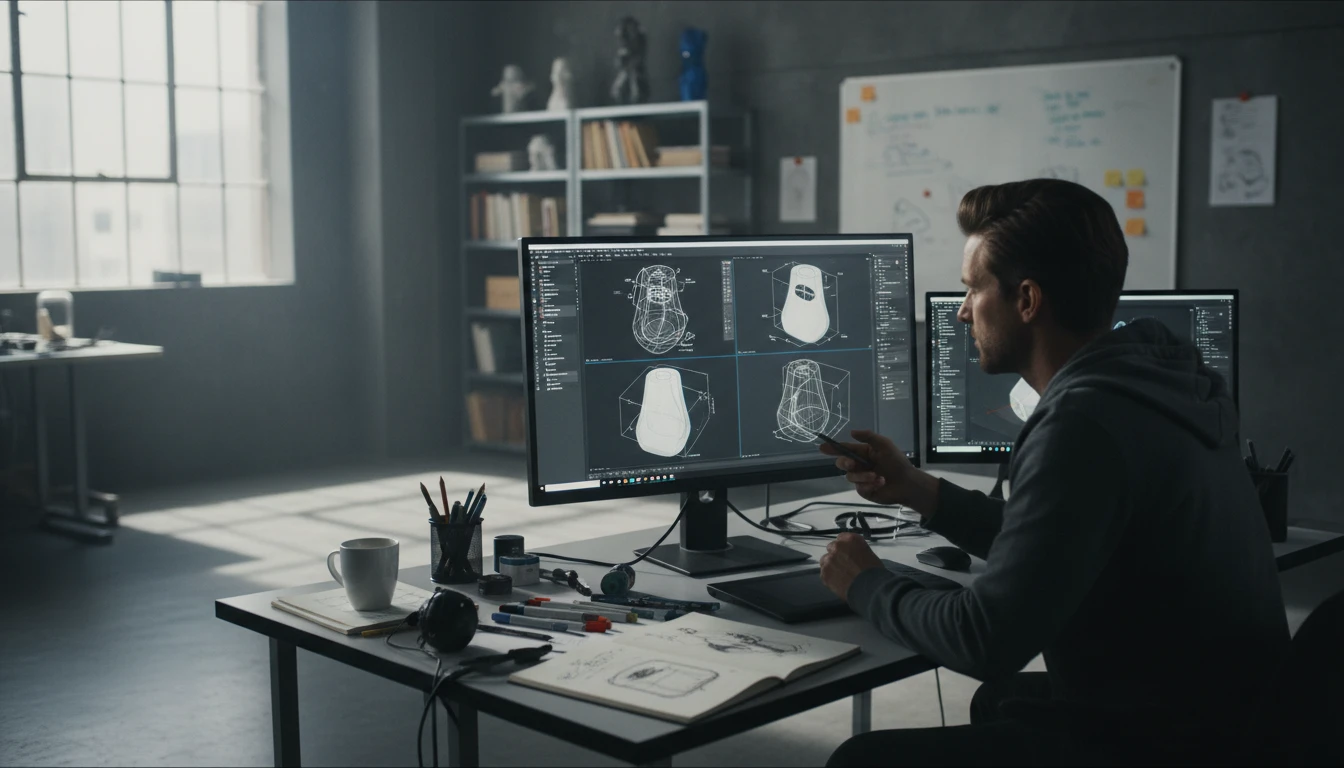
Product Designers and Industrial Designers
Visualize a product concept from front, side, top, and isometric views in seconds. Use the technical view set to quickly communicate a design from every orthographic direction before committing to 3D modeling.
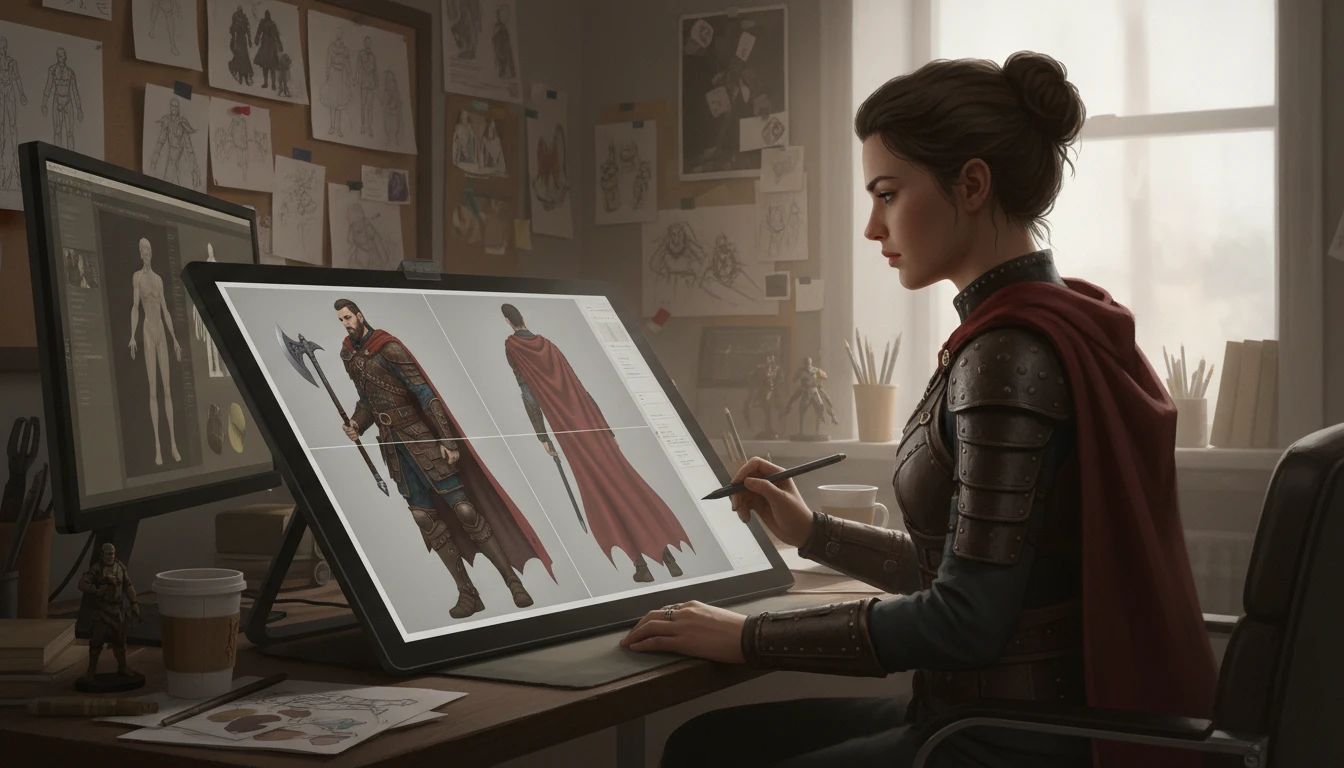
Character Artists and Game Developers
Generate character turnarounds showing front, profile, 3/4, and back views in one image. Build reference sheets for game characters, avatars, illustrations, and concept art.
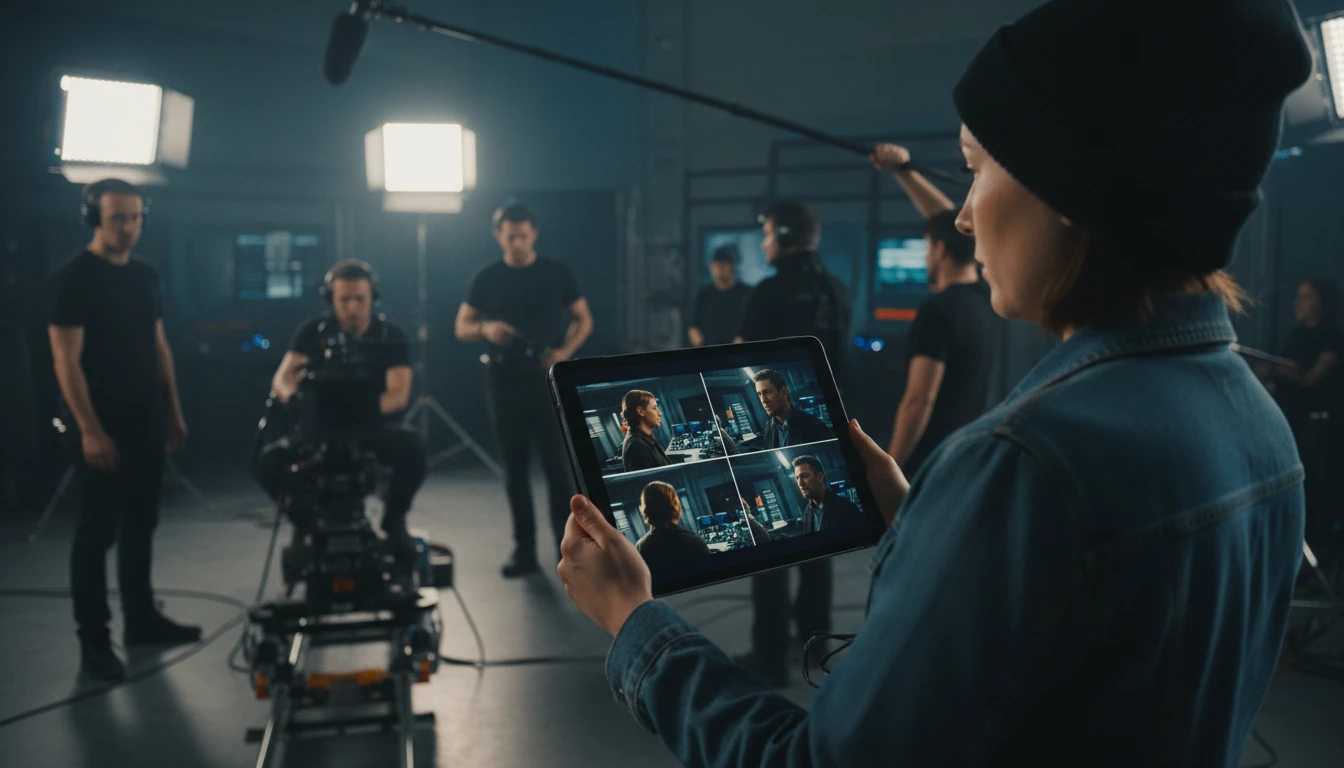
Filmmakers and Storyboard Artists
Explore shot variety by generating wide, close-up, low, and aerial views of the same scene in one storyboard panel. Plan visual coverage and camera placement faster.
How to Generate Four Views in One Image
Text, photo, or both - four angles in one generation
Describe or Upload Your Subject
Type a description of your subject, upload a reference photo, or do both. The text prompt guides the style and details; the reference photo anchors the subject's appearance.
Choose a View Set
Pick the four-angle combination that fits your use case: Product 360 for e-commerce, Technical for design and architecture, Portrait for people and characters, or Cinematic for storyboards.
Get All Four Views at Once
AI generates a clean 2x2 grid with all four views in a single image. Download the full grid or crop individual panels for use in listings, presentations, or references.
Explore More
More AI Studio Tools
Discover other powerful AI tools to enhance your creative workflow
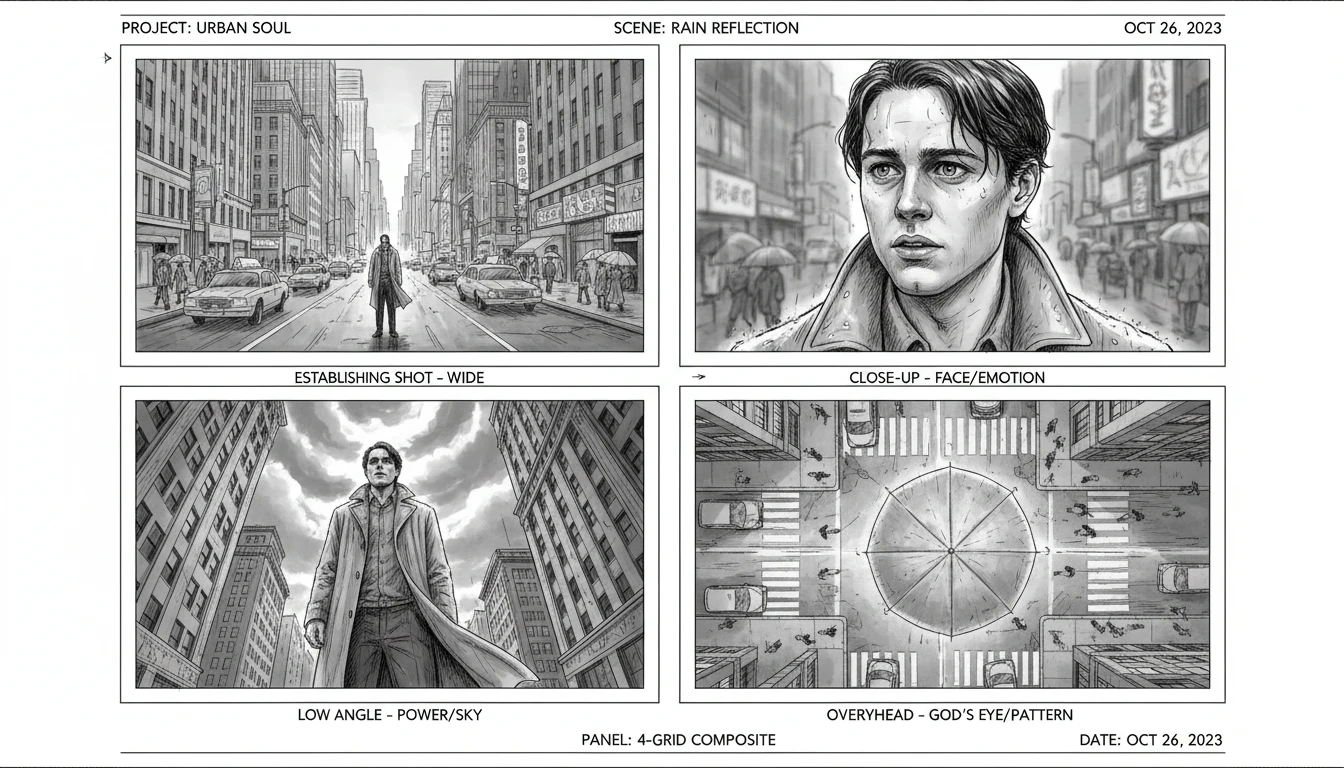
AI Cinematic Shot Generator
Turn any single image into professional storyboard angles with AI. Generate wide shots, close-ups, overhead, low-angle, over-the-shoulder, Dutch angle, tracking, and aerial perspectives instantly.
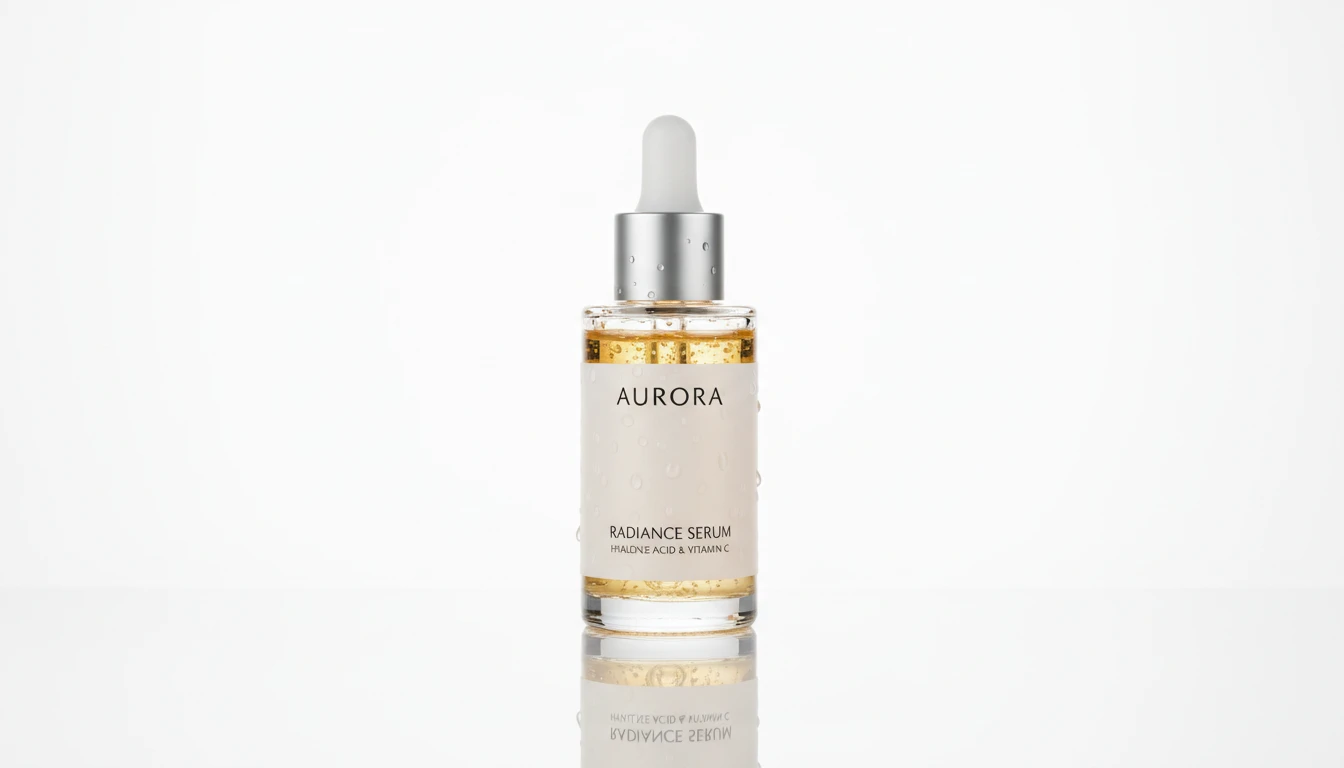
AI Product Spotlight
Generate cinematic hero product shots with dramatic AI lighting. Spotlight, rim, neon, golden hour, dark drama, and more styles.

AI Product Lifestyle Scene
Place your product naturally into real-world lifestyle environments (kitchens, cafés, beaches, wellness spas, rooftops, and more) with photorealistic AI.
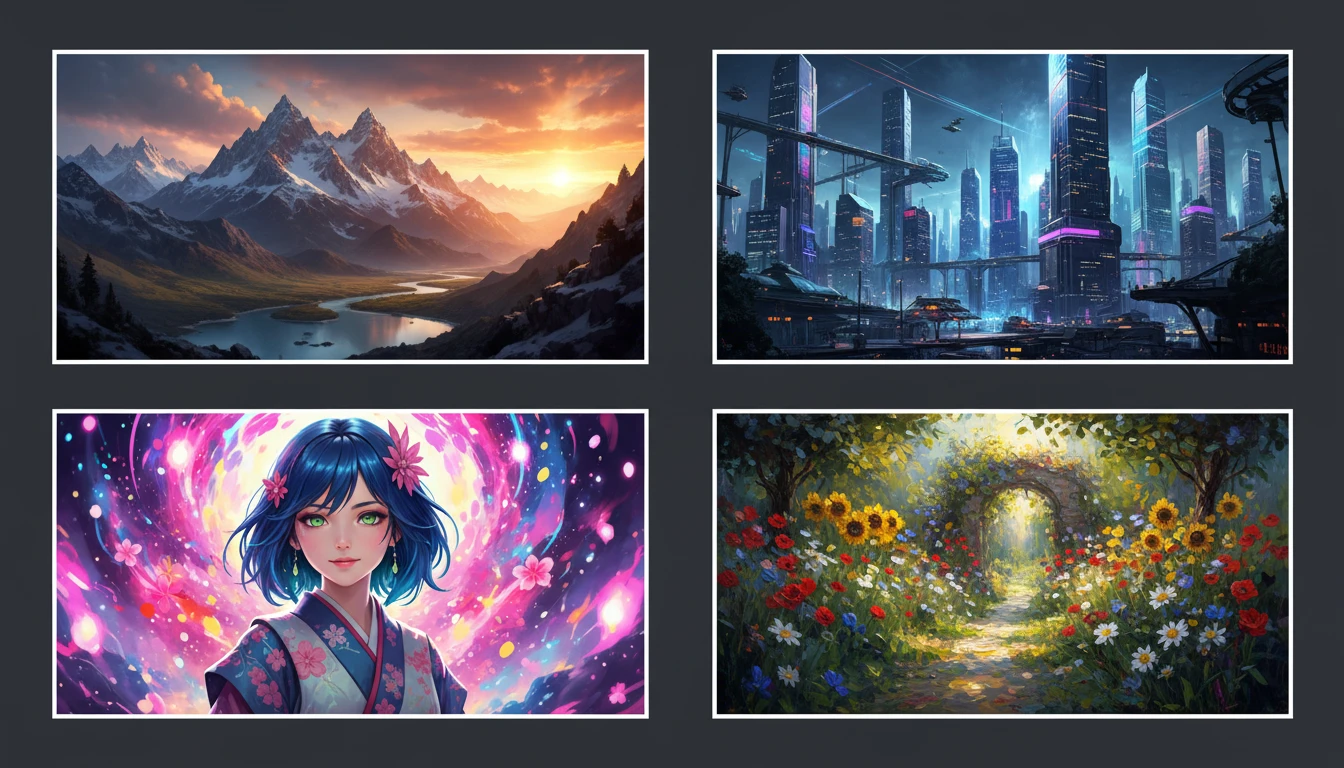
AI Text to Image
Describe any scene, character, or concept and AI generates a high-quality image in seconds. Choose from 10 artistic styles including photorealistic, cinematic, anime, oil painting, watercolor, and more, plus full aspect ratio control. Supports detailed prompt inputs and optional reference image uploads to guide the composition or style.
Opens in
Image Studio
Frequently Asked Questions
Everything you need to know to get started.
What is AI Multiview Image Generator?
AI Multiview Image Generator creates a single 2x2 grid image showing your subject from four different angles in one generation. You describe a subject with text, upload a reference photo, or use both, then choose a view set (Product 360, Technical, Portrait, or Cinematic) to get all four views at once.
Do I need to upload an image?
No. You can generate from a text description alone, from a reference photo alone, or combine both. When you provide a reference image the AI uses it to anchor the appearance of the subject across all four views. When using text only the AI generates the subject entirely from your description.
What are the four view sets?
Product 360 shows front, side profile, back, and 3/4 angle - ideal for e-commerce and product catalogs. Technical shows front, side, top-down, and isometric views for design and architecture. Portrait shows front-facing, profile, 3/4 angle, and rear for people and characters. Cinematic shows wide establishing, close-up, low angle, and aerial views for storyboards and film pre-production.
Can I use the output for commercial purposes?
Yes. You retain full rights to all generated images and can use them for commercial product listings, advertising, design presentations, game development, and any other commercial purpose.
What subjects work best?
Products with distinct shapes work very well for the Product 360 and Technical view sets. Portraits and character designs work best with the Portrait view set. Any scene with a clear subject works for the Cinematic view set. Providing a reference photo alongside the text prompt produces more consistent results across all four panels.
Can I extract individual panels from the grid?
Yes. The output is a standard square 1:1 image with four equal panels. You can crop each panel in any image editor to extract individual views for use separately in product listings, character sheets, or storyboards.
Generate Four Views of Anything in One Image
Describe your subject or upload a photo and get a complete 4-view grid instantly.
Generate 4 Views NowDisclaimer: This tool uses generative AI technology which may produce content that resembles copyrighted materials or that is inaccurate, incomplete, or out-of-date. It is provided for general information and educational purposes only and is not intended for illegal activities or to replace professional advice, diagnosis, or treatment. Users are solely responsible for how they use the generated content. If you plan to use AI-generated content commercially or publicly, we strongly recommend reviewing it for potential copyright issues and obtaining proper permissions where necessary. We accept no liability for copyright infringement or any other consequences resulting from the use of content generated by this tool.