Turn Any Single Image Into Professional Cinematic Camera Angles
Upload any image and AI reframes it from eight cinematography angles: wide shot, close-up, overhead, low-angle, Dutch angle, aerial, and more.
Generate Shot Angles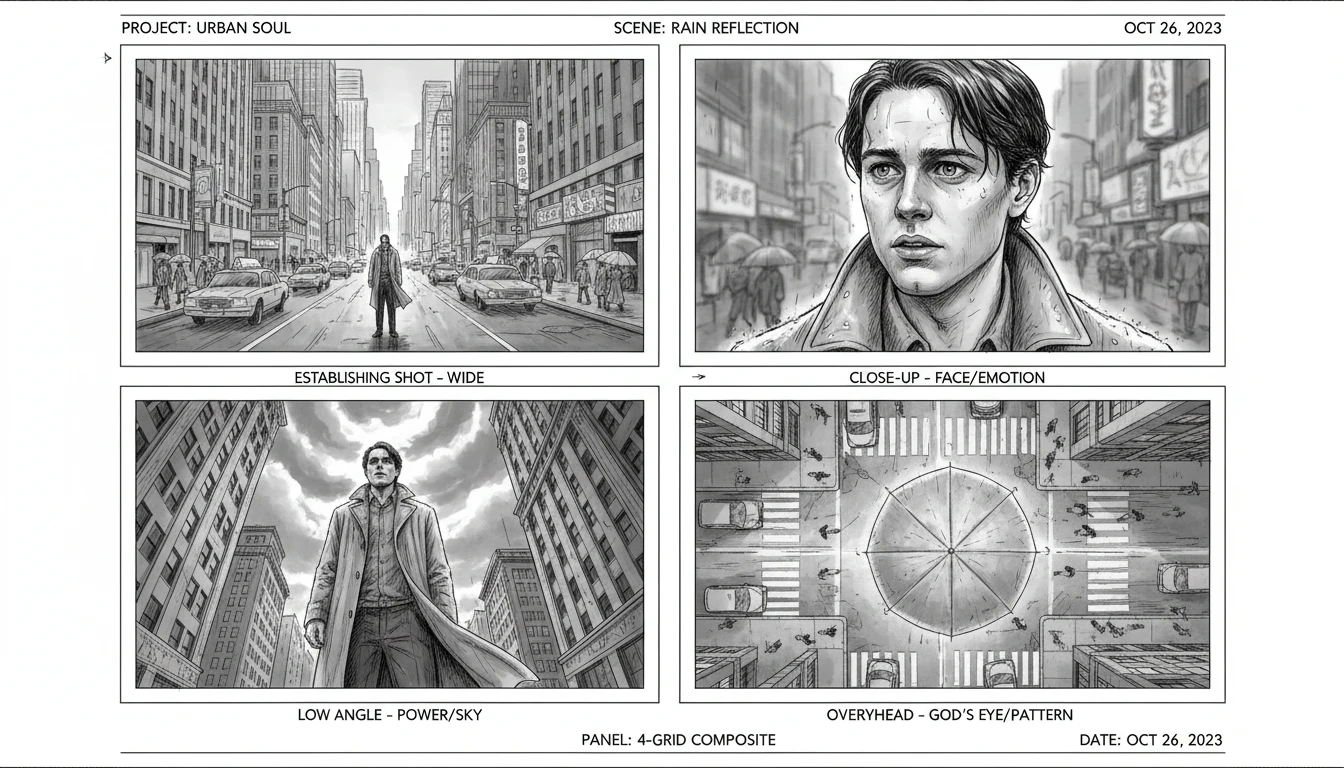
Reframe Any Photo as a Cinematic Shot
Add a photo and we'll open AI Image Studio ready to generate a new camera angle.
Drag & drop your photo here
Any scene or still — JPG, PNG or WebP, up to 15MB
Your photo is used only to generate a new shot for you.
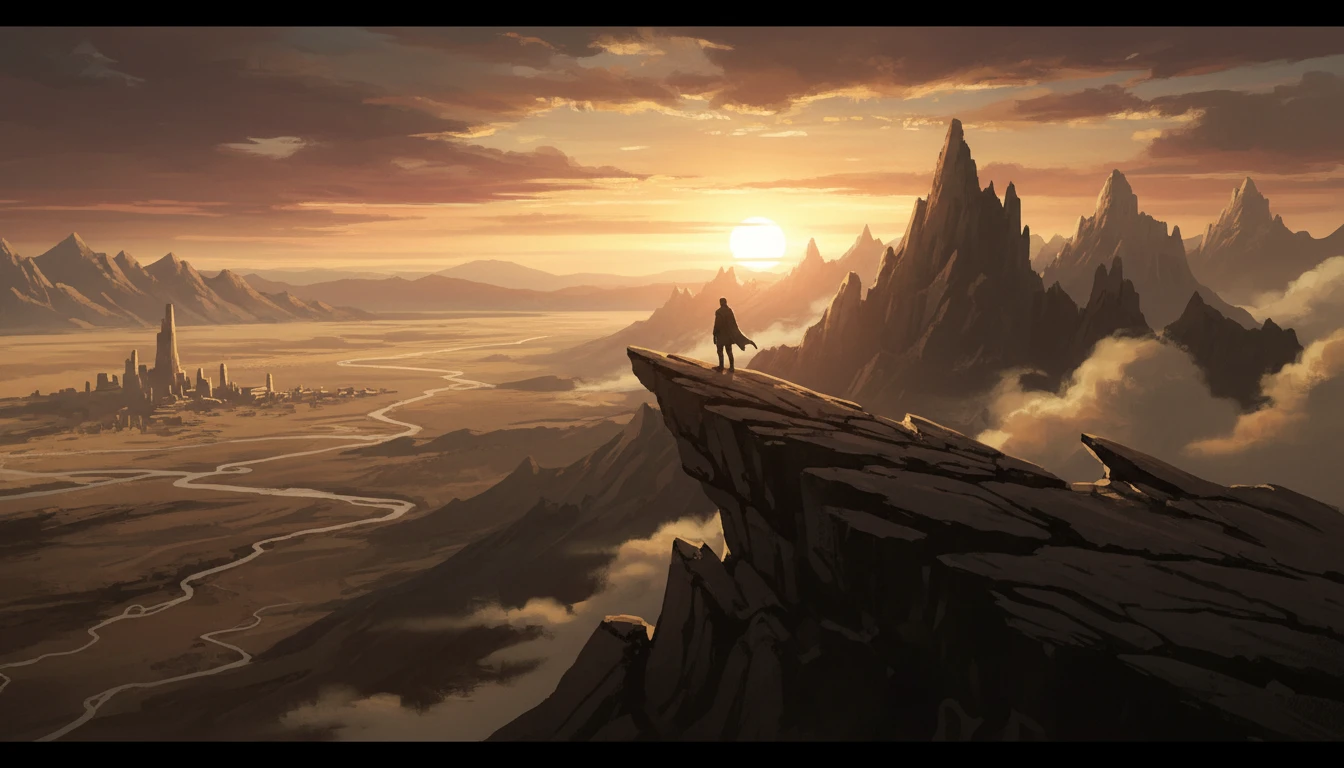
Wide and Establishing Shots
Pull back to reveal the full world of your scene. Wide establishing shots set context, show environment, and ground the viewer in the location. Essential for opening scenes, location reveals, and showing scale.
Generate Wide Shot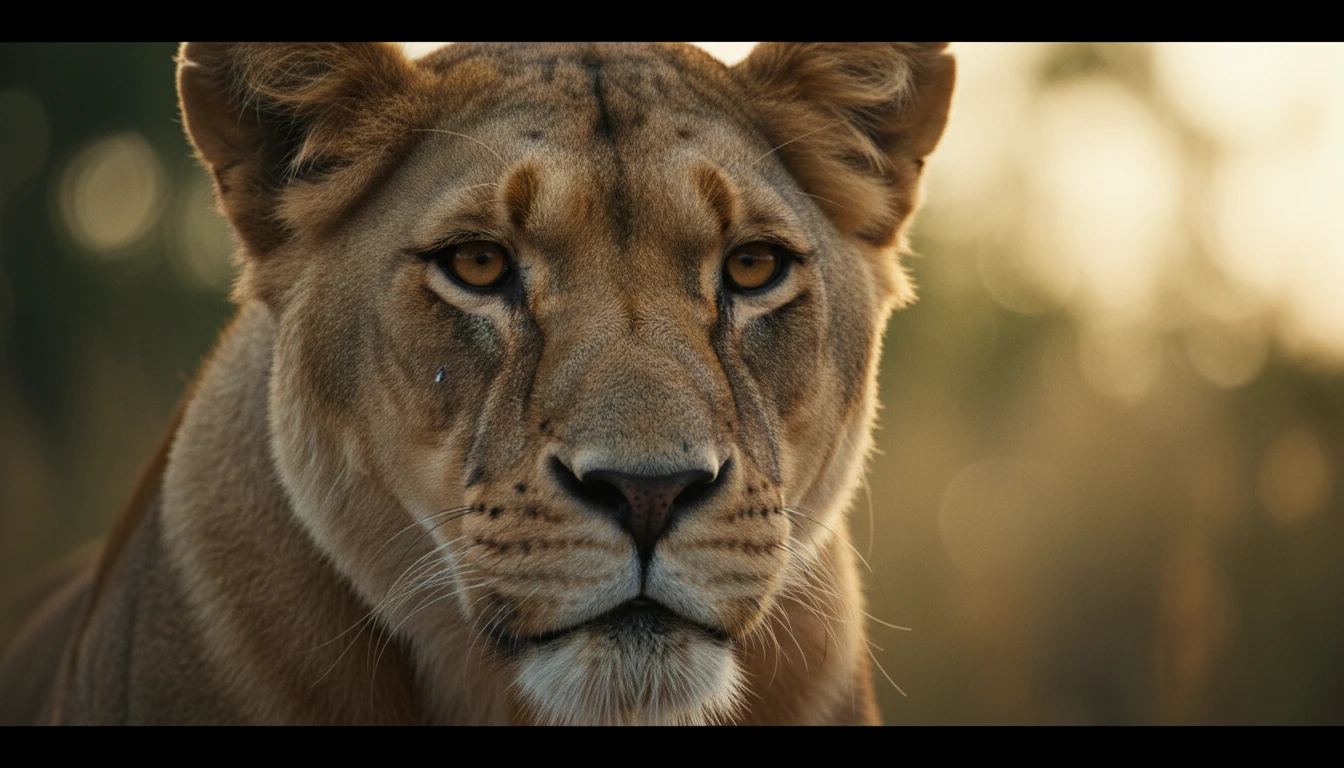
Close-Ups and Detail Shots
Move in tight to reveal emotion, texture, and detail. Close-up shots create intimacy and intensity. It is the most powerful framing for face reveals, reaction shots, product details, and dramatic emphasis.
Generate Close-Up Shot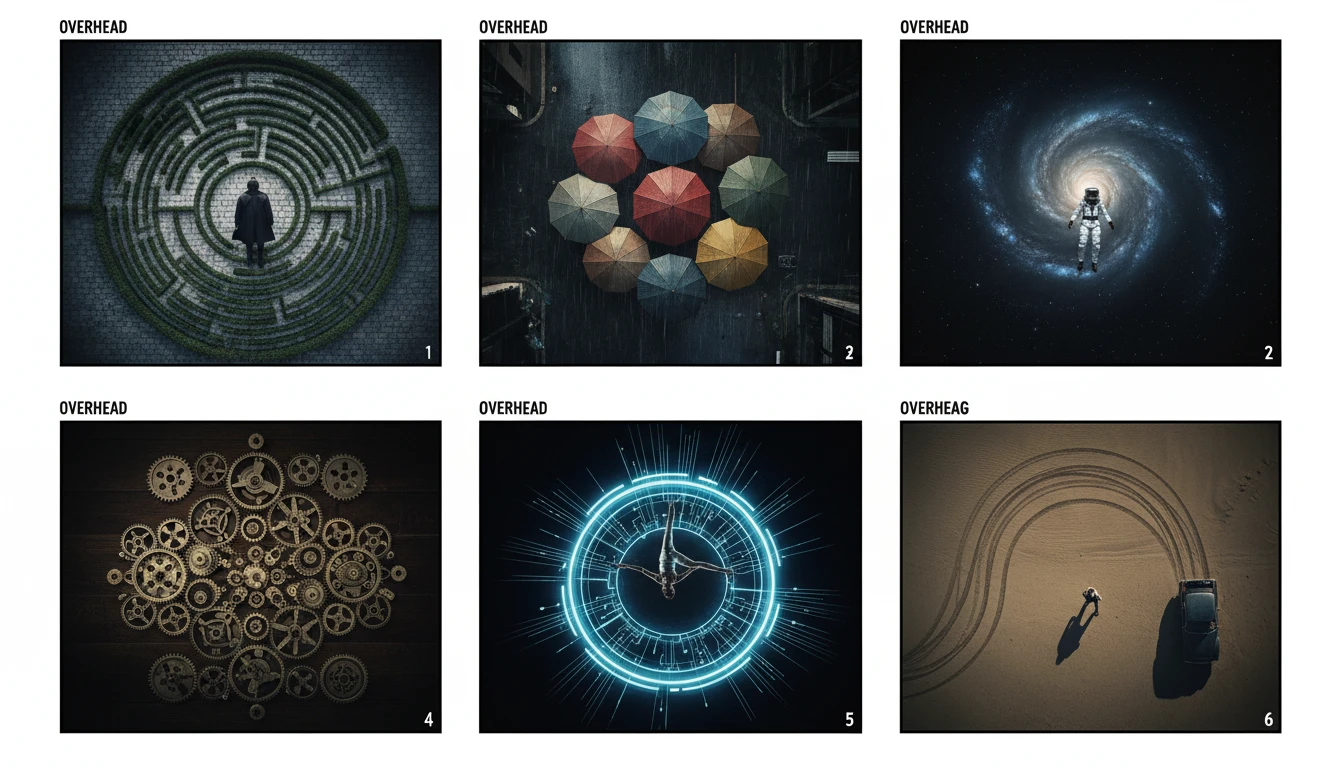
Overhead and Aerial Perspectives
Rise above the scene to reveal patterns, spatial relationships, and scale invisible from ground level. Overhead and aerial shots work powerfully for revealing locations, showing group dynamics, and creating graphic visual compositions.
Generate Overhead Shot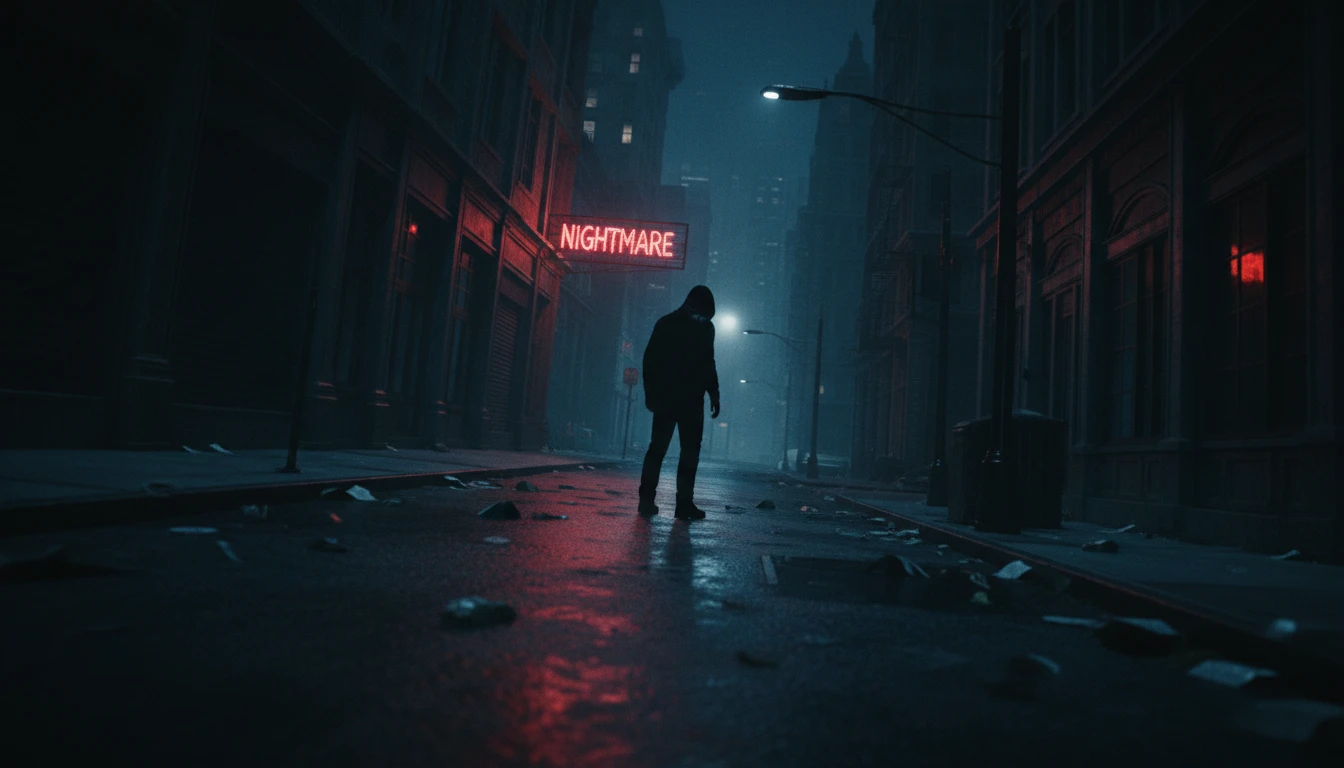
Dutch Angle and Dynamic Shots
Add tension, disorientation, and cinematic drama with Dutch angle tilts and tracking motion shots. These dynamic framings signal conflict, movement, and psychological tension in narrative storytelling.
Generate Dutch Angle ShotWho Uses AI Cinematic Shot Generator
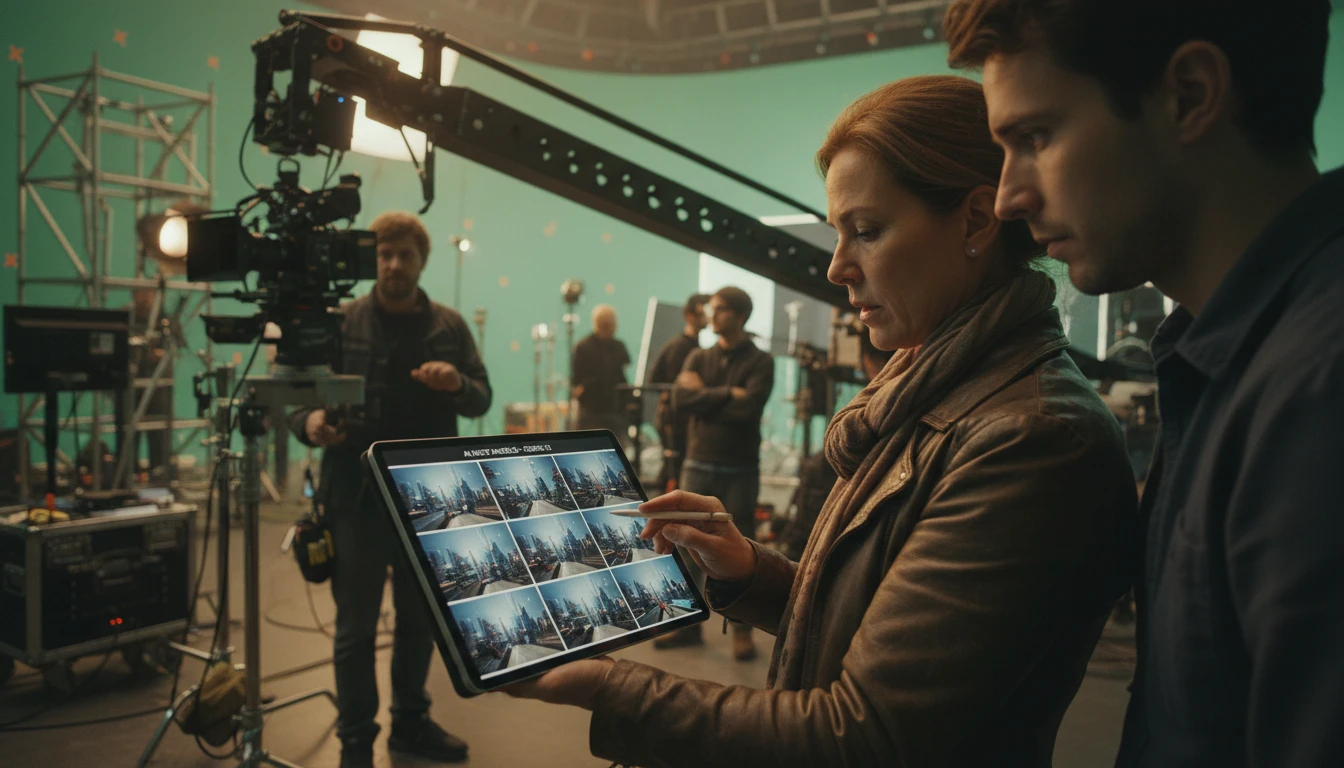
Filmmakers and Directors
Pre-visualize your film's shot list before production begins. Generate storyboard angles from reference photos or concept images to communicate your vision to the crew, plan camera setups, and explore compositional options quickly.
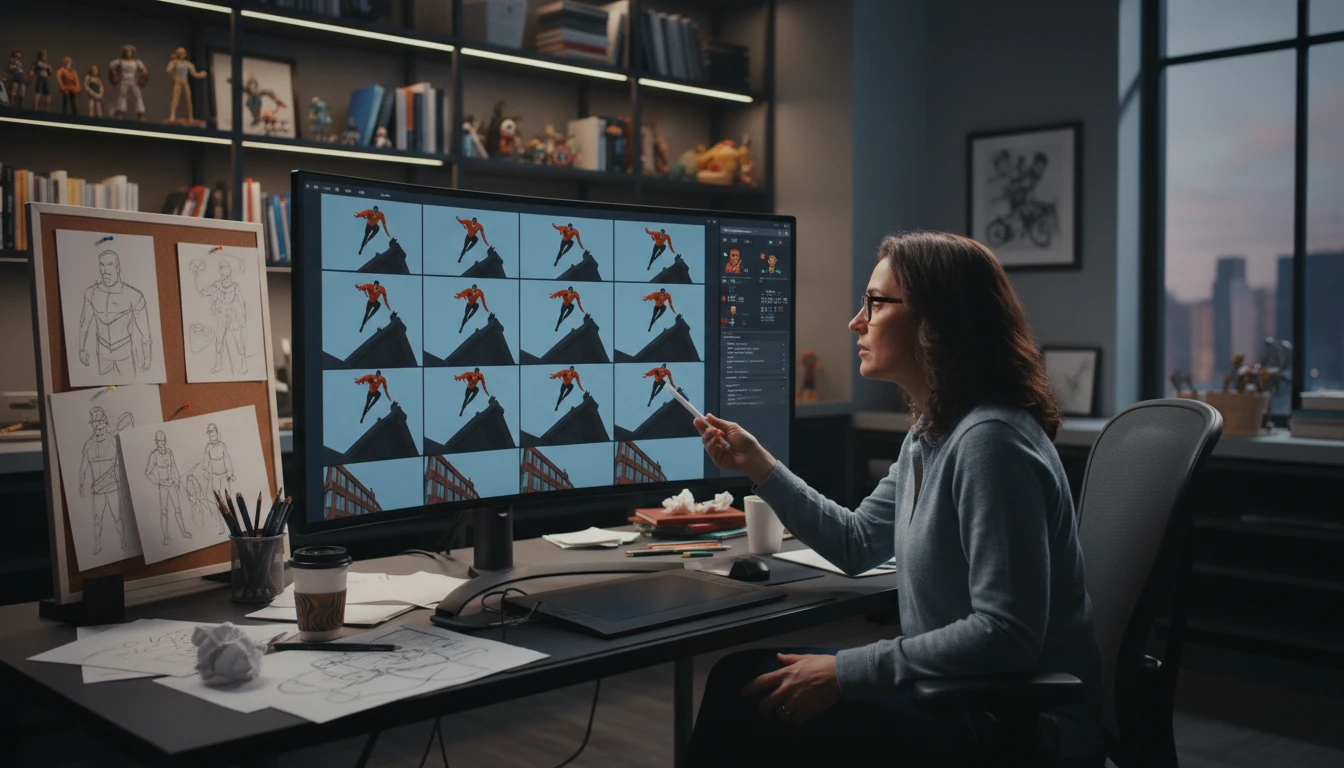
Storyboard Artists and Animators
Accelerate storyboard production by using AI to rapidly generate angle variations from a single reference frame. Explore shot options in minutes instead of hours, then refine the best angles manually.
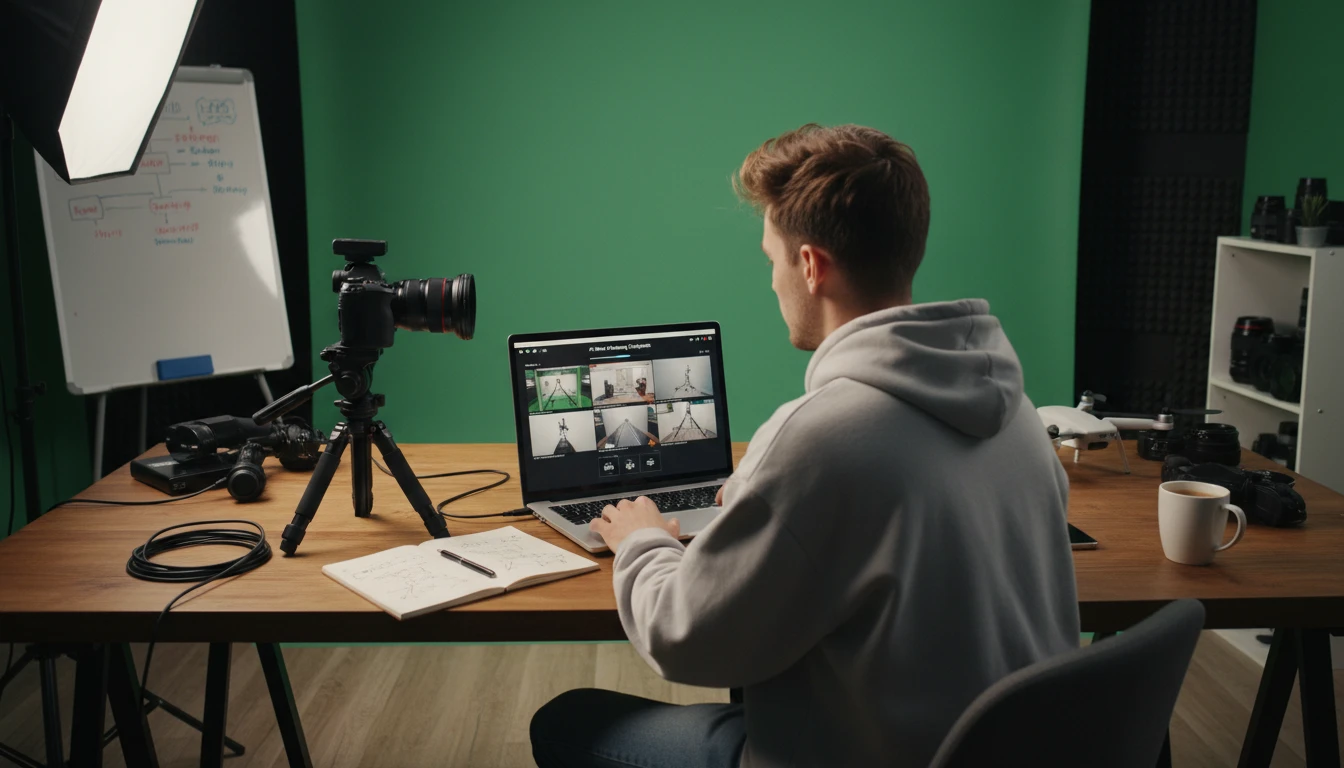
Content Creators and Video Producers
Plan YouTube videos, social media content, and brand films with professional shot variety. Generate different camera angles for your shots to create more cinematic and visually engaging video content.
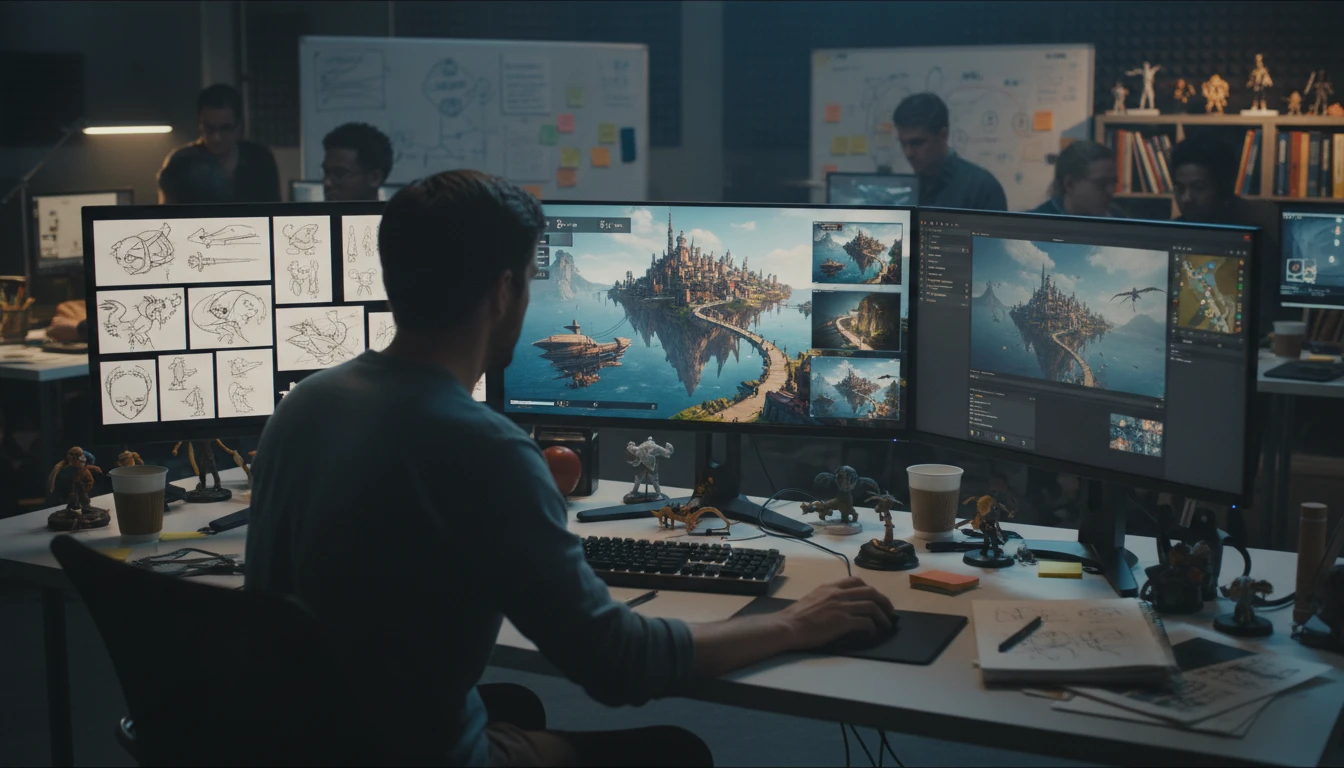
Game Developers and Concept Artists
Explore camera angles for cutscenes, in-game cinematics, and promotional artwork. Generate angle variations from concept art or screenshots to quickly test how different camera placements affect mood and storytelling.
How to Generate Cinematic Shot Angles with AI
From one image to a full storyboard in three steps
Upload Your Reference Image
Upload any photo, concept art, screenshot, or reference image. JPG, PNG, or WebP. The AI uses this as the visual reference for the scene, subject, lighting, and style.
Choose a Shot Type
Select from eight professional cinematography angles: Wide Shot, Close-Up, Overhead, Low Angle, Over the Shoulder, Dutch Angle, Tracking, or Aerial. Each generates a completely different camera perspective of your scene.
Download Your Shot
Review and download your generated camera angle. Generate multiple shot types from the same image to build a complete storyboard or visual shot list.
Explore More
More AI Studio Tools
Discover other powerful AI tools to enhance your creative workflow
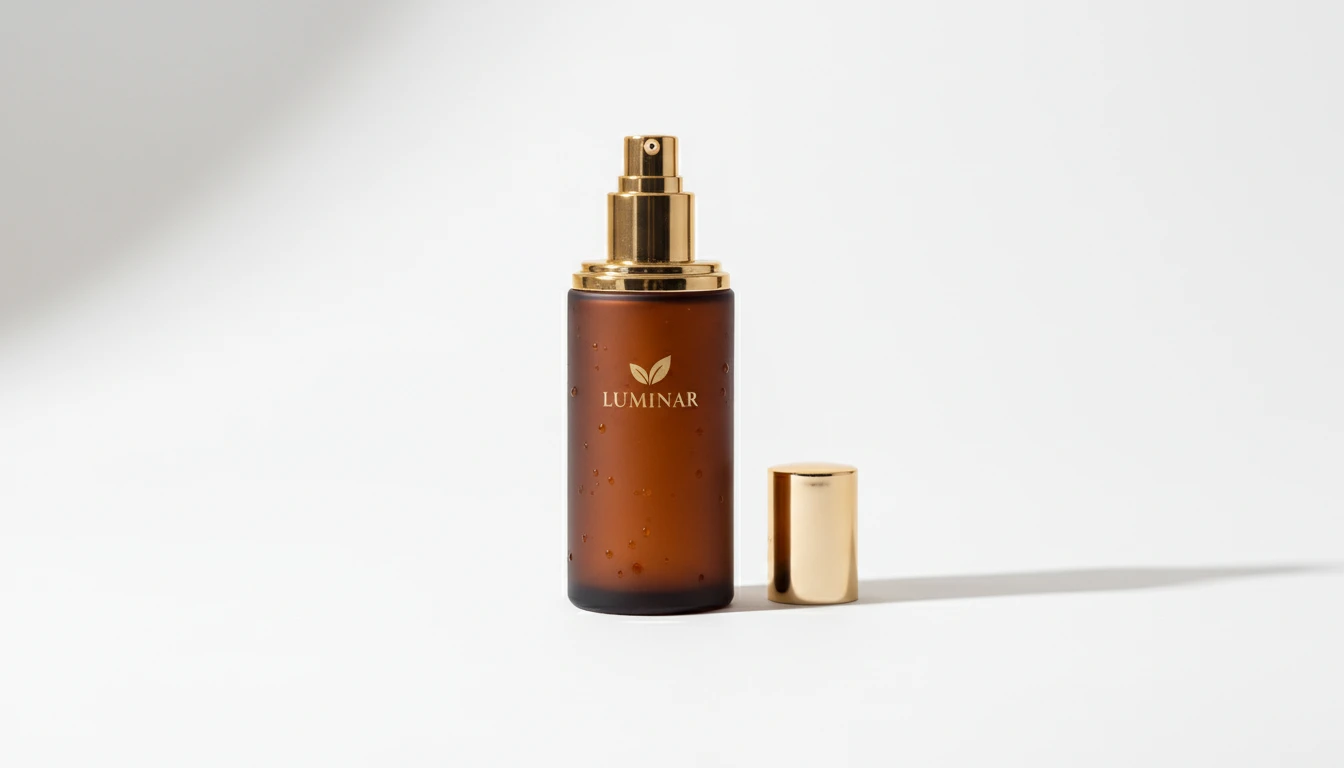
AI Product Photo Editor
Upload any product photo and AI transforms it into a professional e-commerce image. Choose from 13 editing modes including clean white background, soft studio lighting, lifestyle scene placement, flat-lay, luxury dark background, and more. No Photoshop or photography skills required. Results are ready for Amazon, Shopify, Etsy, and social media product listings.
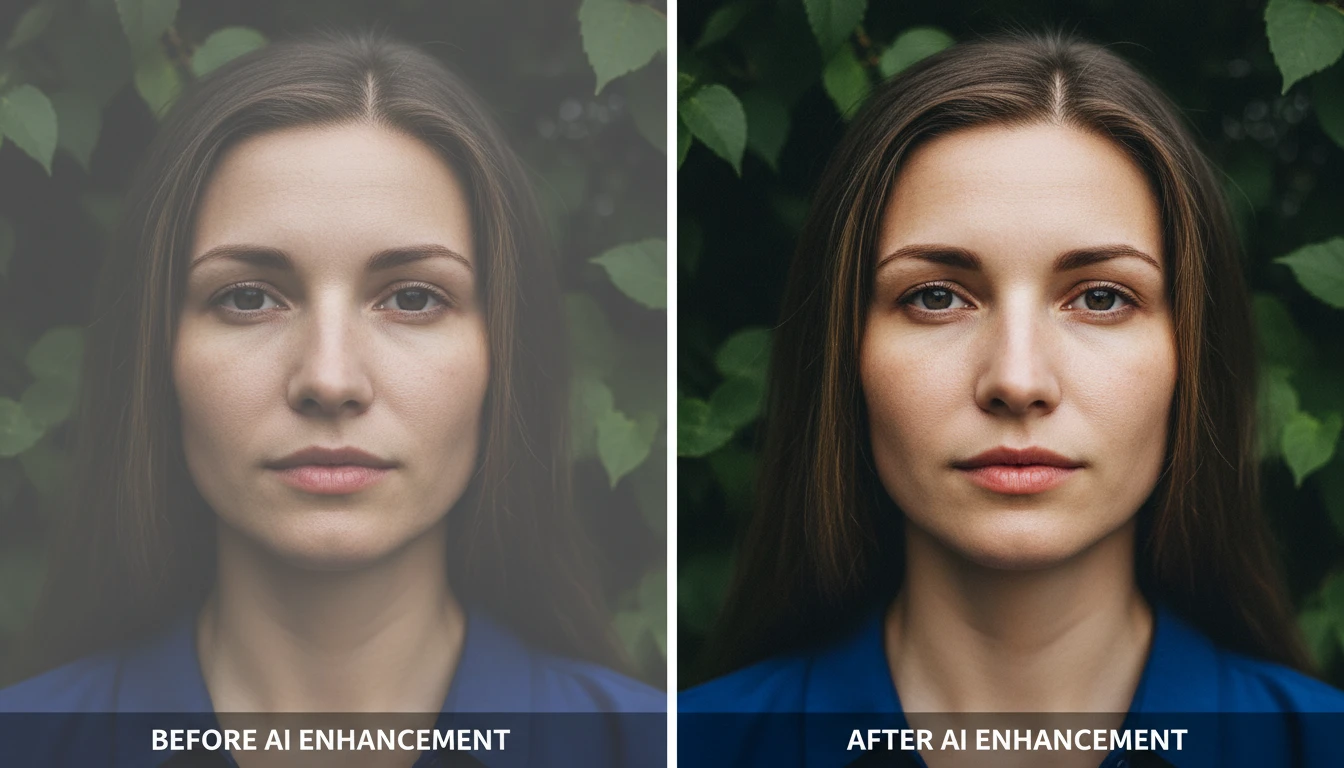
AI Image Enhancer
Bring any photo back to life with sharper details, better color, and improved clarity. Auto enhance, sharpen, vivid colors, portrait, landscape, low-light, product, and HDR modes.
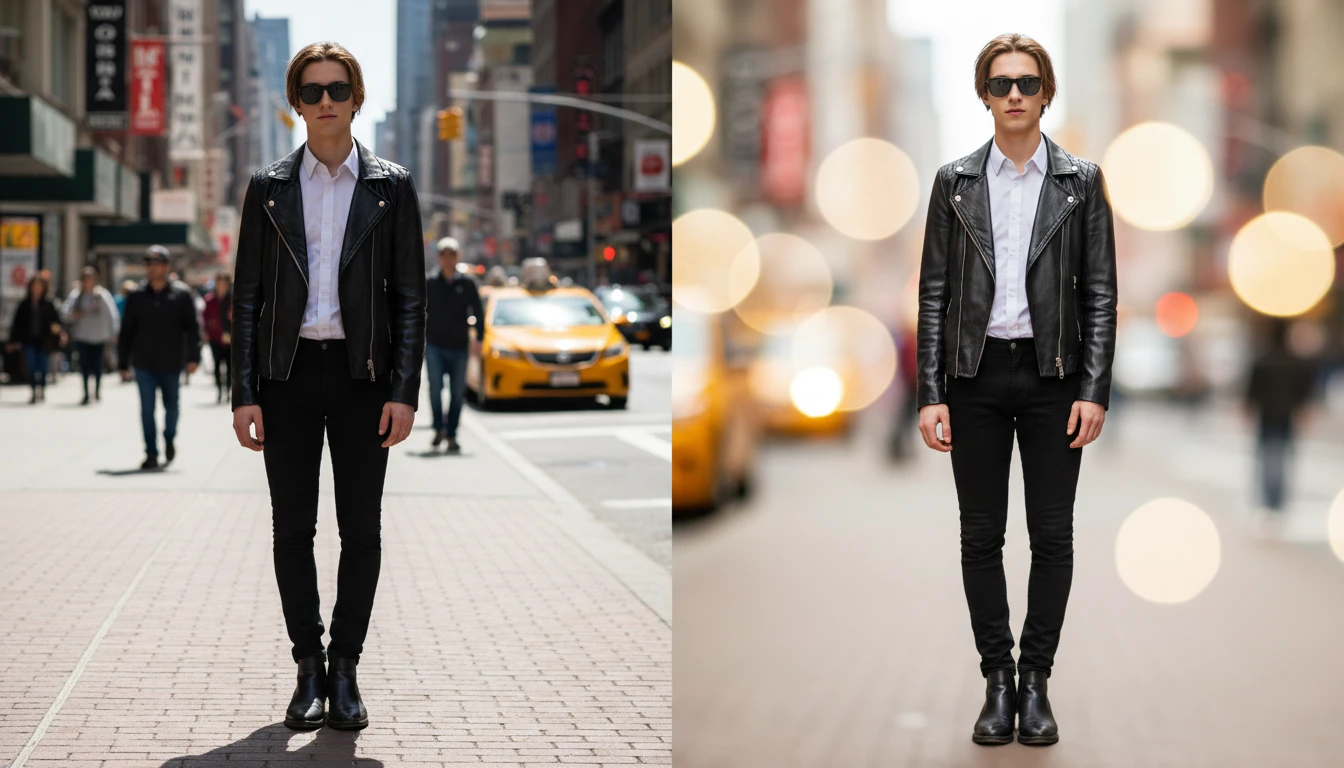
AI Blur Background
Blur the background of any photo with AI. Create professional DSLR bokeh, portrait, product photography, tilt-shift, and cinematic blur effects instantly.
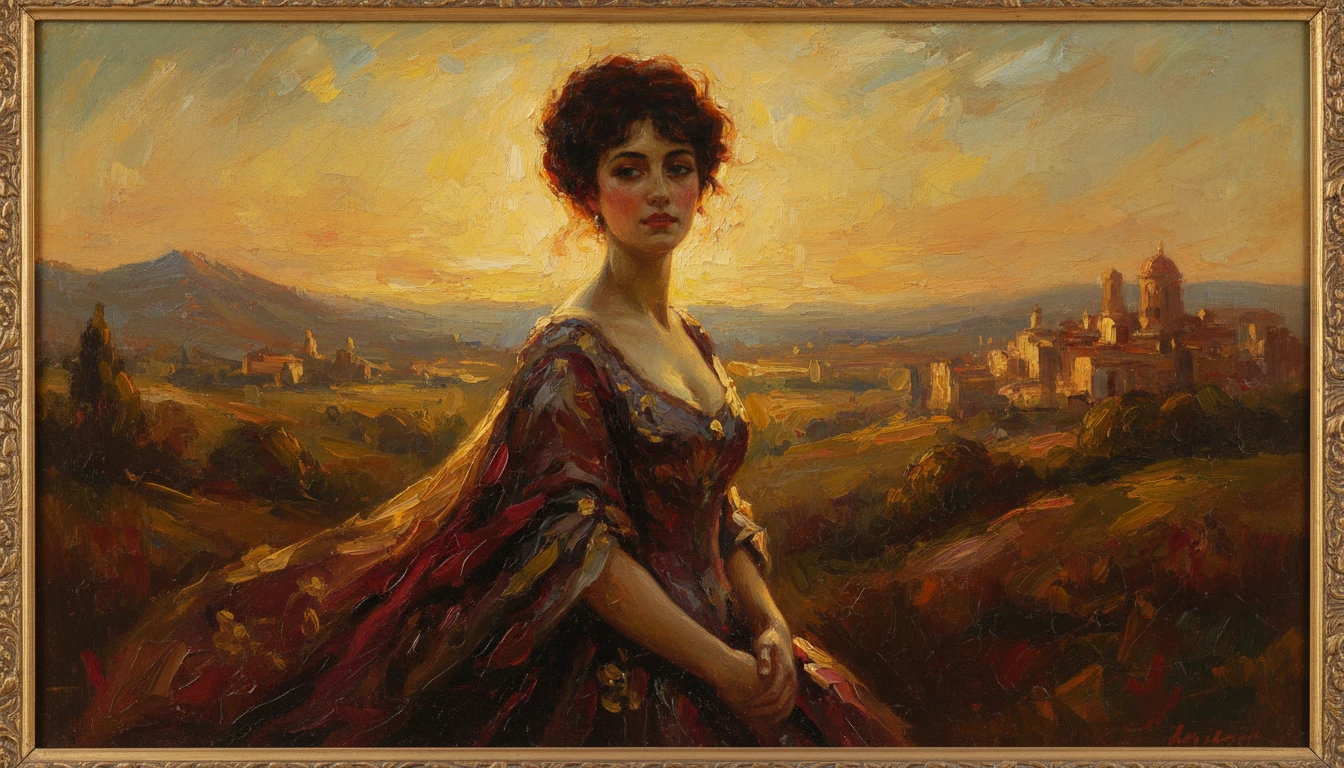
AI Photo to Art
Upload any photo and AI reimagines it as a handcrafted work of fine art. Choose from 20 artistic styles including Oil Painting, Watercolor, Impressionist, Pencil Sketch, Charcoal, Japanese Ukiyo-e, Surrealism, Stained Glass, Renaissance, Baroque, and more. Each result is generated to look like a real artwork created by hand, not a digital photo filter. Supports portraits, landscapes, still life, and architectural subjects.
Opens in
Image Studio
Frequently Asked Questions
Everything you need to know to get started.
What is AI Cinematic Shot Generator?
AI Cinematic Shot Generator takes a single reference image and reframes it from a different professional cinematography angle. Choose from eight shot types (wide shot, close-up, overhead, low angle, over the shoulder, Dutch angle, tracking, and aerial) and AI generates how your scene would look from that camera perspective.
What are the eight shot types?
Wide Shot reveals the full environment and context. Close-Up moves in tight on the subject or detail. Overhead looks straight down from above. Low Angle looks up at the subject from ground level. Over the Shoulder frames the scene over a near figure's shoulder. Dutch Angle tilts the camera for tension and disorientation. Tracking suggests camera movement alongside the subject. Aerial shows the scene from high above at an angle.
What types of images work best?
Any scene with a clear subject and environment works well: portraits, street scenes, product shots, landscapes, concept art, and screenshots. Images with clear depth and a distinct subject-to-background relationship produce the most dramatic angle transformations.
Can I use this for film pre-production?
Yes. The tool is ideal for pre-visualization and shot planning. Upload reference photos from your location or concept images and generate different shot angles to communicate your visual vision to your crew and plan your camera setups before the shoot.
Can I generate multiple angles from the same image?
Yes. Upload your reference image once and generate it in any or all eight shot types. Each generation is independent, so you can build a complete storyboard with multiple angles from the same source image.
Can I use generated shots commercially?
Yes. You retain full rights to all generated images and can use them for commercial filmmaking, advertising, game development, publishing, and any other commercial purpose.
Generate Your First Cinematic Shot Angle Instantly
Upload any image and AI reframes it into a professional camera angle instantly.
Generate Shot Angles NowDisclaimer: This tool uses generative AI technology which may produce content that resembles copyrighted materials or that is inaccurate, incomplete, or out-of-date. It is provided for general information and educational purposes only and is not intended for illegal activities or to replace professional advice, diagnosis, or treatment. Users are solely responsible for how they use the generated content. If you plan to use AI-generated content commercially or publicly, we strongly recommend reviewing it for potential copyright issues and obtaining proper permissions where necessary. We accept no liability for copyright infringement or any other consequences resulting from the use of content generated by this tool.