Generate a Professional Logo from a Text Description
Describe your brand and AI creates a polished logo concept in seconds. Minimalist, geometric, emblem, wordmark, vintage, and more.
Generate a Logo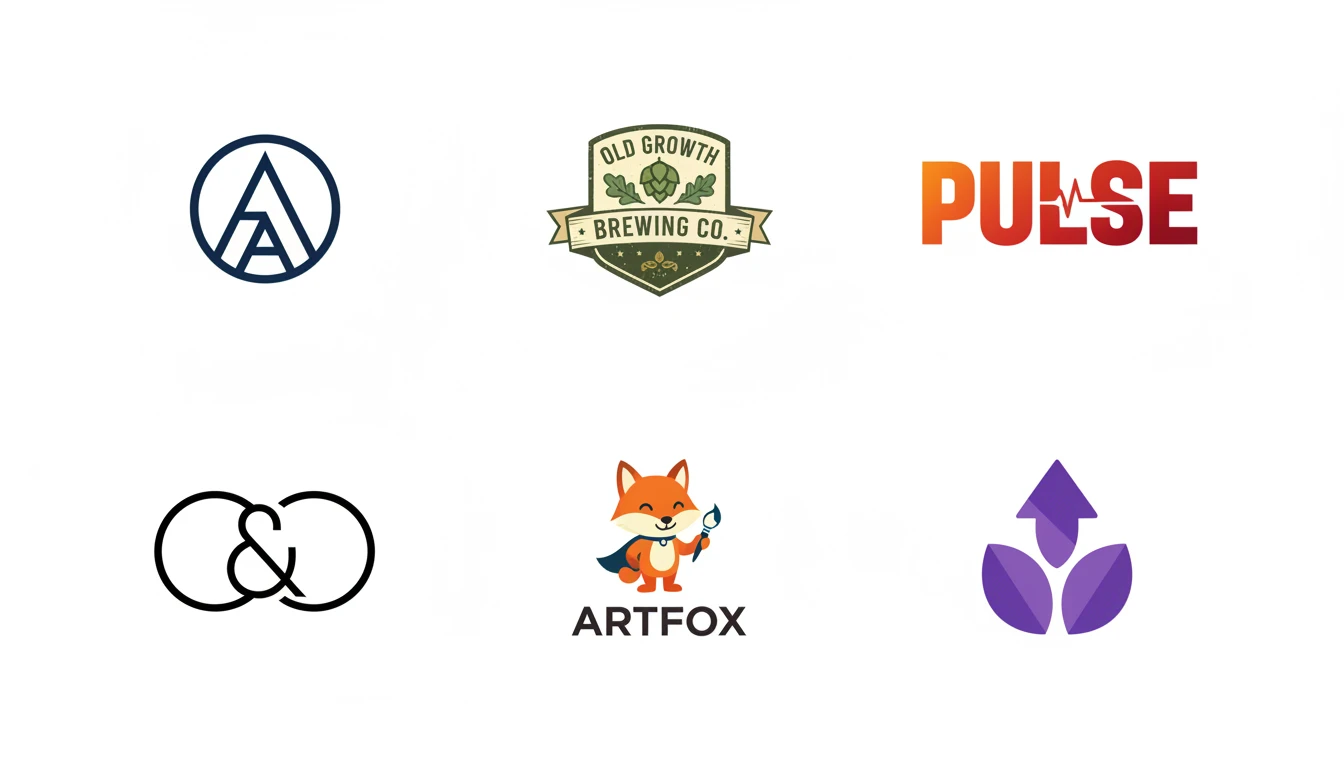
Describe Your Logo
Say what your brand is about and pick a style, then open it in AI Image Studio to generate.
Runs inside the AI Image Studio — generate and edit in one place.
Minimalist and Geometric Logos
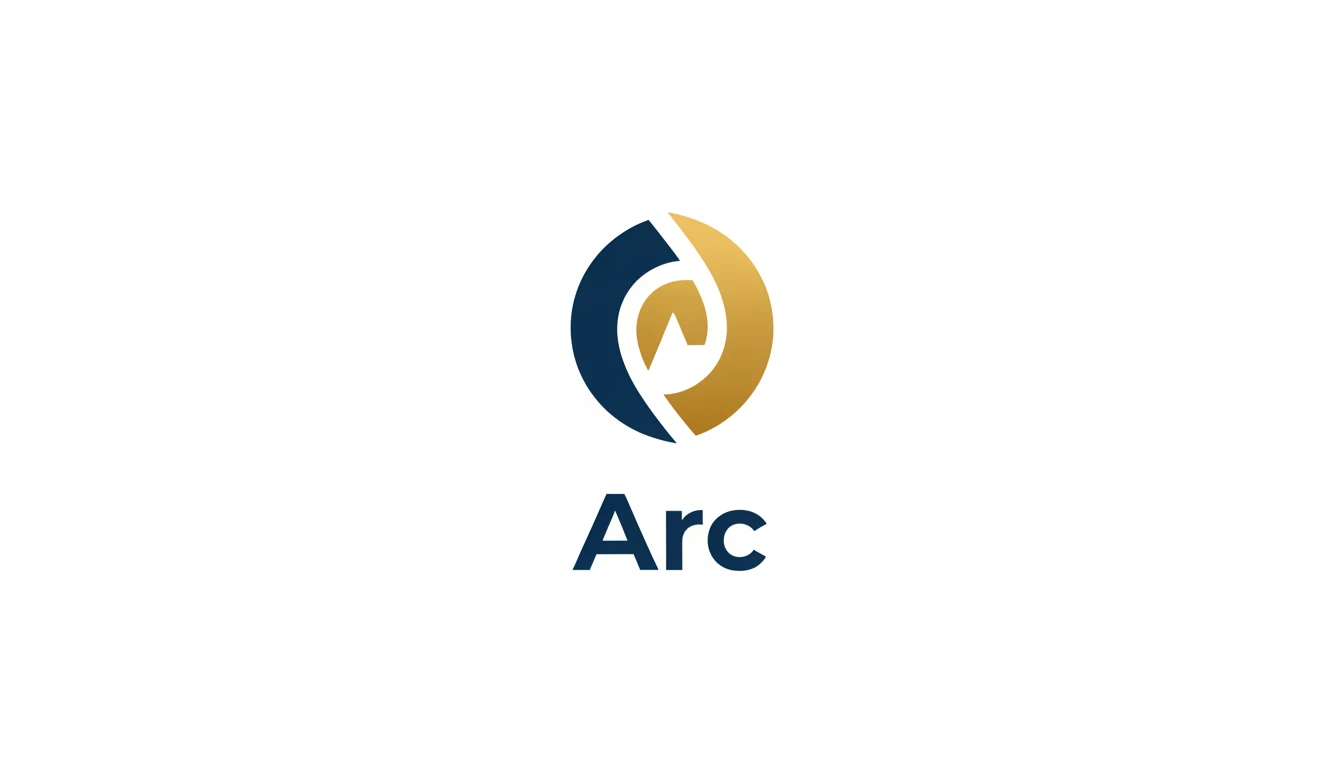
Generate clean, modern logos built on simple shapes and bold visual balance. Perfect for tech startups, studios, and contemporary brands that want a timeless, scalable mark.
Generate a Minimalist Logo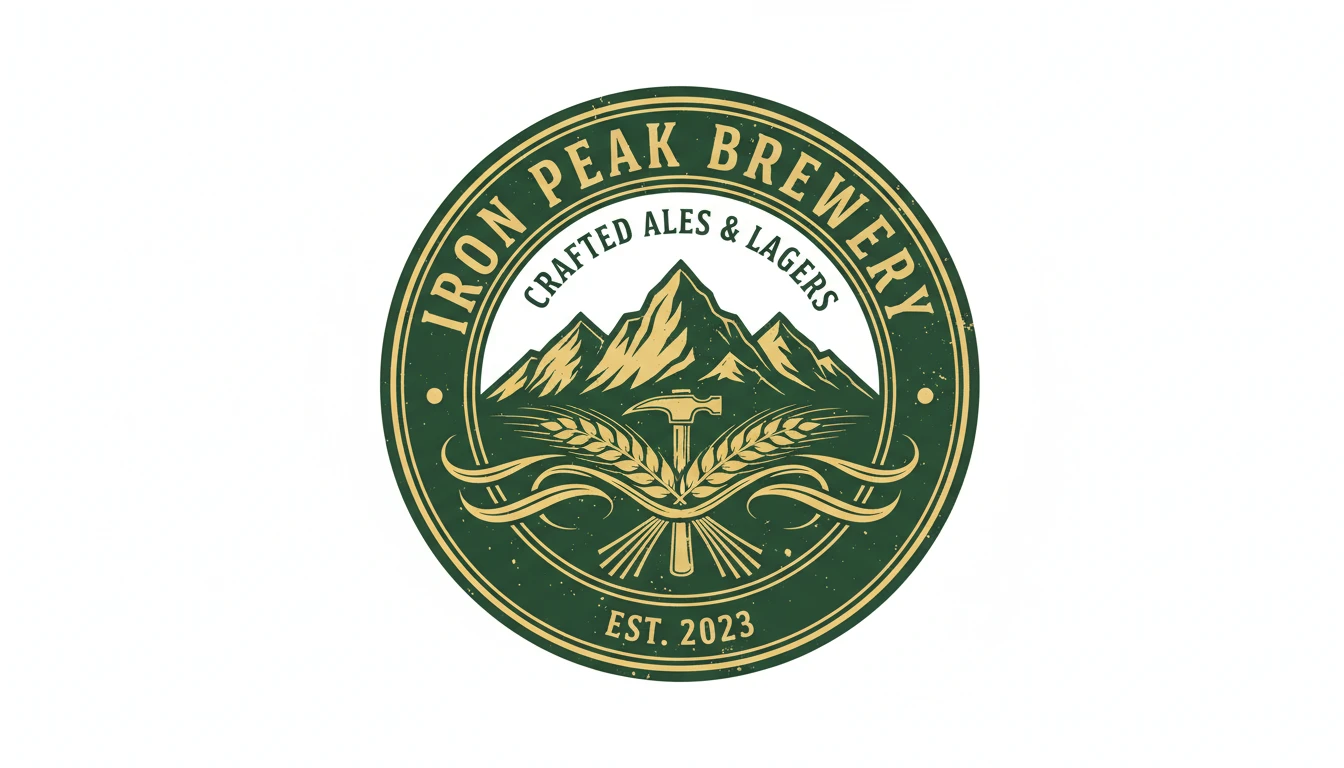
Emblem and Badge Logos
Create classic badge and emblem logos with a contained, authoritative composition. Ideal for heritage brands, restaurants, sports teams, and businesses that value credibility and tradition.
Try Emblem Style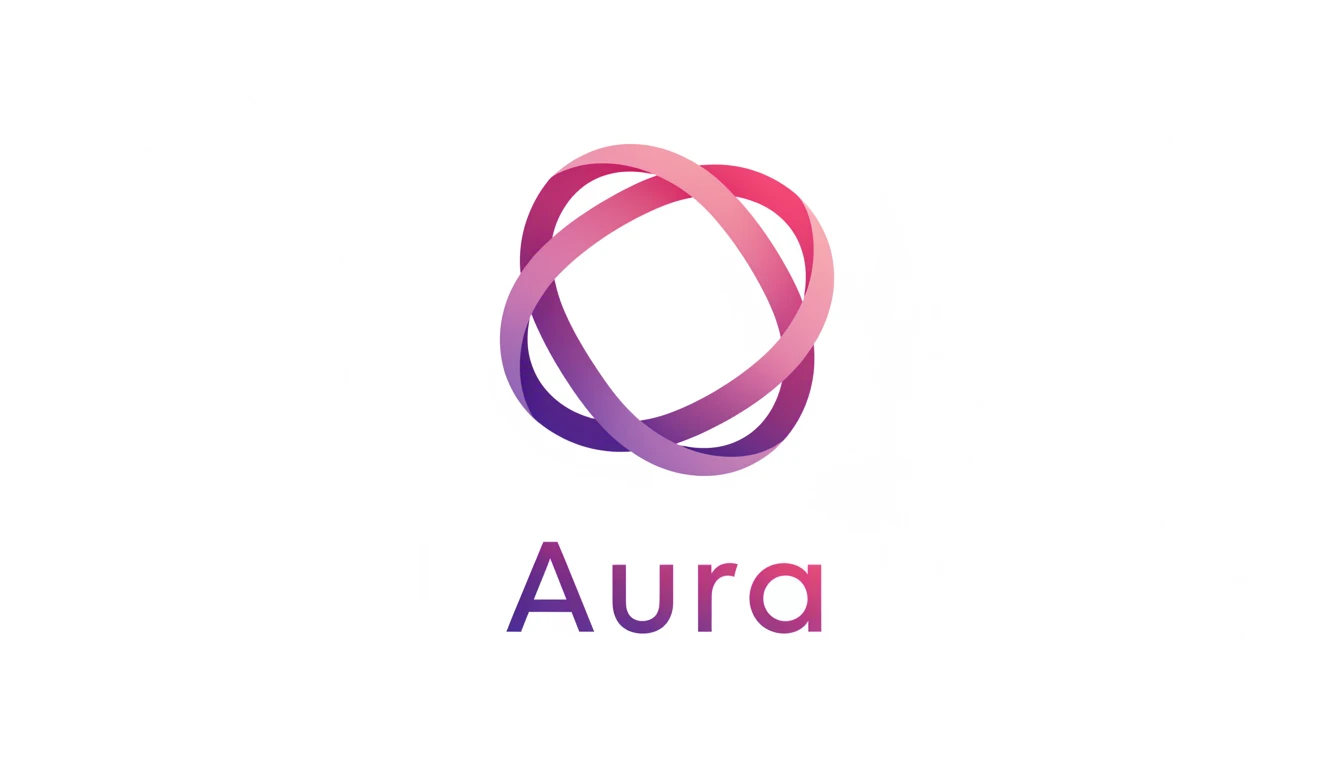
Gradient and Modern Logos
Generate vibrant, contemporary logos with smooth color gradients that feel at home in tech, wellness, and lifestyle brands. Bold, energetic, and instantly modern.
Try Gradient Style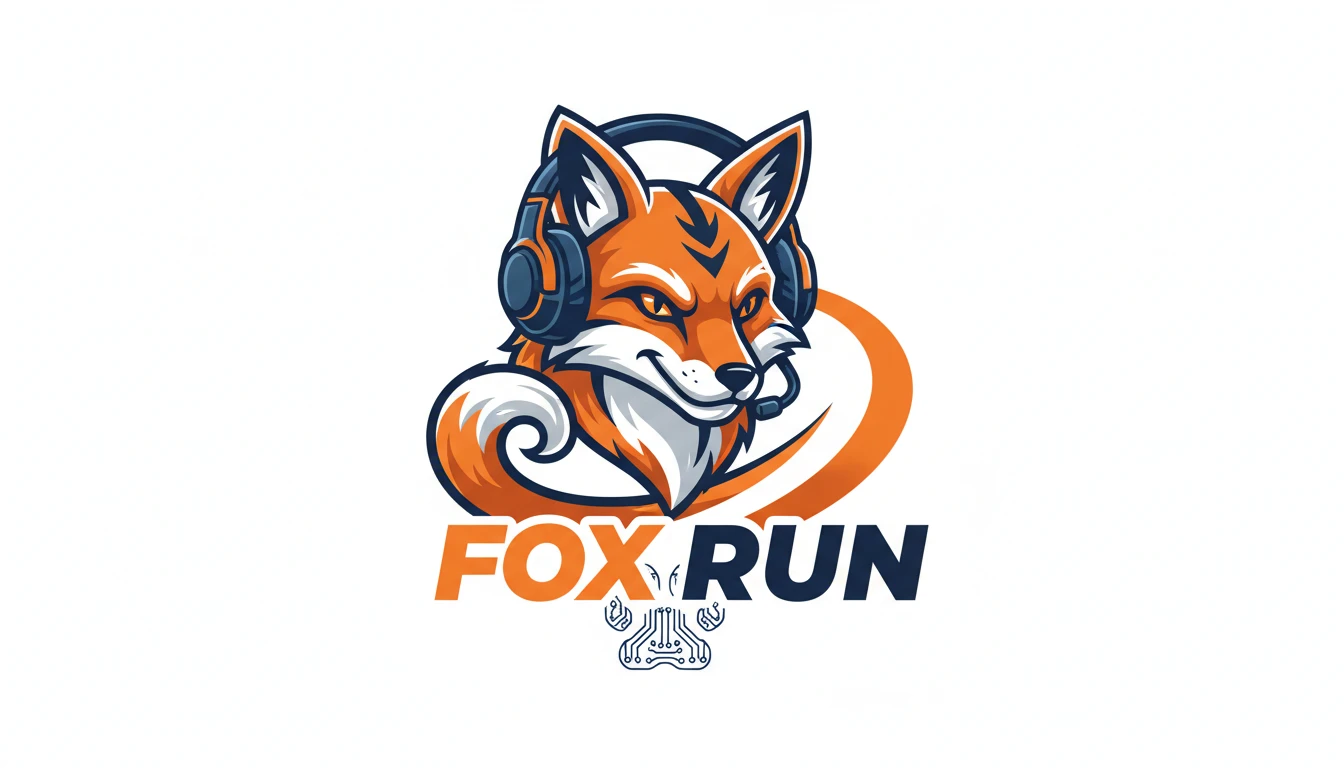
Mascot and Wordmark Logos
Create expressive mascot logos with illustrated brand characters, or clean wordmark logos where custom typography is the primary visual. Both work well for brands that lead with personality.
Try Mascot StyleWho Uses AI Logo Generator

Startups and New Businesses
Generate logo concepts quickly for a new brand without waiting for a designer. Test multiple directions, explore visual identities, and find the right look before investing in professional branding.

Freelancers and Side Projects
Create a professional-looking logo for your portfolio, freelance practice, or side project in minutes. Describe your brand and get a polished visual identity to start with.
Agencies and Brand Consultants
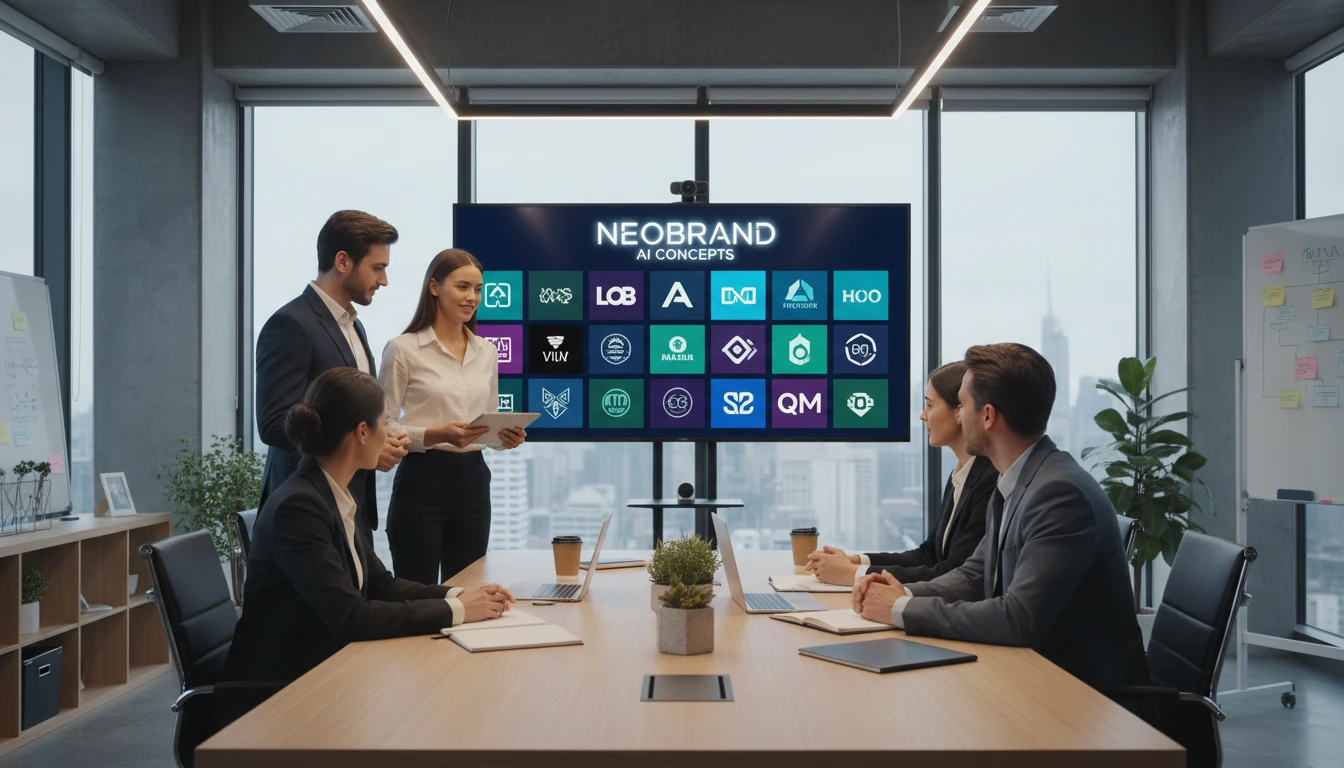
Use AI logo generation to rapidly prototype visual directions for client presentations. Generate multiple style variations to anchor early-stage brand strategy discussions.

E-Commerce and Product Sellers
Generate a brand logo for your online store, Etsy shop, or product line. Give your business a professional visual identity without a design budget.
How to Generate AI Logos
From description to brand-ready logo in four simple steps
Describe Your Brand and Logo
Write what your brand is, its name if applicable, the industry, and the visual feeling you want. For example: "a coffee brand called Brew & Co., warm earthy tones, minimalist leaf icon".
Upload a Reference (Optional)
Upload an existing logo or brand asset to guide the AI toward a specific style, color palette, or visual direction.
Choose a Logo Style
Select from minimalist, geometric, flat, gradient, emblem, wordmark, monogram, mascot, vintage, or abstract to define the visual language of your logo.
Generate and Download
Click Generate and your logo concept is ready in seconds. Download as PNG and use it as a starting point or directly in your brand materials.
Explore More
More AI Studio Tools
Discover other powerful AI tools to enhance your creative workflow
AI Icon Generator
Generate beautiful icons and app icons from text descriptions in flat, app icon, line, gradient, 3D, isometric, and more styles
AI Clipart Generator
Generate high-quality clipart from text descriptions in flat design, cartoon, sticker, hand-drawn, and more styles
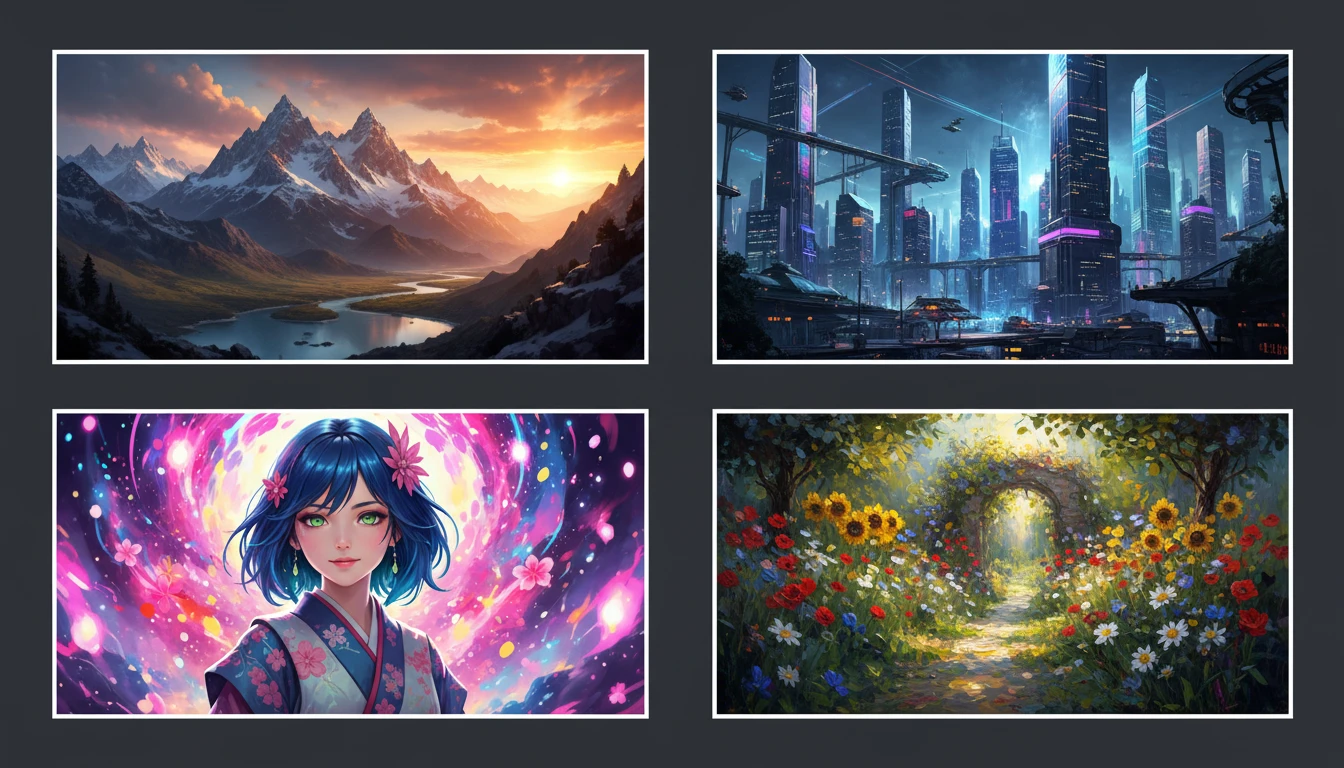
AI Text to Image
Describe any scene, character, or concept and AI generates a high-quality image in seconds. Choose from 10 artistic styles including photorealistic, cinematic, anime, oil painting, watercolor, and more, plus full aspect ratio control. Supports detailed prompt inputs and optional reference image uploads to guide the composition or style.
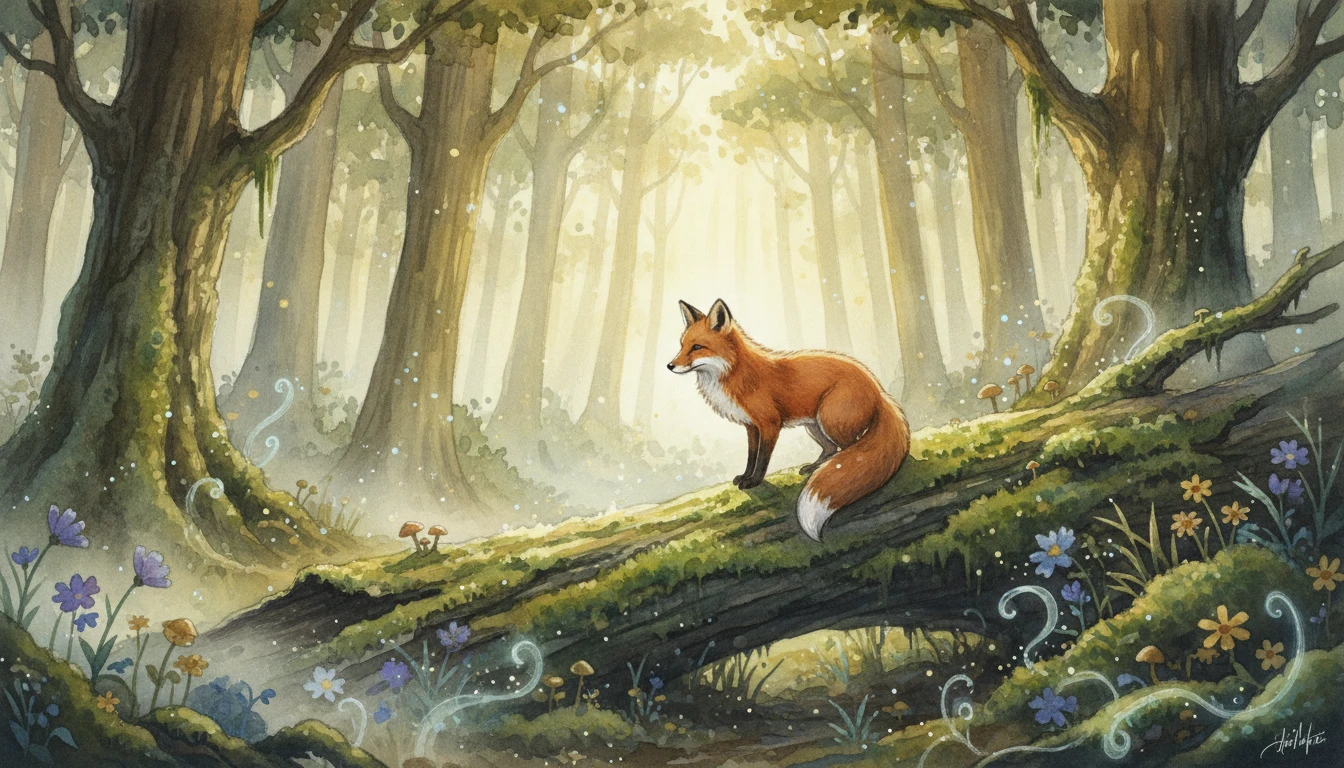
AI Illustration Generator
Generate stunning digital illustrations from text descriptions in watercolor, digital painting, storybook, fantasy, anime, and more styles
Opens in
Image Studio
Frequently Asked Questions
Everything you need to know to get started.
What is AI Logo Generator?
AI Logo Generator creates logo concepts from text descriptions. Describe your brand name, industry, and visual style. AI generates a logo in your chosen style in seconds.
What logo styles are available?
You can choose from Minimalist, Geometric, Flat Design, Gradient, Emblem / Badge, Wordmark, Monogram, Mascot, Vintage / Retro, and Abstract. Each style produces a distinct brand visual language.
Can I upload a reference logo?
Yes. Upload an existing logo or brand image to guide the AI toward a specific style, color palette, or visual direction. The reference image is optional. You can also generate entirely from your text description.
How do I write a good logo prompt?
Include your brand name, the industry or product type, the tone you want (modern, classic, playful, professional), any color preferences, and a brief icon concept if applicable. For example: "a coffee brand called Brew & Co., warm earthy tones, minimalist leaf and steam icon."
Can I use the generated logo commercially?
Yes. You retain rights to the logos you generate on RauGen and can use them for commercial purposes including business branding, websites, print, merchandise, and marketing materials.
Is AI Logo Generator a replacement for a professional designer?
AI Logo Generator is ideal for concept exploration, rapid prototyping, early-stage branding, and lower-budget projects. For high-stakes brand identities, AI-generated logos work best as a starting point or direction-setting tool alongside professional design work.
Start Generating Logos Today
Describe your brand and AI creates a professional logo concept in seconds.
Generate Your First LogoDisclaimer: This tool uses generative AI technology which may produce content that resembles copyrighted materials or that is inaccurate, incomplete, or out-of-date. It is provided for general information and educational purposes only and is not intended for illegal activities or to replace professional advice, diagnosis, or treatment. Users are solely responsible for how they use the generated content. If you plan to use AI-generated content commercially or publicly, we strongly recommend reviewing it for potential copyright issues and obtaining proper permissions where necessary. We accept no liability for copyright infringement or any other consequences resulting from the use of content generated by this tool.