Play Gong Right in Your Browser
A hanging bronze gong with three strike zones. Tap or use G, M, and E. Playing happens in AI Music Studio — no app or account.
Start Playing
Ready in Music Studio
Click the gong to play in AI Music Studio.

Strike Three Zones
Center is deep. The face blooms. The rim is a brighter crash. G, M, and E do the same in the studio.
Try It Now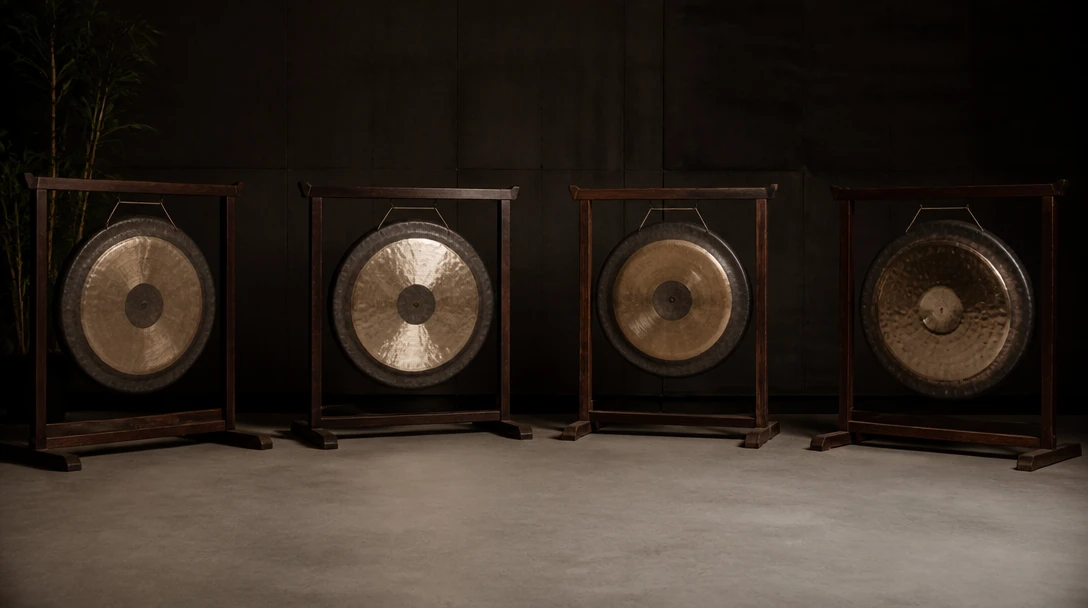

Opens in AI Music Studio
This toolbox page is a visual launch. Playing happens under Play → Virtual Gong.
Open Music StudioHow to use the virtual gong
Open the page and tap
Click the gong on this page to jump into AI Music Studio.
Strike a zone
Tap the center, face, or rim. Keyboard: G / Space, M, E.
Pick a voice
Settings holds volume and room. Type pills switch Tam-tam, Chau, Opera, and Nipple.
Deep Dive
How the Online Gong Works
Each strike is a mallet thud plus a metallic bloom that swells, then decays in the browser.
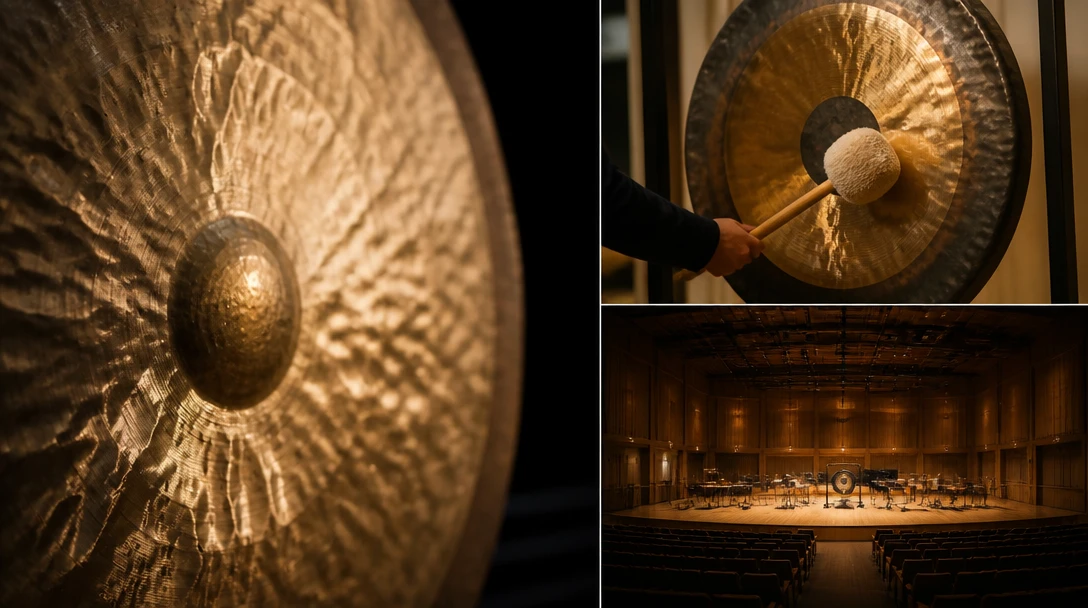
All audio plays locally in your browser. Your playing is never sent to a server.
Why Use This Gong
Three strike zones
Center, face, and rim from one disk.
Keyboard play
G, M, and E map to the three zones.
Opens in Music Studio
Toolbox launches the studio miniapp — it does not play here.
Who Uses It
Who Plays the Virtual Gong
From percussionists to anyone who needs a swell on a cue.
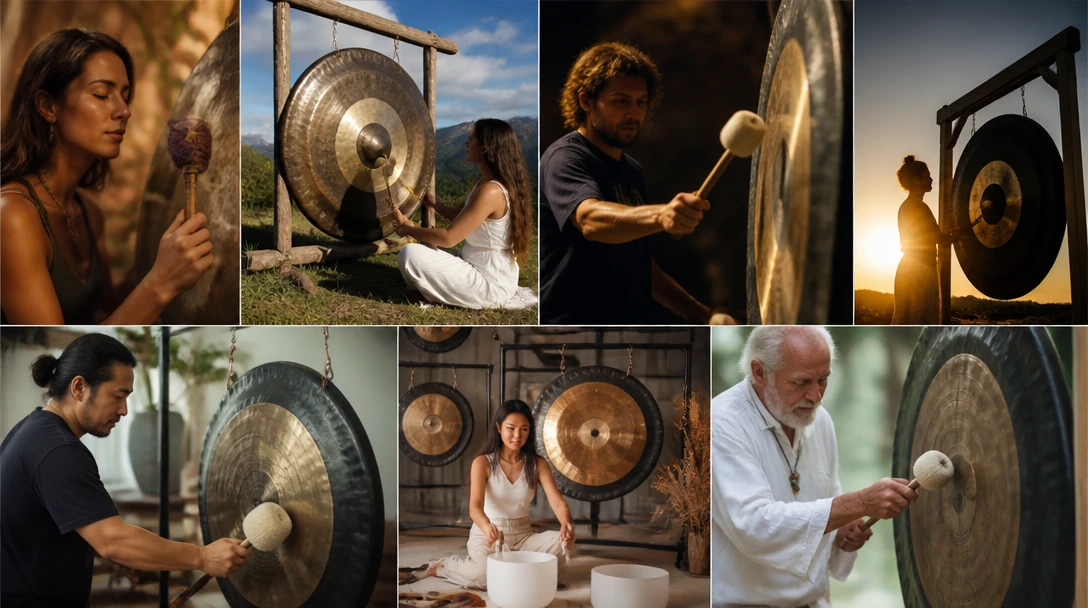
No sign-in, no download, no cost. Runs in AI Music Studio.
Related Tools
Frequently Asked Questions
Do I need to install anything?
No. Click the gong on this page to open AI Music Studio.
Can I play on the toolbox page?
No. The toolbox page is a visual launch. Playing happens at /ai-studio/music?appId=virtual-gong.
Ready to Play the Gong?
Open AI Music Studio and strike the disk.