A Fast, Private Notepad That Lives in Your Browser
Write and format notes with a rich toolbar, save them locally with one click, search across all your notes, and export as .txt or .docx — no account, no sync, no server.
Open Notepad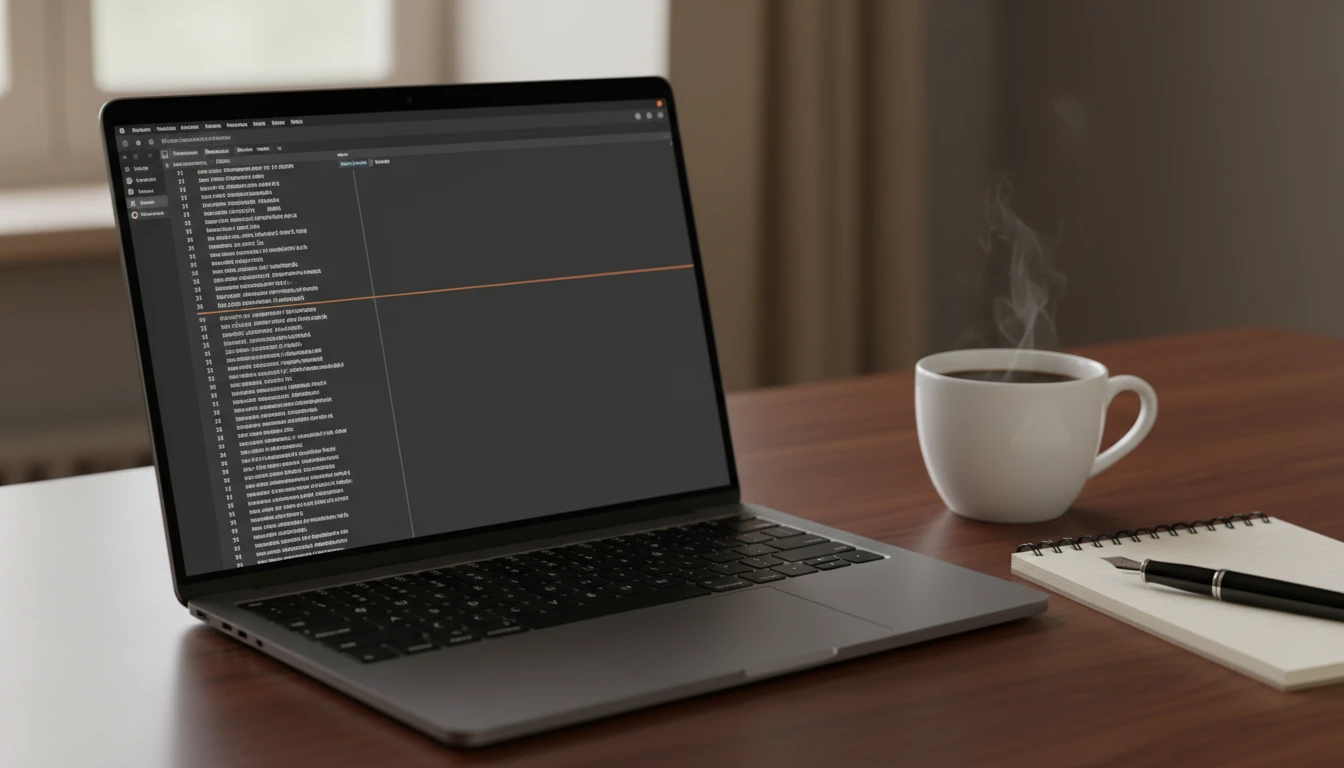
Online Notepad
Write, format, and save notes in your browser. Stored locally — no account, no sync, no server.
New Note
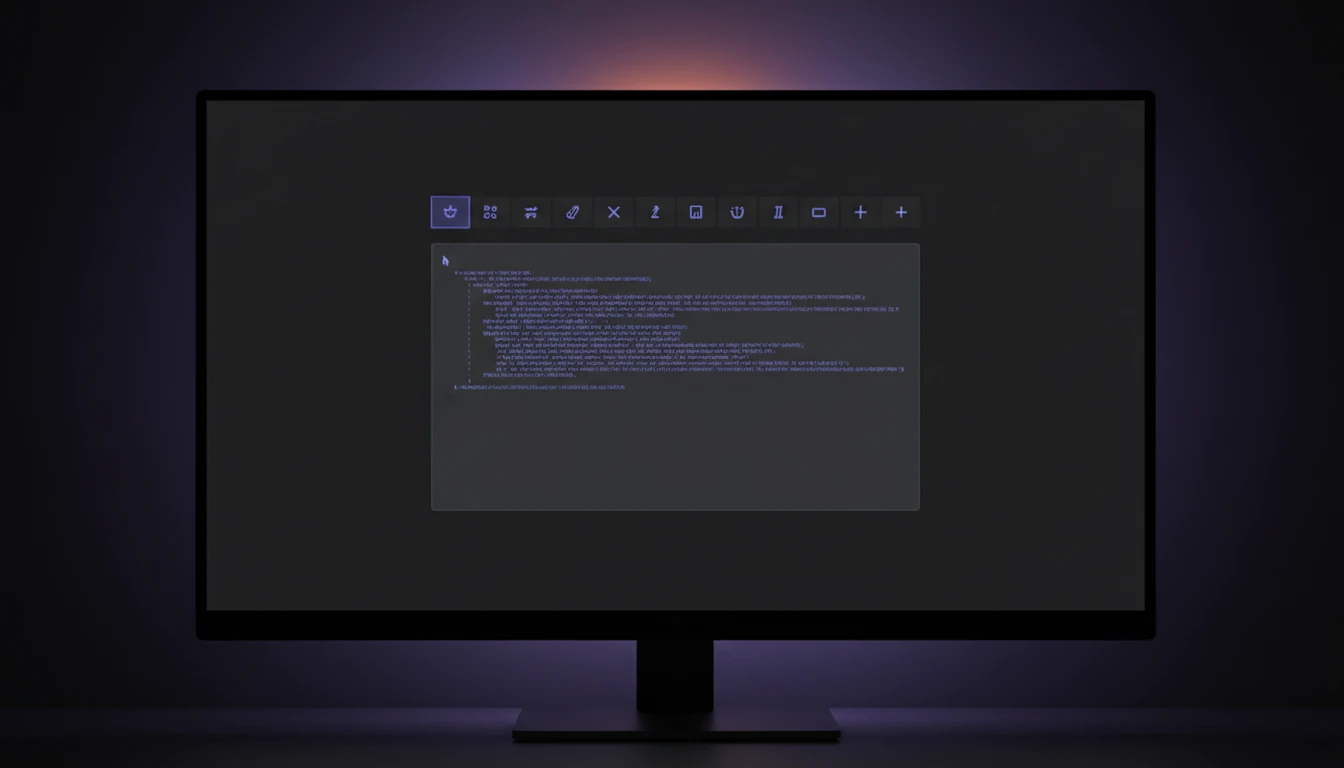
Rich Text Formatting
Bold, italic, underline, left/center/right alignment, bullet and numbered lists, indent and outdent — all available via a compact toolbar powered by the browser's built-in execCommand API.
Try It Now
Auto-Saved to LocalStorage
Every note you save is instantly written to your browser's localStorage — no account needed, no server calls. Notes persist across browser restarts and are never sent anywhere.
Try It Now
Search, Edit, and Export
Filter saved notes instantly with the search bar, load any note back into the editor in one click, and export individual notes as .txt or .docx, or download all notes as a single combined text file.
Try It NowWrite and save a note in three steps
Write and format your note
Enter a title, choose a font and size, and type your content using the rich text toolbar for bold, lists, alignment, and more.
Save to your browser
Click Save Note to persist it in localStorage. Notes survive browser restarts and are only stored on your device.
Search, edit, or export
Use the search bar to find any saved note, click Edit to reload it into the editor, or download it as a .txt or .docx file.
Deep Dive
How Online Notepad Works
Everything runs locally in your browser — no backend, no accounts, and no data leaves your device.

Why Use This Online Notepad
Rich Text Toolbar
Bold, italic, lists, alignment, indent, undo/redo — all in a compact toolbar.
Auto-Saves Locally
Notes persist in localStorage across browser restarts, no account needed.
Export as .txt or .docx
Download any note or all notes at once in the format you need.
100% Private
Your notes never leave your device — no server, no sync, no tracking.
Who Uses It
Who Uses Online Notepad
Anyone who needs a quick, private place to write without installing software.

Frequently Asked Questions
What can I do with the Online Notepad?
Write, format, and save text notes directly in your browser. It supports bold, italic, underline, alignment, bullet lists, and more. Notes are saved to localStorage and persist across sessions.
Will my notes be saved if I close the browser?
Yes, your notes are automatically saved to your browser's localStorage. They will remain available when you return to the notepad, even after closing your browser or restarting your device.
Can I access my notes from different devices?
Notes are stored in the browser you're using, so they won't automatically sync across devices. To access notes on another device, export them as a .txt file and open that on your other device.
What export formats are available?
You can export individual notes as .txt (plain text) or .docx (styled HTML that Word and LibreOffice can open). You can also download all notes at once as a single combined .txt file.
Do you store my notes on your servers?
No. All notes are kept in your browser's localStorage. Your content never reaches our servers. You have complete control over your data, including the ability to clear it at any time.
Is there a character or note limit?
There is no enforced limit on note count or length, but localStorage typically allocates ~5MB per domain. Extremely large documents may affect performance, and very large collections may approach the storage limit.
Why use an online notepad instead of a desktop app?
An online notepad is accessible from any device with a browser without requiring installation. It's perfect for quick notes on a public computer, a temporary scratchpad during a meeting, or when you simply don't want to open a full word processor.
Ready to Start Writing?
Open the notepad, write your first note, and save it — all in your browser, no signup needed.