Turn Typed Text into Realistic Handwriting
Type or paste your message, pick from 19 handwriting fonts across print, cursive, and marker styles, customize the ink and paper color, and export a handwritten-style PNG in seconds.
Create Handwriting
Text to Handwriting
Type your message, choose a handwriting style, customize the ink and paper, and export it as a PNG.
Your Text
Preview
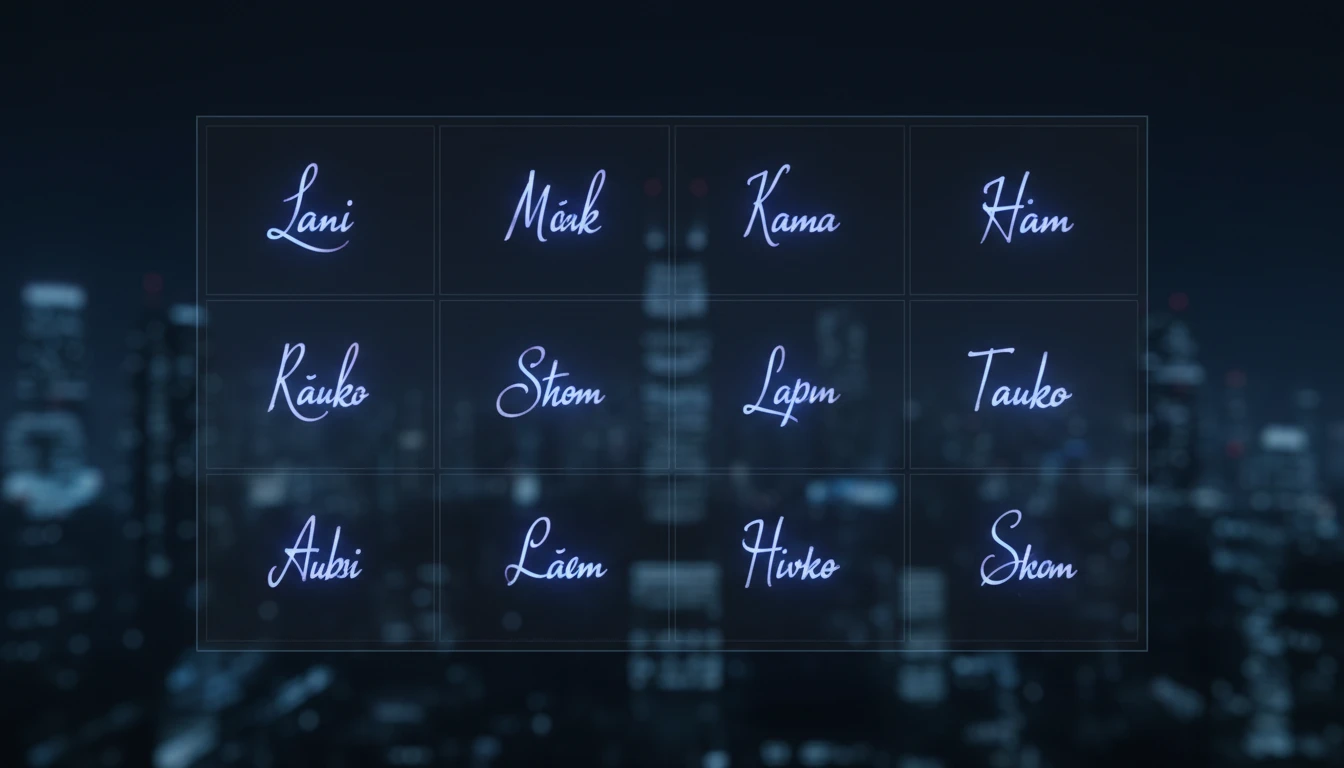
19 Handwriting Fonts
Choose from print, cursive, and marker style handwriting fonts, each rendered live in a searchable preview grid so you can compare styles side by side before committing.
Try It Now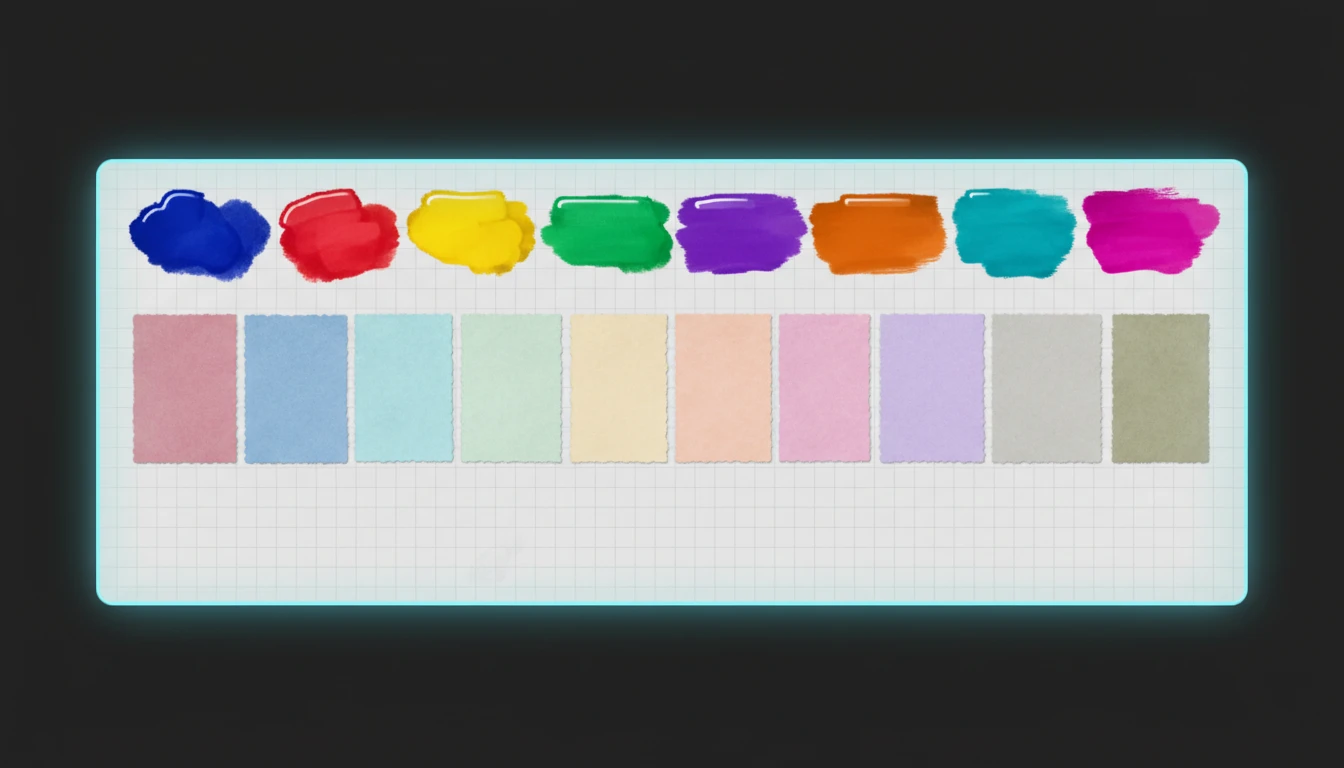
Ink, Paper, and Ruled Lines
Pick from 10 ink colors and 8 paper background tones, adjust font size and line spacing, and toggle ruled notebook lines for an authentic handwritten note look.
Try It Now
Export as PNG Instantly
Once your message looks right, download it as a high-quality PNG image ready to drop into a card, social post, or document — all rendered locally in your browser.
Download NowCreate handwritten text in three steps
Type your message
Enter or paste the text you want converted. Multiple lines are supported and rendered exactly as you type them.
Pick a style and customize
Choose a handwriting font from the category filter or preview grid, then adjust font size, line spacing, ink color, paper color, and ruled lines to taste.
Export as PNG
Click Export as PNG to download your handwritten-style message as an image, ready to share or print.
Deep Dive
How Text to Handwriting Works
Everything renders locally in your browser using the HTML Canvas API and Google Fonts — your text is never sent to a server.

Why Use This Handwriting Generator
19 Handwriting Fonts
Print, cursive, and marker styles, all previewed live before you choose.
Fully Customizable
Ink color, paper color, font size, line spacing, and ruled lines, all adjustable.
Instant PNG Export
Download your handwritten message as an image with one click, no watermark.
100% Client-Side
Your text is rendered entirely in your browser and never uploaded anywhere.
Who Uses It
Who Uses Text to Handwriting
Anyone who wants to add a personal, handwritten touch to digital content.

Frequently Asked Questions
How does the text to handwriting generator work?
Our tool converts your typed text into a handwritten style using specially designed fonts. Simply type or paste your text, choose a style, and the tool renders a handwritten version on a canvas that you can export as an image.
Can I customize the handwriting style?
Yes. Choose from 19 handwriting fonts across Print, Cursive, and Marker categories, then adjust font size, line spacing, ink color, paper color, and ruled lines to match the look you want.
What formats can I export the handwritten text in?
You can export your handwritten text as a PNG image file. This format preserves the quality and can be easily shared or used in documents, presentations, or social media.
Is there a text length limit?
The tool can handle reasonable amounts of text, but very long texts may extend beyond the visible canvas area. For best results, we recommend keeping your text under 500 words per generation.
Can I use the generated handwriting for commercial purposes?
Yes, you can use the generated handwritten text for both personal and commercial purposes. The tool creates original renderings of your text, which you own and can use freely.
Why would I need to convert text to handwriting?
Text to handwriting conversion is useful for creating personalized notes, greeting cards, invitations, educational materials, or social media posts where you want to add a personal, handwritten touch to digital content.
Ready to Write by Hand — Digitally?
Type your message, pick a handwriting style, and export a shareable image in under a minute.