Get Apple Lossless ALAC from Any MP3
Upload your MP3 and download an ALAC file ready for iPhone, Mac, HomePod, and Logic Pro. No further quality loss after conversion.
Convert Now
Audio Format Converter
Upload any audio file, choose an output format, and download the converted result. Supports MP3, WAV, FLAC, AAC, OGG, ALAC, WMA, Opus and M4A.
Drop your audio file here
or click to browse
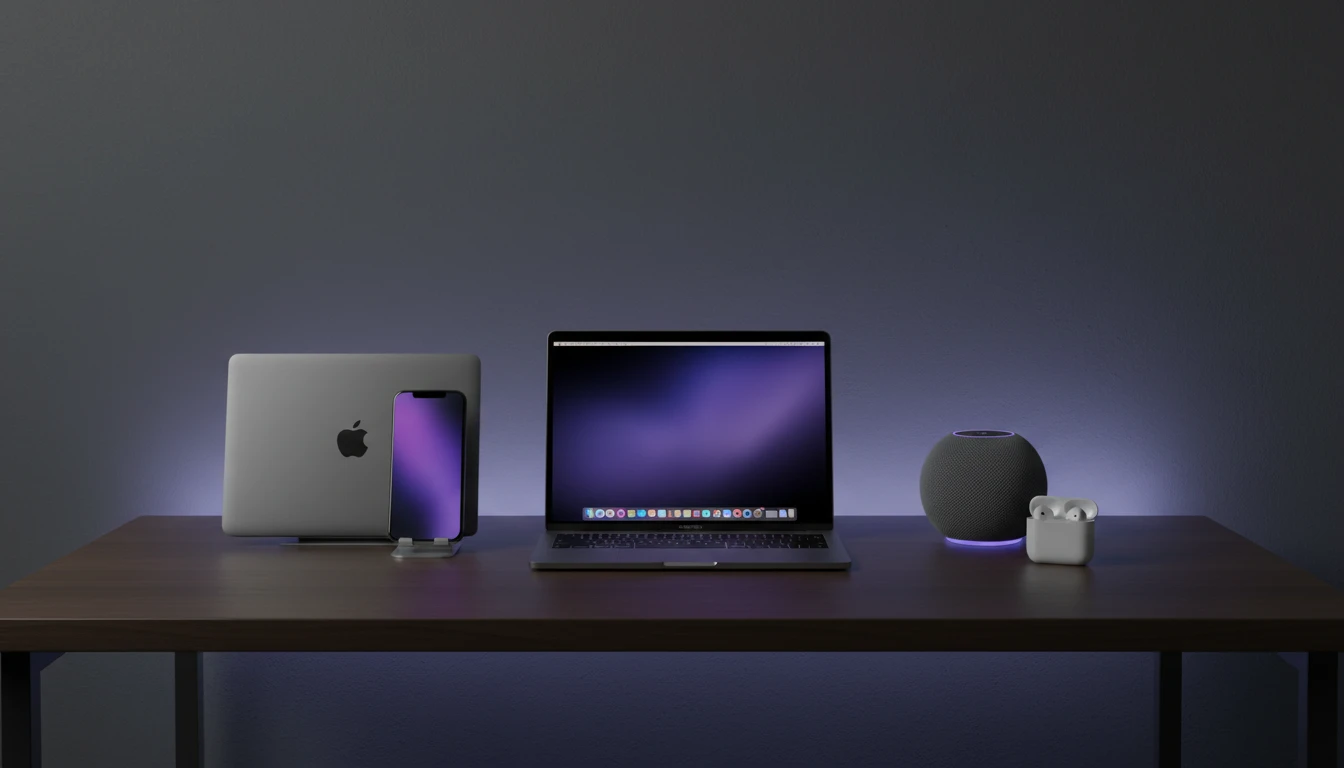
Native on Every Apple Device
ALAC plays without any third-party codec on every iPhone, iPad, Mac, HomePod, and Apple TV. Drop the converted file into your Music library and it just works. No re-encoding, no compatibility warnings.
Convert Now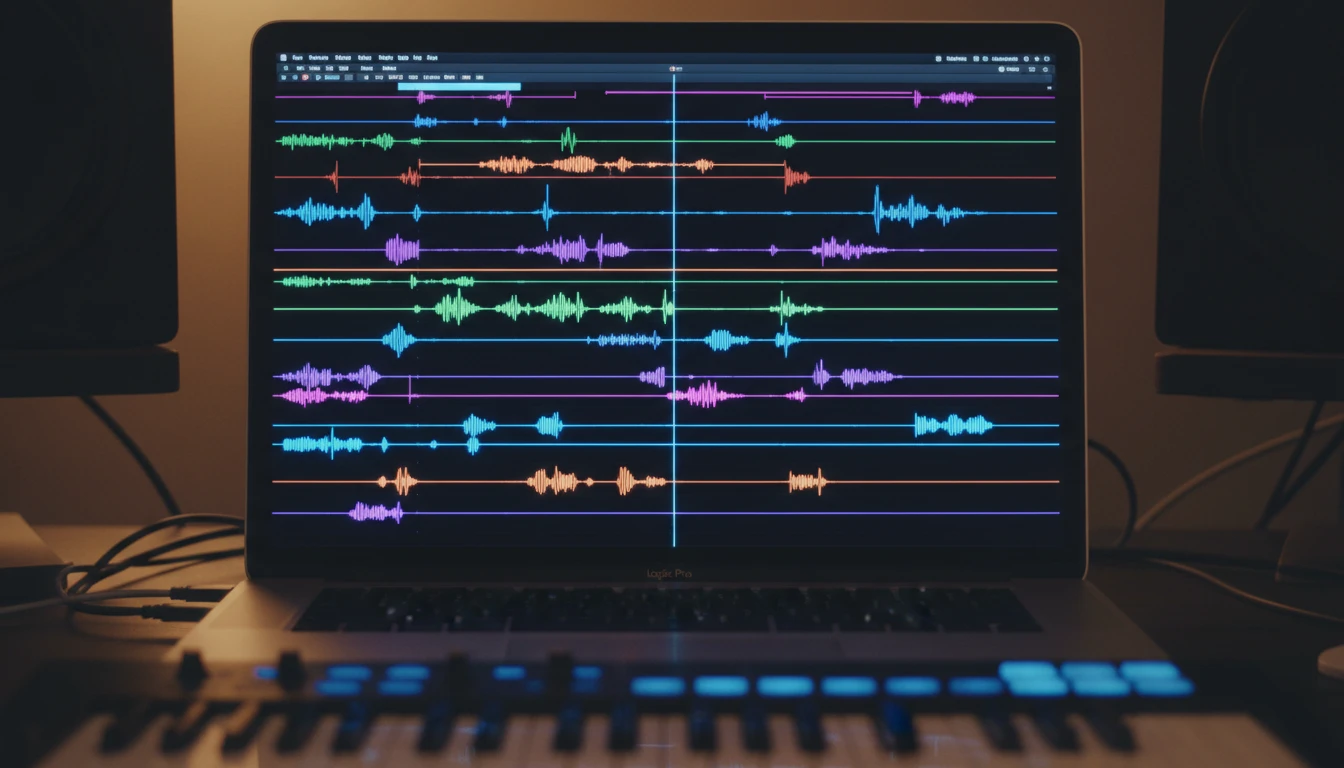
Lossless for Logic Pro and GarageBand
Apple DAWs import ALAC directly into the sample library and loop browser. Converting to ALAC before importing prevents further quality degradation each time you export a session bounce from your original MP3 material.
Try It Now
FFmpeg-Powered Server Conversion
Every conversion runs through FFmpeg on dedicated servers. The same engine used by VLC and YouTube broadcast tools. Accurate sample rate, bit depth, and channel mapping are preserved throughout.
See It in ActionThree steps to Apple Lossless
Upload your MP3 file
Drop your MP3 file onto the tool or click to browse. The format is validated before conversion starts.
Convert to ALAC
Click "Convert". The file is uploaded and processed by FFmpeg on our servers, encoded as ALAC inside an M4A container.
Download your ALAC file
When conversion is complete, preview the output in the browser player, then download your .m4a ALAC file.
Deep Dive
MP3 vs ALAC: What Changes When You Convert
MP3 compresses audio by discarding data; ALAC stores every sample without any loss. Here is what that difference means in practice.
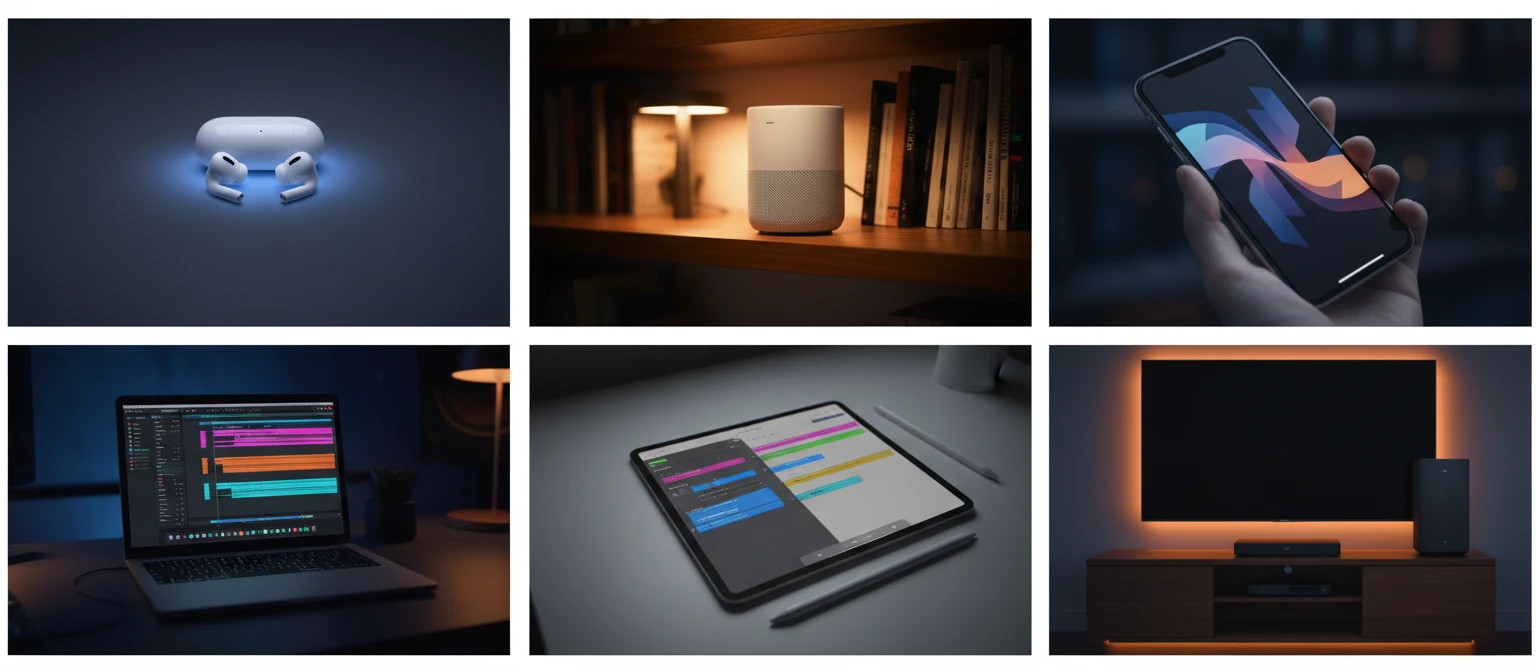
ALAC is stored in an M4A container (.m4a extension). All Apple devices recognize it natively.
Why Use This Converter
Native Apple Ecosystem
ALAC plays natively on every iPhone, iPad, Mac, HomePod, and Apple TV. No third-party codec needed.
Fast Conversion
Most MP3 files convert to ALAC in under 30 seconds on our dedicated servers.
FFmpeg-Powered
Industry-standard FFmpeg handles every conversion with accurate sample rates and channel mapping.
DAW-Ready Output
ALAC imports directly into Logic Pro and GarageBand sample libraries without any re-sampling step.
Who Uses It
Who Converts MP3 to ALAC
Apple users, audio professionals, and archivists all have workflows that benefit from lossless containers.
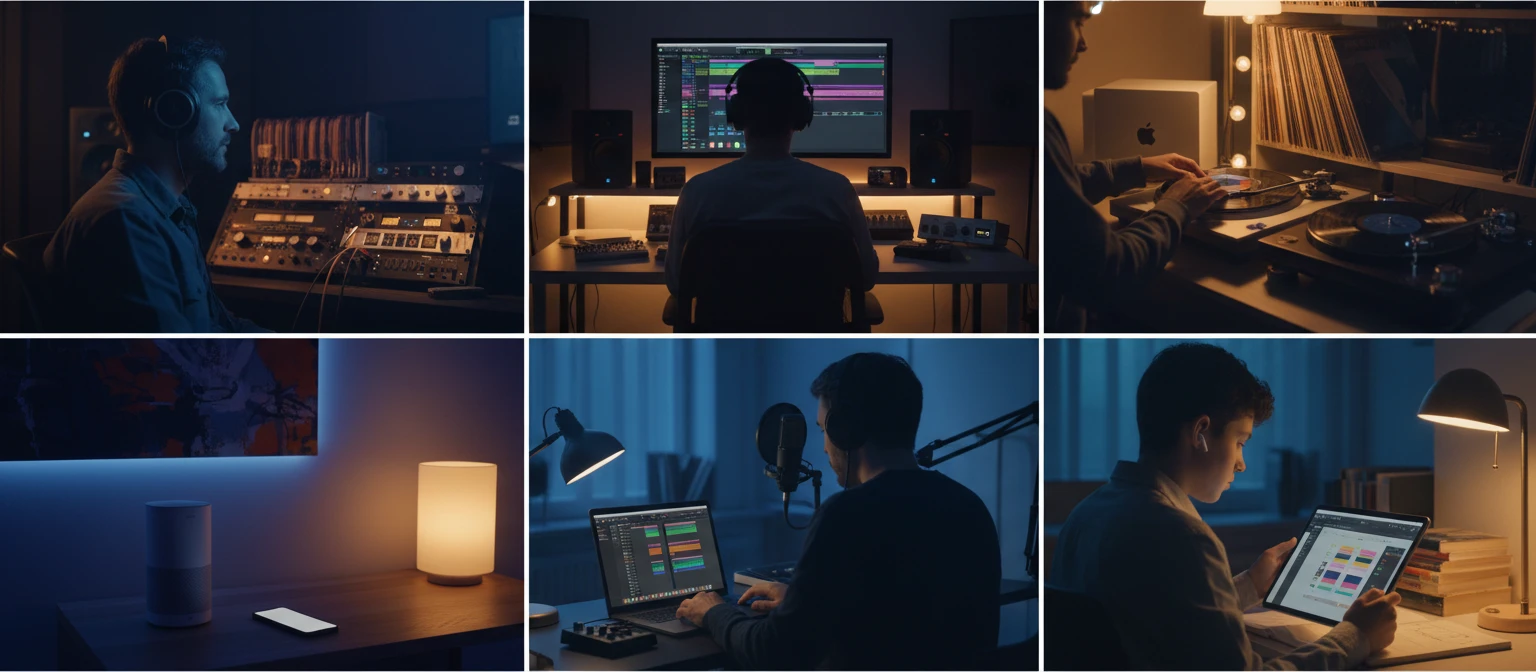
Converts using FFmpeg on dedicated servers.
Frequently Asked Questions
Does converting MP3 to ALAC improve audio quality?
No. MP3 is a lossy format and any audio data discarded during the original encoding is gone permanently. Converting to ALAC cannot recover that data. What you gain is a lossless container that prevents any further quality loss in subsequent edits or re-exports.
What file extension does the converted ALAC file use?
ALAC is stored inside an M4A container, so the output file has a .m4a extension. This is correct and expected. All Apple devices and most modern media players including VLC and foobar2000 recognize it.
Why is the converted ALAC file larger than the original MP3?
ALAC stores every decoded audio sample without discarding data, so lossless files are always larger than the lossy source. A typical 10 MB MP3 can become 50 to 80 MB as ALAC. This is expected behavior.
Which devices and apps support ALAC playback?
All Apple devices natively support ALAC: iPhone, iPad, Mac, Apple TV, and HomePod. On other platforms, VLC, foobar2000, Winamp, and most modern Android media players also support it.
Is there a file size limit?
The upload limit is 100 MB per file. Most typical MP3 tracks are well within this limit.
Ready to Convert Your MP3 to ALAC?
Upload your file above and get Apple Lossless audio in seconds.