Share Your Apple Audio on Every Device and Platform
Upload your M4A file and download an MP3 that works on every car stereo, Bluetooth speaker, Android device, podcast platform, and sharing service — no Apple software required.
Convert Now
Audio Format Converter
Upload any audio file, choose an output format, and download the converted result. Supports MP3, WAV, FLAC, AAC, OGG, ALAC, WMA, Opus and M4A.
Drop your audio file here
or click to browse
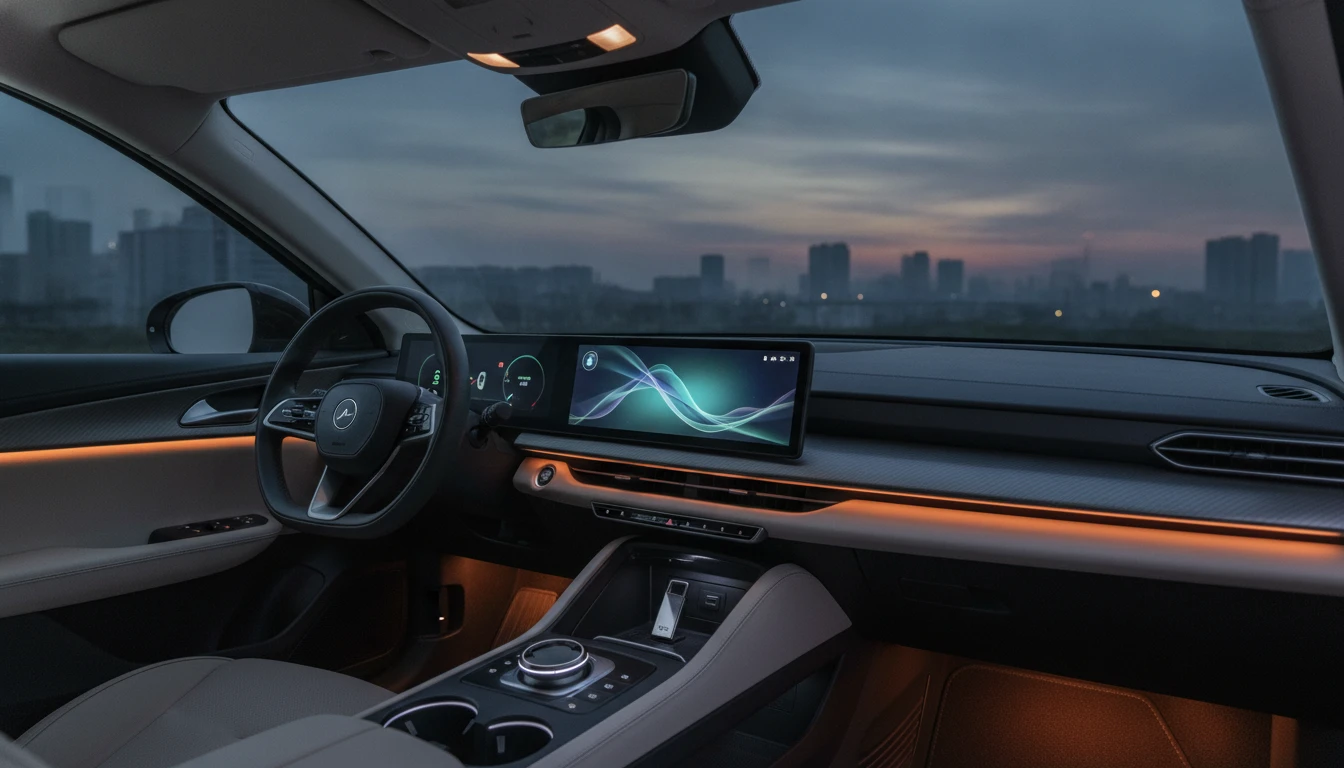
Play Your M4A Music in Any Car Stereo
Many car head units, aftermarket stereos, and USB-reading radios do not recognize M4A files. MP3 is built into the audio firmware of virtually every car stereo made in the last 25 years. Convert once and put your Apple library on a USB drive without compatibility surprises.
Convert Now
Upload to Any Podcast Host or Music Platform
Podcast hosts, royalty-free music stores, and many content platforms specify MP3 as their required upload format. Voice Memos and iPhone recordings saved as M4A can be converted to MP3 before submitting to Spotify for Podcasters, Buzzsprout, Podbean, or any other platform.
Try It Now
FFmpeg-Powered Server Conversion
Every conversion runs through FFmpeg on dedicated servers. The AAC stream inside your M4A container is fully decoded to PCM, then re-encoded as MP3 at a high bitrate to keep the quality penalty of transcoding two lossy formats as small as possible.
See It in ActionThree steps to universal compatibility
Upload your M4A file
Drop your M4A file onto the tool or click to browse. Files from iPhone Voice Memos, iTunes, and Apple Music are all accepted.
Convert to MP3
Click "Convert". FFmpeg decodes the audio stream from the M4A container and re-encodes it as MP3 at a high bitrate to minimize quality loss.
Download your MP3 file
Preview the output in the browser player, then download your .mp3 file ready to share, upload, or play on any device.
Deep Dive
M4A vs MP3: Apple Standard vs Universal Format
M4A is Apple's container format and works best inside Apple's apps and devices. MP3 is the most universally supported audio format ever made. Here is what matters when choosing between them.
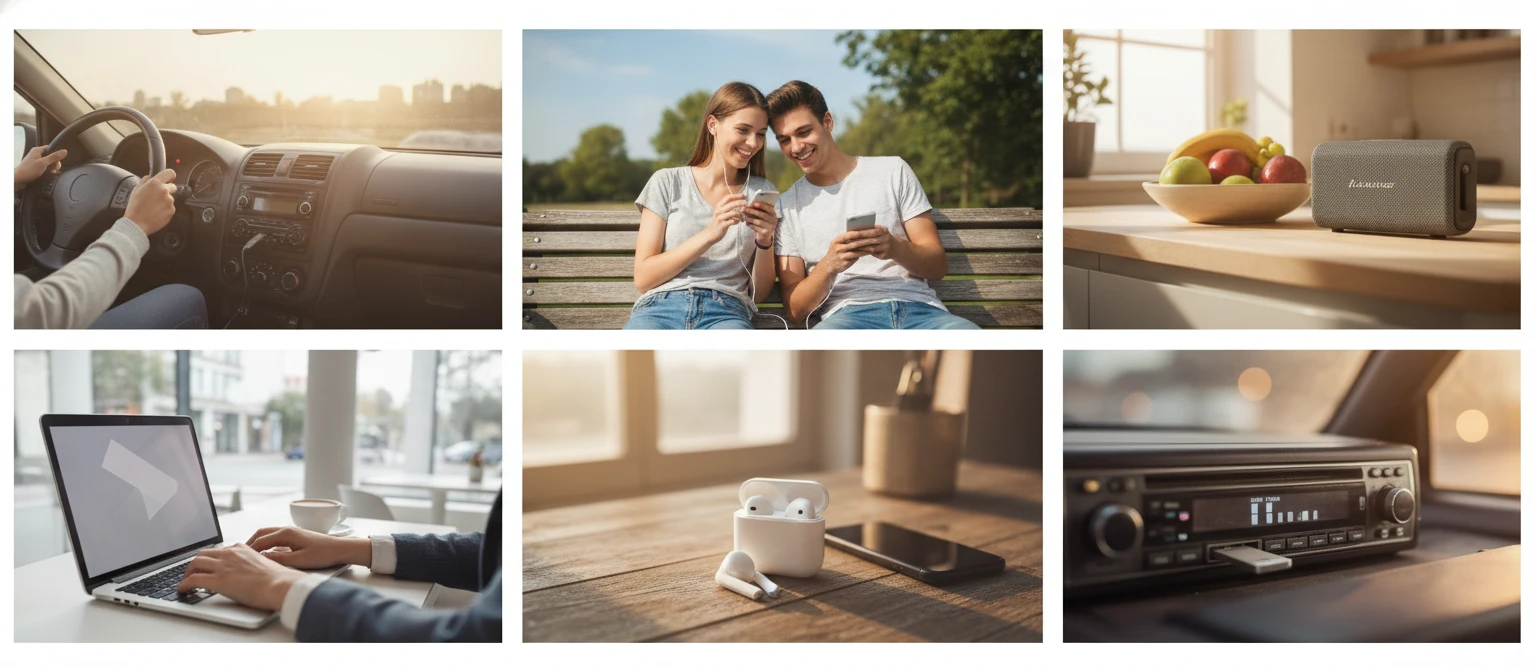
Our converter uses a high-quality MP3 encoder setting to minimize quality loss during M4A-to-MP3 transcoding.
Why Use This Converter
Plays on Every Device
MP3 is recognized by every car stereo, Bluetooth speaker, Android phone, smart TV, and legacy MP3 player without any codec installation.
Accepted by Every Platform
Podcast hosts, royalty-free music stores, DJ pool services, and content platforms all accept MP3. No format rejection errors.
Fast Conversion
Most M4A files convert to MP3 in under 30 seconds on our dedicated servers.
FFmpeg-Powered
Industry-standard FFmpeg decodes the full AAC stream from the M4A container before re-encoding, preserving sample rate and channel layout.
Who Uses It
Who Converts M4A to MP3
iPhone users sharing audio outside the Apple ecosystem, podcasters, musicians, DJs, and anyone whose destination device or platform does not support M4A.
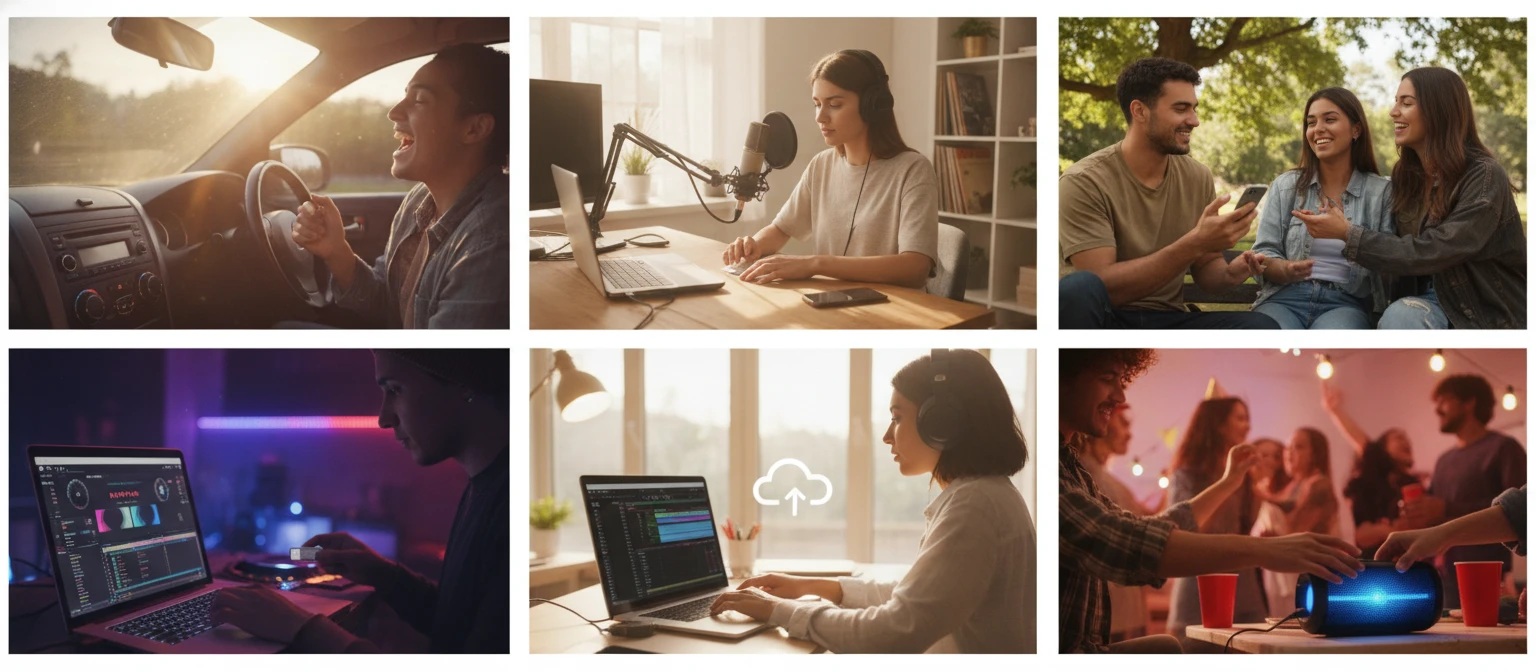
Converts using FFmpeg on dedicated servers.
Frequently Asked Questions
Why convert M4A to MP3 if both are lossy formats?
M4A is only reliably supported within Apple's ecosystem. Many car stereos, Bluetooth speakers, podcast platforms, royalty-free music stores, and non-Apple devices do not recognize M4A files. Converting to MP3 trades a small amount of quality for guaranteed playback on every device and acceptance by every platform.
Will I lose quality converting M4A to MP3?
Yes, a small amount of quality is lost because both AAC (inside M4A) and MP3 are lossy formats. Converting requires decoding the AAC and re-encoding as MP3, which introduces a second compression pass. Using a high output bitrate (192 kbps or above) keeps this penalty minimal and undetectable to most listeners.
Can I convert iPhone Voice Memo recordings from M4A to MP3?
Yes. Voice Memos on iPhone save recordings as .m4a files. Upload the M4A file from your Voice Memos folder, and the converter will produce an MP3 ready to upload to any podcast host, share with colleagues, or play on any device.
Will my M4A music play in a car stereo as MP3?
Yes. Virtually all car head units that support USB audio playback recognize MP3. M4A is often not listed in the supported formats for aftermarket or OEM car stereos, so converting to MP3 before copying to a USB drive ensures all tracks play correctly.
Does the converted MP3 keep artist and album tags from the M4A?
Yes. FFmpeg transfers metadata from the M4A container to ID3 tags in the MP3 output. Artist, album, track title, genre, year, and cover art are all preserved in the converted file.
Is there a file size limit?
The upload limit is 100 MB per file. Most M4A tracks are well within this limit.
Ready to Convert Your M4A to MP3?
Upload your file above and get a universally compatible MP3 in seconds.