Share Your OGG Audio with Anyone on Any Device
Upload your OGG file and download an MP3 that works on every car stereo, Bluetooth speaker, legacy player, iOS device, podcast platform, and sharing service without exception.
Convert Now
Audio Format Converter
Upload any audio file, choose an output format, and download the converted result. Supports MP3, WAV, FLAC, AAC, OGG, ALAC, WMA, Opus and M4A.
Drop your audio file here
or click to browse
Works on Every Car Stereo, Speaker, and Legacy Device
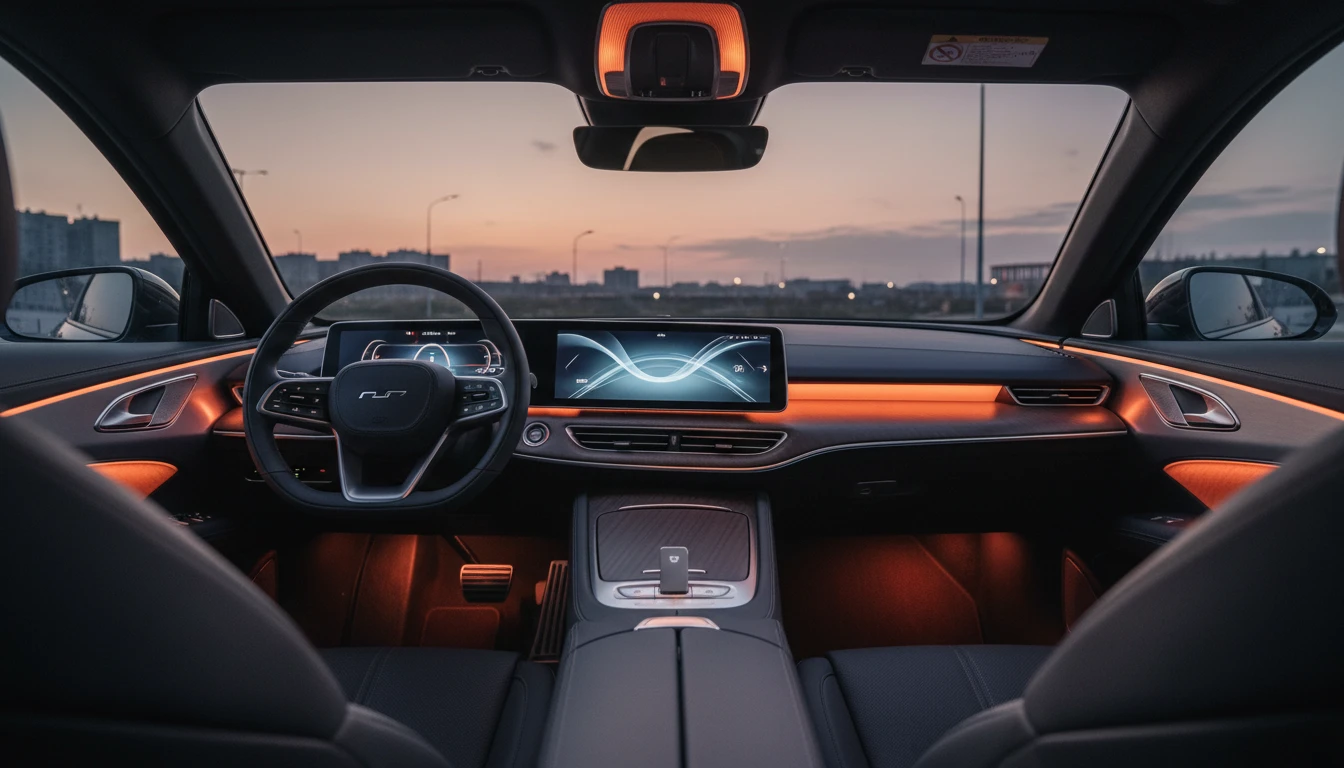
OGG is not recognized by most car audio head units, Bluetooth speakers, or older MP3 players. MP3 is built into the audio hardware of virtually every consumer device made since the late 1990s. Convert once and the file plays anywhere.
Convert Now
Upload to Any Podcast Host or Music Platform
Podcast hosting platforms, royalty-free music stores, DJ pool services, and many content platforms specify MP3 as their required or preferred upload format. Converting OGG to MP3 before submitting removes format rejection errors.
Try It Now
FFmpeg-Powered Server Conversion
Every conversion runs through FFmpeg on dedicated servers. The OGG Vorbis stream is fully decoded to PCM, then re-encoded as MP3 at a high bitrate to keep the quality penalty of transcoding two lossy formats as small as possible.
See It in ActionThree steps to universal audio
Upload your OGG file
Drop your OGG Vorbis file onto the tool or click to browse. The format is validated before conversion starts.
Convert to MP3
Click "Convert". FFmpeg decodes the OGG Vorbis stream to PCM and re-encodes it as MP3 at a high bitrate to minimize the quality impact of transcoding.
Download your MP3 file
Preview the output in the browser player, then download your .mp3 file ready to share, upload, or play on any device.
Deep Dive
OGG vs MP3: Open Source Quality vs Universal Reach
OGG Vorbis delivers excellent quality per bit but is blocked by iOS and ignored by most consumer hardware. MP3 trades codec efficiency for the broadest possible device and platform support in history.
Our converter uses a high-quality MP3 encoder setting to minimize quality loss during OGG-to-MP3 transcoding.
Why Use This Converter
Plays Absolutely Everywhere
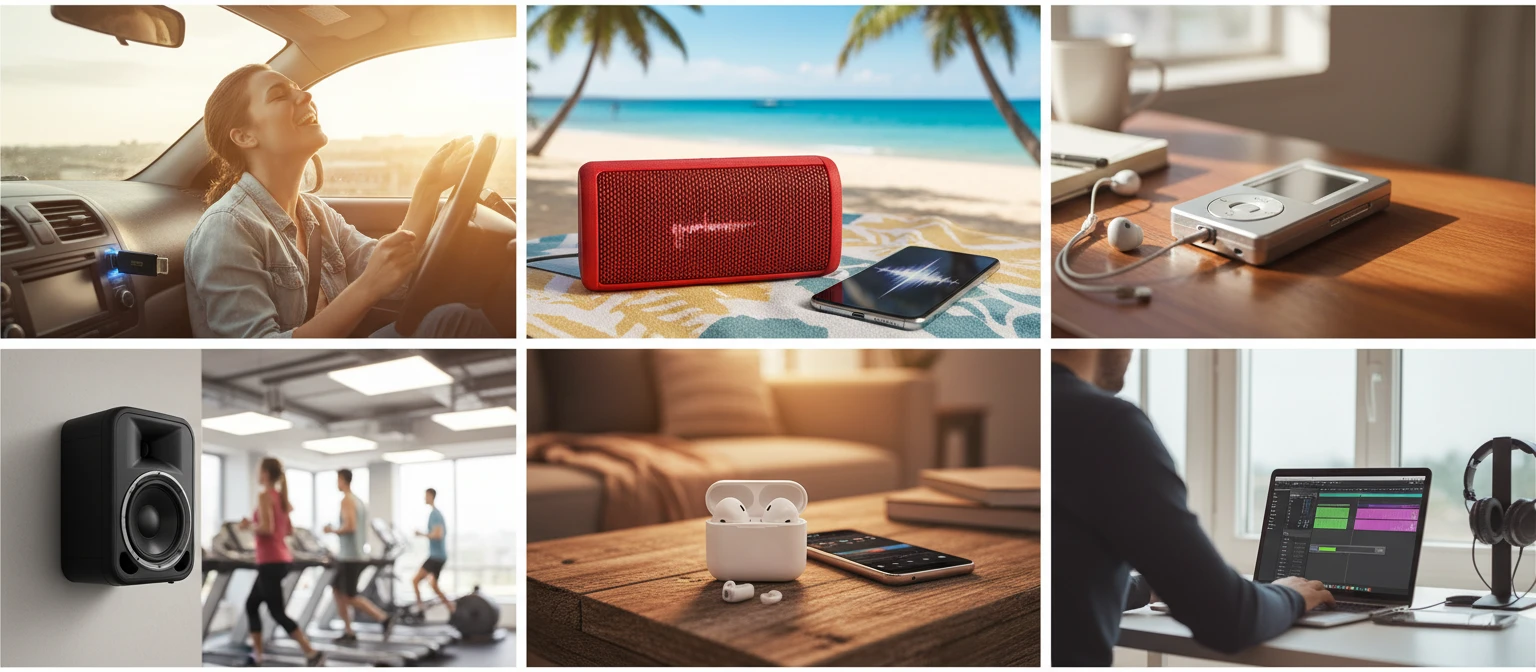
MP3 is recognized by every car stereo, Bluetooth speaker, smartphone, smart TV, and media player made in the last 25 years.
Accepted by Every Platform
Podcast hosts, royalty-free stores, DJ pool services, and content platforms all accept MP3. No format rejection errors.
Fast Conversion
Most OGG files convert to MP3 in under 30 seconds on our dedicated servers.
FFmpeg-Powered
Industry-standard FFmpeg decodes the full OGG Vorbis stream before re-encoding, preserving sample rate and channel layout.
Who Uses It
Who Converts OGG to MP3
Linux users, game developers, musicians, podcasters, and anyone sharing audio outside their own ecosystem all need OGG in a format the rest of the world recognizes.
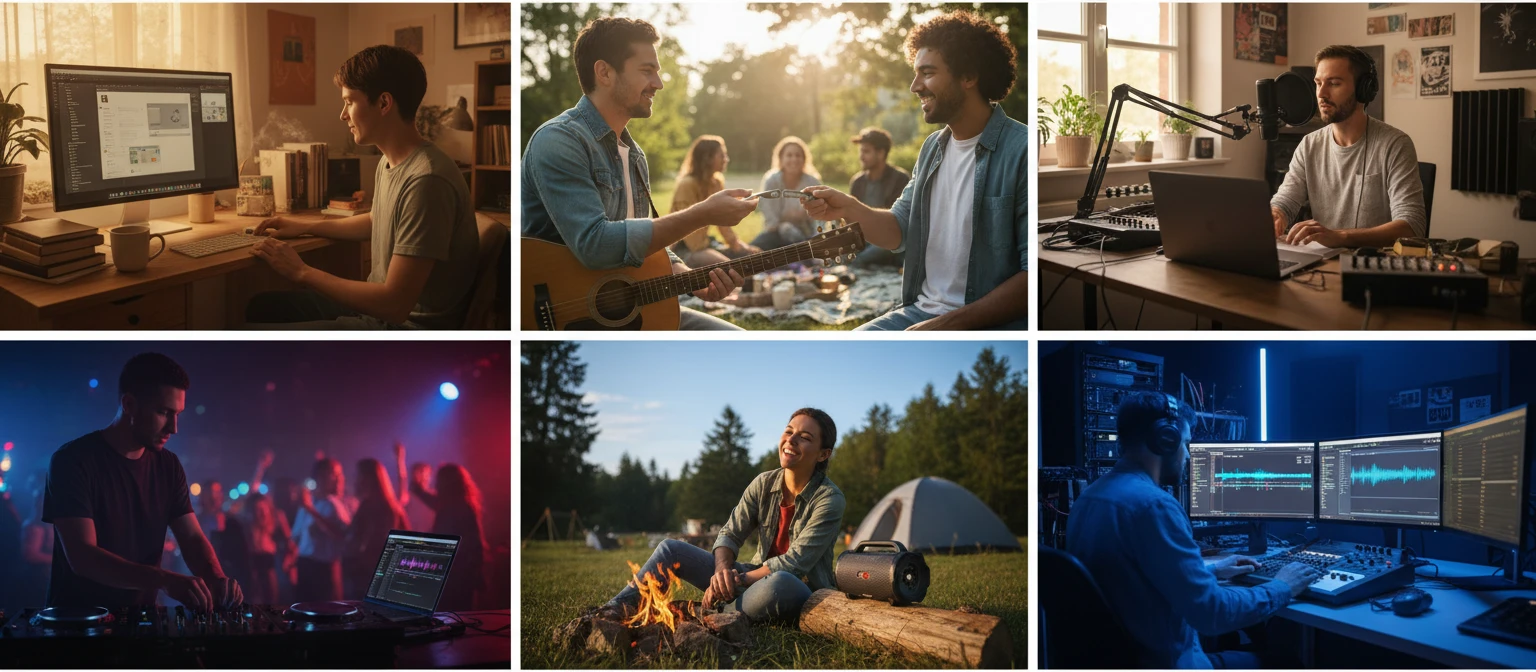
Converts using FFmpeg on dedicated servers.
Frequently Asked Questions
Why convert OGG to MP3 instead of keeping OGG?
OGG Vorbis is technically a better codec than MP3, but it is not supported by iOS, most car stereos, many Bluetooth speakers, and most podcast or music upload platforms. MP3 trades efficiency for reach — it plays on every device and is accepted everywhere.
Will I lose quality when converting OGG to MP3?
Yes, a small amount of quality is lost because both OGG Vorbis and MP3 are lossy formats. Converting between them introduces a second round of compression. Using a high output bitrate (192 kbps or above) keeps this penalty minimal and inaudible to most listeners.
Does OGG work on iPhone or in Safari?
No. iOS, iPadOS, and Safari do not support OGG Vorbis natively. Converting to MP3 ensures the audio plays in Safari, the Files app, and every iOS music app without any third-party software.
Will my OGG file play in a car stereo as MP3?
Yes. Virtually all car audio head units that read MP3 from USB drives or SD cards will play the converted file. OGG is not recognized by car stereo firmware, so MP3 is the correct format for in-car playback.
What bitrate does the output MP3 use?
Our converter uses a high-quality bitrate setting to minimize the quality penalty of transcoding from OGG. This keeps the output close to the perceived quality of the source file while ensuring the broadest possible device compatibility.
Is there a file size limit?
The upload limit is 100 MB per file. Most OGG tracks and game audio assets are well within this limit.
Ready to Convert Your OGG to MP3?
Upload your file above and get a universally compatible MP3 in seconds.