Extract COLLADA Geometry into the OFF Research Format
Convert DAE (COLLADA) scene files to OFF (Object File Format) and make the mesh geometry accessible in MeshLab, CGAL, OpenMesh, and any computational geometry or academic research tool that reads the simple ASCII OFF structure.
Convert Now
Convert DAE to OFF
Upload a DAE file and download the converted OFF — all processing happens on the server.
Drop your DAE file here
or click to browse
Accepts .dae files
From Complex XML Scene to Minimal Mesh
COLLADA is a feature-rich XML format carrying geometry, materials, animations, cameras, and scene hierarchy. OFF is the opposite — a minimalist ASCII format that stores only vertex coordinates and face indices. Converting DAE to OFF strips the scene down to its essential geometry, perfect for algorithm input, academic datasets, and research toolchains.
Convert Now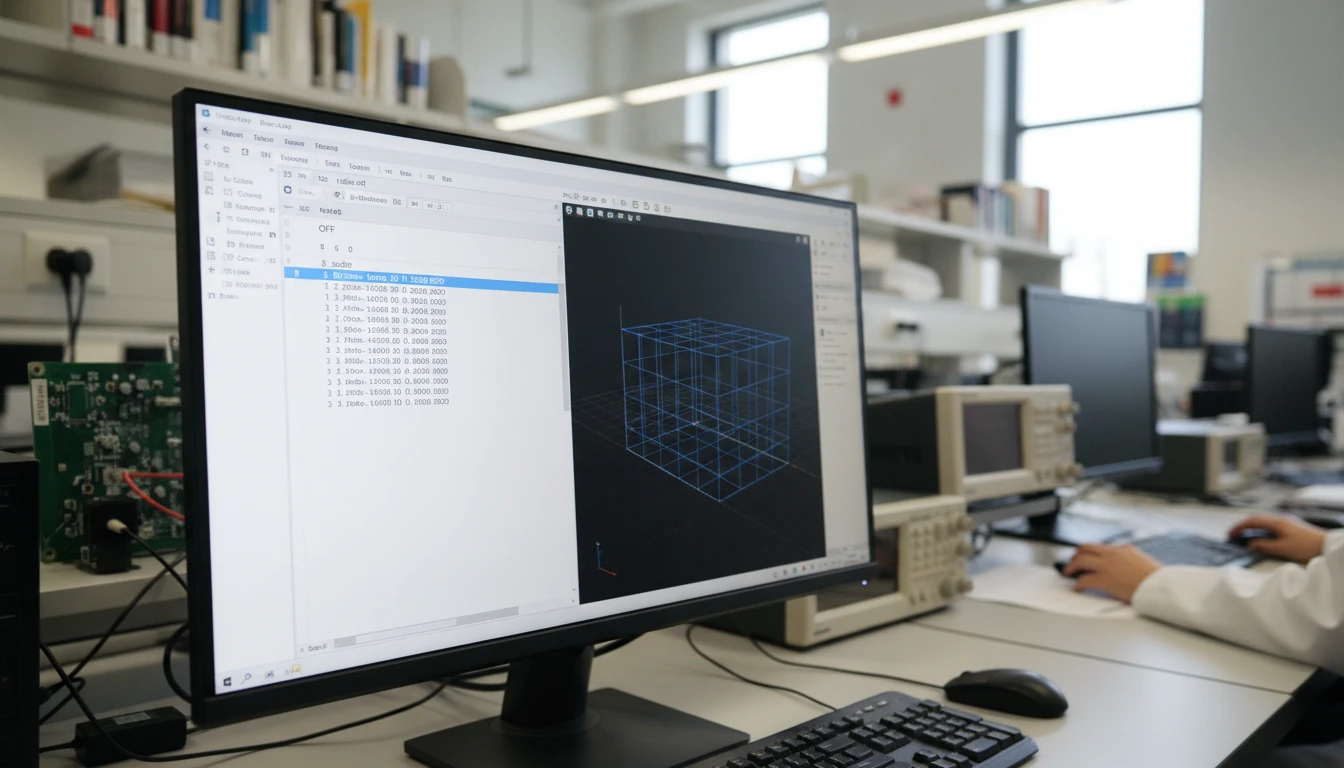
Human-Readable Vertex and Face Structure
The OFF format lists vertex coordinates followed by face index lists in plain ASCII text. The converted file is inspectable in any text editor, parseable with a handful of lines of code, and directly usable as input for custom geometry algorithms without any library dependency or binary decoder.
Convert Now
CGAL, OpenMesh, and Algorithm Ready
CGAL and OpenMesh both read OFF natively as a primary mesh input format. Converting DAE to OFF lets you feed DCC scene assets directly into computational geometry algorithms — mesh processing, Delaunay triangulation, surface remeshing, and curvature analysis — without format conversion in code.
Convert NowHow to Convert DAE to OFF
Upload Your DAE File
Drag and drop a DAE (COLLADA) file into the upload zone or click to browse. Files up to 100 MB are supported.
Sign In and Convert
Sign in to start the conversion. The server parses the COLLADA scene geometry and writes a clean ASCII OFF file with vertex coordinate and face index lists.
Download the OFF
Once ready, click Download. The OFF file is immediately usable in MeshLab, CGAL, OpenMesh, and any computational geometry or research tool that reads the format.
Deep Dive
DAE and OFF: XML Scene Format vs. Minimal Research Mesh

Why Use It
No Software to Install
The conversion runs on the server. No Blender Python scripts, no MeshLab batch processing, no local Assimp CLI pipelines needed. Upload and download directly from your browser.
Human-Readable ASCII Output
OFF is a plain-text format — vertex coordinates and face indices in a simple structure you can inspect in any text editor, parse with a few lines of code, or feed into custom geometry algorithms.
Research Tool Compatible
MeshLab, CGAL, OpenMesh, and most computational geometry libraries read OFF natively. The converted file plugs directly into mesh processing, analysis, and academic workflows without additional format negotiation.
DCC to Research Pipeline
COLLADA is the DCC interchange standard. OFF is the research community's minimal mesh format. Converting DAE to OFF bridges DCC scene assets into computational geometry research and algorithm development workflows.
Who Uses It
Who Converts DAE to OFF

Frequently Asked Questions
What is the OFF file format?
OFF (Object File Format) is a simple ASCII format for representing polygonal meshes. It lists vertex coordinates followed by face definitions, with optional per-vertex color columns. It is widely used in computational geometry research and tools like MeshLab, CGAL, and OpenMesh.
Are materials or textures from the DAE file included in the OFF output?
No. OFF stores only geometry — vertex positions, face indices, and optional vertex colors. Texture maps, PBR materials, UV coordinates, and scene hierarchy from the COLLADA file are not representable in OFF. If you need materials, convert to OBJ or GLB instead.
Does the OFF output include vertex colors?
If the COLLADA mesh carries vertex color data, the converter writes them as per-vertex RGBA color columns in the OFF output. Most COLLADA files use texture-based materials rather than vertex colors, so this field is often empty.
Is animation data from the DAE file included in the OFF?
No. OFF is a static mesh format. Only the geometry at its rest pose is exported. Scene hierarchy, cameras, lights, and animation data from the COLLADA file are not included.
What is the maximum DAE file size?
The converter supports DAE files up to 100 MB. COLLADA's verbose XML structure means DAE files for complex scenes can be significantly larger than equivalent binary formats.
Convert Your DAE File to OFF Now
Upload your COLLADA scene and get a clean ASCII OFF in seconds. No install, no manual steps.