Convert 3MF Print Files to the Universal STL Format
Convert 3MF printing packages to STL and make the geometry compatible with any slicer, printer firmware, CNC toolpath generator, or CAD tool that requires the universally supported Stereolithography format.
Convert Now
Convert 3MF to STL
Upload a 3MF file and download the converted STL — all processing happens on the server.
Drop your 3MF file here
or click to browse
Accepts .3mf files
Maximum Printer and Slicer Compatibility
3MF is a rich modern format, but some older slicers, printer firmware interfaces, and CAM tools only accept STL. Converting 3MF to STL gives you a geometry file that works with every slicer ever made — from legacy Cura versions to proprietary printer software and CNC toolpath generators.
Convert Now
Clean Triangulated Geometry
The converter parses the 3MF mesh and writes a clean binary STL with correct face normals. The output is a solid, watertight mesh representation of the original geometry, ready for slicing, FEA analysis, or CNC post-processing without manual repair steps.
Convert Now
CAD and CAM Tool Ready
STL is the import format of choice for CAD tools doing reverse engineering, FEA pre-processing, and CAM toolpath generation. Convert your 3MF geometry to STL to feed it into Fusion 360, SolidWorks, or any simulation and machining workflow.
Convert NowHow to Convert 3MF to STL
Upload Your 3MF File
Drag and drop a 3MF file into the upload zone or click to browse. Files up to 100 MB are supported.
Sign In and Convert
Sign in to start the conversion. The server extracts the mesh geometry from the 3MF package and writes a clean binary STL with correct face normals.
Download the STL
Once ready, click Download. The STL file is immediately usable in any slicer, printer firmware interface, CAD tool, or CAM application.
Deep Dive
3MF and STL: Rich Print Package vs. Universal Geometry

Why Use It
No Software to Install
The conversion runs on the server. No slicer software, Blender Python scripts, or local Assimp CLI pipelines needed. Upload and download directly from your browser.
Clean Binary STL Output
The converter produces a binary STL with correct face normals and a solid triangulated mesh, ready for slicing or CAD import without manual repair steps.
Universal Slicer Compatibility
STL is accepted by every slicer ever made — Cura, PrusaSlicer, Bambu Studio, Chitubox, Simplify3D, and all legacy and proprietary printer software.
CAD and CAM Ready
STL is the standard import for FEA pre-processing, reverse engineering, and CNC toolpath generation in Fusion 360, SolidWorks, and other engineering tools.
Who Uses It
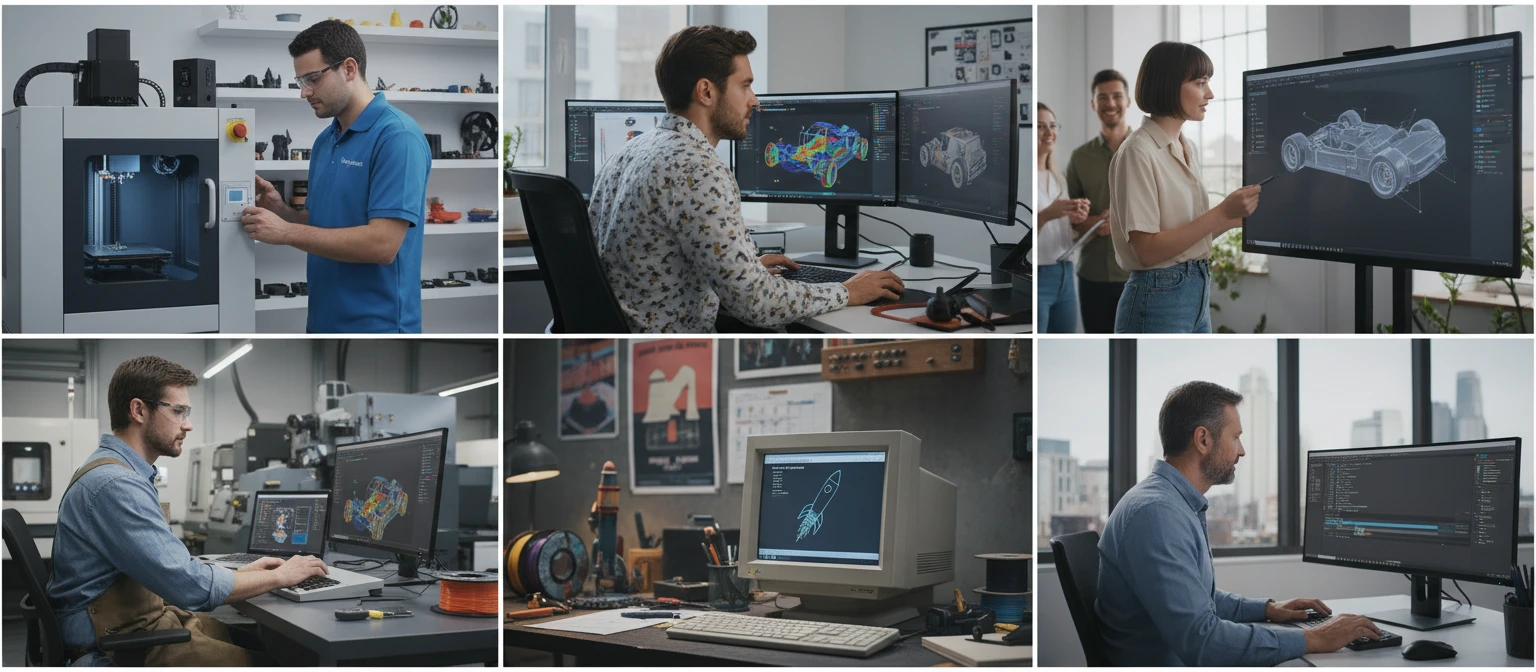
Who Converts 3MF to STL
Frequently Asked Questions
Why convert 3MF to STL if 3MF is a newer format?
3MF is richer and more modern than STL, but many older slicers, printer firmware interfaces, CAD tools, and CAM applications only accept STL. Converting to STL ensures maximum compatibility across all tools, including legacy software and proprietary printer interfaces.
Is color or material data preserved in the STL output?
No. STL carries only geometry — vertex positions and face normals. Color and material data from the 3MF file cannot be represented in the STL format. If you need to preserve color, convert to OBJ, PLY, or GLTF instead.
Is the STL output ASCII or binary?
The converter produces binary STL, which is more compact and faster to parse than ASCII STL. All modern slicers and CAD tools read binary STL transparently.
Are the face normals correct in the STL output?
Yes. The converter calculates correct outward-facing face normals from the 3MF triangle winding order and writes them into the STL output, producing a valid, watertight mesh for slicers and FEA tools.
What is the maximum 3MF file size?
The converter supports 3MF files up to 100 MB. 3MF files are ZIP-compressed, so the uncompressed geometry may be substantially larger.
Convert Your 3MF File to STL Now
Upload your 3MF print model and get a universal STL in seconds. No install, no manual steps.