Extract 3MF Geometry into the Flexible PLY Format
Convert 3MF printing packages to PLY and make the geometry accessible in MeshLab, Open3D, CGAL, and any research or point cloud pipeline that works with the Polygon File Format.
Convert Now
Convert 3MF to PLY
Upload a 3MF file and download the converted PLY — all processing happens on the server.
Drop your 3MF file here
or click to browse
Accepts .3mf files

From Print Package to Research Format
3MF bundles print geometry with materials and settings in a ZIP package. PLY is the flexible scan and research format used by MeshLab, Open3D, and computational geometry pipelines. Converting 3MF to PLY extracts the mesh into a format designed for analysis, processing, and research toolchains.
Convert Now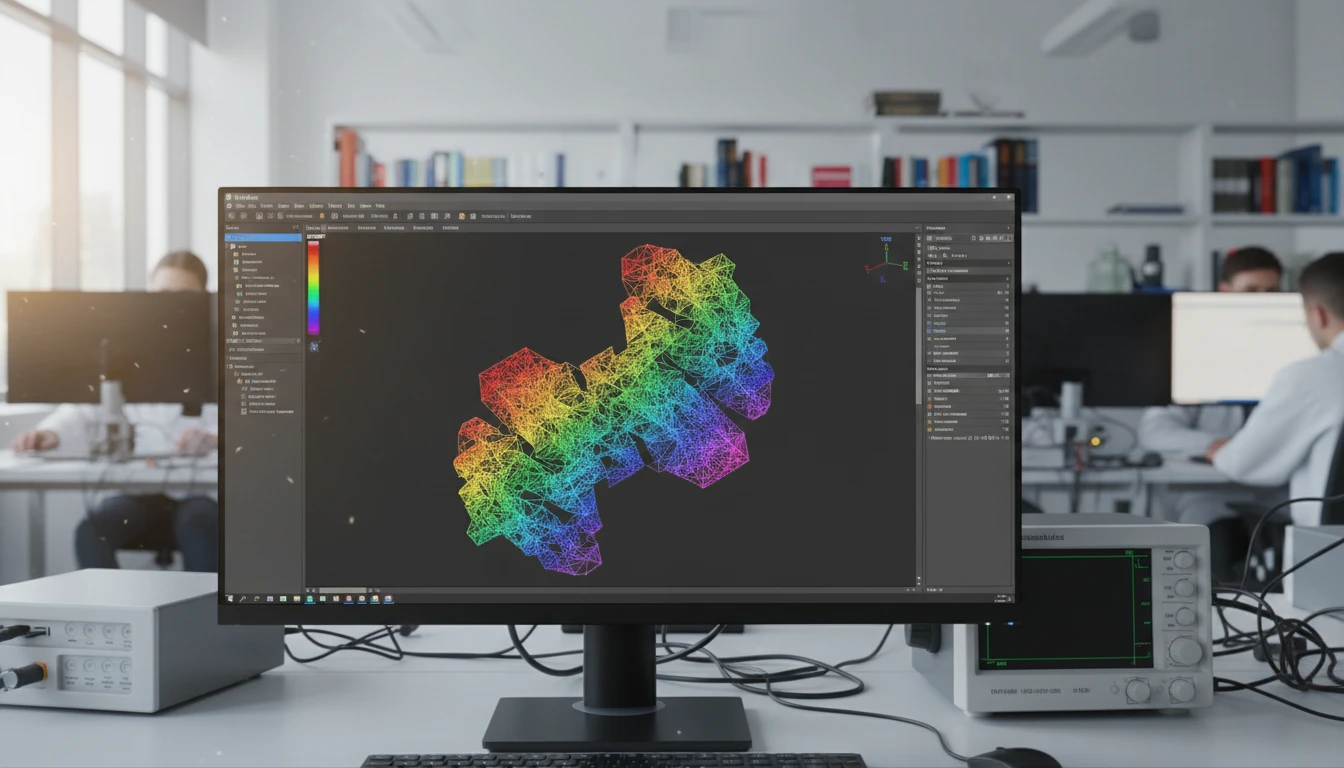
Vertex Colors and Normals Preserved
If the 3MF file carries per-vertex or per-face color data, the converter writes them as per-vertex color properties in the PLY output. Vertex normals are also preserved, giving analysis tools an accurate surface representation from the original print geometry.
Convert Now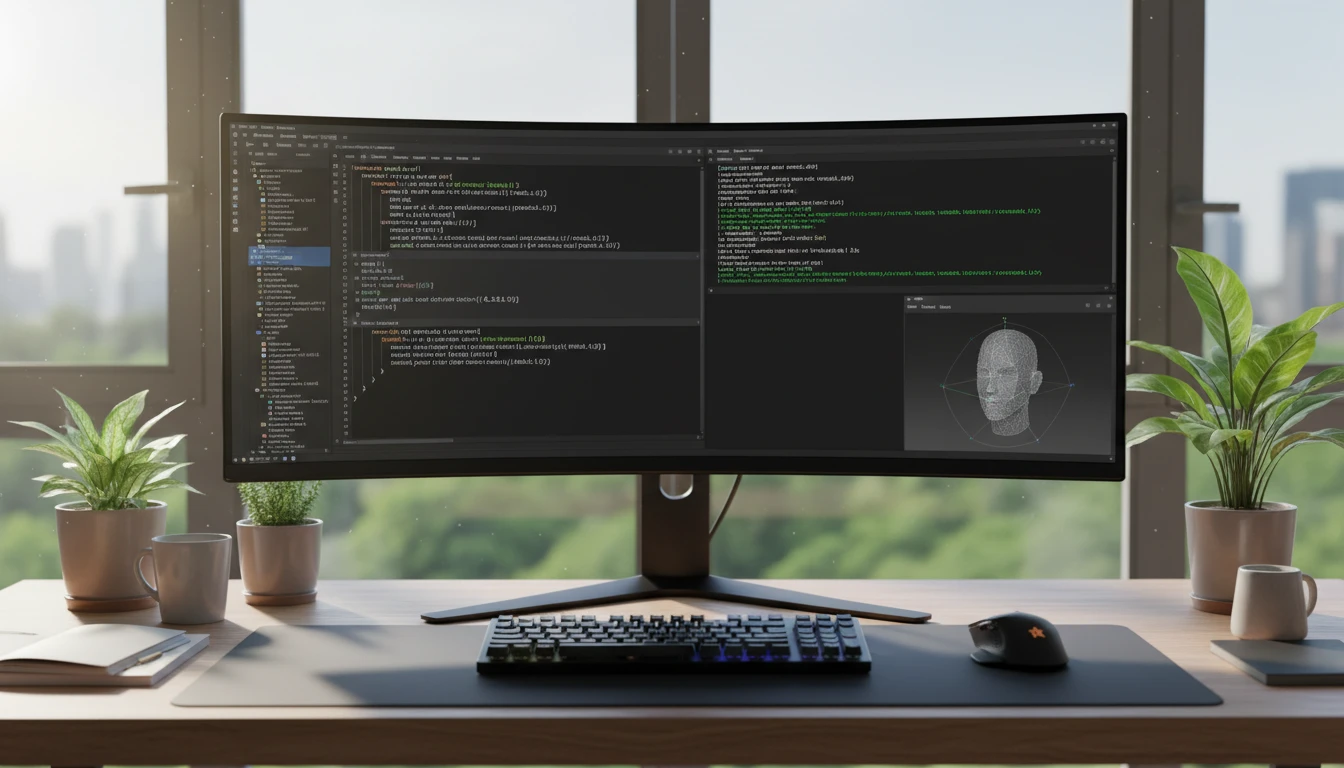
Research and Processing Pipeline Ready
PLY is natively read by MeshLab, Open3D, PCL, CGAL, and most computational geometry and point cloud processing libraries. Once converted, your 3MF geometry plugs directly into mesh analysis, simplification, segmentation, and spatial processing workflows.
Convert NowHow to Convert 3MF to PLY
Upload Your 3MF File
Drag and drop a 3MF file into the upload zone or click to browse. Files up to 100 MB are supported.
Sign In and Convert
Sign in to start the conversion. The server extracts the mesh geometry from the 3MF package and writes it into a PLY file with vertex colors and normals.
Download the PLY
Once ready, click Download. The PLY file is immediately usable in MeshLab, Open3D, PCL, CGAL, and any other PLY-compatible research or processing tool.
Deep Dive
3MF and PLY: Print Package vs. Research Format

Why Use It
No Software to Install
The conversion runs on the server. No slicer software, MeshLab batch scripts, or local Assimp CLI pipelines needed. Upload and download directly from your browser.
Vertex Colors and Normals
Color and normal data from the 3MF mesh are written as per-vertex PLY properties, keeping the geometry representation accurate for downstream analysis tools.
Research Pipeline Ready
PLY is natively read by MeshLab, Open3D, PCL, and CGAL. The converted file slots directly into mesh analysis, simplification, and computational geometry workflows without additional format negotiation.
Flexible Per-Vertex Properties
PLY's flexible property system allows per-vertex position, normal, color, and custom scalar fields. The format is ideal for research workflows that need to attach additional data to geometry.
Who Uses It
Who Converts 3MF to PLY

Frequently Asked Questions
What is the PLY file format?
PLY (Polygon File Format) is a flexible format developed at Stanford for storing 3D mesh and point cloud data. It supports ASCII and binary encoding and can carry per-vertex properties such as position, normal, RGB color, confidence, and custom scalar fields. It is widely used in 3D scanning, photogrammetry, and computational geometry research.
Does the PLY output include color data from the 3MF file?
Yes. If the 3MF file contains per-vertex or per-face color data, the converter writes the colors as per-vertex RGB properties in the PLY output, preserving the color information for analysis tools.
Is the PLY output ASCII or binary?
The converter produces binary PLY output by default, which is more compact and faster to parse than ASCII PLY. Most tools including MeshLab and Open3D read both formats transparently.
Which tools can open the resulting PLY file?
MeshLab, Open3D, PCL, CGAL, Blender, CloudCompare, and most 3D scanning and computational geometry tools support PLY. It is also readable by Three.js and Babylon.js for web visualization.
What is the maximum 3MF file size?
The converter supports 3MF files up to 100 MB. 3MF files are ZIP-compressed, so the uncompressed geometry may be substantially larger.
Convert Your 3MF File to PLY Now
Upload your 3MF print model and get a PLY in seconds. No install, no manual steps.