Find the Colors That Actually Suit You
Get your season, undertone, and a specific palette for clothes, makeup, hair, and jewelry — not a generic “jewel tones” list.
Find My Colors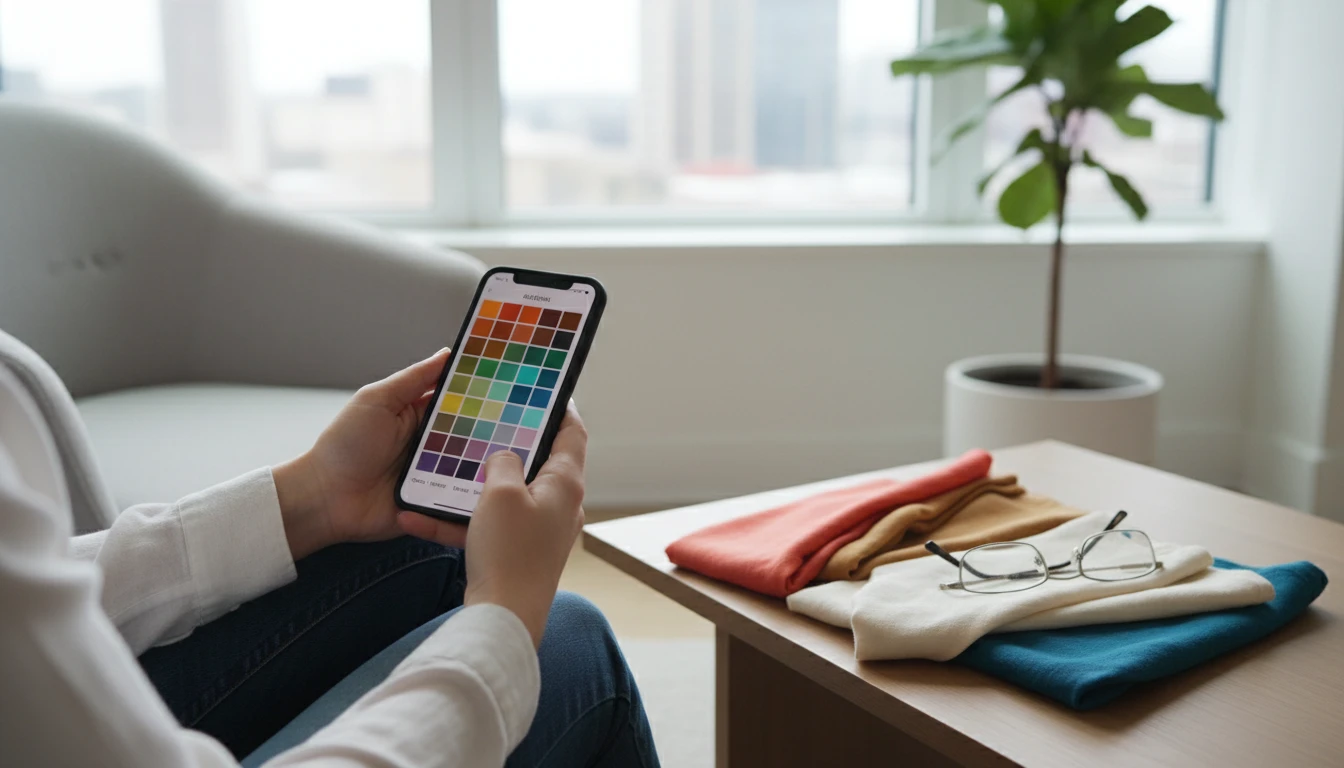
Upload a Clear Selfie
We'll open AI Face Studio next so you can find your season, undertone, and a wearable color palette.
Drag & drop your selfie here
Natural daylight and little or no makeup work best. JPG, PNG or WebP, up to 15MB
Your photo is used only to create this color report for you.
Your 12-Season Type
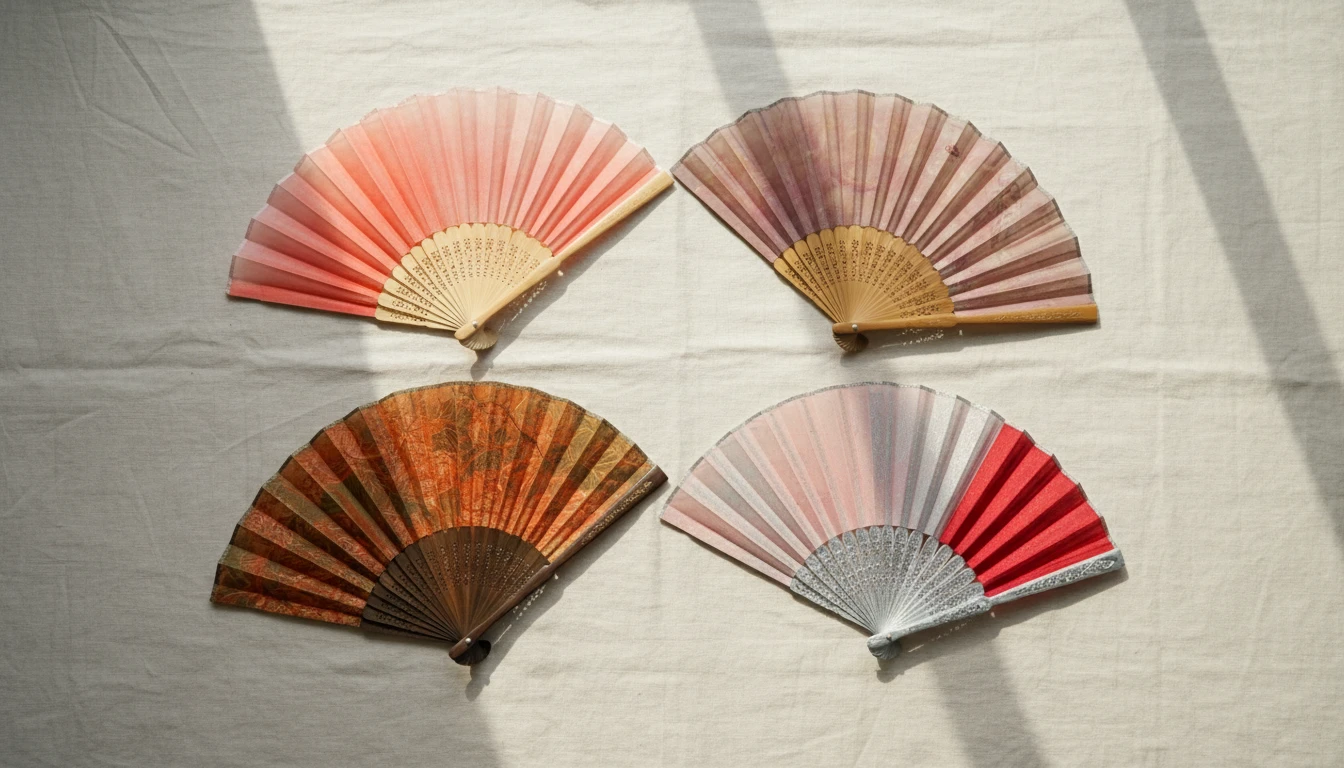
The analysis places you in one of twelve types — Light, Warm, or Clear Spring; Light, Cool, or Soft Summer; Soft, Warm, or Deep Autumn; Deep, Cool, or Clear Winter — with undertone, value, chroma, and contrast explained in plain language.
Find My Colors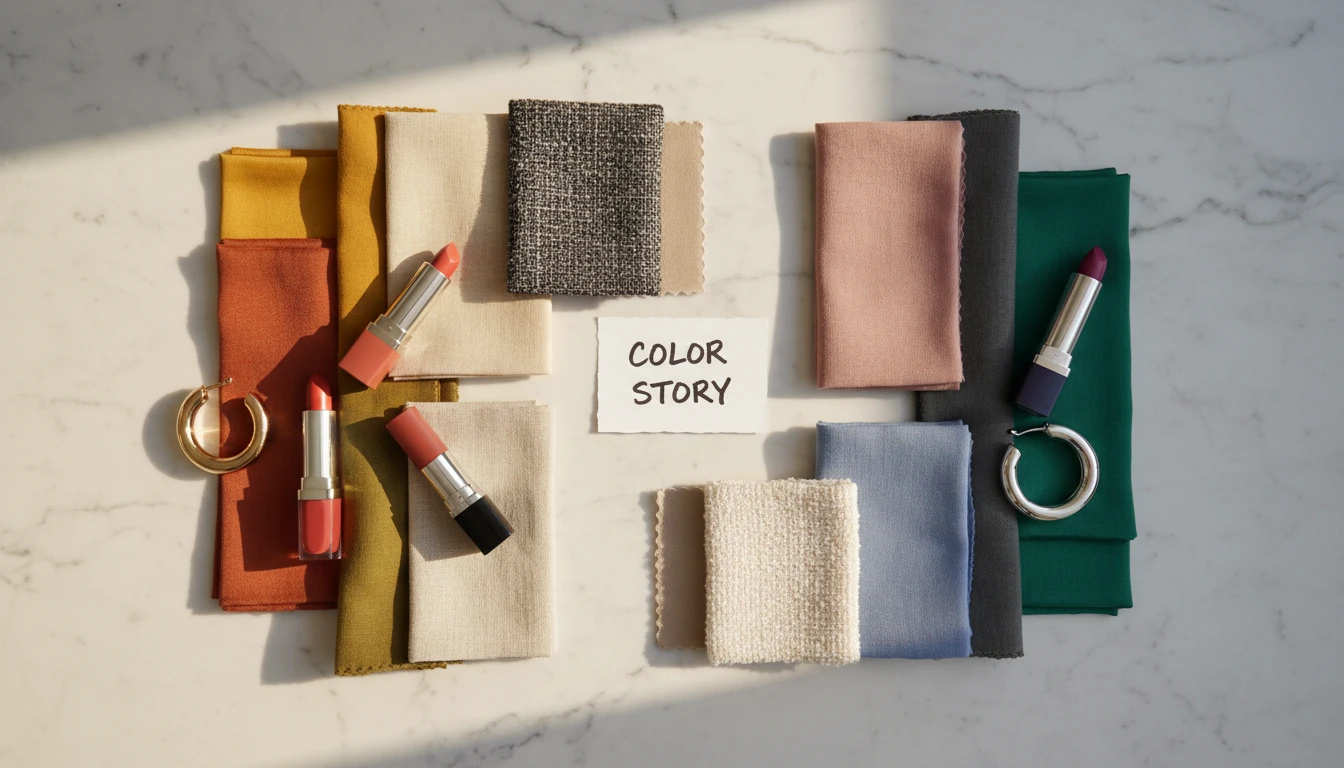
A Palette You Can Shop
Power colors, accents, neutrals, and metals are named specifically — camel, not “earth tones”; icy pink, not “pastels”. A skip list explains the shades that usually wash you out.
See My Palette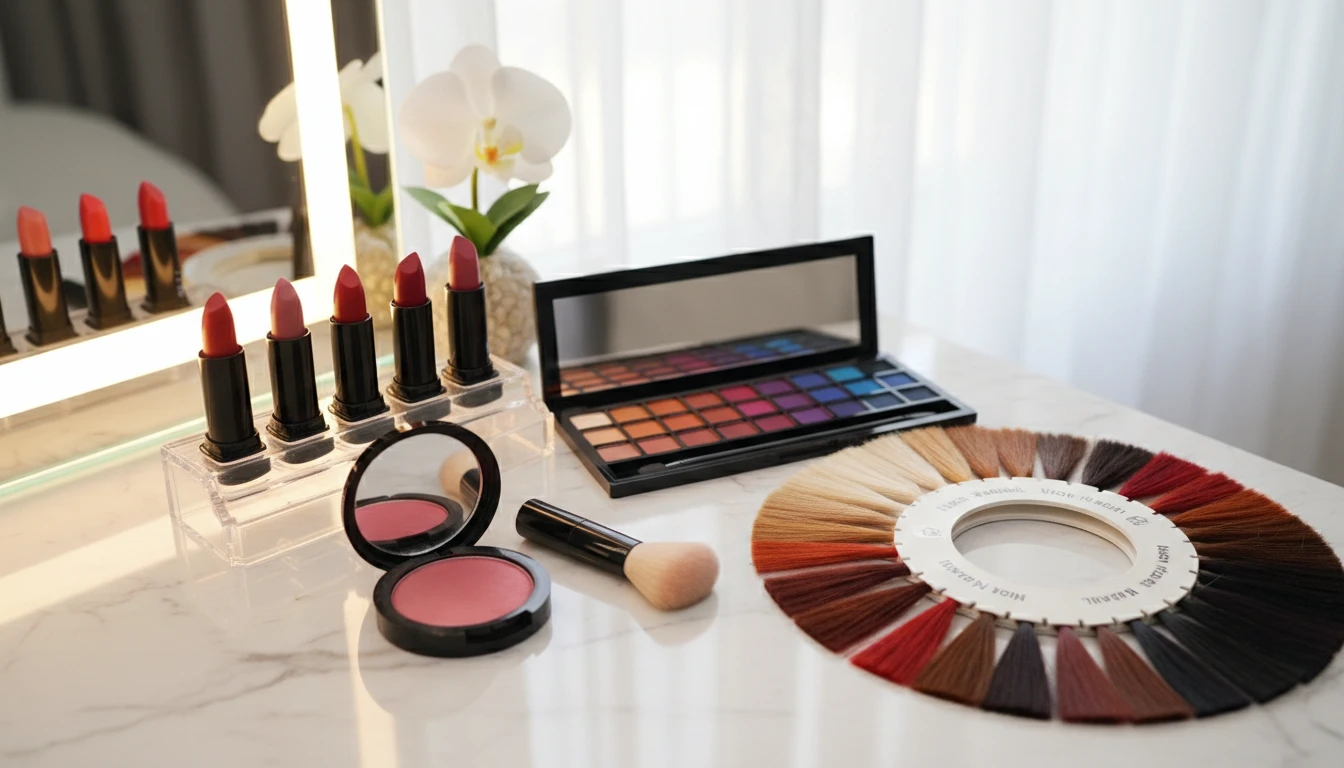
Makeup, Hair, and Wardrobe Cues
Lipstick, blush, eyeshadow, hair color ideas, and a few outfit directions are tied to your season. Face Studio tips point to Lip Color, Blush, or Hair Studio when you want to try a shade on a photo.
See Style NotesHow Personal Color Works
Upload a daylight selfie
Face the window, skip heavy makeup if you can, and show your real hair color. Strong yellow bulbs and filters throw the undertone off.
AI reads season and contrast
The model looks at skin, eyes, and hair together to pick a 12-season type, then explains undertone, value, and contrast.
Get a palette you can use
Face Studio shows named colors, wardrobe notes, makeup and hair ideas, plus copy and download as plain text.
Who Uses It
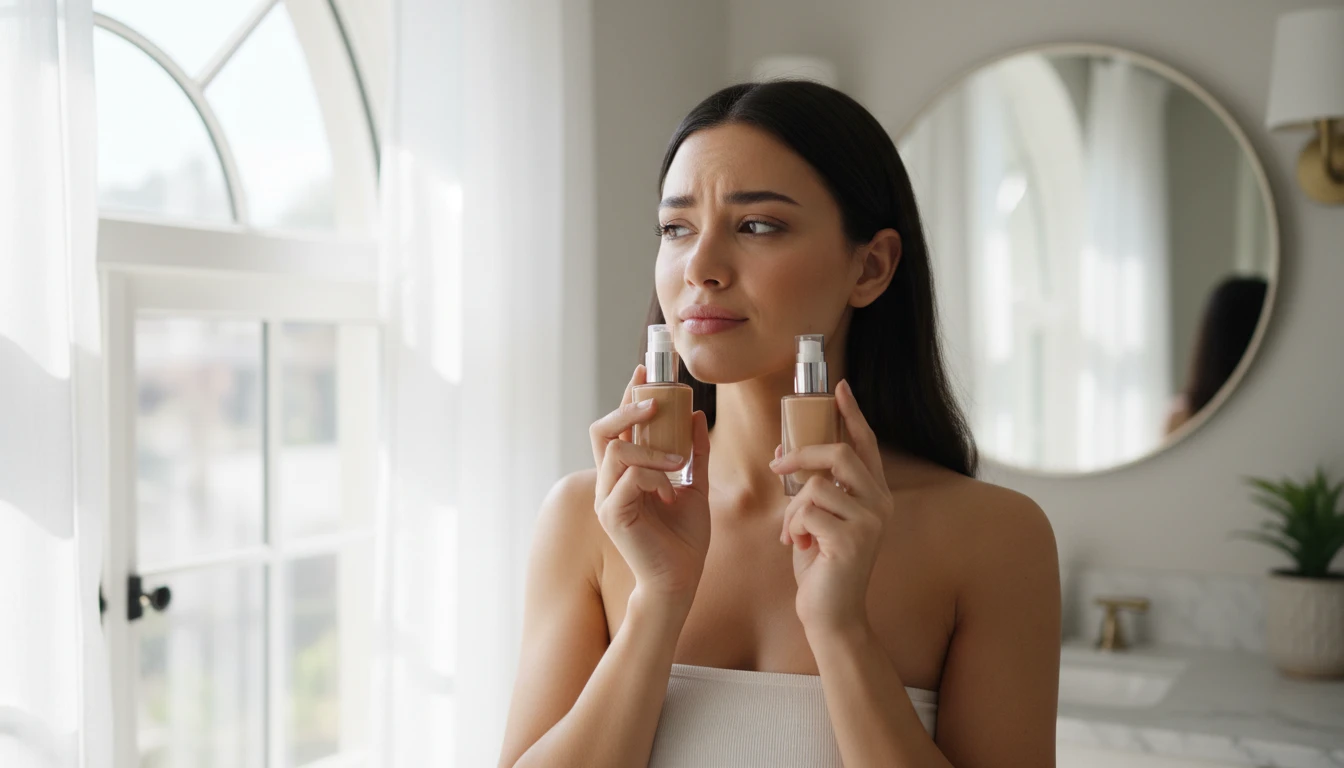
Anyone Tired of Guessing Undertone
Vein tests and gold-vs-silver arguments are messy in mixed lighting. A daylight selfie plus a structured read is a faster starting point before you buy another foundation or blazer.

Wardrobe Edits and Shopping Lists
Use the power-color and skip lists when you shop. The neutrals section is meant for the pieces you wear every week, not just statement colors.
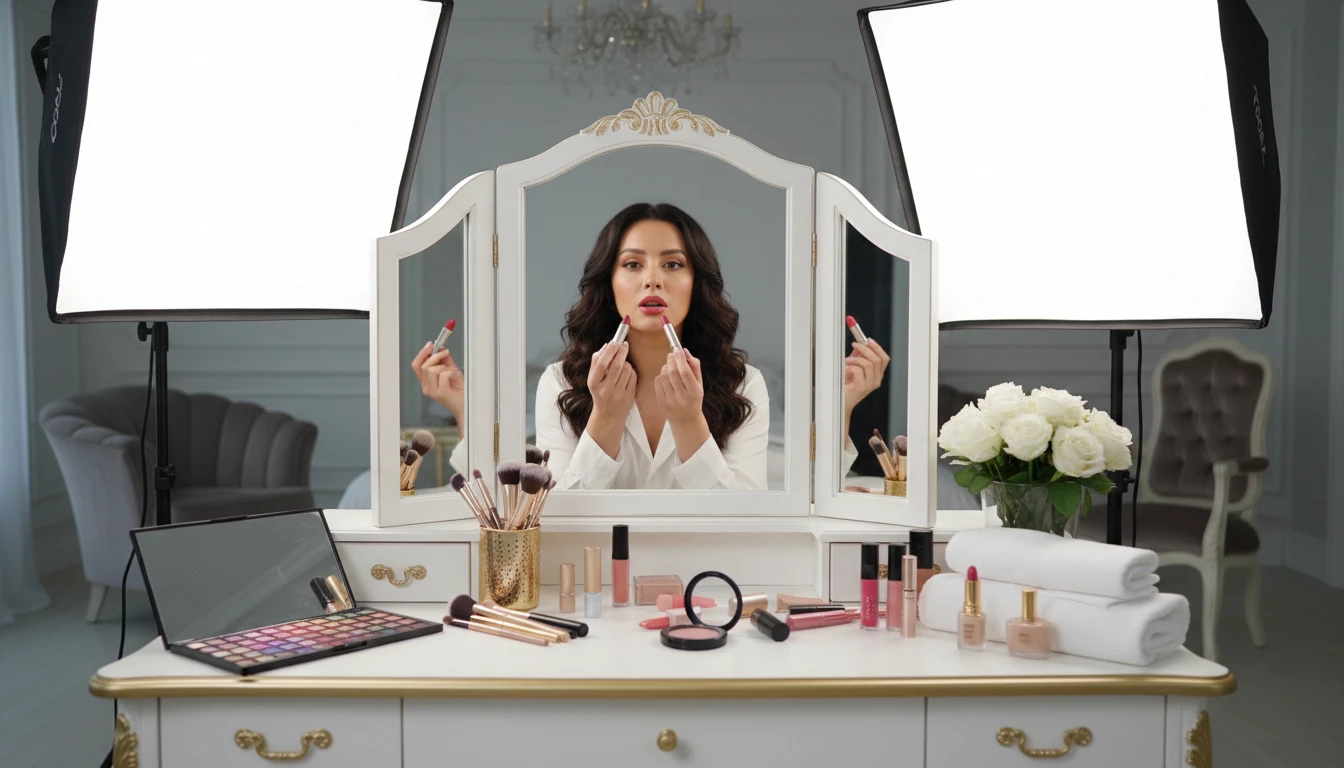
Makeup and Hair Color Experiments
Try the lipstick and hair ideas in Face Studio or Hair Studio before you commit in real life. The report will flag if dyed hair or heavy makeup likely shifted the season.
Why Use It
Twelve Seasons, Not Four
Light Spring is not the same as Clear Spring. The report names the subtype so the palette is tighter.
Colors You Can Search For
Camel, rust, icy pink, and charcoal — words you can type into a shop, not mood-board fluff.
Makeup and Hair Included
Lipstick, blush, eyeshadow, jewelry metal, and hair-color directions come with the clothes.
Honest About the Photo
If the lighting is warm, the makeup is heavy, or the hair is dyed, confidence drops and the report says why.
Frequently Asked Questions
How does AI personal color analysis work?
You upload a selfie. The AI looks at visible skin, eyes, and hair to estimate undertone, contrast, and value, then assigns one of twelve seasonal types and builds a palette for clothes, makeup, hair, and jewelry.
What are the 12 seasons?
Spring: Light, Warm, Clear. Summer: Light, Cool, Soft. Autumn: Soft, Warm, Deep. Winter: Deep, Cool, Clear. Each subtype shares a family (warm/cool, light/deep, soft/clear) but the best colors differ.
What photo should I use?
A front-facing selfie in natural daylight, with little or no makeup, and your current real hair color. Avoid strong indoor bulbs, sunset light, and beauty filters.
Is this as accurate as an in-person draping?
No. A trained analyst with fabric drapes and controlled light is still the gold standard. This is a fast style read from one photo, and lighting can change the result.
What if I dye my hair or wear makeup?
The report will usually lower confidence and mention it. For the cleanest type, use a makeup-light photo and your natural or current everyday hair color.
How much does it cost?
Each analysis uses 25 credits, the same as Skin Report and Face Shape. Sign up free to get starter credits.
Find Your Colors
Sign up free and get 100 credits instantly. Upload a selfie and get your season and palette in seconds.
Disclaimer: This tool uses generative AI technology which may produce content that resembles copyrighted materials or that is inaccurate, incomplete, or out-of-date. It is provided for general information and educational purposes only and is not intended for illegal activities or to replace professional advice, diagnosis, or treatment. Users are solely responsible for how they use the generated content. If you plan to use AI-generated content commercially or publicly, we strongly recommend reviewing it for potential copyright issues and obtaining proper permissions where necessary. We accept no liability for copyright infringement or any other consequences resulting from the use of content generated by this tool.