Find Out If Your Headshot Is Ready to Use
Get an overall score, eight photo marks, and a keep-or-fix list. This judges the photograph — not how you look.
Score My Headshot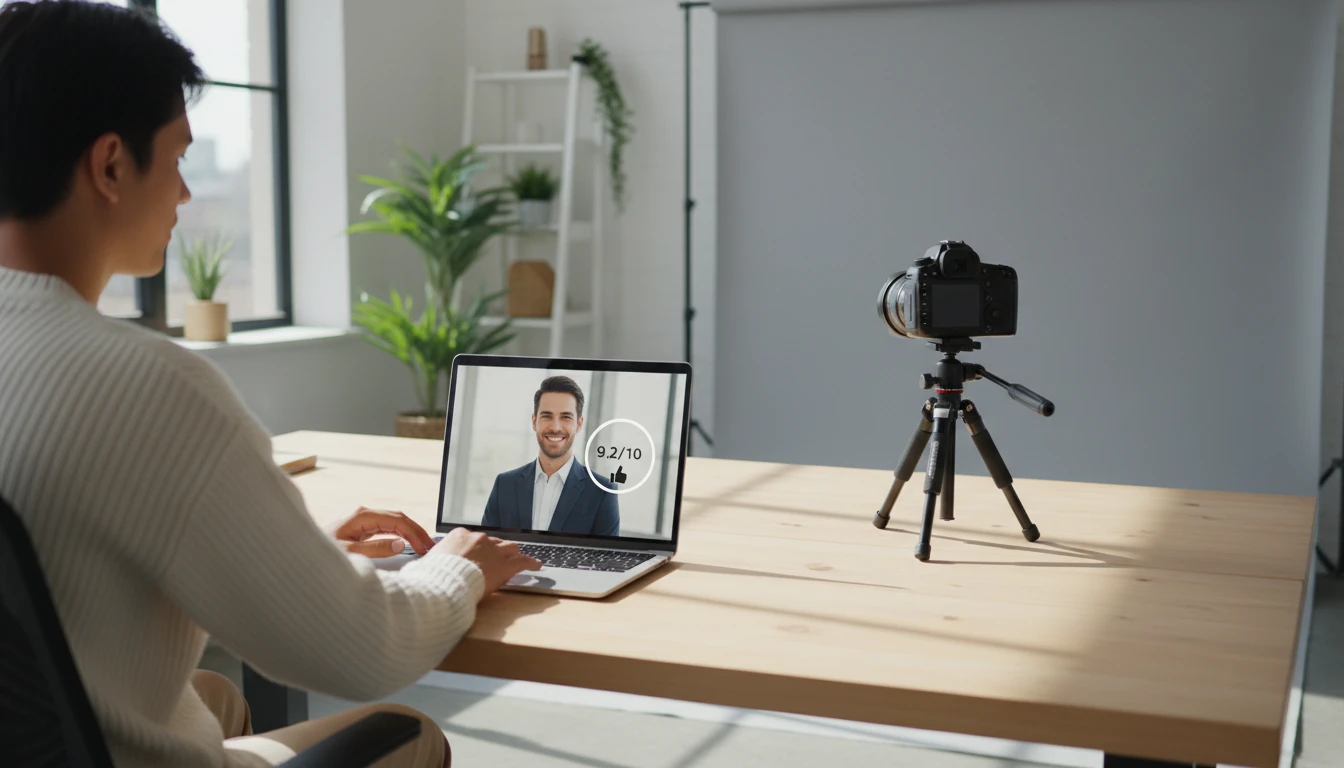
Upload a Portrait
We'll open AI Face Studio next so you can score lighting, crop, and expression — then polish or reshoot.
Drag & drop your portrait here
A front-facing chest-up photo works best. JPG, PNG or WebP, up to 15MB
Your photo is used only to score this headshot for you.
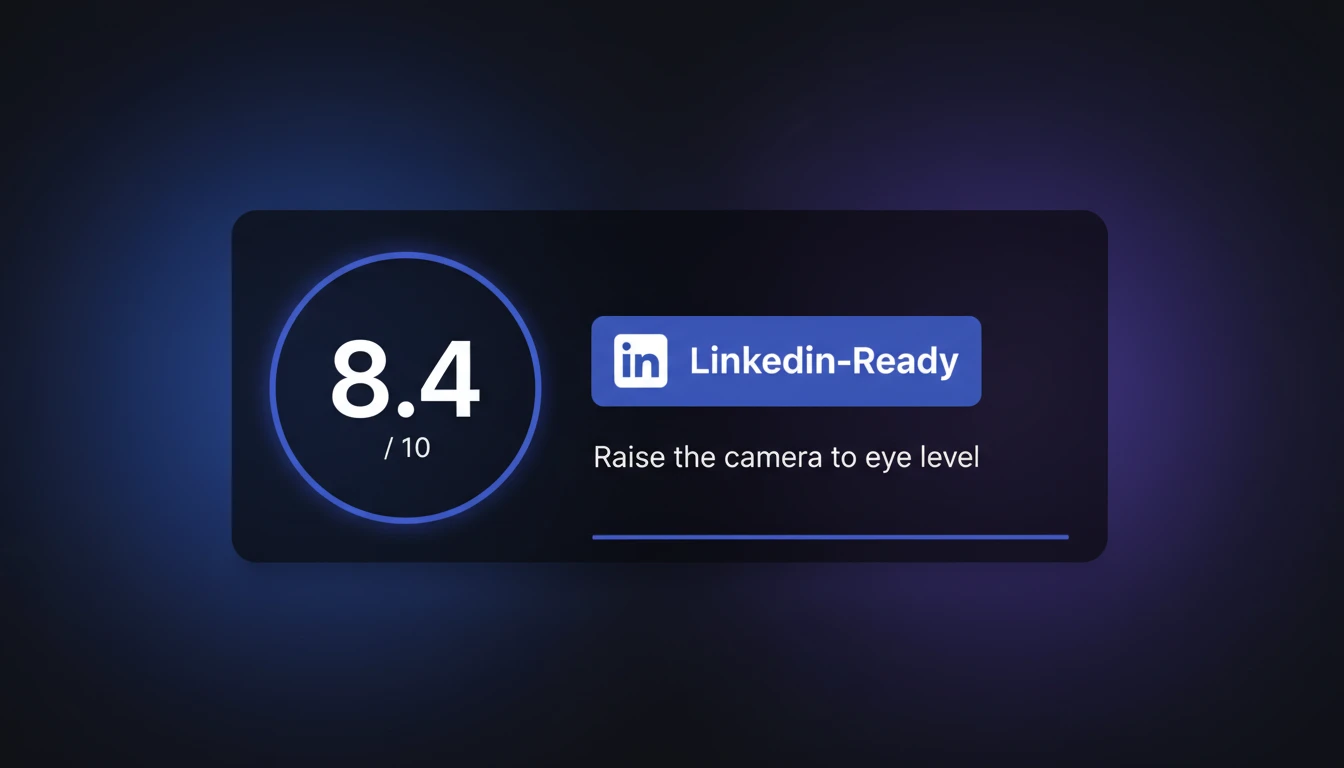
A Clear Verdict
Every result opens with a score out of 10 and a verdict: LinkedIn-ready, strong professional, almost there, or needs a reshoot — plus the single most useful fix.
Score My Headshot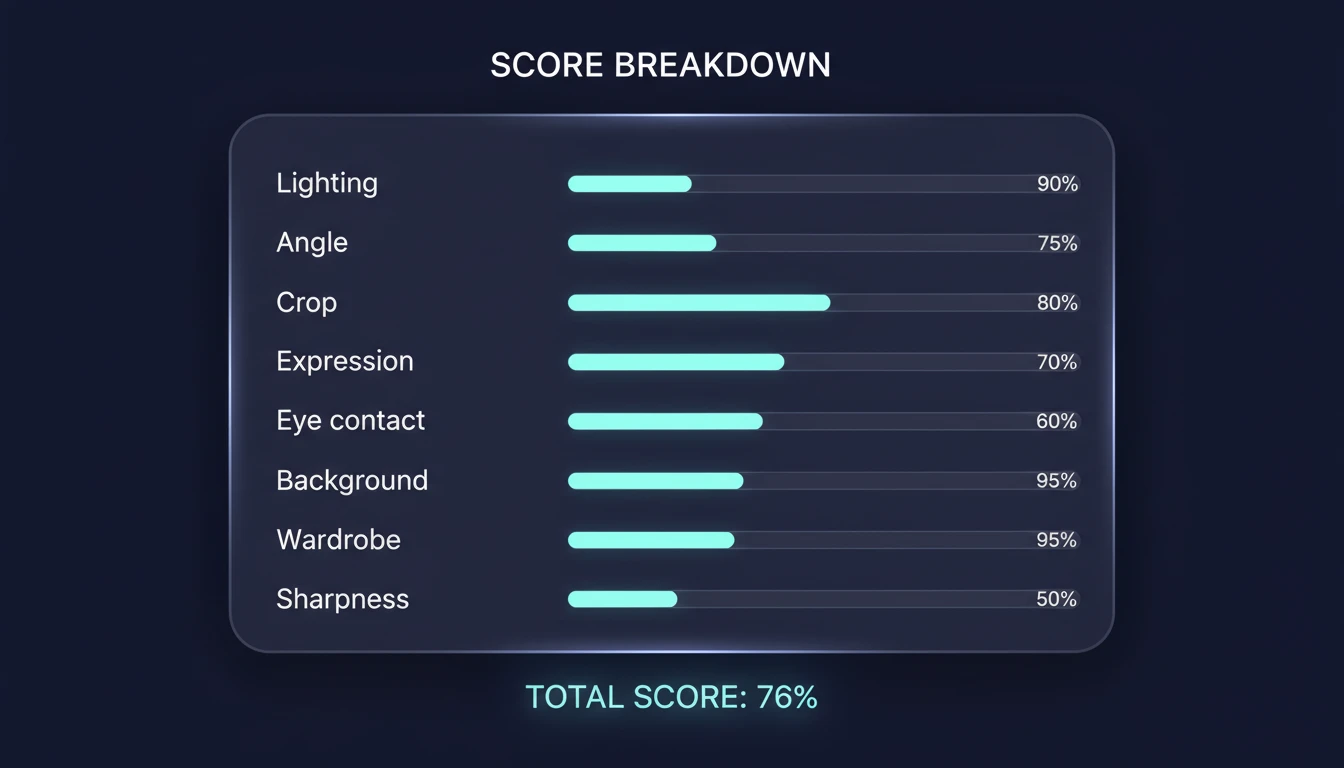
Eight Photo Marks
Lighting, angle, crop, expression, eye contact, background, wardrobe, and sharpness each get a score and a short note. You can see whether the problem is the light or the crop.
See the Breakdown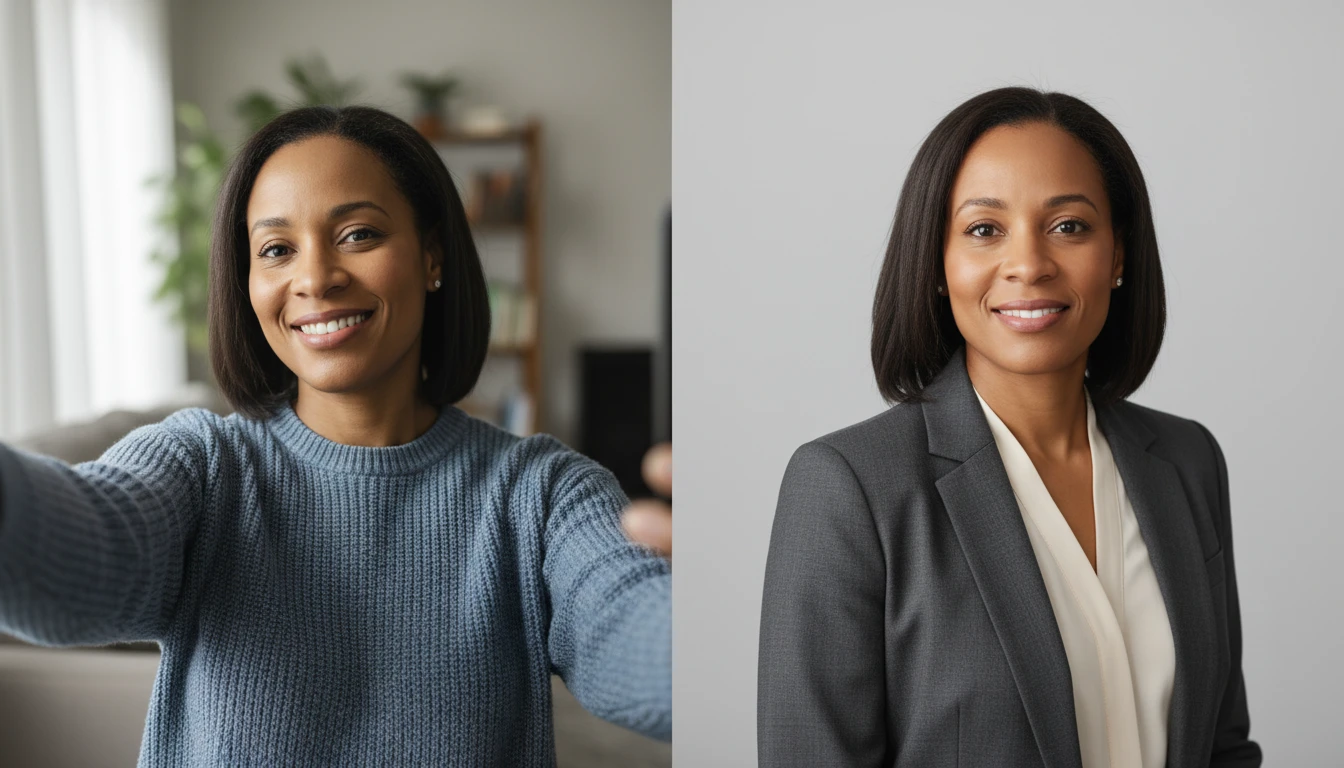
Keep, Fix, or Open Face Studio
The report lists what already works and what to change. Studio tips point to Headshot, Profile Photo, or Face Retouch when a polish is enough; reshoot tips cover window light, height, and framing.
Get My FixesHow Headshot Score Works
Upload a portrait
Chest-up, face the camera, and use the photo you would actually consider for LinkedIn or a resume.
AI scores the photograph
Lighting, angle, crop, expression, background, wardrobe, and sharpness each get a mark. Attractiveness is not scored.
Keep, fix, or reshoot
You get a verdict, a keep-and-fix list, and Face Studio tips if Headshot or Retouch can save the frame.
Who Uses It
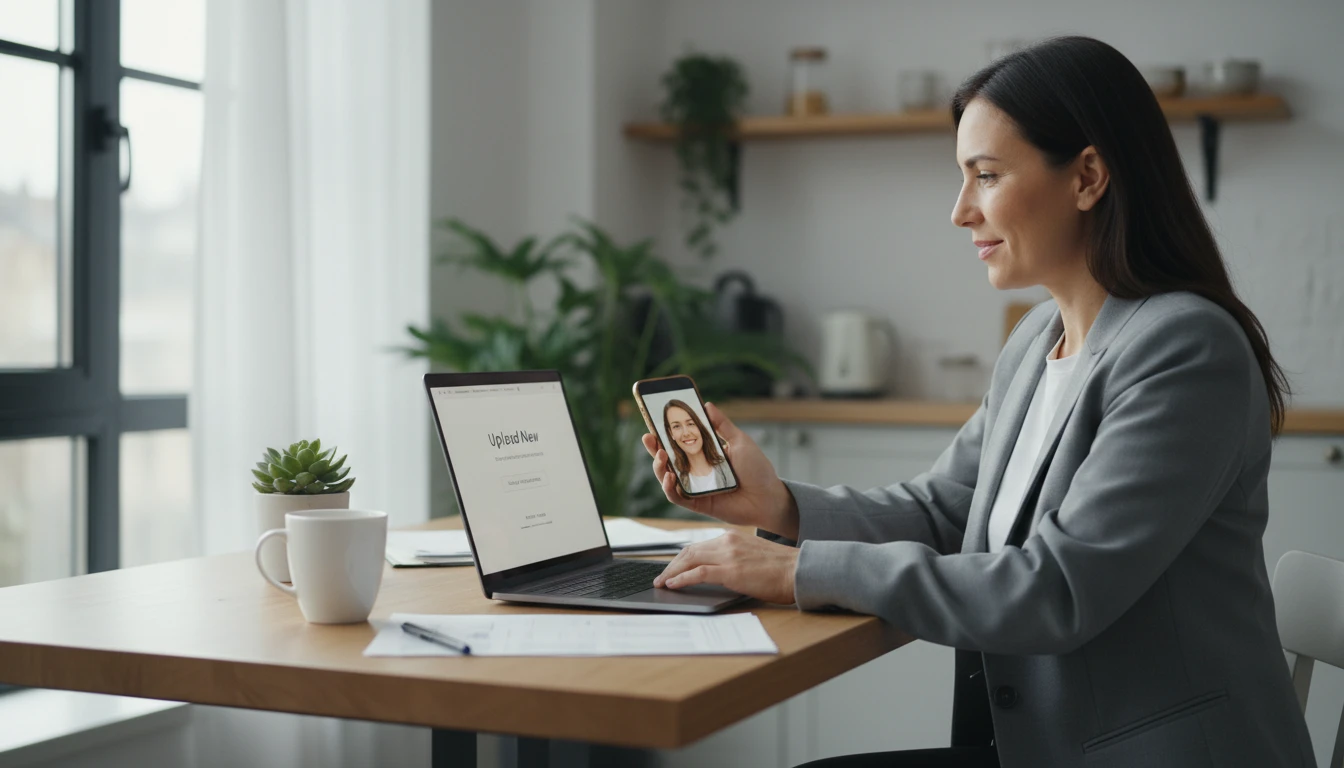
Job Seekers Updating LinkedIn
Before you upload a new photo, check whether the crop, light, and expression read as professional. The LinkedIn line in the report is written for that use.
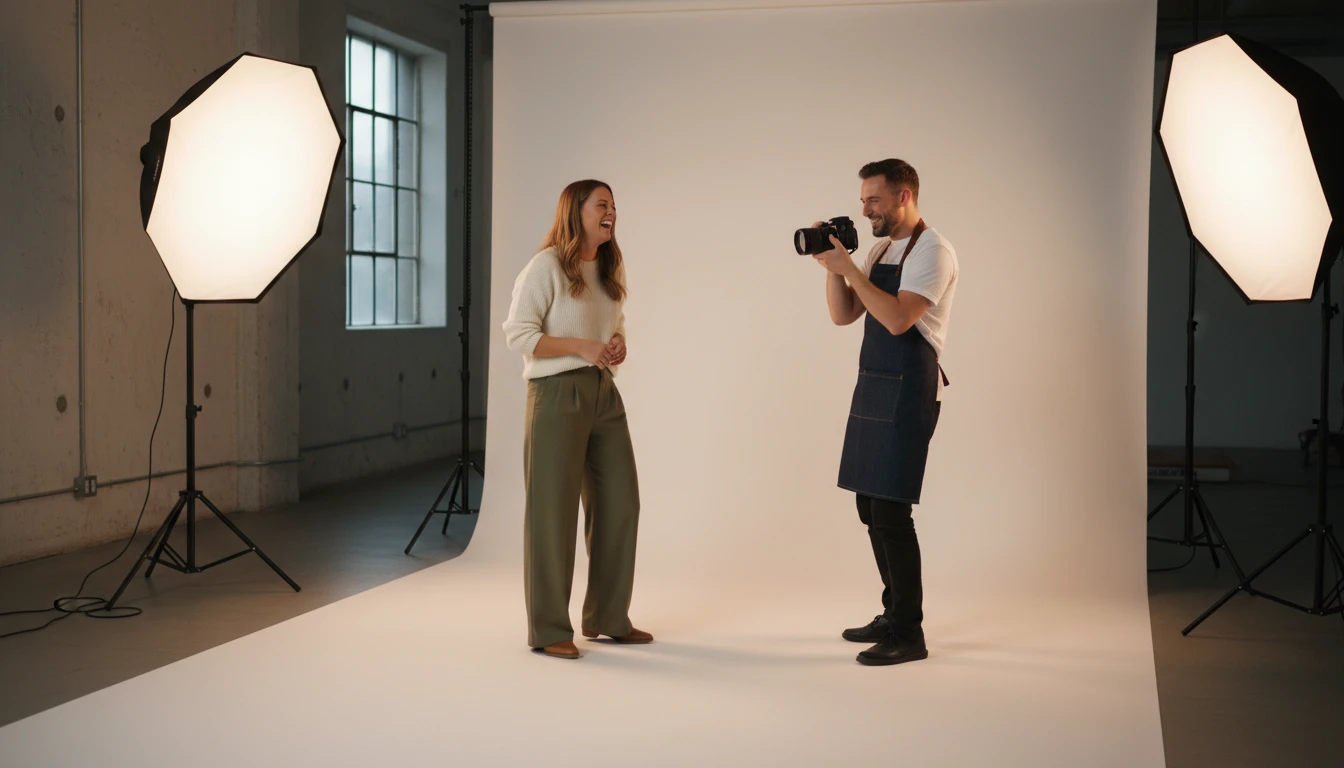
Anyone About to Book a Headshot
Use a current selfie as a baseline. The reshoot tips tell you what a photographer — or Face Studio Headshot — should improve.
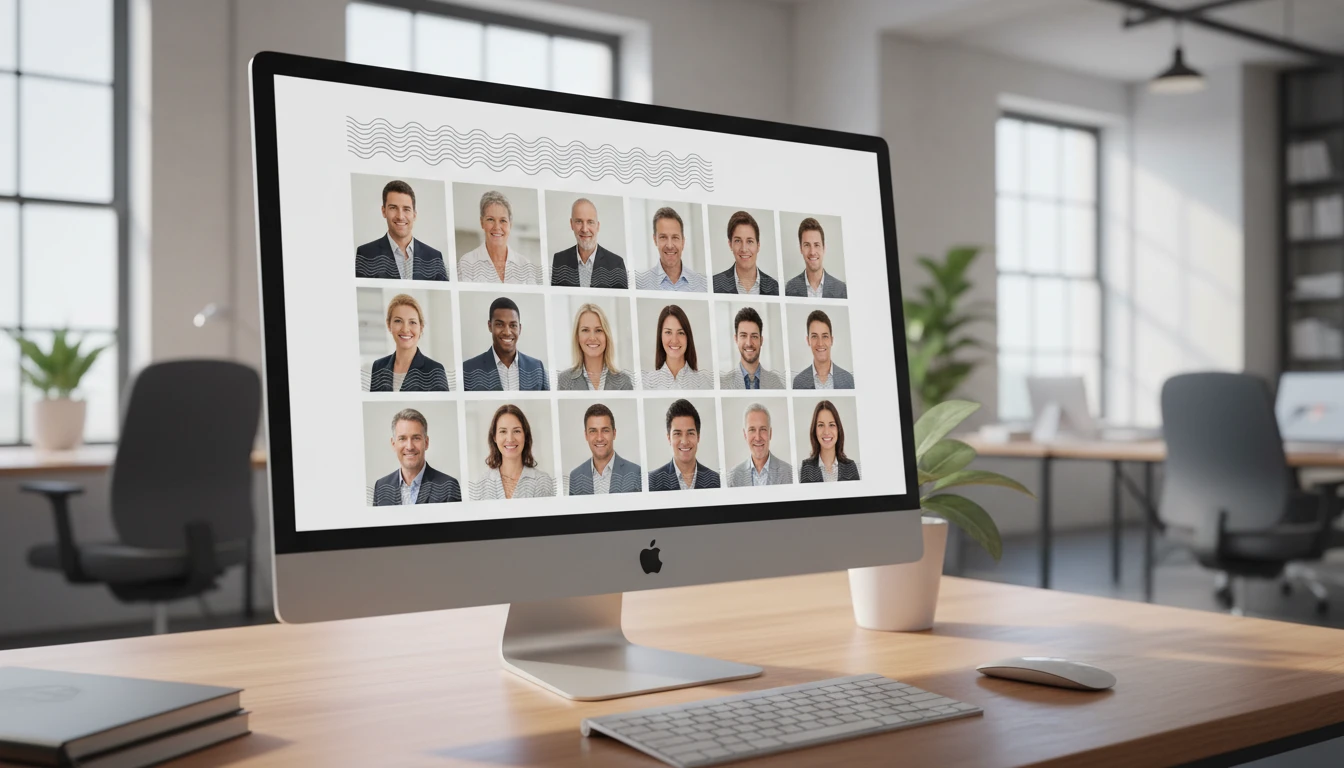
Teams Refreshing Company Photos
Score a batch of existing portraits to see which ones are usable on the website and which need a new take. The company-site note is written for that.
Why Use It
Judges the Photo, Not You
The score is about light, crop, and expression. It will not rate your face.
Built for Professional Use
LinkedIn, resume, company site, and social each get a one-line fitness note.
A Short Fix List
You leave with one top fix and a few keep/fix items — not a lecture on photography theory.
A Path Into Face Studio
If a polish is enough, the report points to Headshot, Profile Photo, or Face Retouch.
Frequently Asked Questions
How does the AI Headshot Score work?
You upload a portrait. The AI scores lighting, angle, crop, expression, eye contact, background, wardrobe, and sharpness, then gives an overall mark and a verdict such as LinkedIn-ready or needs a reshoot.
Does it rate how attractive I am?
No. It scores the photograph as a professional headshot. Attractiveness, age, and similar traits are out of scope. Use the Face Attractiveness Test if you want that kind of entertainment report.
What photo should I upload?
The photo you would actually use — ideally chest-up, facing the camera, in daylight, with a simple background. A heavy filter or group crop will lower the score.
What do the verdicts mean?
LinkedIn-ready means you can use it as-is. Strong professional is close. Almost there needs a few fixes or a light reshoot. Needs a reshoot means lighting, crop, or blur is holding the frame back.
Can Face Studio fix a low score?
Sometimes. Face Retouch and Blemish Remover help skin. Headshot and Profile Photo can replace the background or restyle the portrait. A badly lit or badly cropped shot is usually faster to reshoot.
How much does it cost?
Each score uses 25 credits, the same as Skin Report and Personal Color. Sign up free to get starter credits.
Score Your Headshot
Sign up free and get 100 credits instantly. Upload a portrait and find out if it is ready for LinkedIn.
Disclaimer: This tool uses generative AI technology which may produce content that resembles copyrighted materials or that is inaccurate, incomplete, or out-of-date. It is provided for general information and educational purposes only and is not intended for illegal activities or to replace professional advice, diagnosis, or treatment. Users are solely responsible for how they use the generated content. If you plan to use AI-generated content commercially or publicly, we strongly recommend reviewing it for potential copyright issues and obtaining proper permissions where necessary. We accept no liability for copyright infringement or any other consequences resulting from the use of content generated by this tool.