Visualize a Lip Flip on Your Photo
Upload a portrait photo and instantly see how a lip flip looks on your face. Get a photorealistic AI preview in 4 styles — purely for fun and inspiration.
Try a Lip Flip Style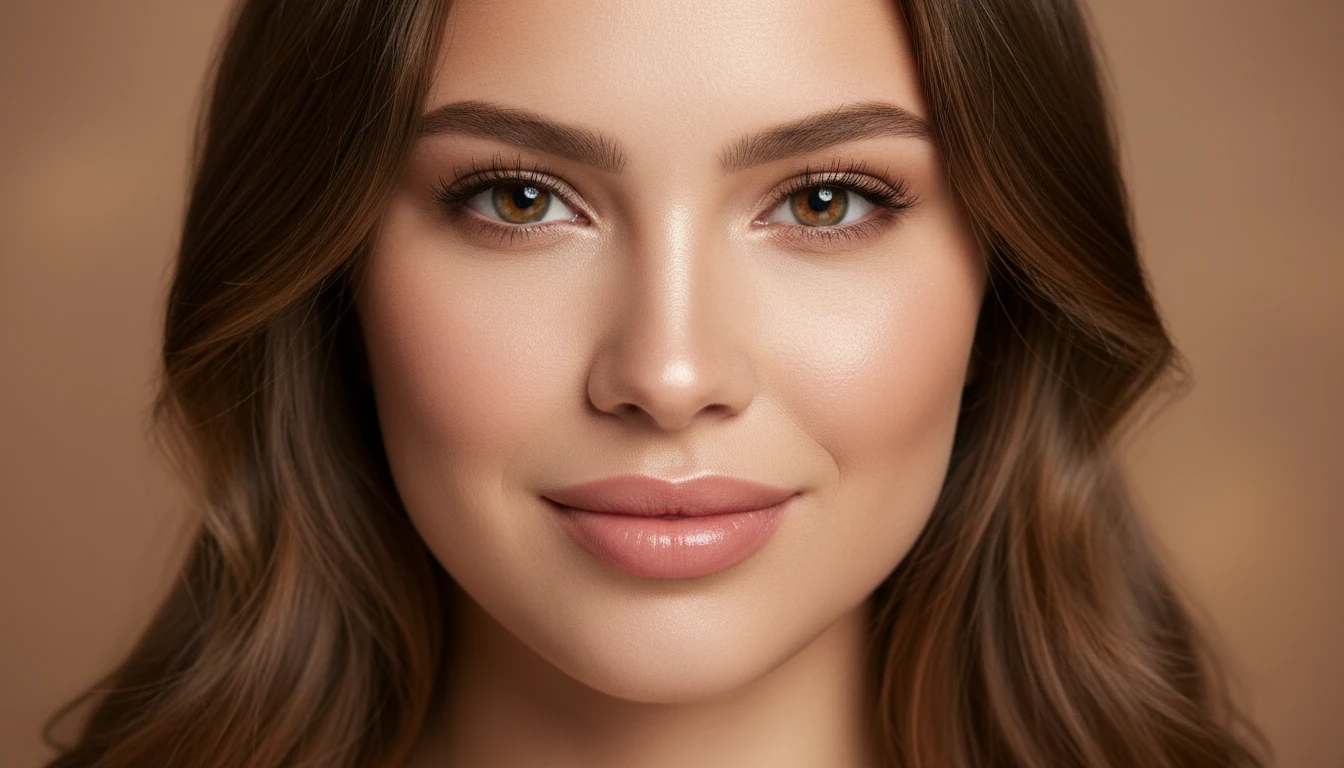
AI Lip Flip Simulator
Visualize how a lip flip looks on your photo with AI. Upload a portrait and get a photorealistic preview in 4 styles. For creative inspiration only.
Uses third-party AI. Credits are consumed upon generation.
Preview
Lip Flip Preview
Your result will appear here
Upload an image on the left and click generate to see the before & after comparison.
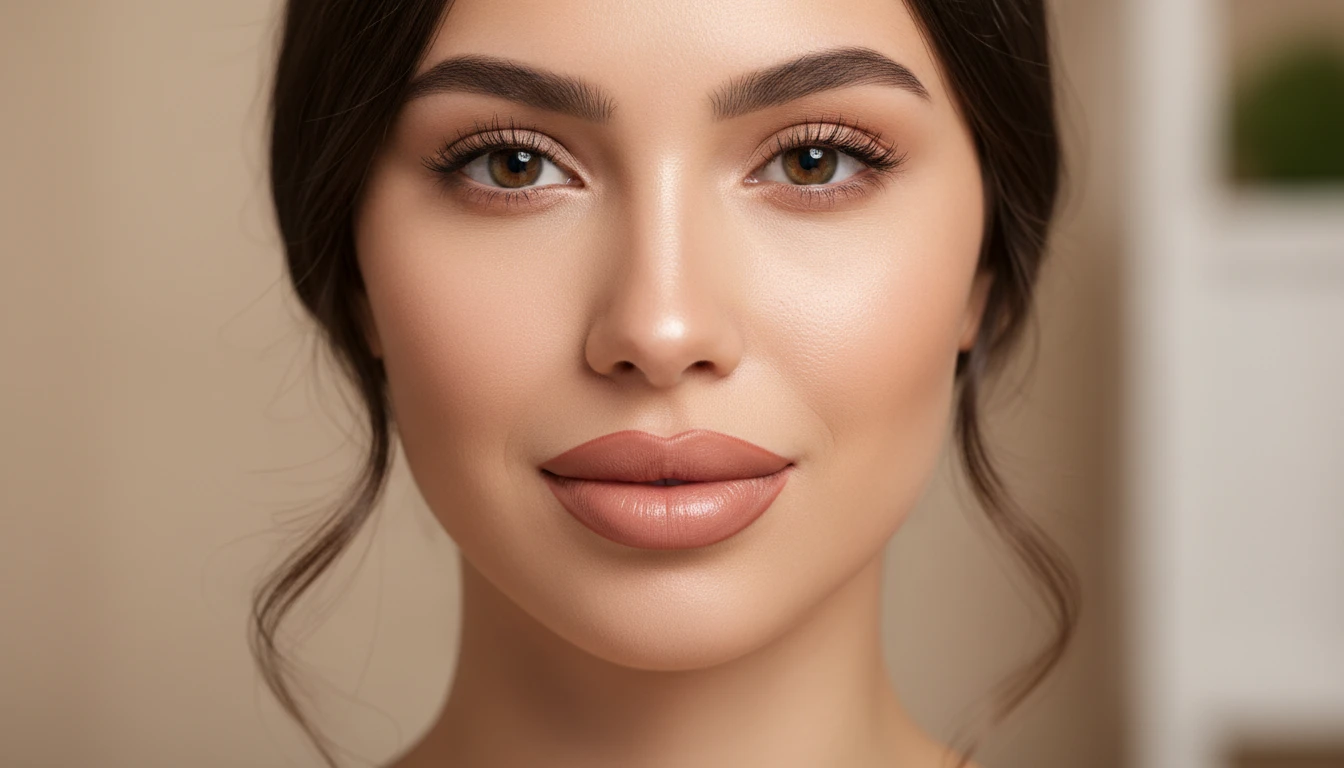
Preview 4 Lip Flip Styles on Your Own Photo
Upload a clear portrait and see how different lip flip looks appear on your face. A fun and instant way to explore upper lip aesthetics and find the style you love.
Try a Lip Flip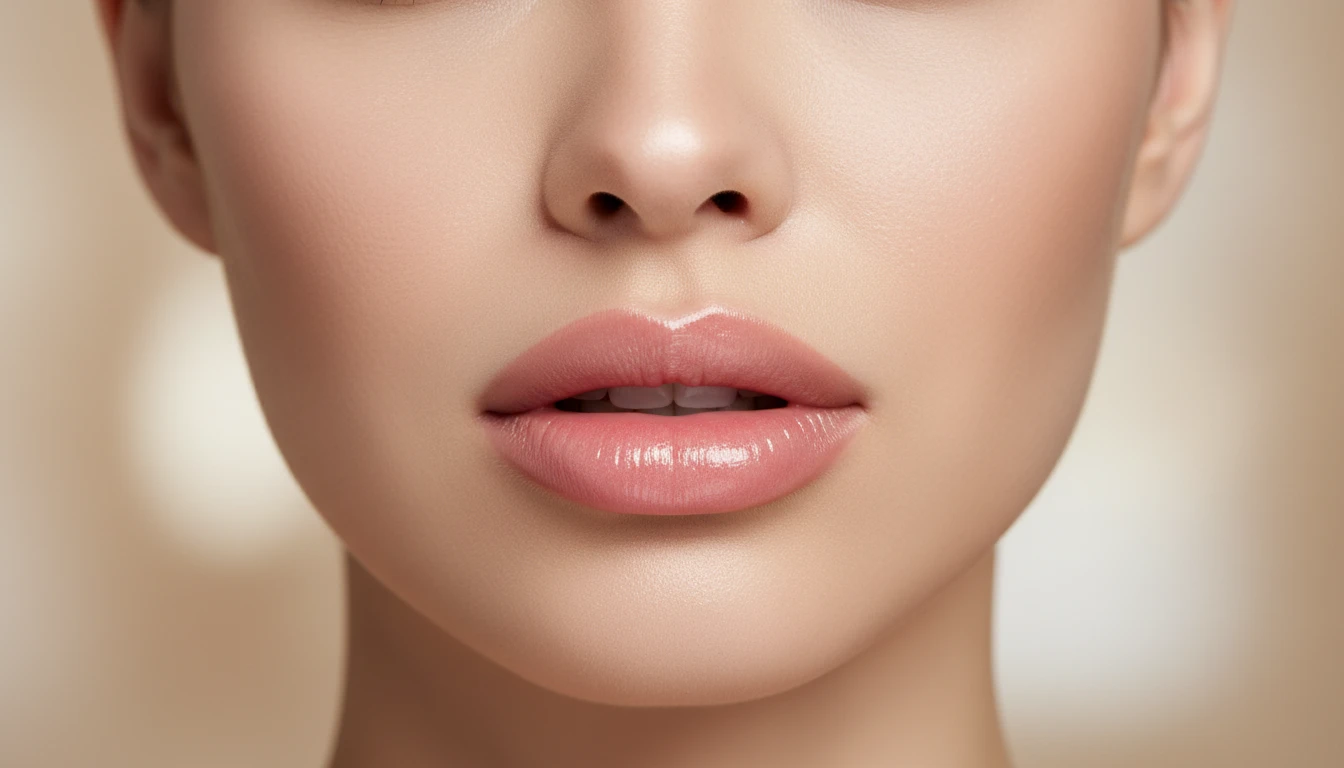
4 Styles from Barely-There to Defined
Choose from Subtle, Classic Flip, Enhanced, and Cupid's Bow. Whether you want a whisper-soft lift or a clearly defined upper lip shape, explore the full range.
Explore All Styles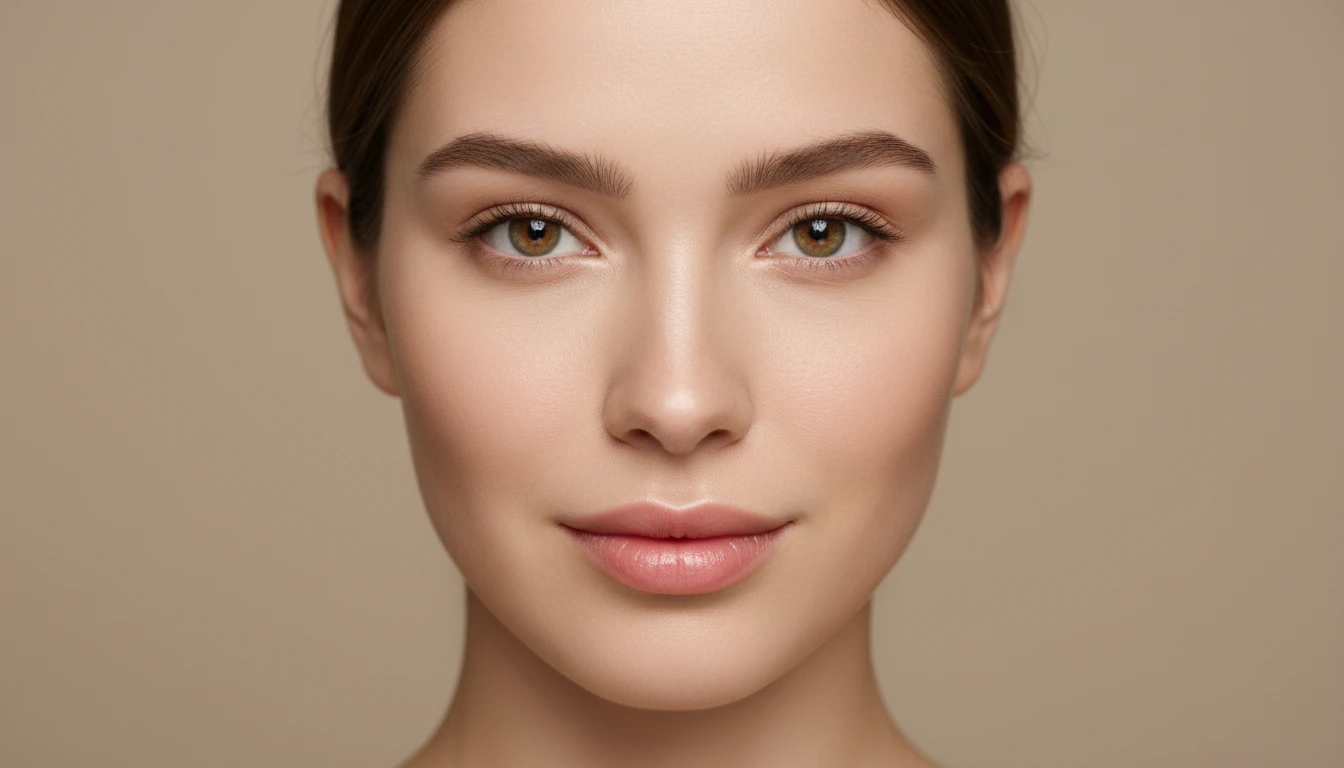
Plan Your Ideal Upper Lip Look
Explore different lip flip styles on your own photo to get a clear visual idea of the look you love. Download the result and use it as inspiration for your next beauty style.
Explore Styles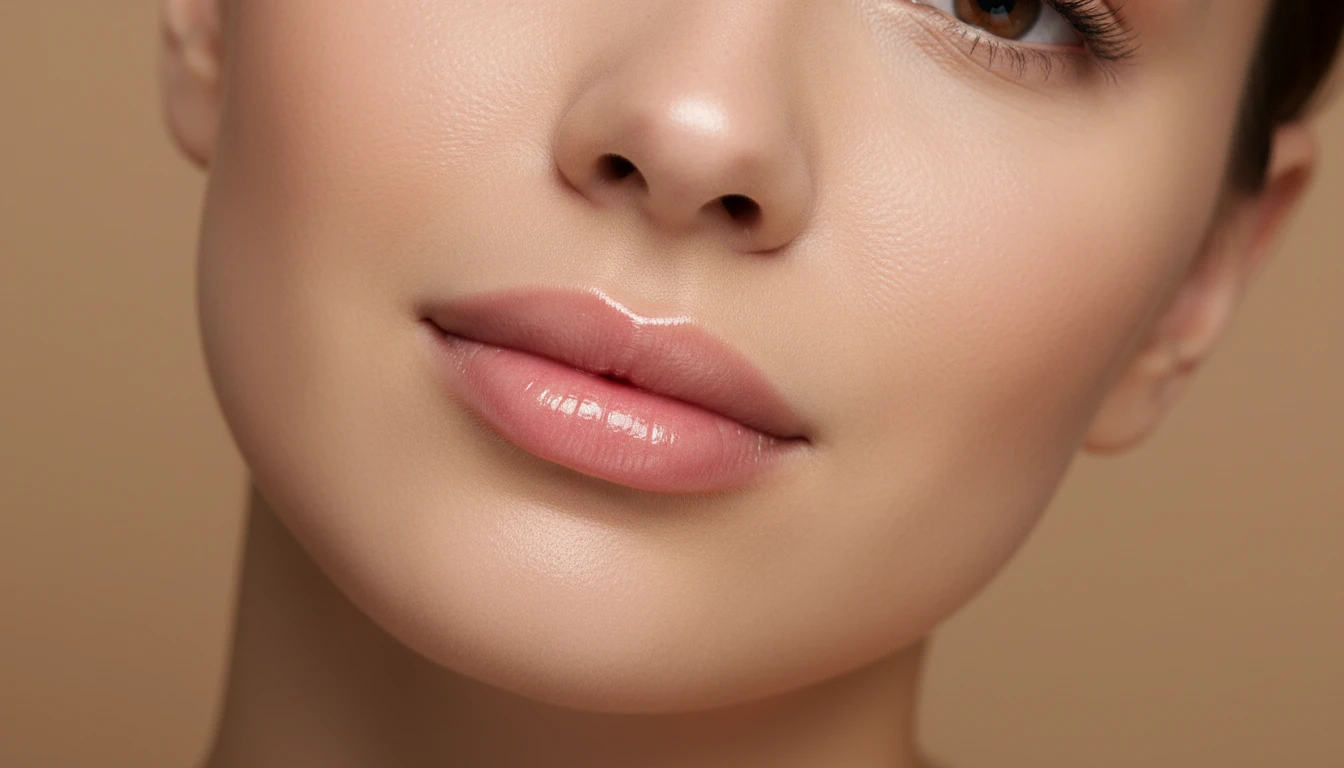
Instant, Fun, and Purely Visual
Try as many styles as you like from the privacy of your own home. Switch between Subtle, Classic Flip, Enhanced, and Cupid's Bow in seconds.
Try It NowWho Uses the AI Lip Flip Simulator
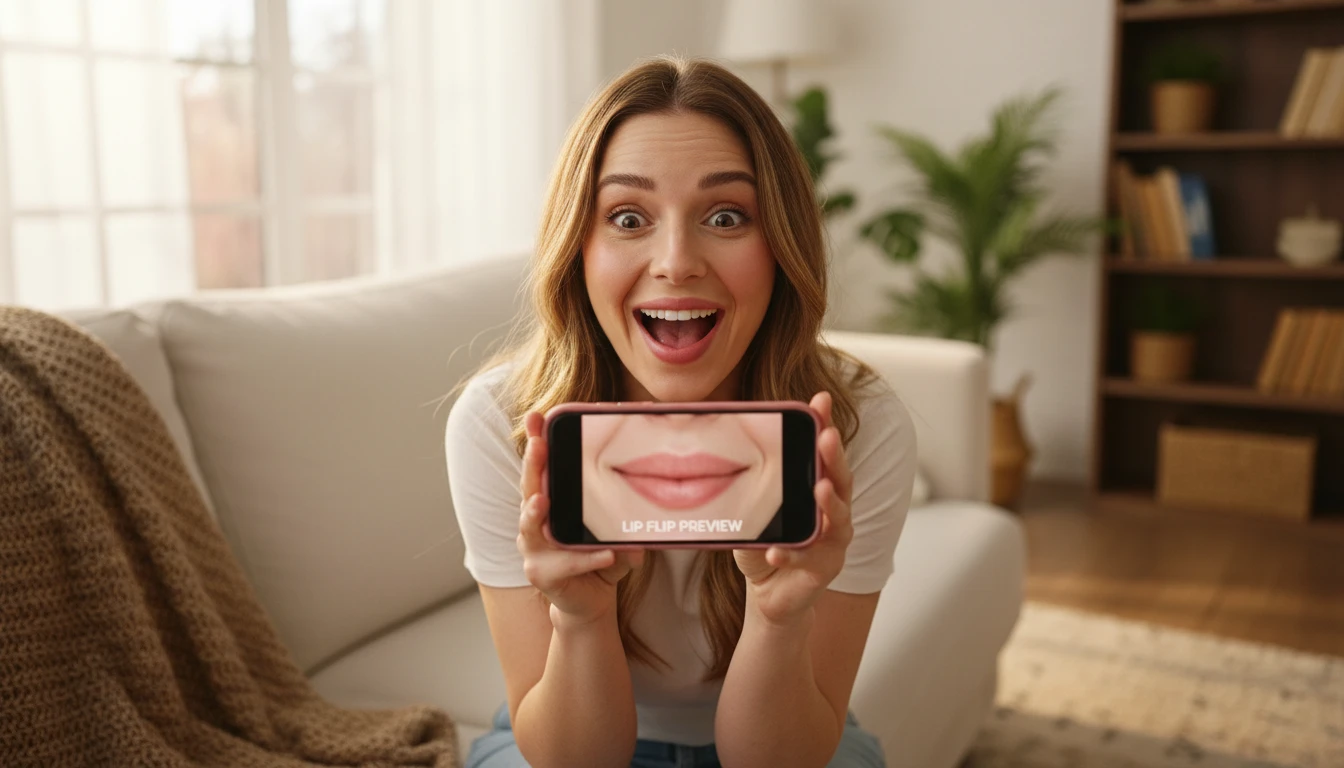
Beauty Enthusiasts and Makeup Lovers
Curious what a lip flip looks like on your face? Try every style from subtle to enhanced and discover the look that suits you best.
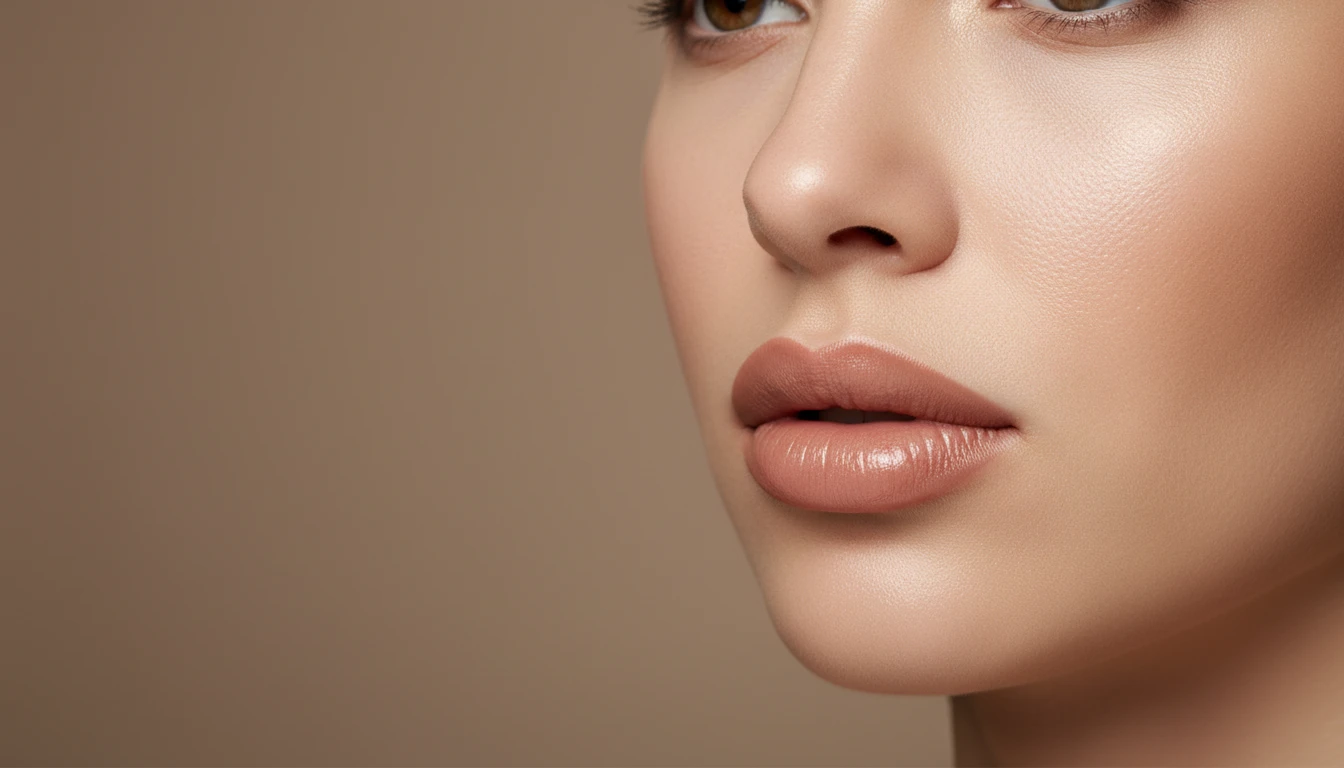
People Exploring Upper Lip Aesthetics
Not sure which lip flip style suits your face shape? Try Subtle, Classic Flip, Enhanced, and Cupid's Bow on your own photo to get a clear visual of each look.
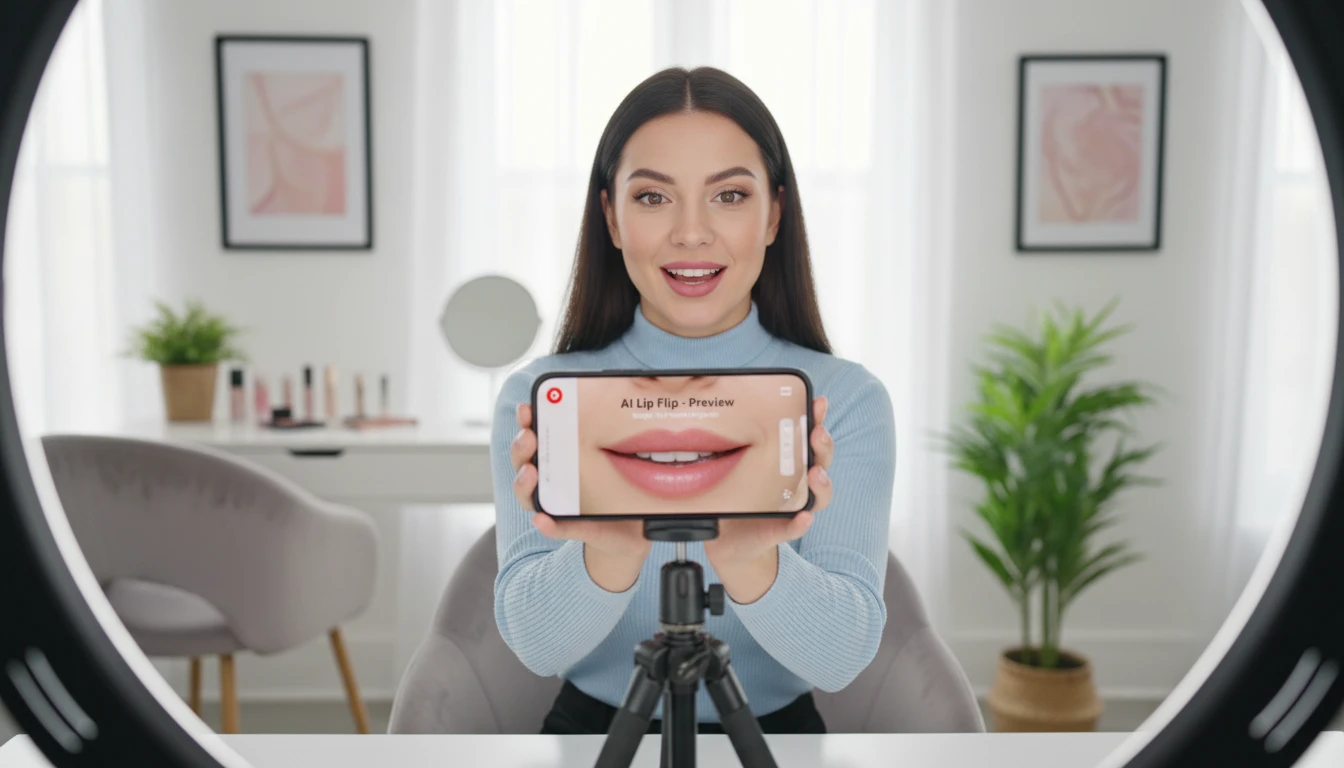
Content Creators and Beauty Influencers
Generate eye-catching lip transformation content for your audience. Explore different lip flip aesthetics and share the looks that inspire you.
Creative and Editorial Photography
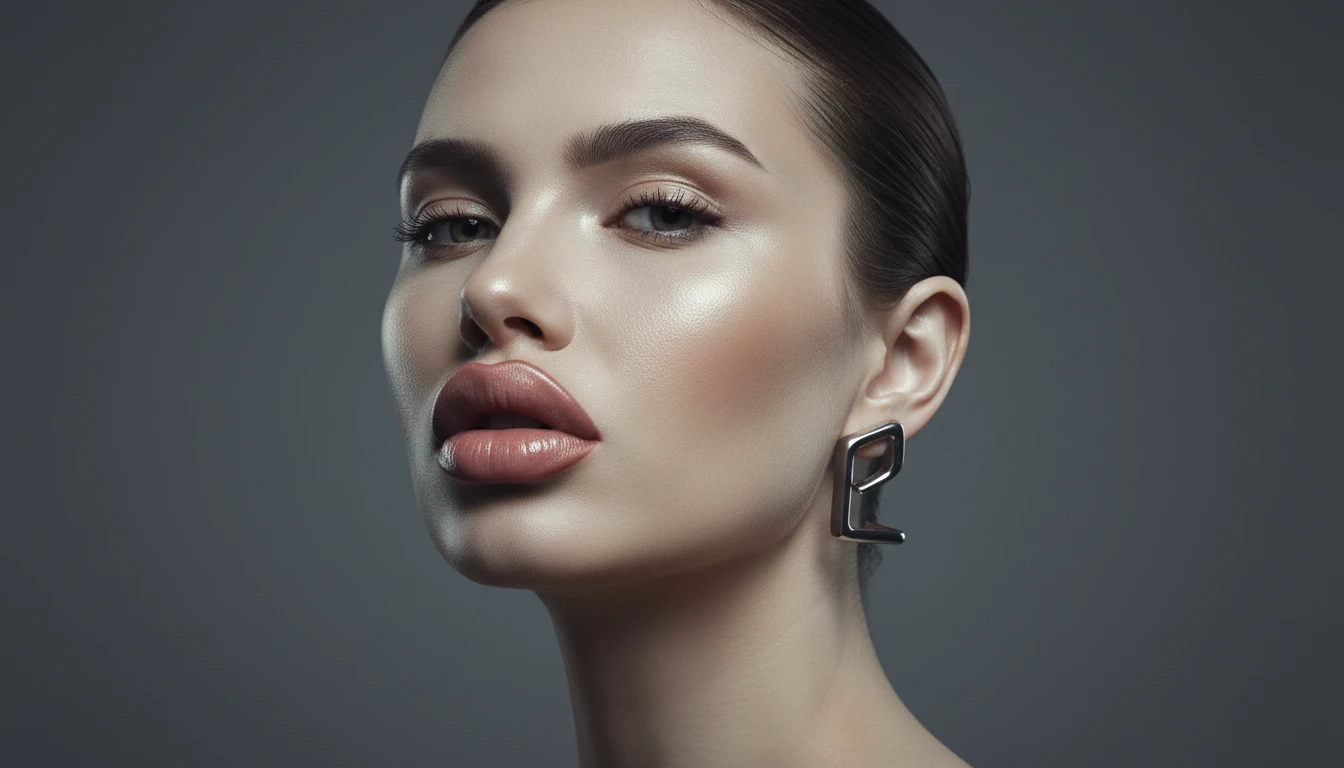
Visualize defined upper lip looks for editorial concepts, mood boards, or creative projects. Generate polished, artistic lip flip styles in seconds.
How to Preview a Lip Flip with AI
Upload a Clear Portrait Photo
Upload a front-facing or slight-angle portrait where your lips are clearly visible. Good lighting gives the most realistic preview.
Choose a Lip Flip Style
Select from 4 styles: Subtle, Classic Flip, Enhanced, or Cupid's Bow. Add optional instructions to fine-tune the result.
Get Your AI Visual Preview
Receive a photorealistic AI-generated image showing the selected lip flip style on your photo. For entertainment and creative inspiration only.
Explore More
More AI Studio Tools
Discover other powerful AI tools to enhance your creative workflow
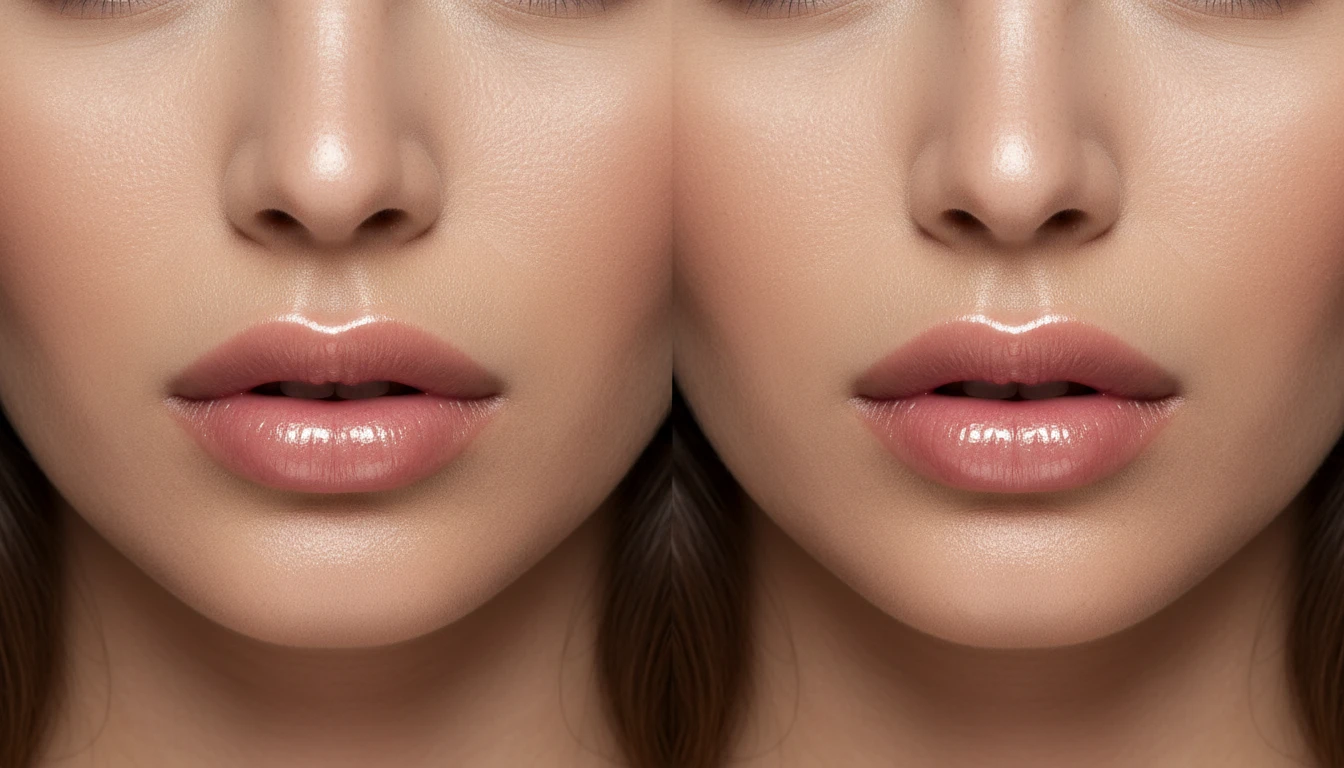
AI Lip Filler Simulator
Visualize how different lip styles look on your photo with AI. Upload a portrait and get a photorealistic preview in 6 styles: natural plump, medium volume, full glam, cupid's bow, Russian lips, and ombre lips. For creative inspiration only.
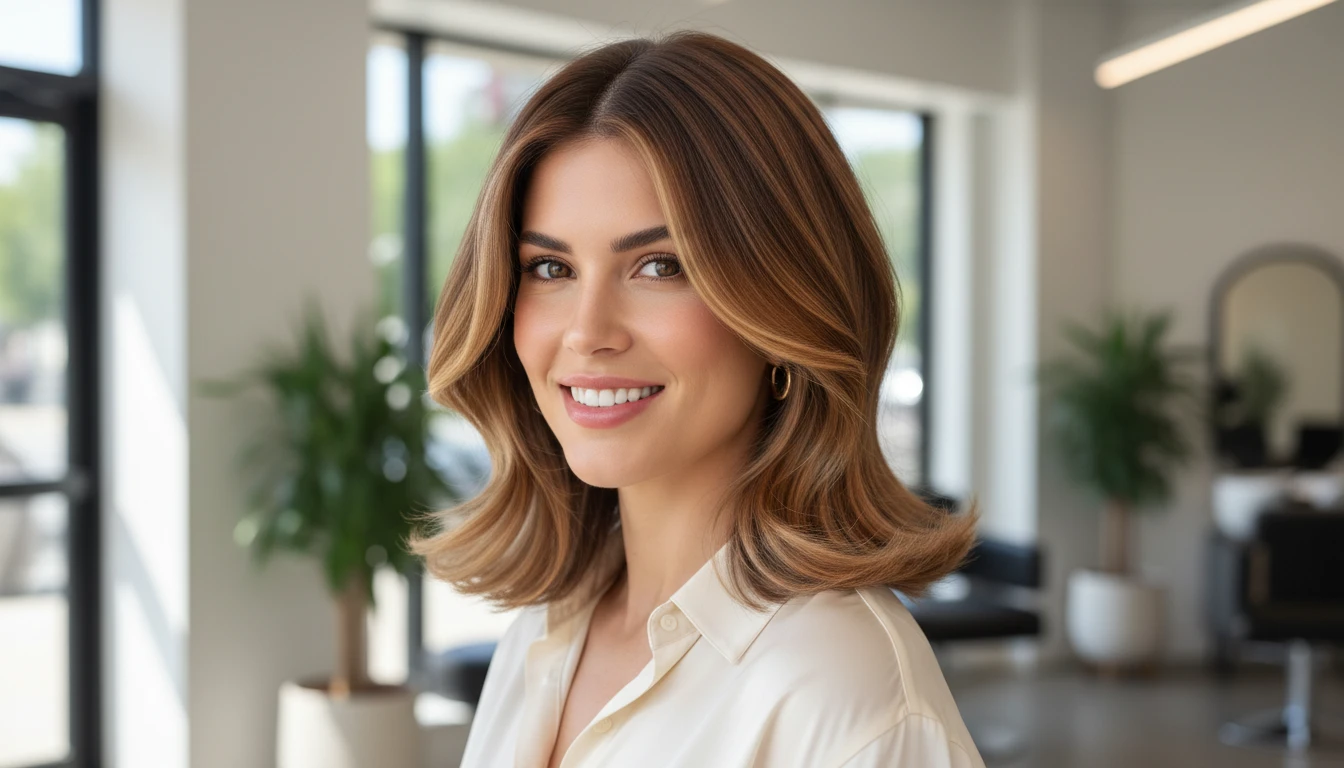
AI Hairstyle Changer
Upload a portrait photo and virtually try on a new hairstyle before booking a salon appointment. Choose from 37 distinct options spanning cuts, colors, and protective styles, including pixie, wolf cut, lob, box braids, sisterlocks, balayage, and silk press. AI replaces the hair naturally while preserving facial features, skin tone, and background. Supports an optional color input for fine-tuning the result.

AI Professional Headshot Generator
Upload any casual portrait and AI generates a studio-quality professional headshot in seconds. Choose from 14 styles including LinkedIn Profile, Corporate Business, Executive Portrait, Creative Professional, Tech Startup, Real Estate Agent, and Personal Brand. No photographer, studio, or scheduling required. Supports a wide range of ages, genders, and professional contexts.
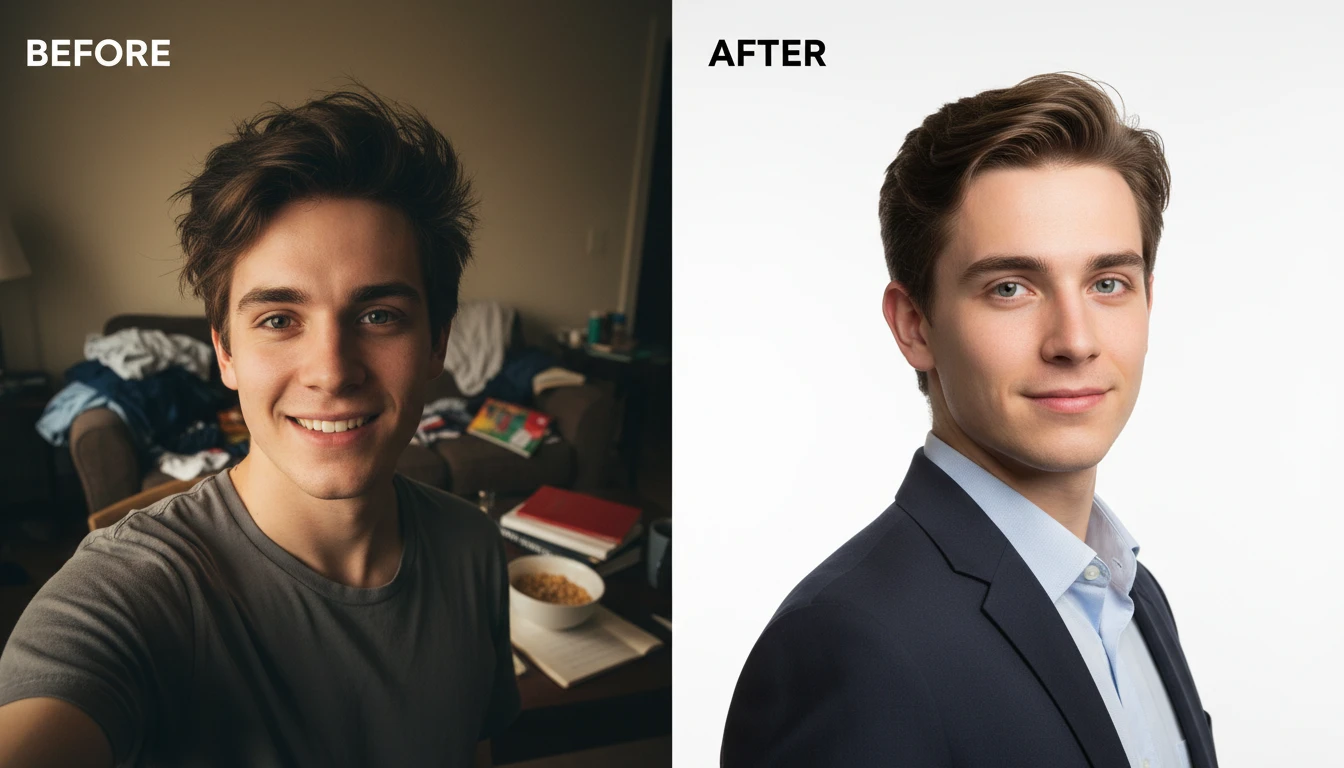
AI Profile Photo Maker
Transform any portrait photo with a new professional background. Studio white, gradient, office blur, outdoor, dark professional, and more styles.
All-in-One Workspace
AI Image Editor
Frequently Asked Questions
Everything you need to know to get started.
How does the AI Lip Flip Simulator work?
Upload a clear portrait photo and select a lip flip style. AI generates a photorealistic image showing how the chosen style looks on your photo. Results are AI-generated visuals for creative and entertainment purposes only.
Which lip flip styles are available?
There are 4 styles: Subtle (barely-there lift), Classic Flip (standard upper lip rolled outward), Enhanced (pronounced defined look), and Cupid's Bow (strong arch with sculpted upper lip silhouette).
What is the difference between a lip flip and lip filler?
A lip flip subtly rolls the upper lip outward to show more of the vermillion border — it adds definition without adding volume. Lip fillers add physical volume to make lips appear larger. Our AI Lip Filler Simulator is a separate tool if you'd like to preview that look.
What makes a good source photo?
A front-facing or slight-angle portrait with good lighting works best. Make sure your lips are clearly visible and unobstructed. Avoid photos where the face is turned sharply to the side.
Is this a medical or clinical tool?
No. This is a purely AI-generated visual preview for entertainment and creative inspiration. Results do not represent actual medical outcomes. Always consult a qualified professional for any beauty or medical decisions.
Explore Lip Flip Styles on Your Photo Instantly
Sign up free and get 100 credits instantly. Discover which lip flip style you love with a fun, photorealistic AI preview.
Try a Lip Flip NowDisclaimer: This tool uses generative AI technology which may produce content that resembles copyrighted materials or that is inaccurate, incomplete, or out-of-date. It is provided for general information and educational purposes only and is not intended for illegal activities or to replace professional advice, diagnosis, or treatment. Users are solely responsible for how they use the generated content. If you plan to use AI-generated content commercially or publicly, we strongly recommend reviewing it for potential copyright issues and obtaining proper permissions where necessary. We accept no liability for copyright infringement or any other consequences resulting from the use of content generated by this tool.