Turn any photo into a video clip with AI.
Upload any still image and AI brings it to life with smooth, realistic motion. Pick your aspect ratio, style, and describe the movement you want.
Animate your image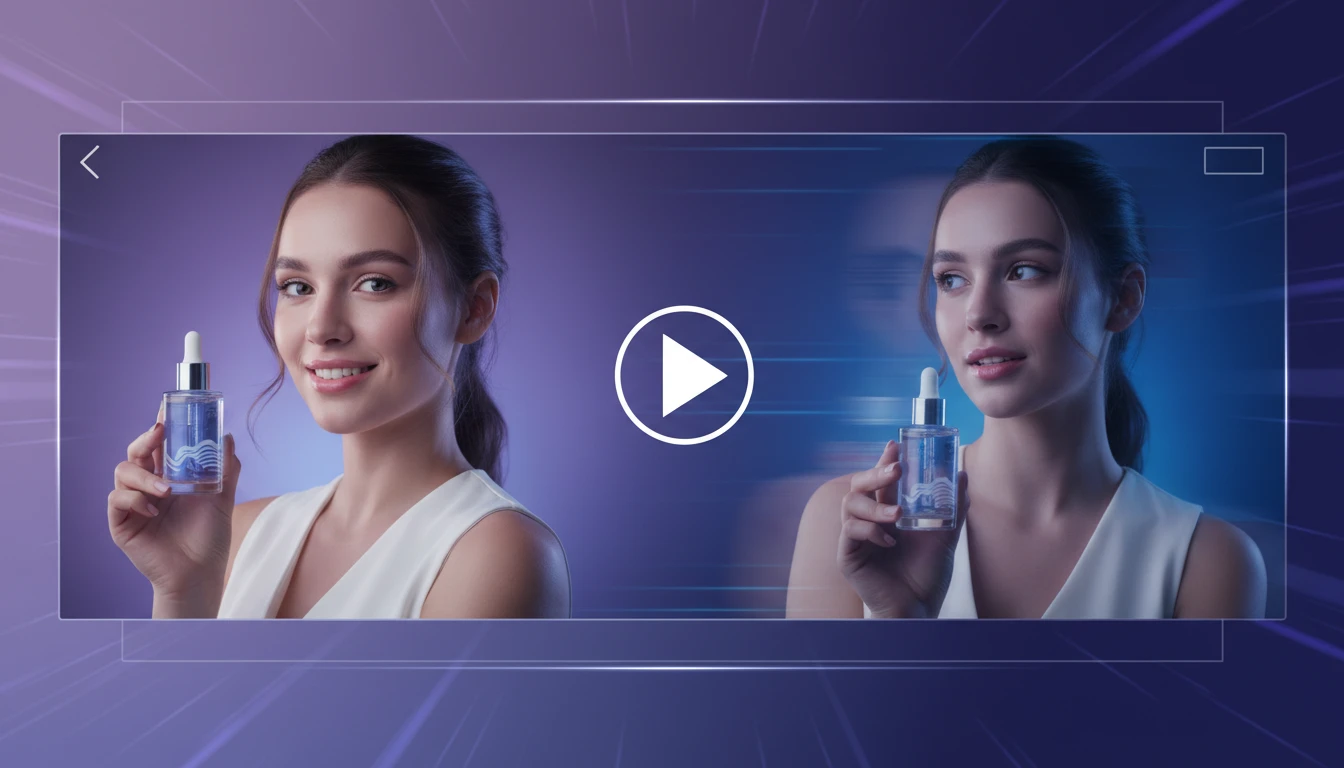
AI Image to Video Generator
Upload any still image and AI generates a short video clip with smooth, realistic motion. Describe the movement you want or let the model infer it from the image. Choose your aspect ratio and visual style. Powered by Seedance 2.5 or MiniMax H3 Max. Works for product shots, lifestyle content, fashion, food, architecture, and more.
Images containing real human faces or identifiable people cannot be processed due to content policy restrictions.
Describe how you want the image to move. Leave blank for natural motion.
Output
AI Image to Video Generator
Your video will appear here
Upload an image on the left and click generate.
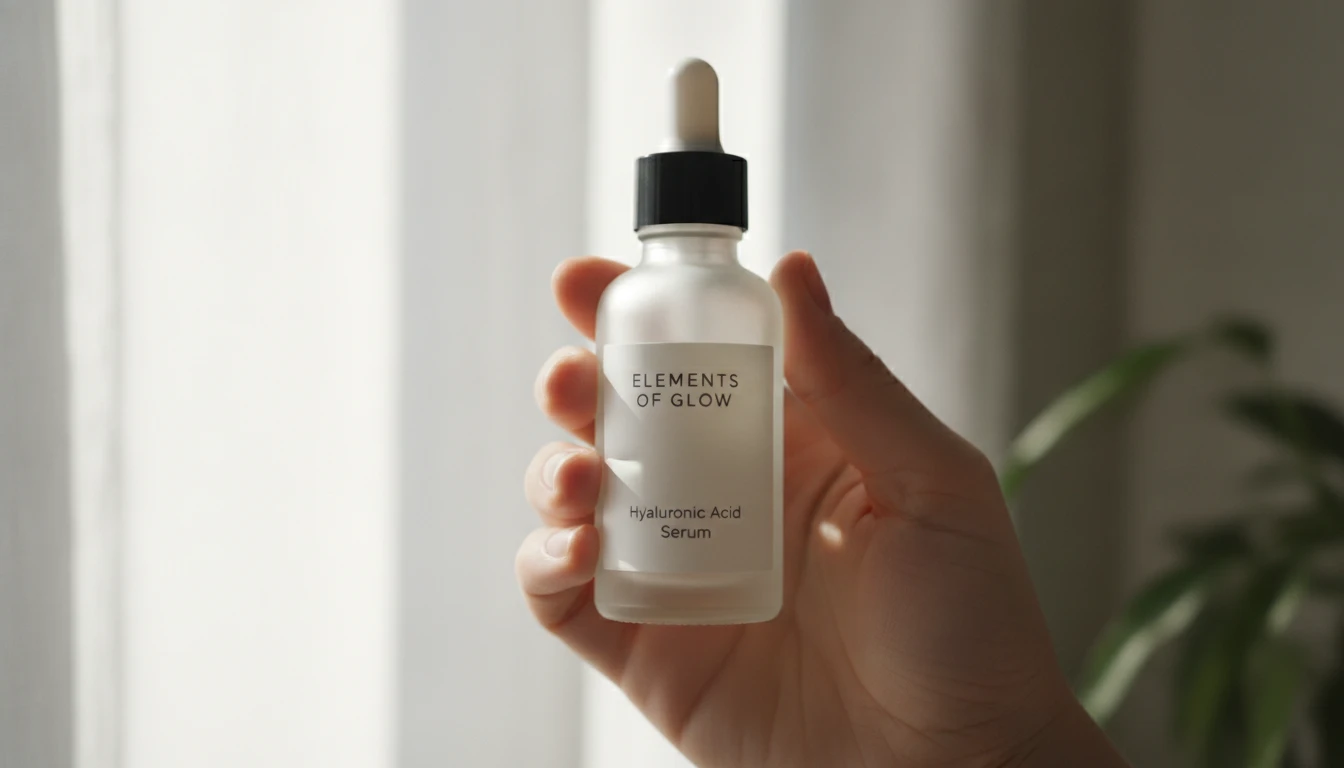
Product content that stops the scroll
Animate a product photo into a short UGC-style clip. Handheld feel, natural motion, close-up zoom. The kind of content that performs on TikTok, Reels, and TikTok Shop.
Animate your product photo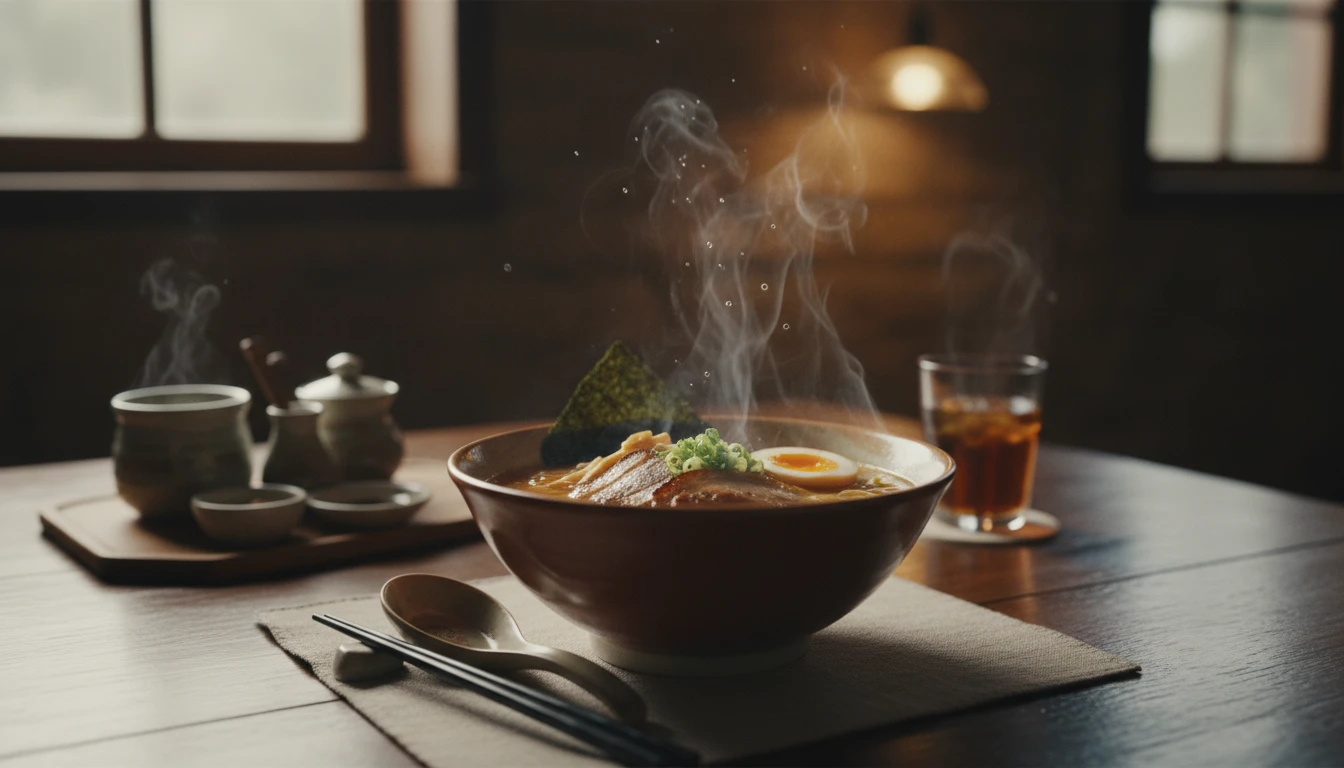
Food and drink with cinematic motion
Take a still food photo and animate it with steam rising, slow reveals, or a dramatic top-down camera drift. Makes your menu, recipe, or brand content irresistible.
Animate your food photo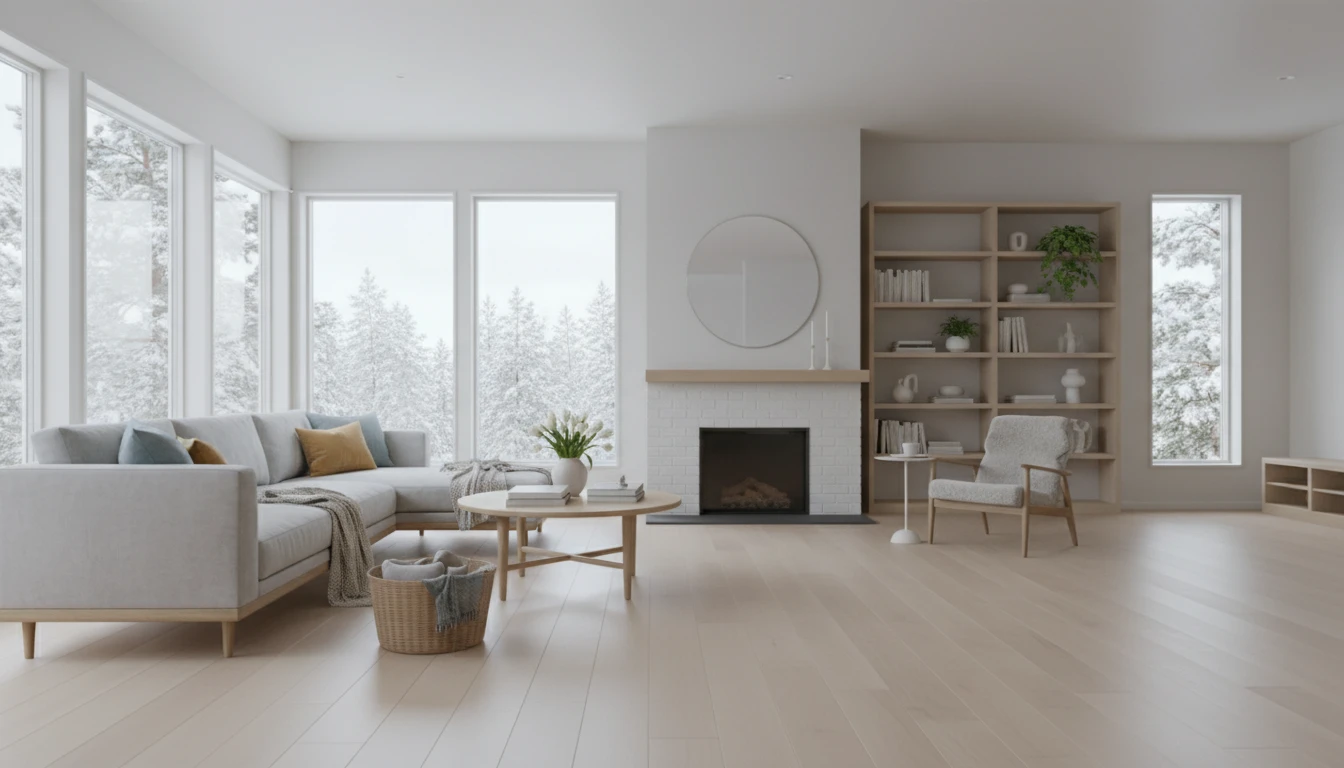
Real estate and interiors that move
Animate a room or exterior shot with a slow pan or cinematic drift. Add life to property listings, interior portfolios, and architectural photography without a video crew.
Animate your property photo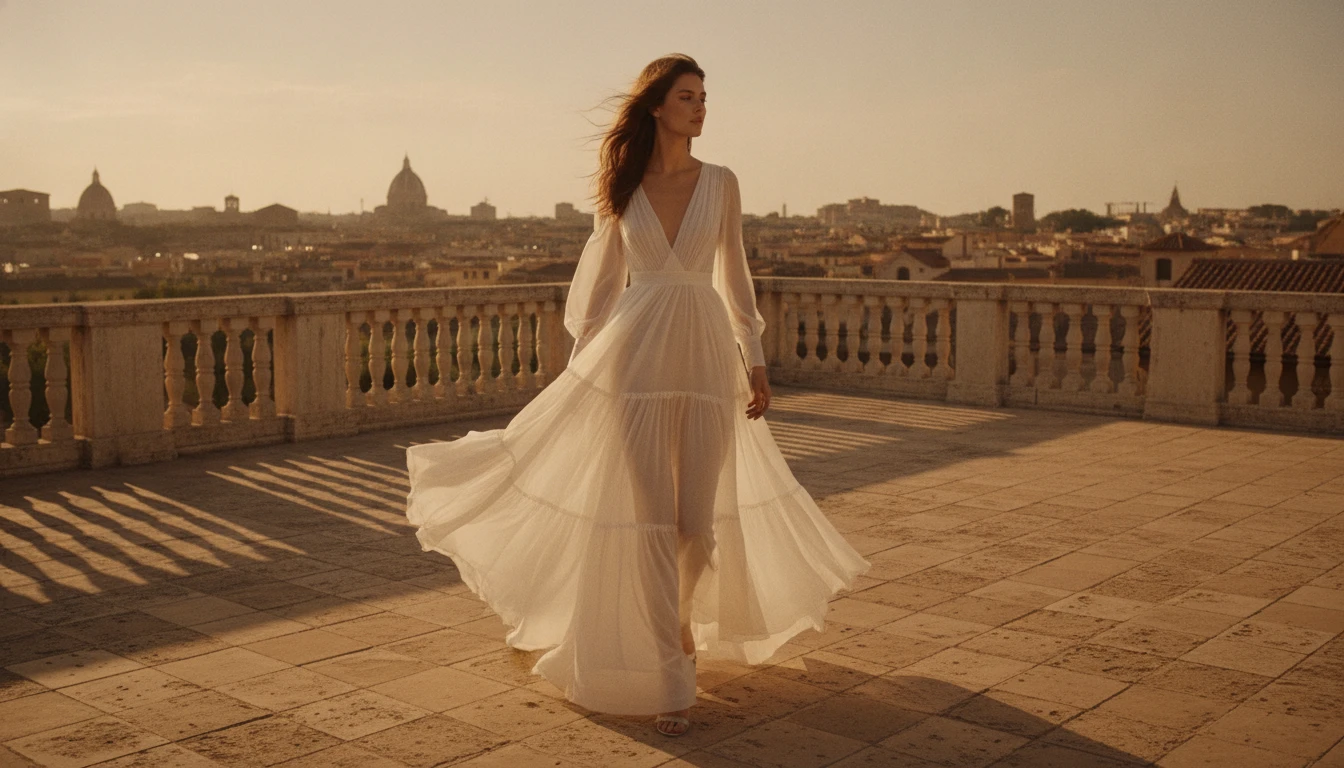
Fashion and editorial with atmosphere
Add slow camera drifts and environmental motion to fashion shoots and editorial photography. Premium, cinematic, and effortless. No reshooting needed.
Animate your fashion shotWho Uses AI Image to Video
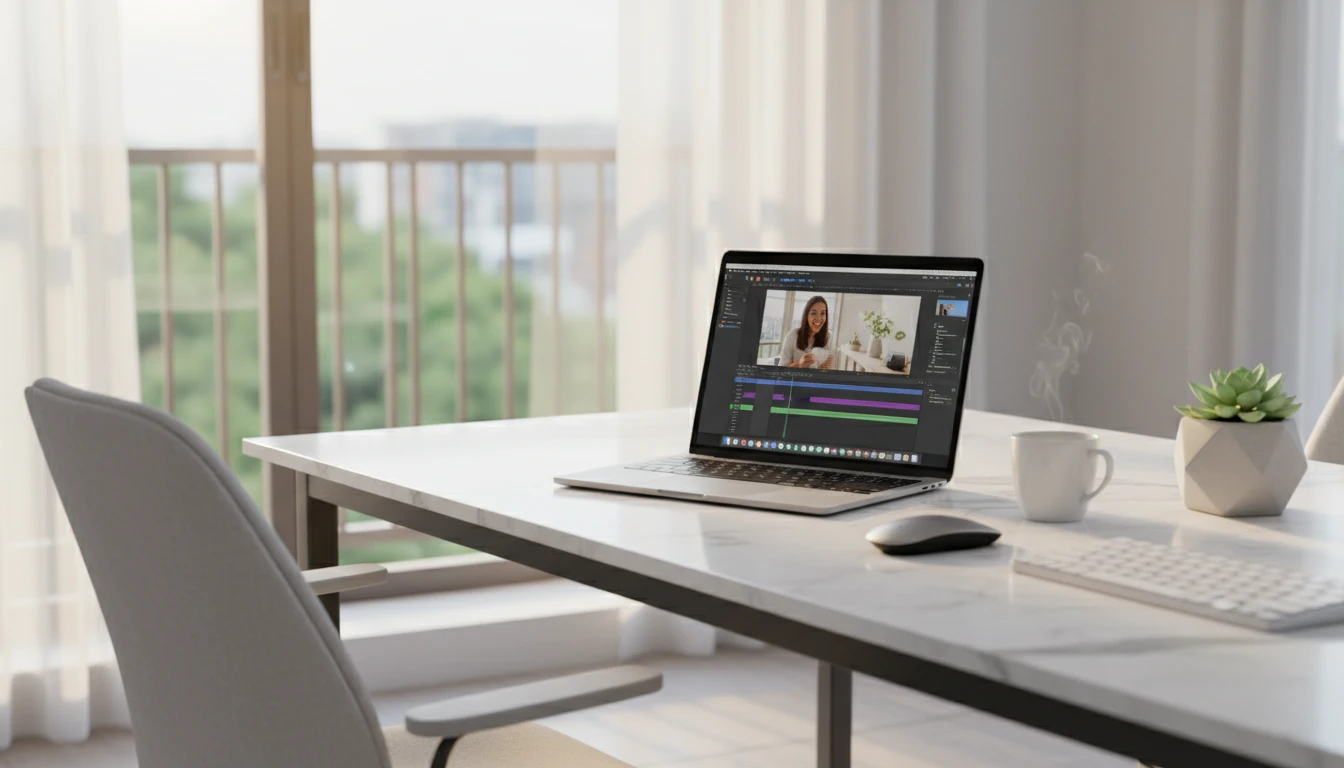
UGC creators and influencers
Turn product photos into short authentic-looking clips without filming. Perfect for paid UGC briefs, affiliate content, and sponsored posts on TikTok and Reels.
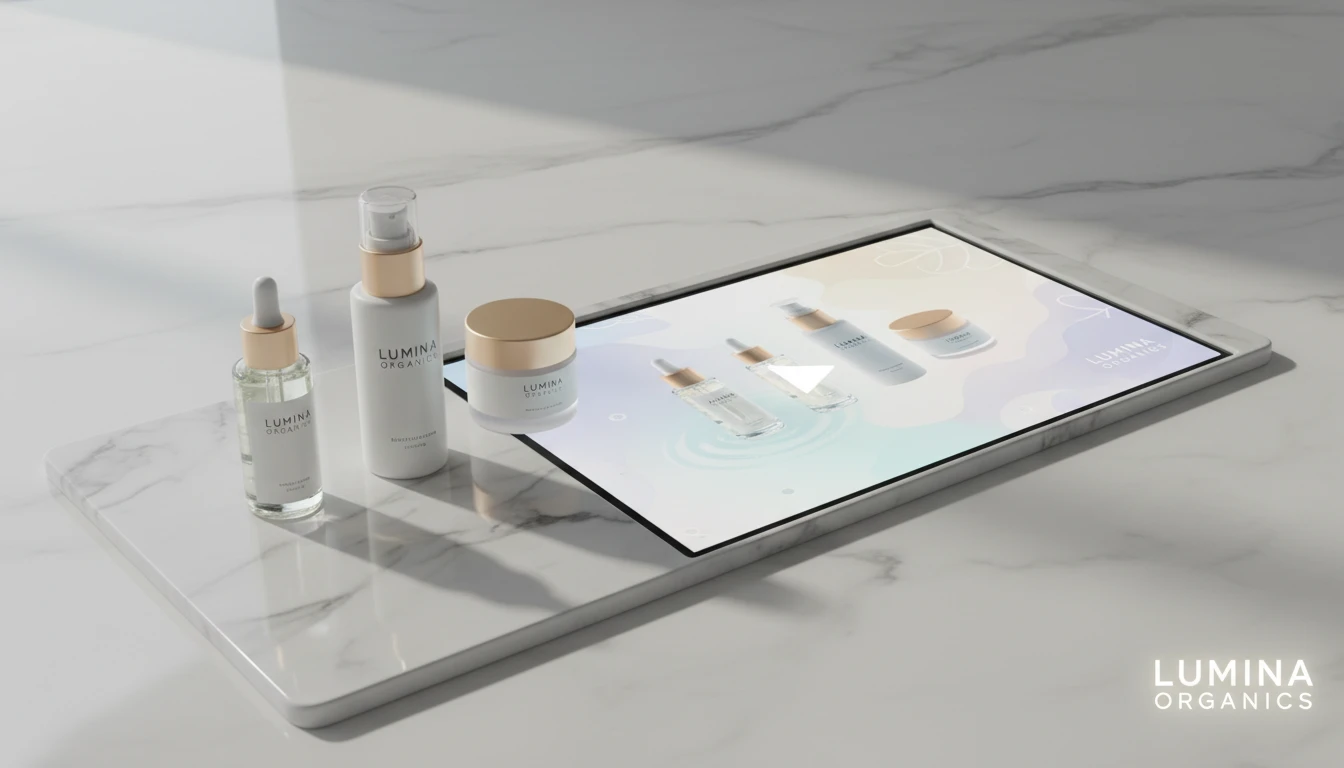
Food brands and restaurants
Animate your food photography with steam, ambient motion, and cinematic reveals. Works for menus, delivery apps, Instagram, and brand campaigns.
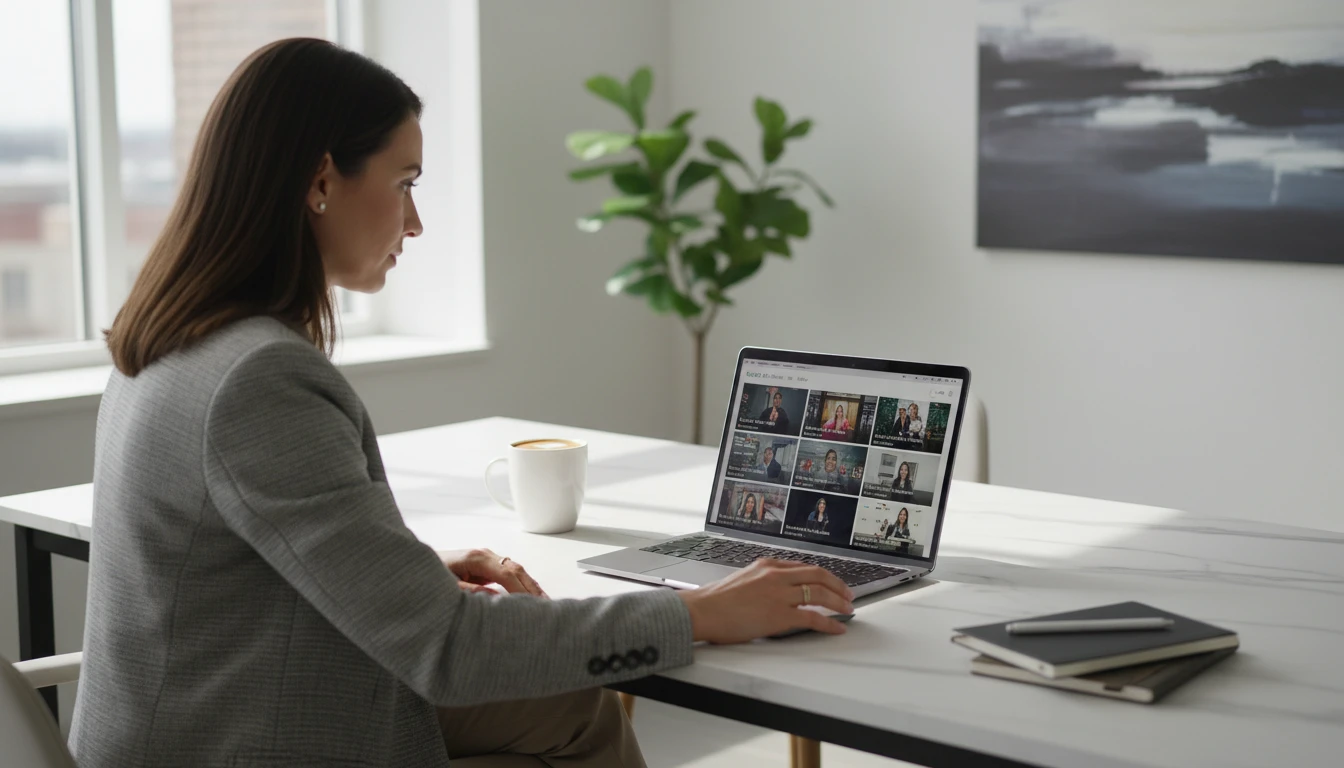
Real estate agents and property developers
Give property photos a cinematic feel with slow pans and drifts. Makes listings stand out on portals, social media, and presentation decks.
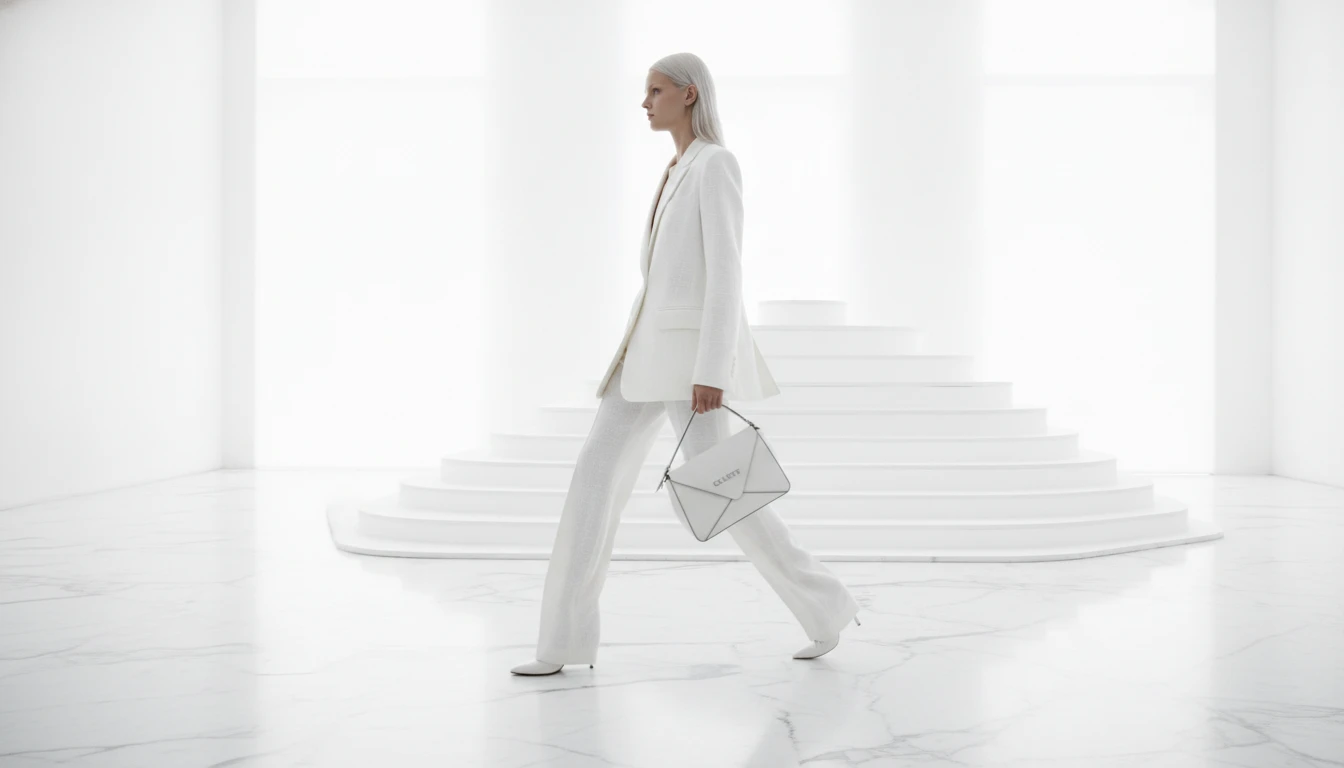
Fashion and lifestyle brands
Animate editorial shots with atmospheric camera movement and natural motion. Looks premium and feels current, the kind of content Gen Z shares.
How to turn your image into a video
From a still photo to an animated video clip in four steps
Upload your image
Upload any JPEG, PNG, or WebP image. A product shot, food photo, interior, fashion editorial, or any still you want to animate.
Choose model, aspect ratio, and resolution
Select Seedance 2.0 Mini or the full model. Pick your aspect ratio: 9:16 for Reels, 16:9 for websites, 1:1 for ads. Set your resolution and clip length.
Set a style and describe the motion
Pick a content style: UGC, Product Showcase, Food, Fashion, or Real Estate. Describe the motion you want, or hit Auto Prompt and let AI analyze your image and write it.
Download your video clip
The video generates in 2 to 5 minutes. Preview in the browser and download the MP4 ready for ads, social media, listings, or your website.
Explore More
More AI Studio Tools
Discover other powerful AI tools to enhance your creative workflow
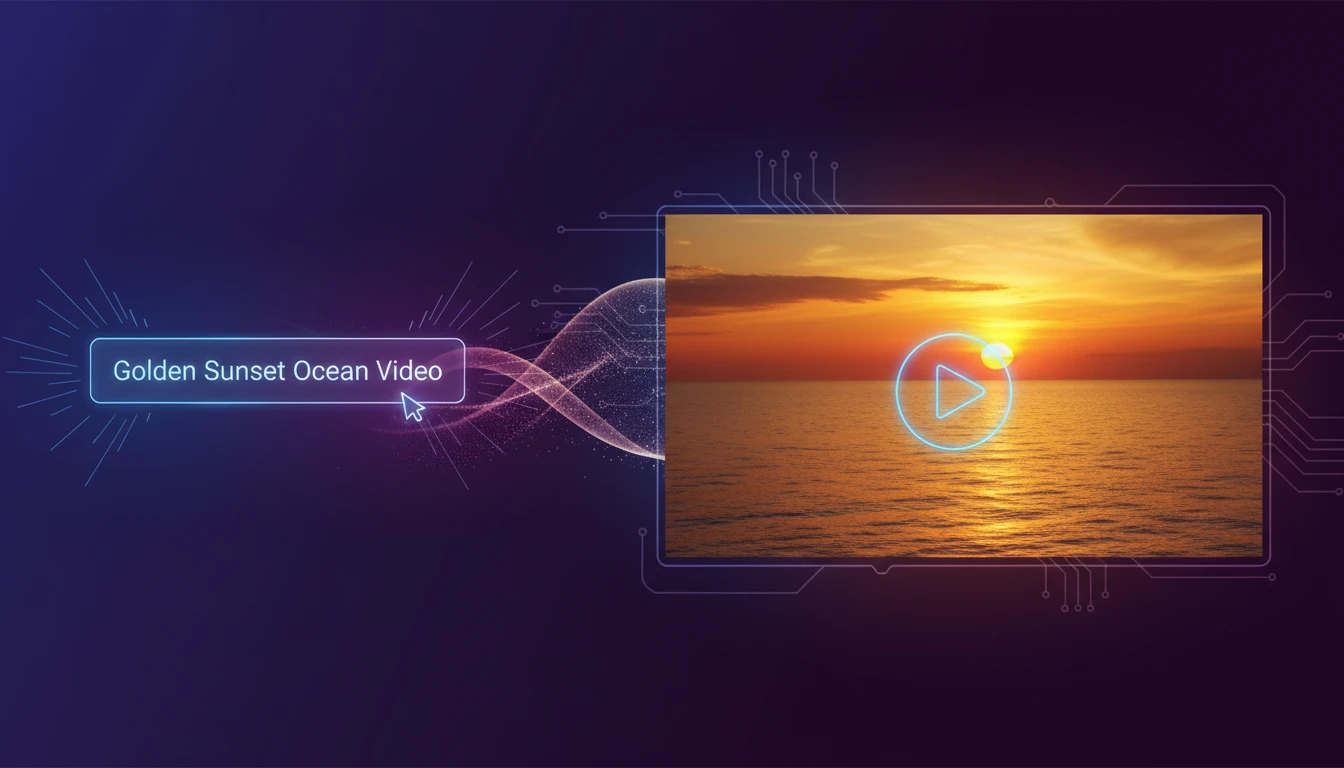
AI Text to Video Generator
Turn any text description into a short video clip with AI. Describe your scene, choose an aspect ratio and style, and get a ready-to-use MP4 in minutes.
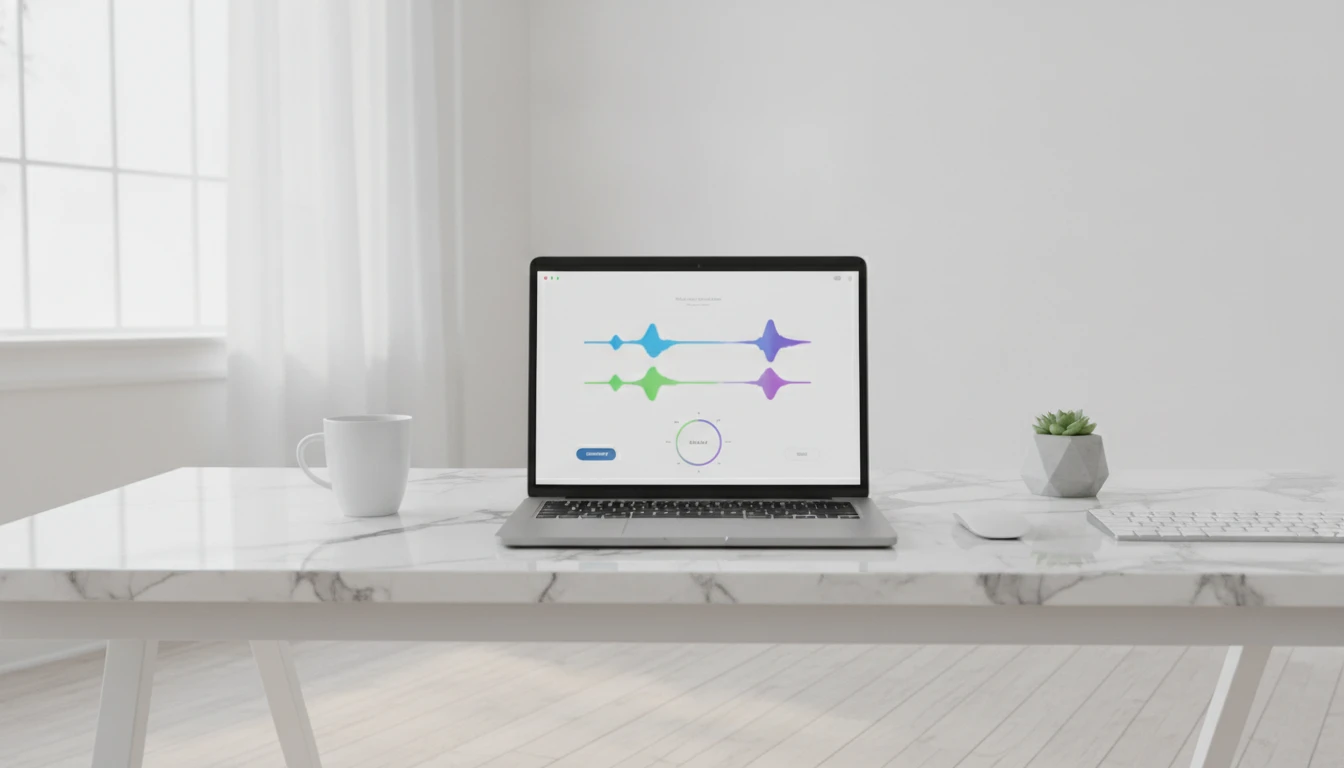
AI Background Music Generator
Generate royalty-free instrumental background music from text descriptions. Pick a mood, set the duration, and get a clean vocal-free track in seconds.
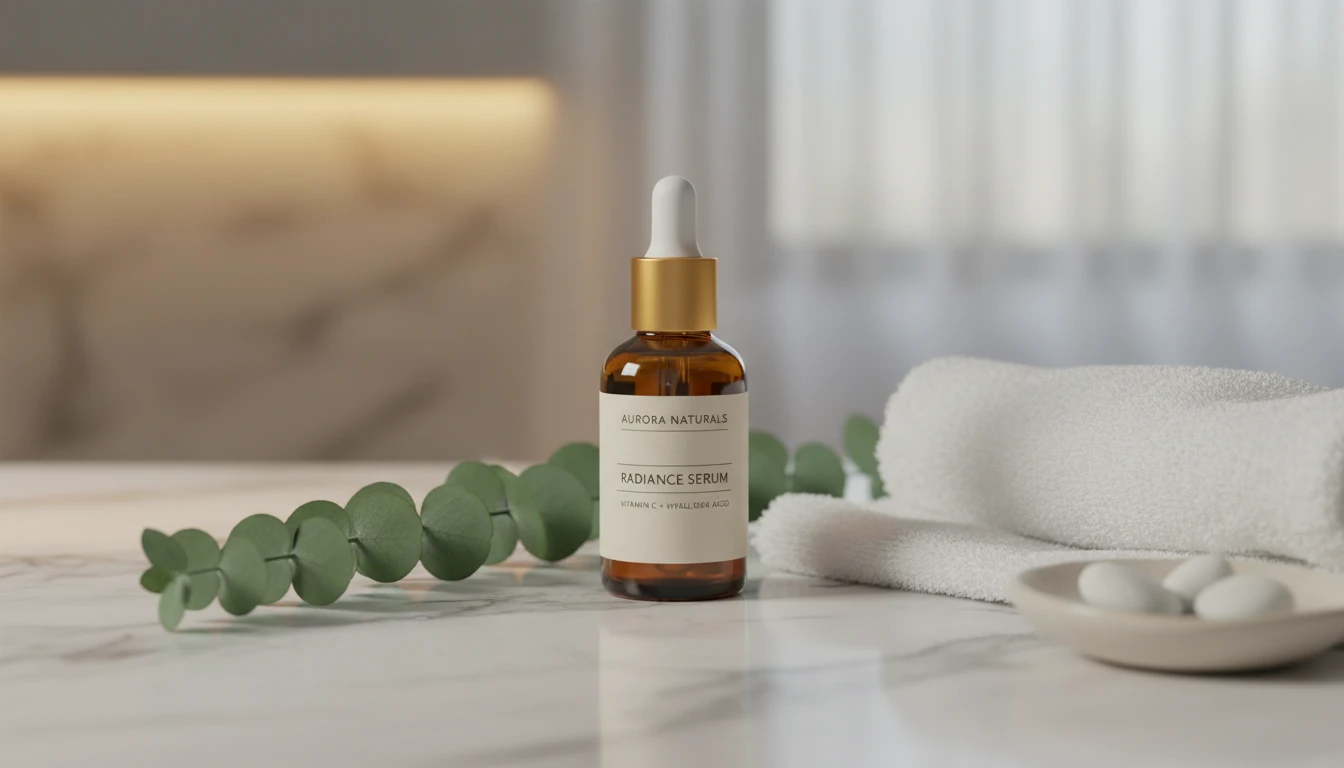
AI Product Lifestyle Scene
Place your product naturally into real-world lifestyle environments (kitchens, cafés, beaches, wellness spas, rooftops, and more) with photorealistic AI.
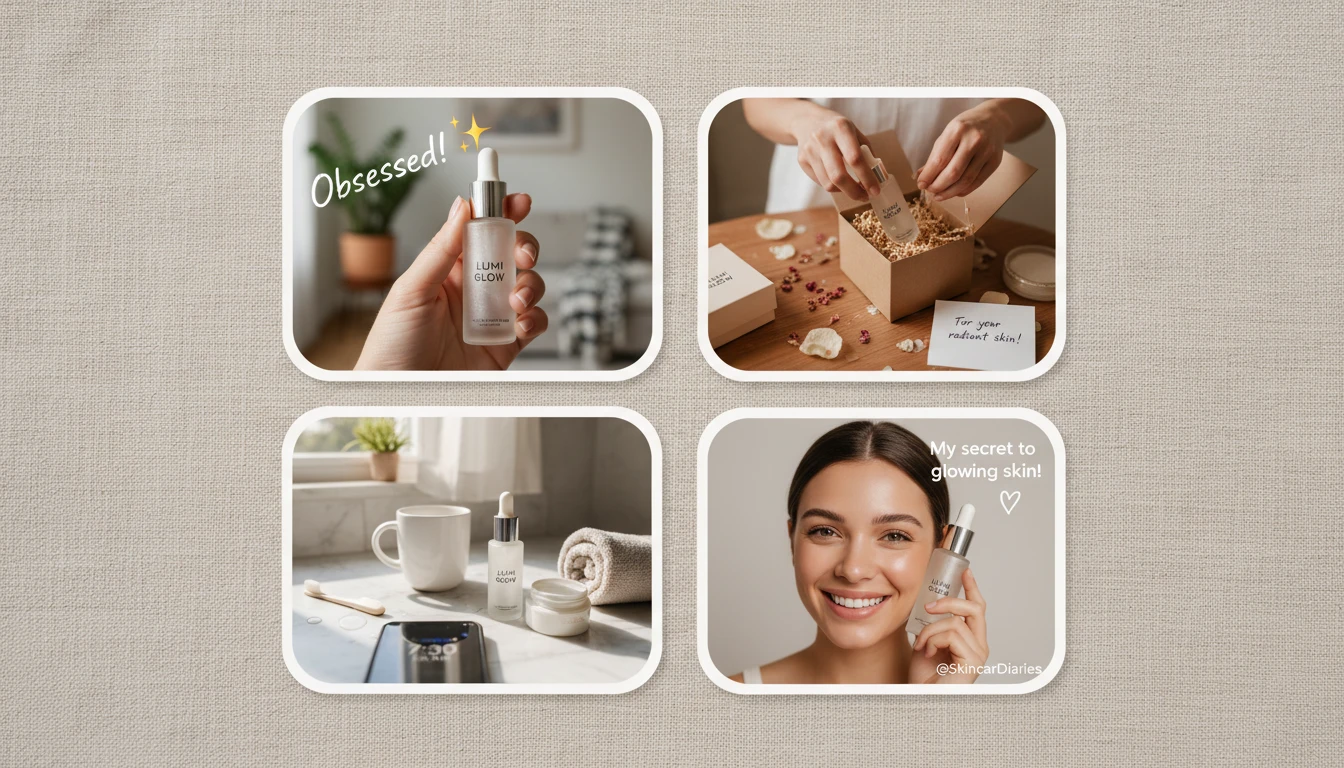
AI UGC Ad Creator
Turn any product photo into authentic UGC-style ad images. In-hand reviews, unboxing moments, morning routines, testimonials, TikTok-style, and more.
Opens in
Image Studio
Frequently Asked Questions
Everything you need to know to get started.
What is an AI image to video generator?
It takes a static image and creates a short animated video clip using generative AI. The AI adds realistic motion, camera movement, or environmental animation based on your instructions, or picks the most natural motion automatically.
What AI model does this use?
The tool is powered by Seedance 2.0 by ByteDance. Choose Seedance 2.0 Mini for faster, cheaper results or the full Seedance 2.0 for higher quality and 1080p support.
What types of images work best?
Almost any well-lit photo works: product shots, food, fashion, real estate, portraits, nature, and architecture all produce strong results. Clear subjects with good lighting give the most consistent motion.
What aspect ratios are supported?
Auto, 21:9 ultrawide, 16:9 landscape, 4:3, 1:1 square, 3:4, and 9:16 portrait. Use 9:16 for TikTok and Reels, 16:9 for YouTube and websites, 1:1 for feed ads.
What resolutions are available?
480p, 720p HD, and 1080p Full HD. The Mini model supports 480p and 720p. The full model supports all three. Higher resolution and longer clips use more credits.
What is the Auto Prompt feature?
Auto Prompt uses AI vision to analyze your uploaded image and selected style, then writes a motion description for you. You can use it as-is or edit it before generating.
How long does generation take?
Typically 2 to 5 minutes depending on resolution, duration, and server load. The page polls automatically so you can leave it open while it runs.
Can I use the videos commercially?
Yes. Videos generated through RauGen can be used in ads, social media, product pages, listings, and commercial projects. You own the output.
What file format is the output?
Generated videos are delivered as MP4 files, compatible with all major video editors, ad platforms, social media, and website builders.
Ready to animate your images?
Product shots, food, interiors, fashion. Upload any photo and get a smooth video clip in minutes.
Animate your image nowDisclaimer: This tool uses generative AI technology which may produce content that resembles copyrighted materials or that is inaccurate, incomplete, or out-of-date. It is provided for general information and educational purposes only and is not intended for illegal activities or to replace professional advice, diagnosis, or treatment. Users are solely responsible for how they use the generated content. If you plan to use AI-generated content commercially or publicly, we strongly recommend reviewing it for potential copyright issues and obtaining proper permissions where necessary. We accept no liability for copyright infringement or any other consequences resulting from the use of content generated by this tool.