Try On a New Haircut Before the Barber
Upload a photo and instantly see yourself in a new cut. Choose from 40+ men's hairstyles — fades, buzz cut, quiff, pompadour, undercut, mullet and more — then fine-tune the color in Hair Studio.
Try a Haircut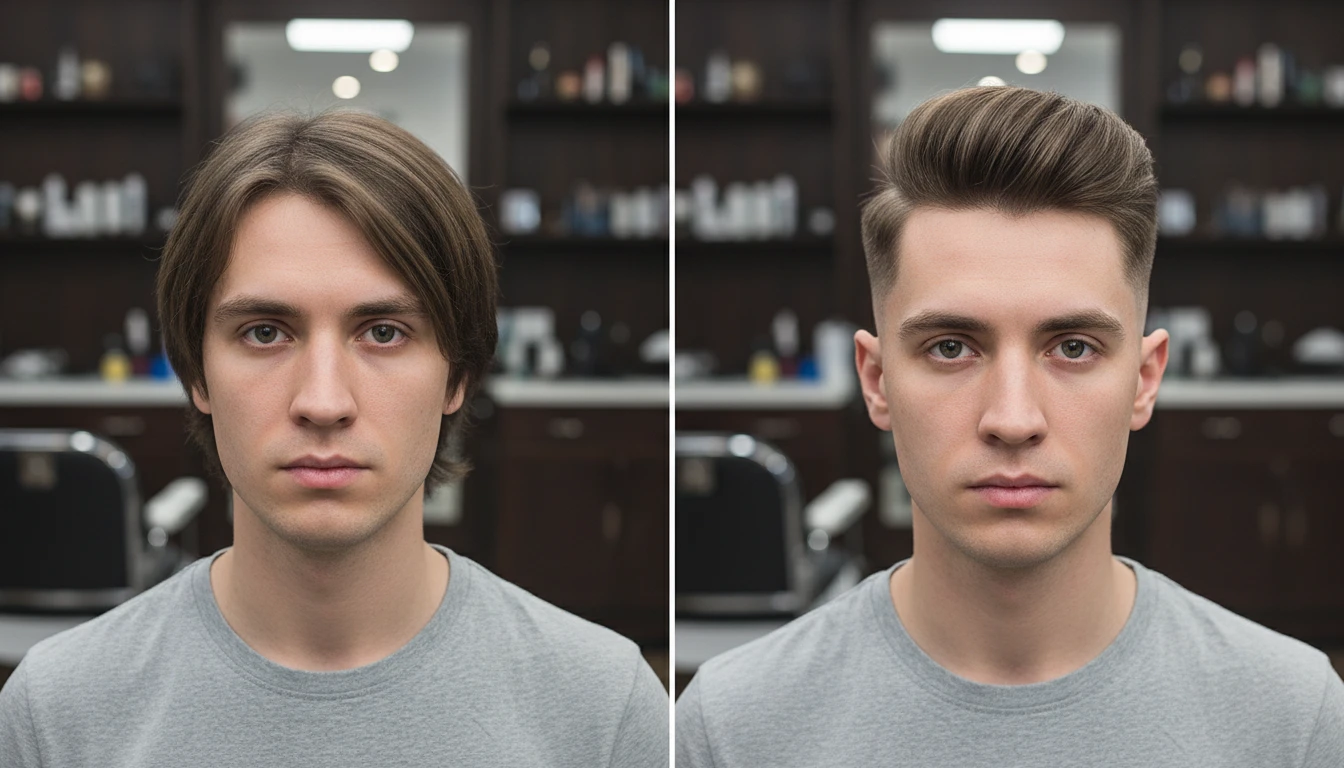
Try On a Men's Haircut
Add a clear photo and we'll open Hair Studio with your photo ready to restyle in 40+ men's haircuts.
Drag & drop your photo here
or click to browse — JPG, PNG or WebP, up to 15MB
Your photo is used only to generate your hairstyle previews.
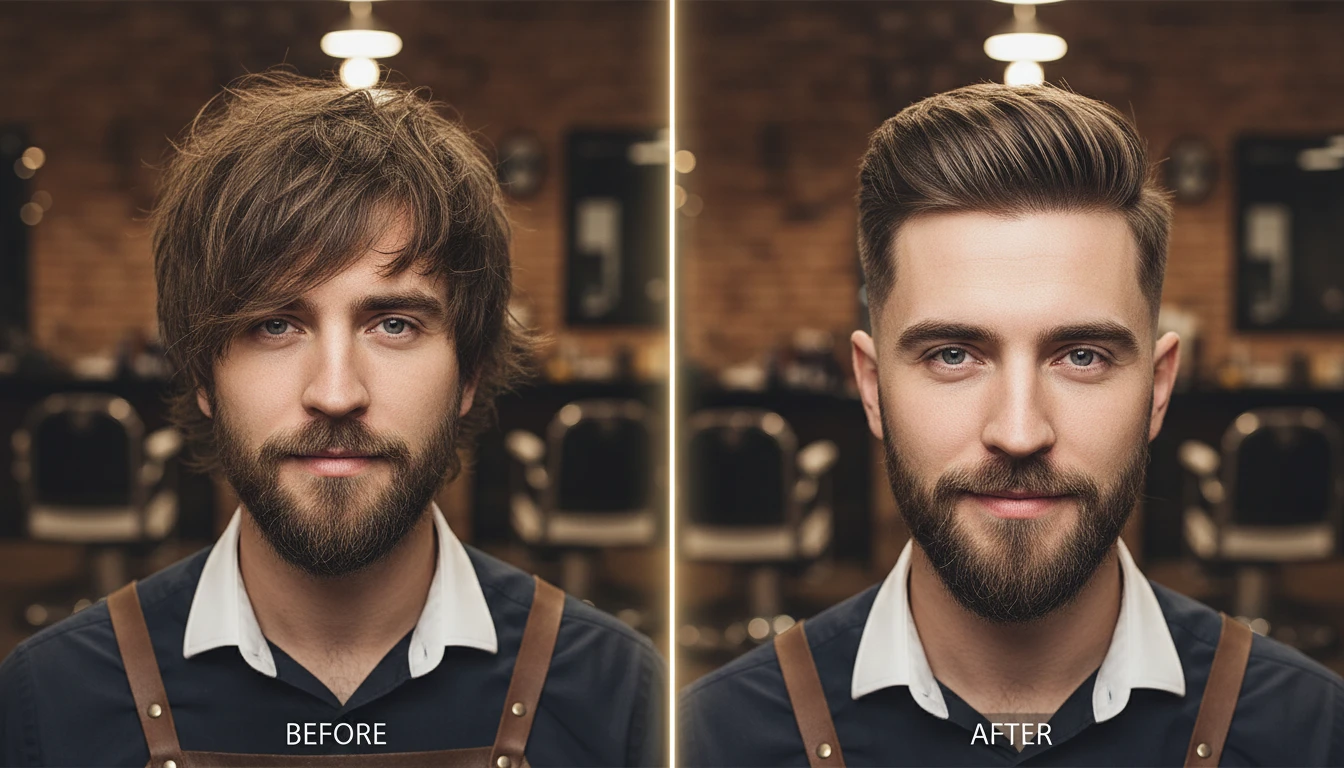
Preview a Cut on Your Own Photo
Upload a clear photo and see how a fresh cut looks on your face. The confident way to walk into the barbershop knowing exactly what you want.
Try It Now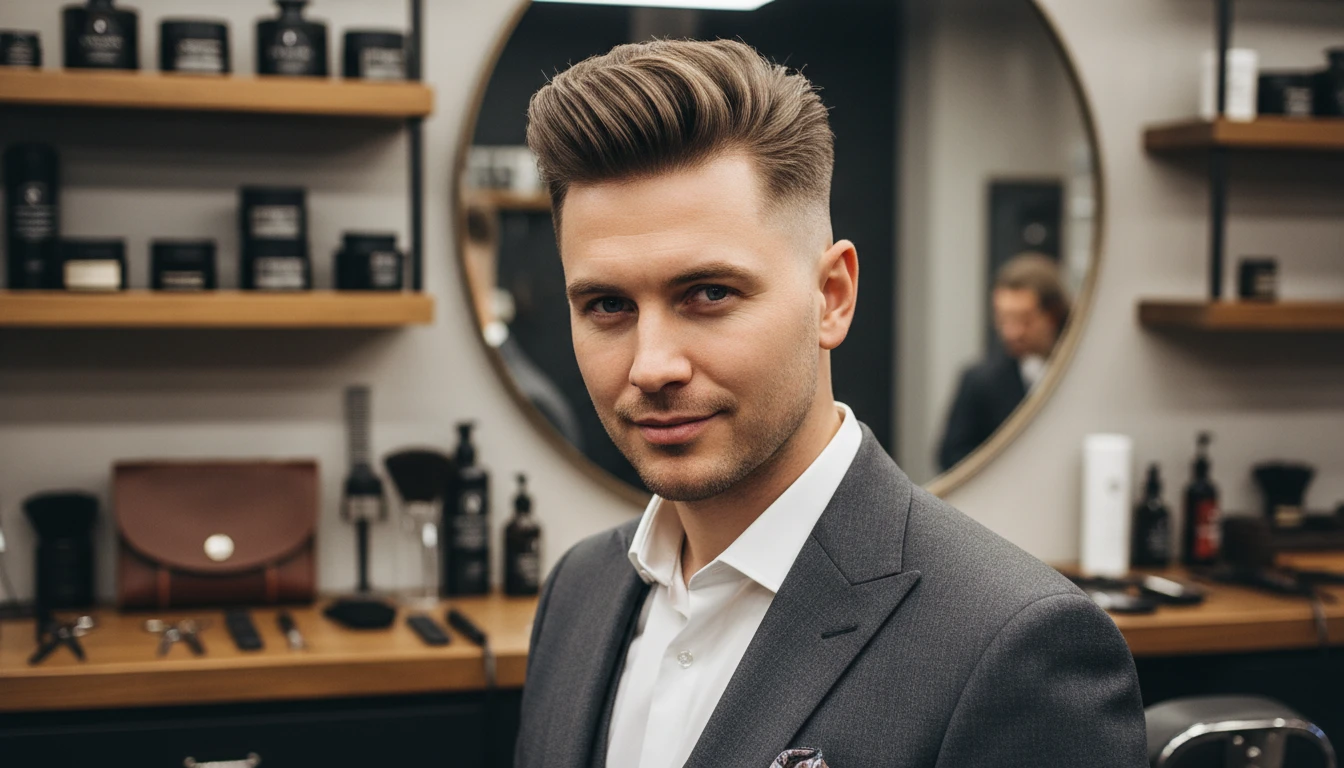
40+ Cuts, From Fades to Flow
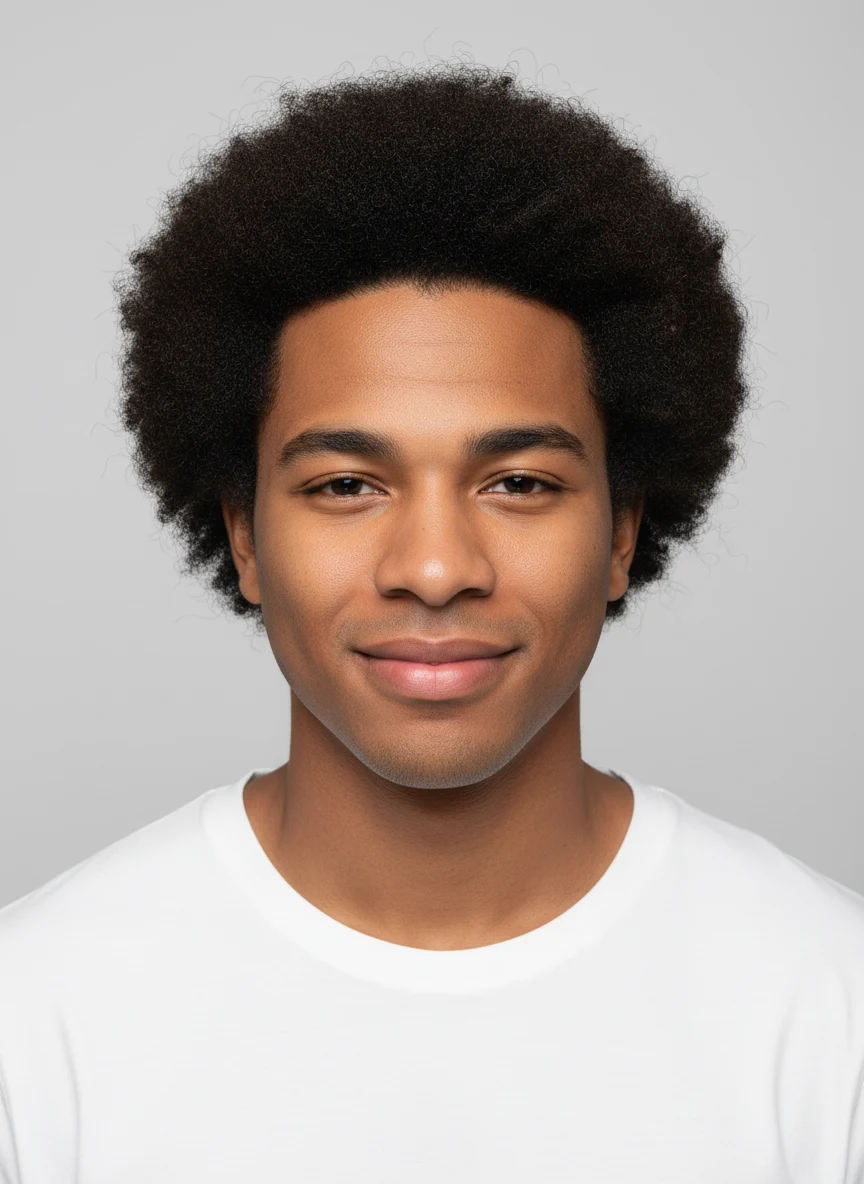
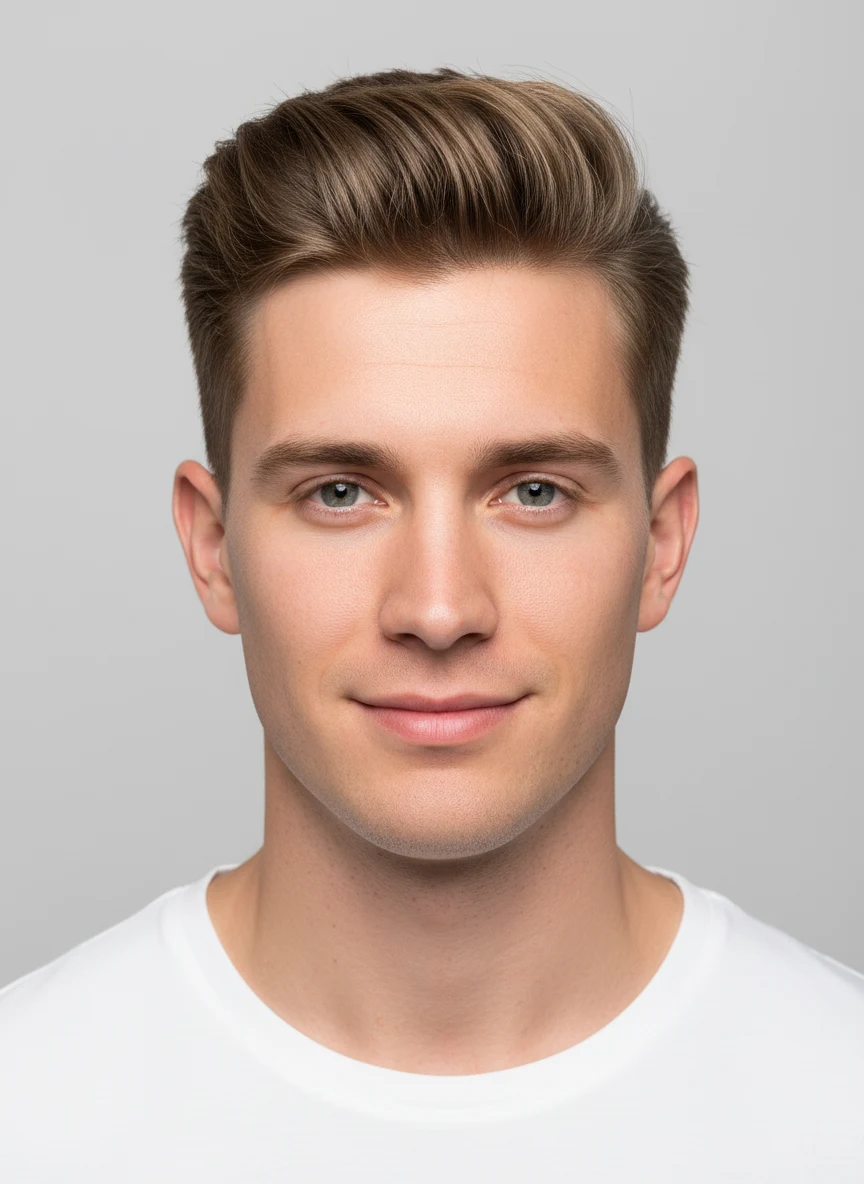
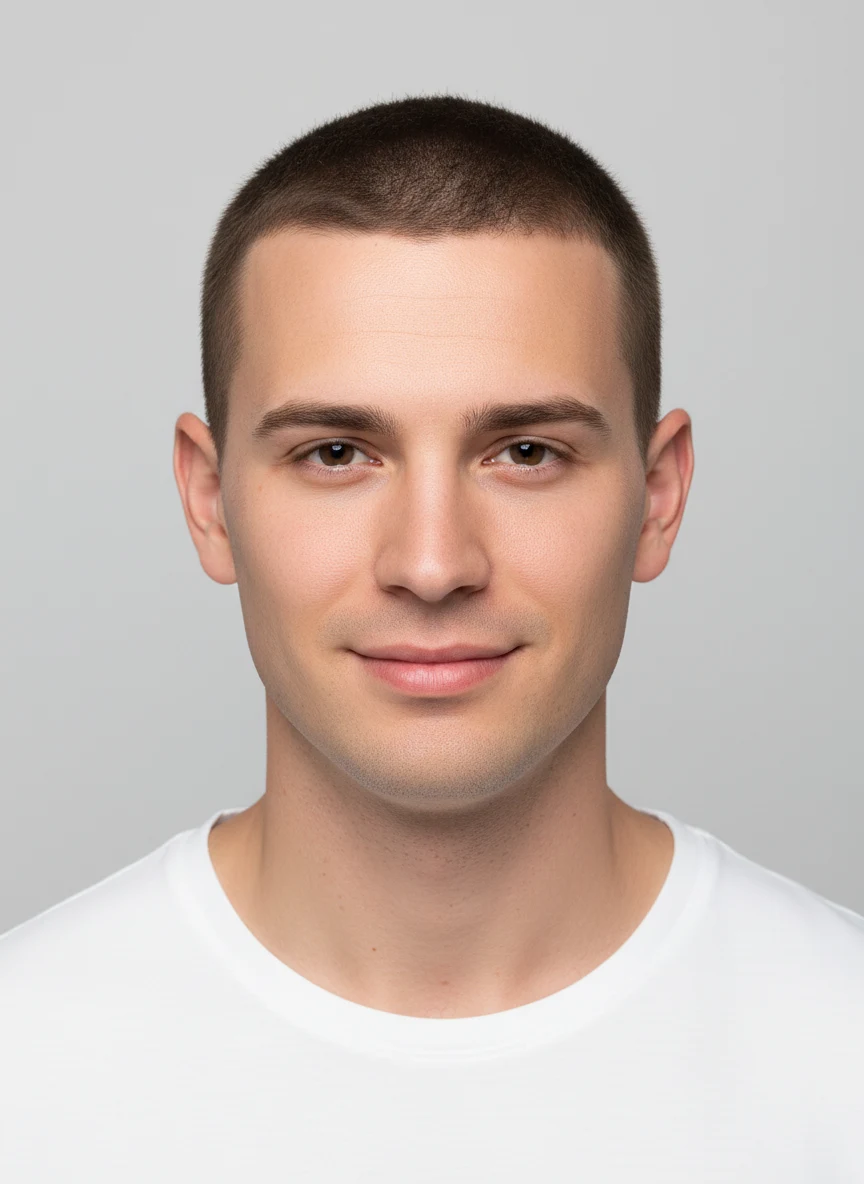
Try a skin, taper, drop or burst fade, a buzz or crew cut, quiff, pompadour, undercut, French crop, mullet, man bun, afro, cornrows and many more — every men’s look in one place.
Explore All Cuts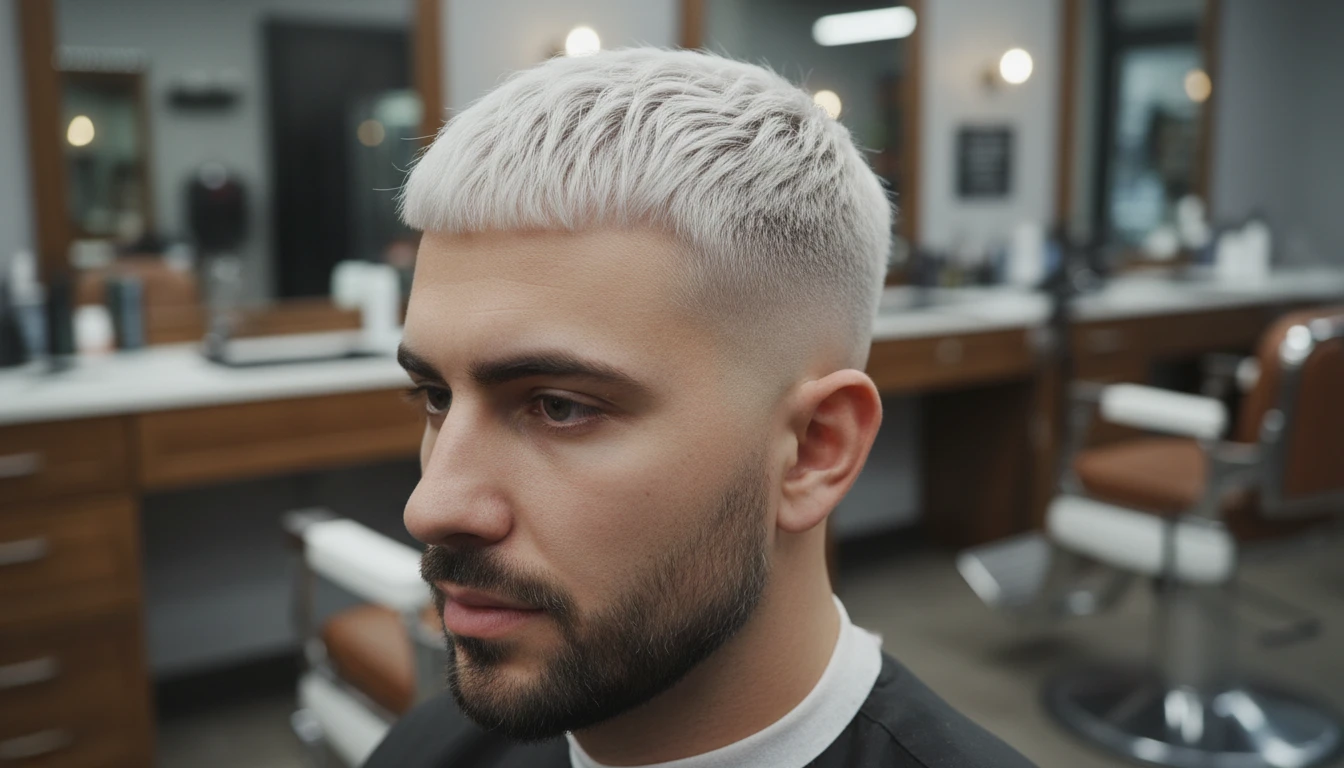
Change the Color Too
Pair any cut with 18 hair colors — natural browns and blacks, blondes, silver-grey or bold fashion shades — and add custom notes for highlights or a dye job.
Customize Your Look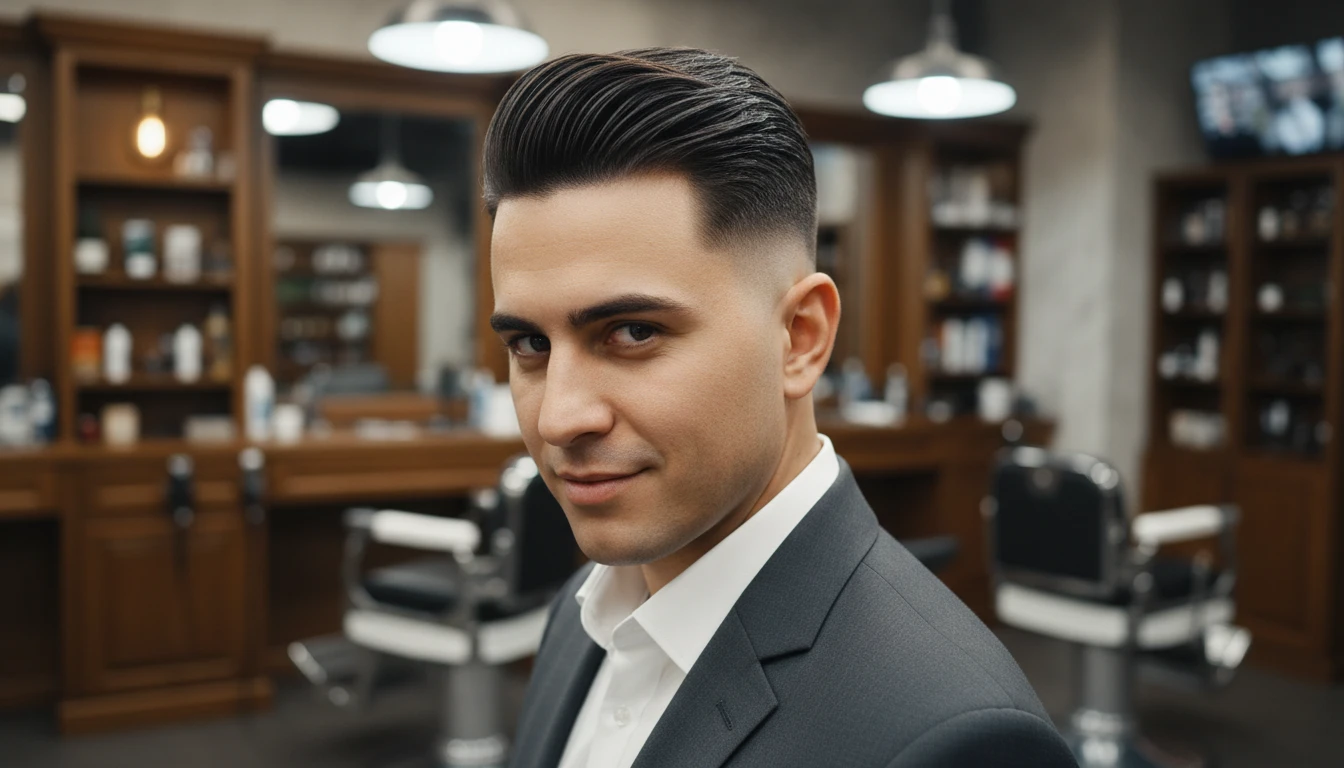
Photorealistic, Not a Cartoon Filter
No stickers or plastic overlays — just a realistic AI preview of your own face with a new cut. Compare before and after side by side, then download the result.
Get StartedWho Uses the Men's Haircut Try-On
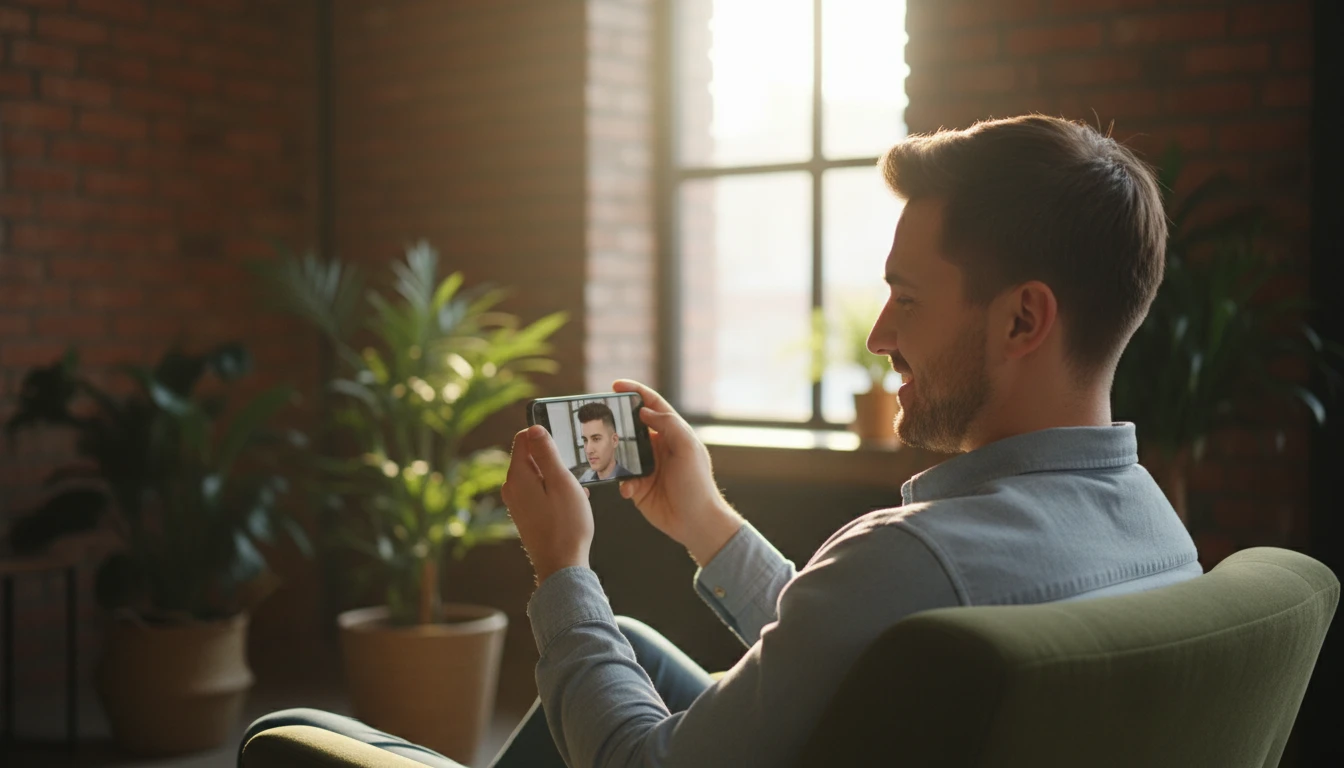
Before Your Next Barber Visit
Not sure what to ask for? Preview a few cuts on your own face and show the barber exactly the look you want — no more guesswork.
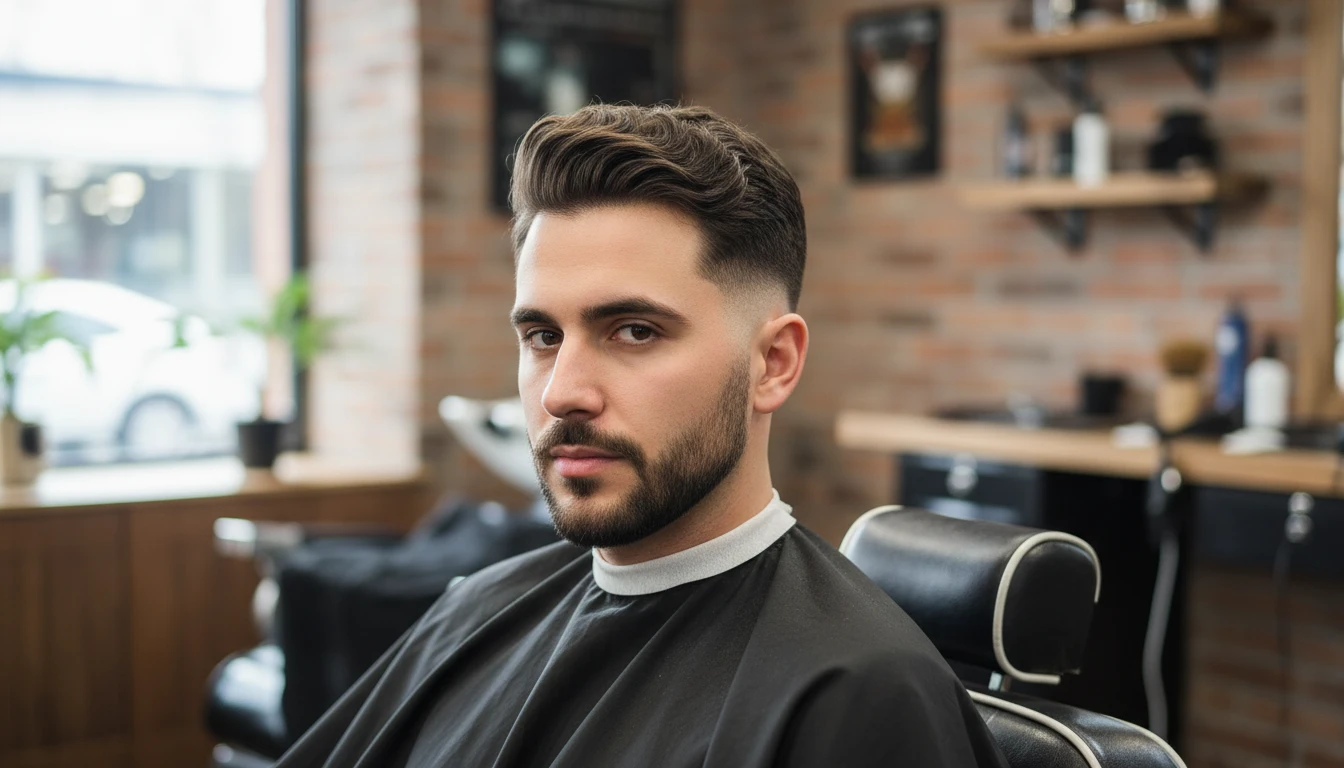
Finding a Cut for Your Face Shape
Wondering whether a quiff, crop or fade suits you? Compare styles side by side and find the most flattering shape before you commit.
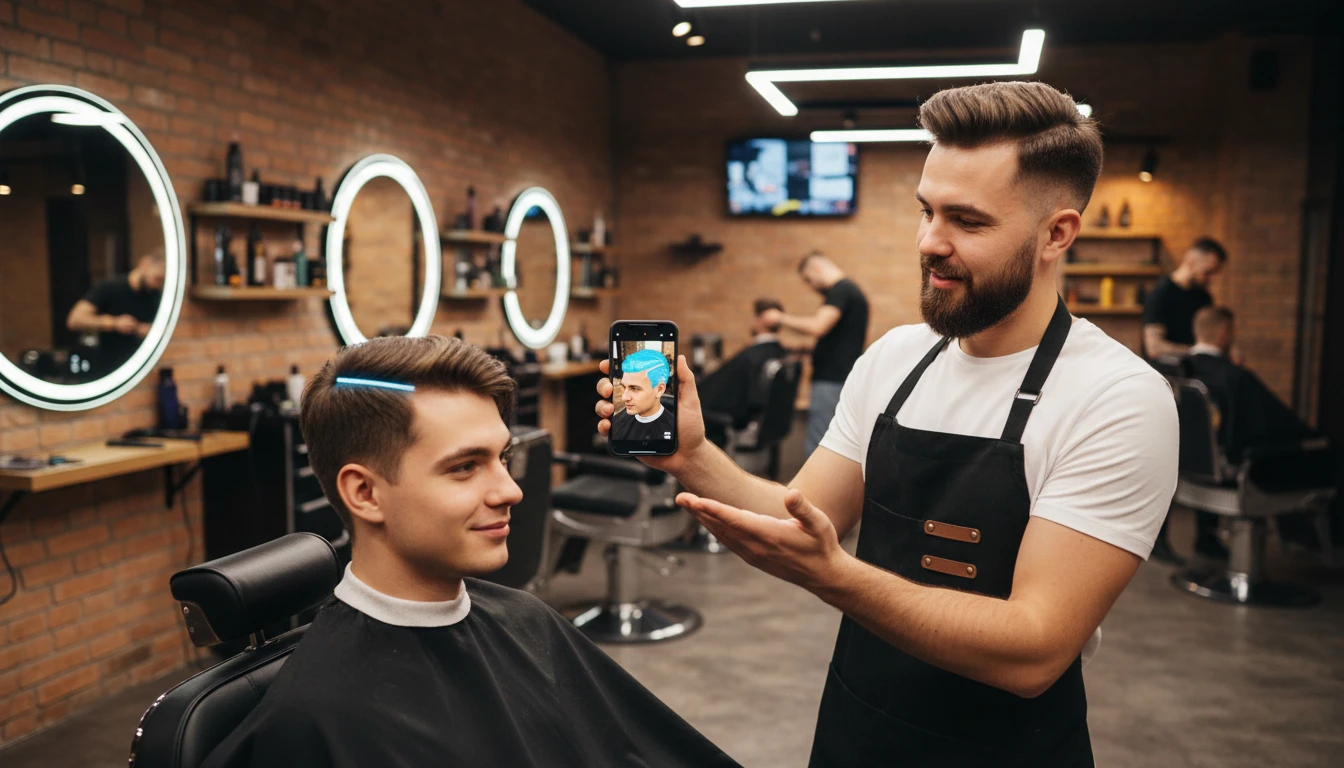
Content Creators and Barbers
Generate eye-catching transformation content, or help clients visualise a cut before the first snip. Explore bold makeovers and share the looks people love.
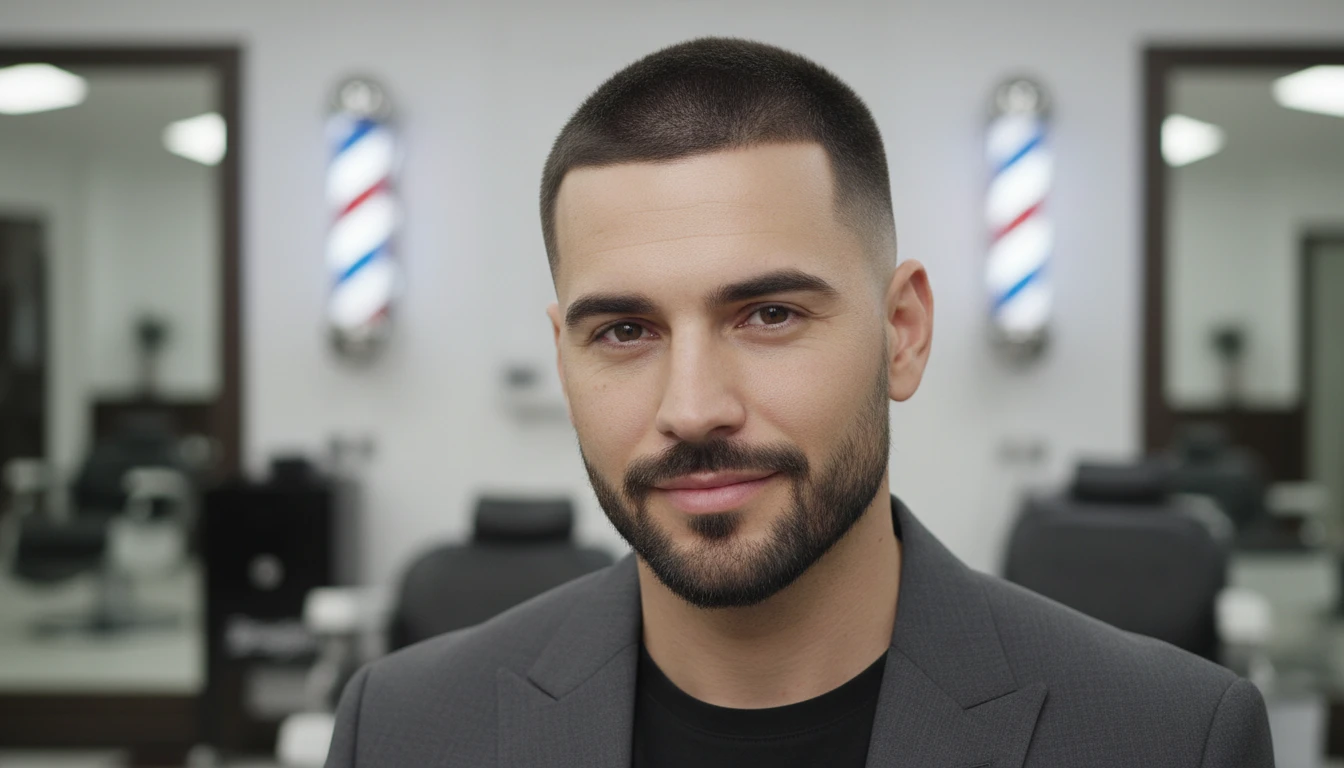
Committing to a Bold Change
Thinking about a buzz cut, shaved head or a mullet? See the result first so you can commit with confidence.
How to Try On a Men's Haircut with AI
Upload Your Photo
Upload a clear front-facing or slight-angle photo where your hair and face are visible. Good, even lighting gives the most realistic result.
Pick a Haircut
Hair Studio opens on the men's Hairstyle Changer with your photo loaded. Choose from 40+ cuts — fades, quiff, crop, undercut and more — and add optional color notes.
Get Your Haircut Preview
Receive a photorealistic portrait with your chosen cut. Use the before / after view to compare, then download the result.
Explore More
More AI Studio Tools
Discover other powerful AI tools to enhance your creative workflow
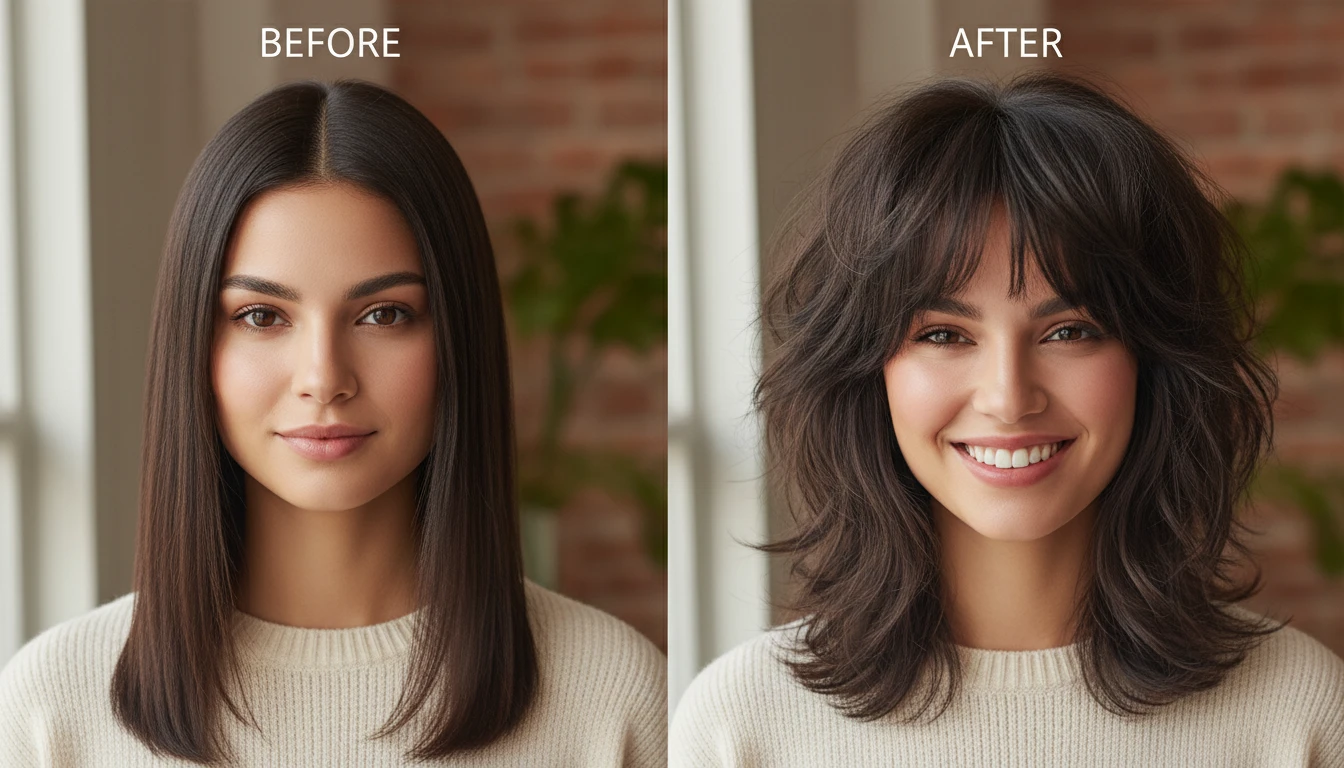
AI Hairstyle Changer
Try on 300+ hairstyles and 18 colors on your own photo and see your new look before you commit.
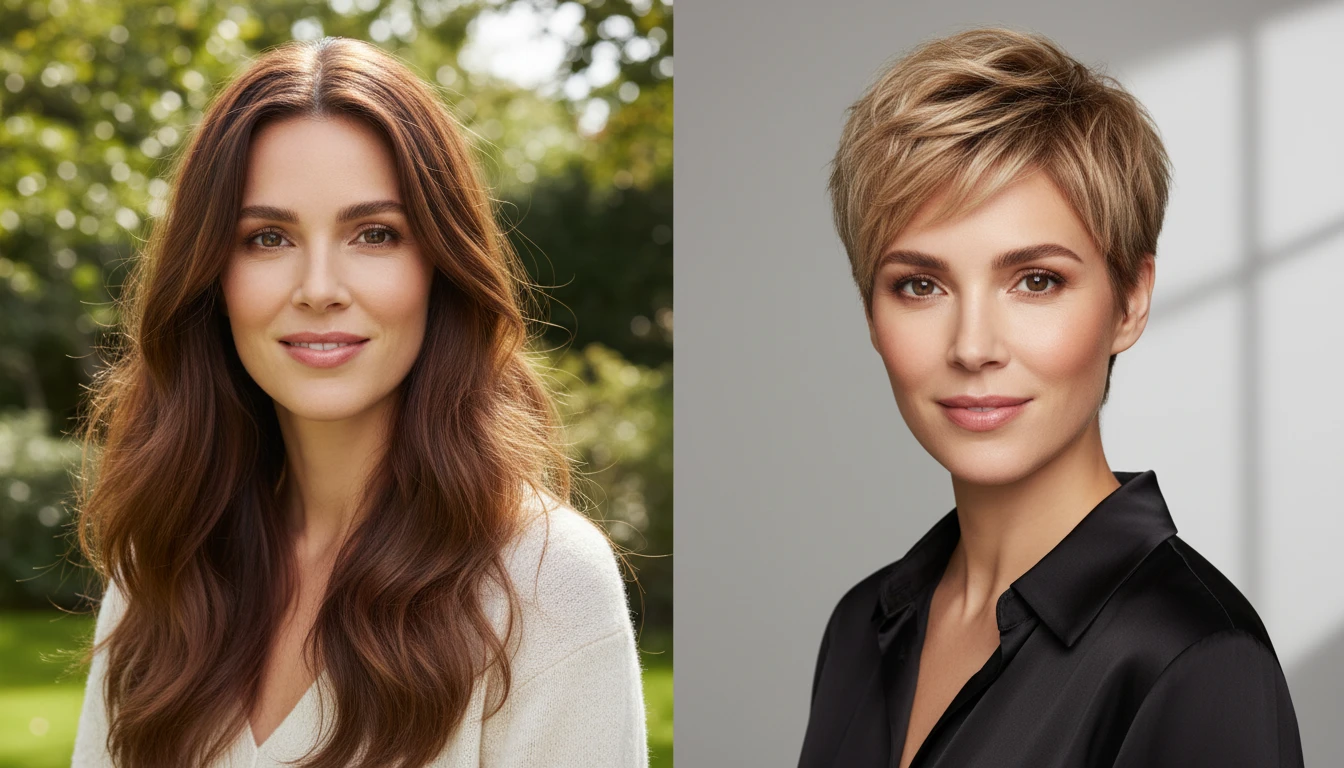
AI Short Hair Filter
Preview the big chop — try a pixie, bob, crop or fade on your photo before you commit.
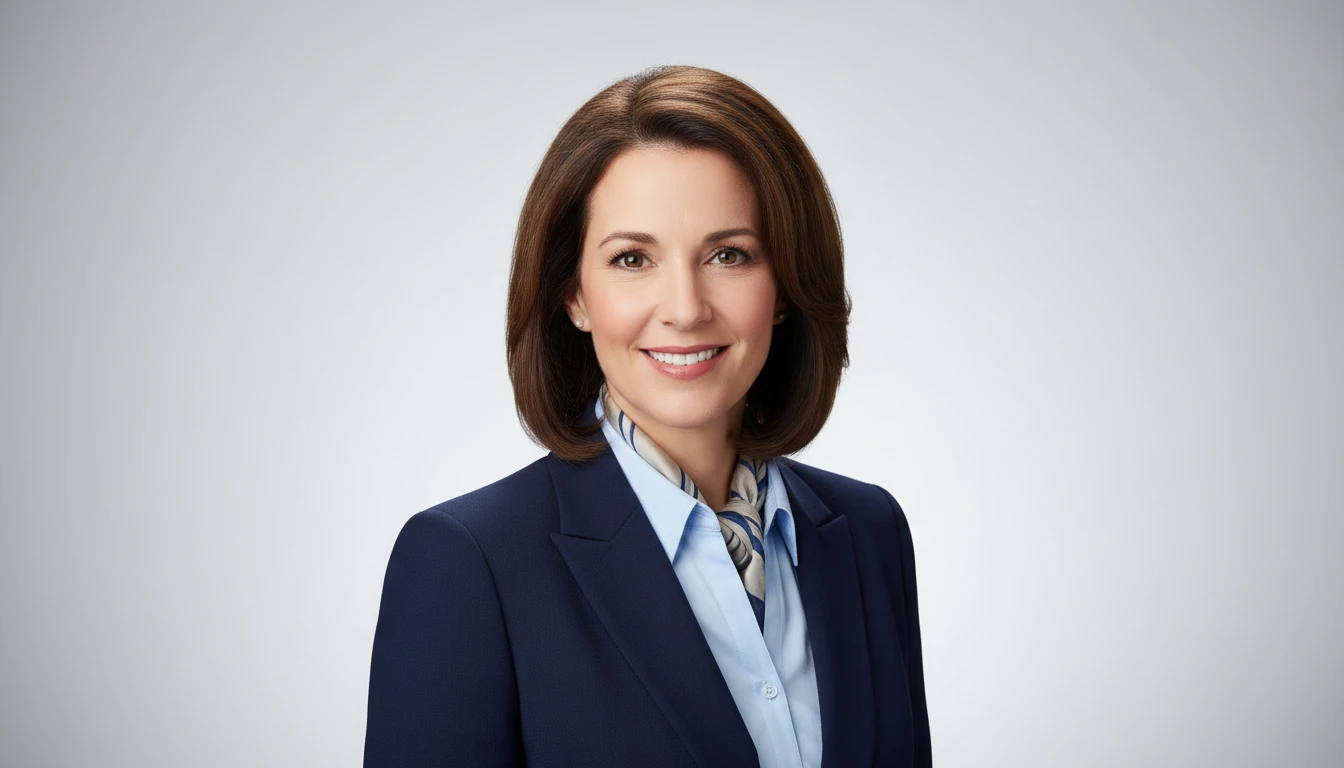
AI Professional Headshot Generator
Upload any casual portrait and AI generates a studio-quality professional headshot in seconds. Choose from 14 styles including LinkedIn Profile, Corporate Business, Executive Portrait, Creative Professional, Tech Startup, Real Estate Agent, and Personal Brand. No photographer, studio, or scheduling required. Supports a wide range of ages, genders, and professional contexts.
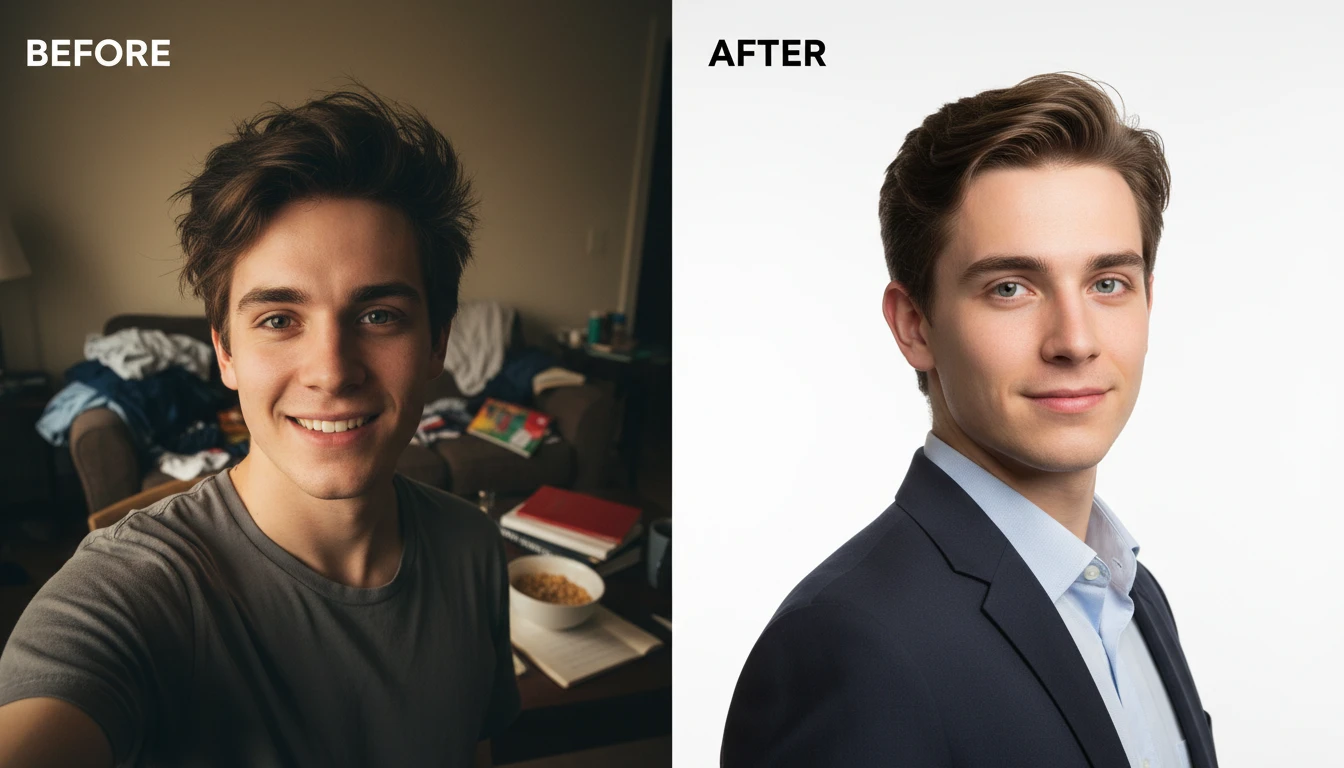
AI Profile Photo Maker
Transform any portrait photo with a new professional background. Studio white, gradient, office blur, outdoor, dark professional, and more styles.
Opens in
Image Studio
Frequently Asked Questions
Everything you need to know to get started.
What men's haircuts are available?
There are 40+ men's styles in Hair Studio, including skin / taper / drop / burst / mid / low fades, buzz cut, crew cut, quiff, pompadour, undercut, slick back, comb over, French crop, textured crop, Caesar, Ivy League, high & tight, mullet, man bun, afro, curly, dreadlocks, cornrows, twists, 360 waves, faux hawk, broccoli cut, Edgar, curtains and more.
Can I change the hair color too?
Yes. Alongside the cut you can apply any of 18 hair colors — natural browns and blacks, blondes, silver-grey and bold fashion shades — and add custom notes for highlights.
Does it keep my beard and face the same?
Yes. The AI focuses only on the hair on your head. Your face, beard, skin, expression and background stay identical to the original photo.
What makes a good source photo?
A front-facing or slight-angle photo with good, even lighting works best. Make sure your face and existing hair are clearly visible and avoid very dark or shadowy backgrounds.
Does it work if I am bald or have very short hair?
Yes. The tool works on all hair lengths, including shaved and buzzed heads — the AI will add the cut you choose.
See Your New Haircut in Seconds
Sign up free and get 100 credits instantly. Try fades, a quiff, pompadour, undercut and many more cuts on your own photo.
Try a Haircut Now