See How You Look With Short Hair
Upload a portrait and instantly preview a short cut on your own face. Choose from 10+ styles — pixie, bob, crop, fade, wolf cut and more — then fine-tune the color in Hair Studio.
Try Short Hair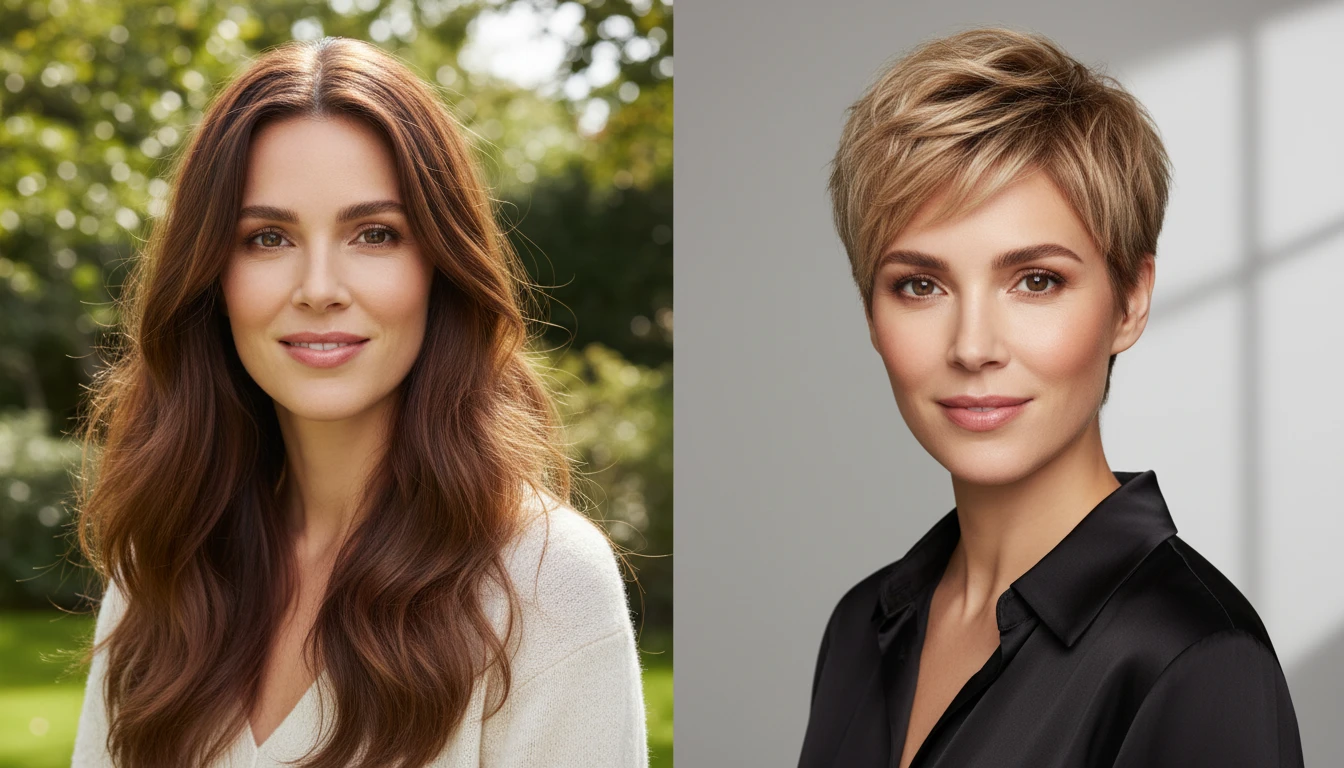
Try On Short Hair
Add a clear portrait and we'll open Hair Studio with your photo ready to restyle in 10+ short hair styles.
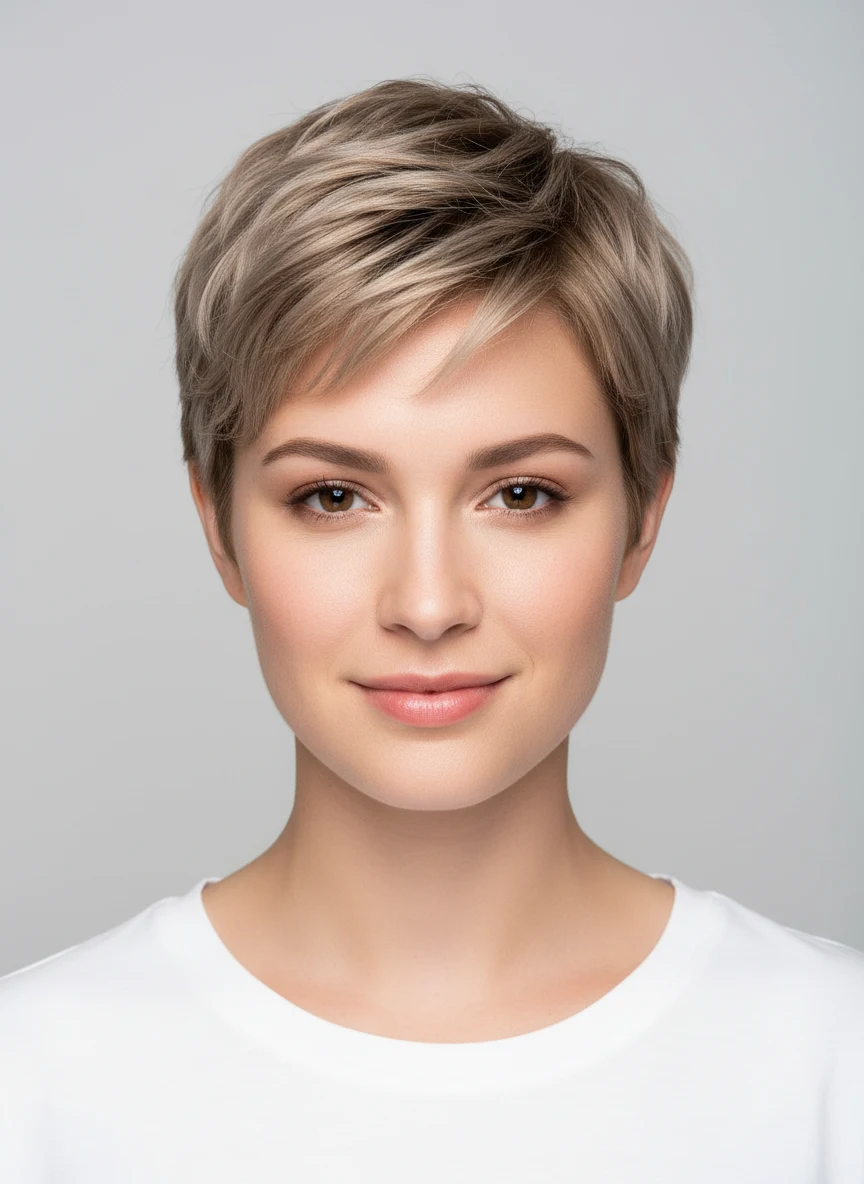
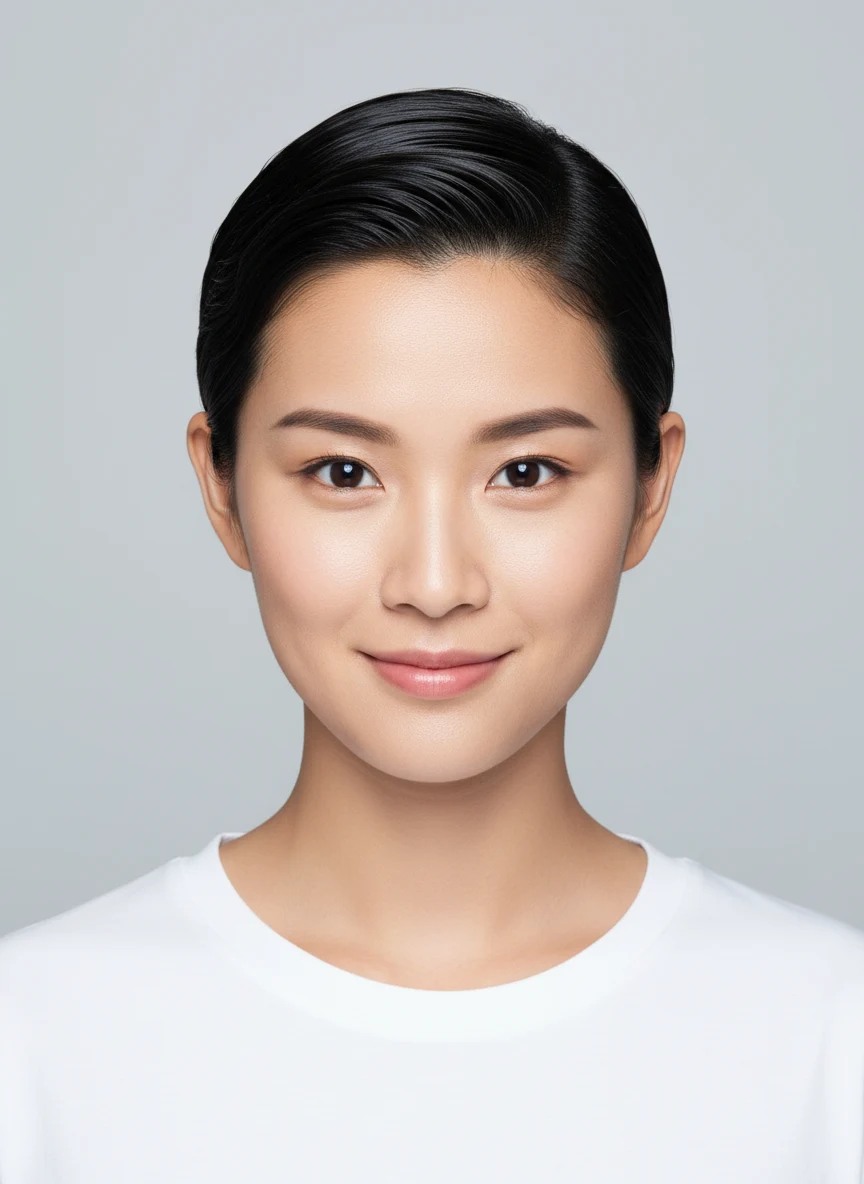
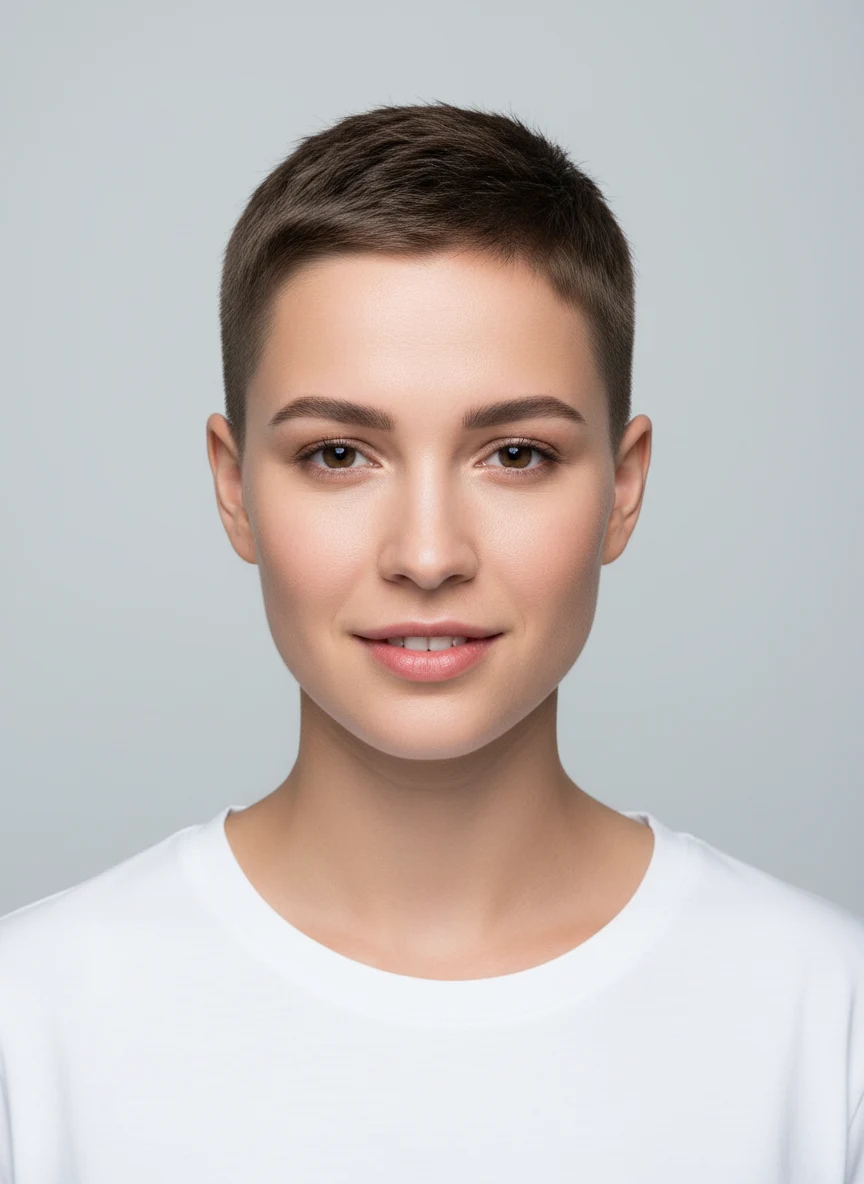
Drag & drop your photo here
or click to browse — JPG, PNG or WebP, up to 15MB
Your photo is used only to generate your hairstyle previews.
Preview Short Hair on Your Own Photo
Upload a clear portrait and see how a short cut looks on your face. The confident way to test the big chop before you ever sit in the chair.
Try It Now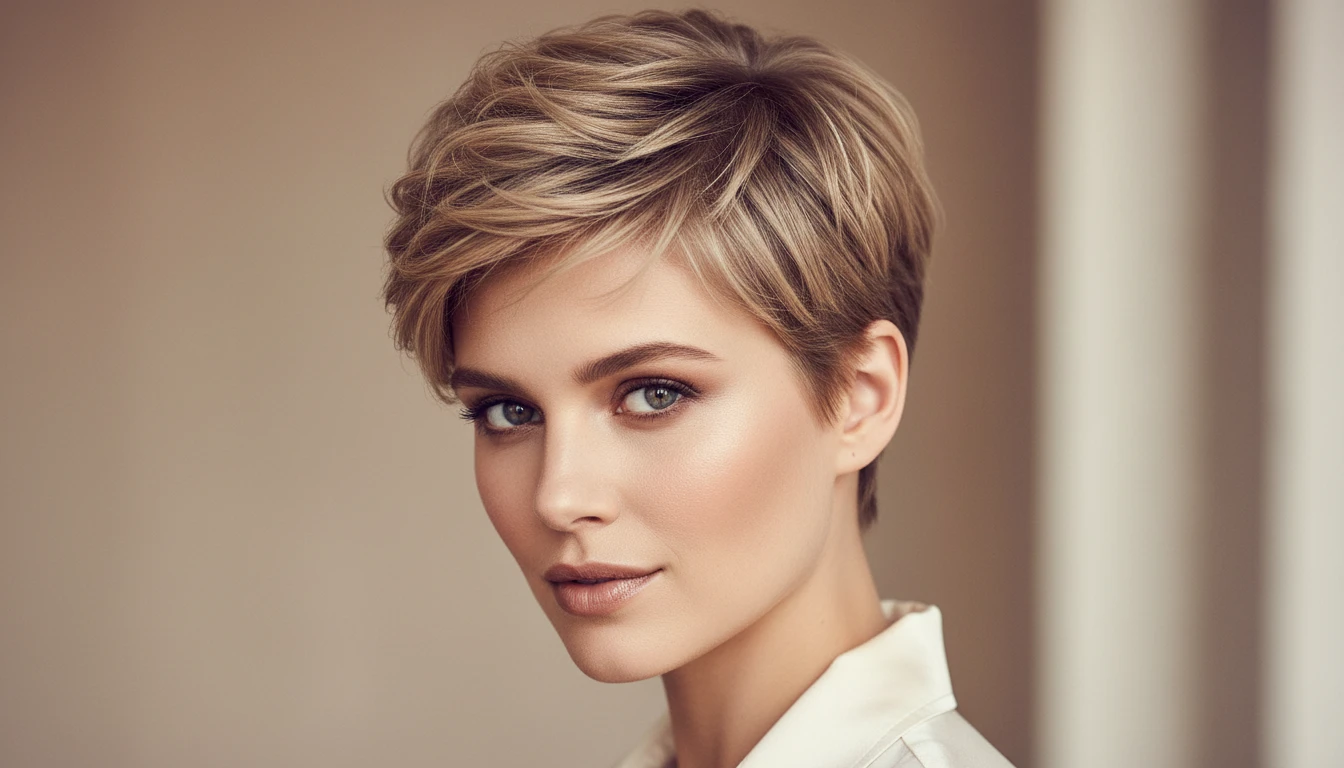
10+ Short Styles, From Pixie to Bob
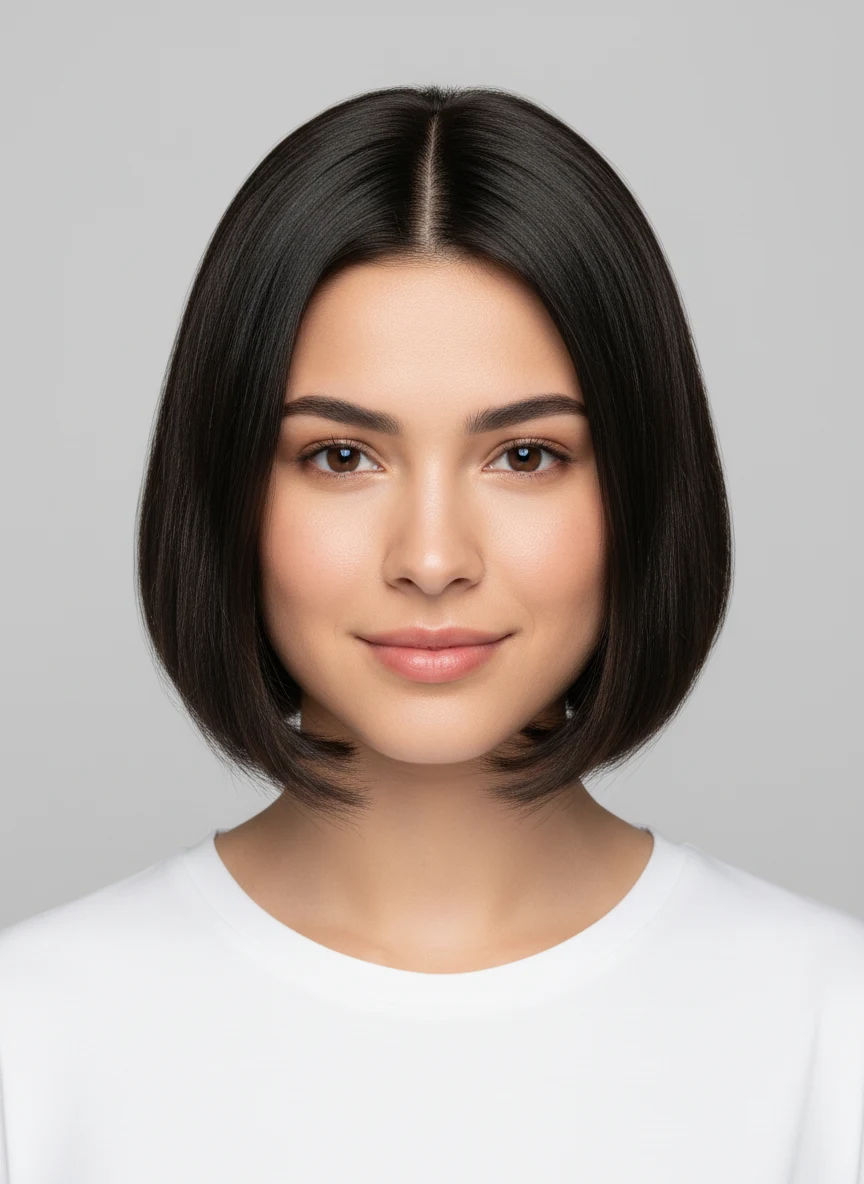
Try a textured or sleek pixie, French or micro bob, soft crop, bixie, modern mullet, short wolf cut, undercut bob, a clean fade and more — every short look in one place.
Explore All Styles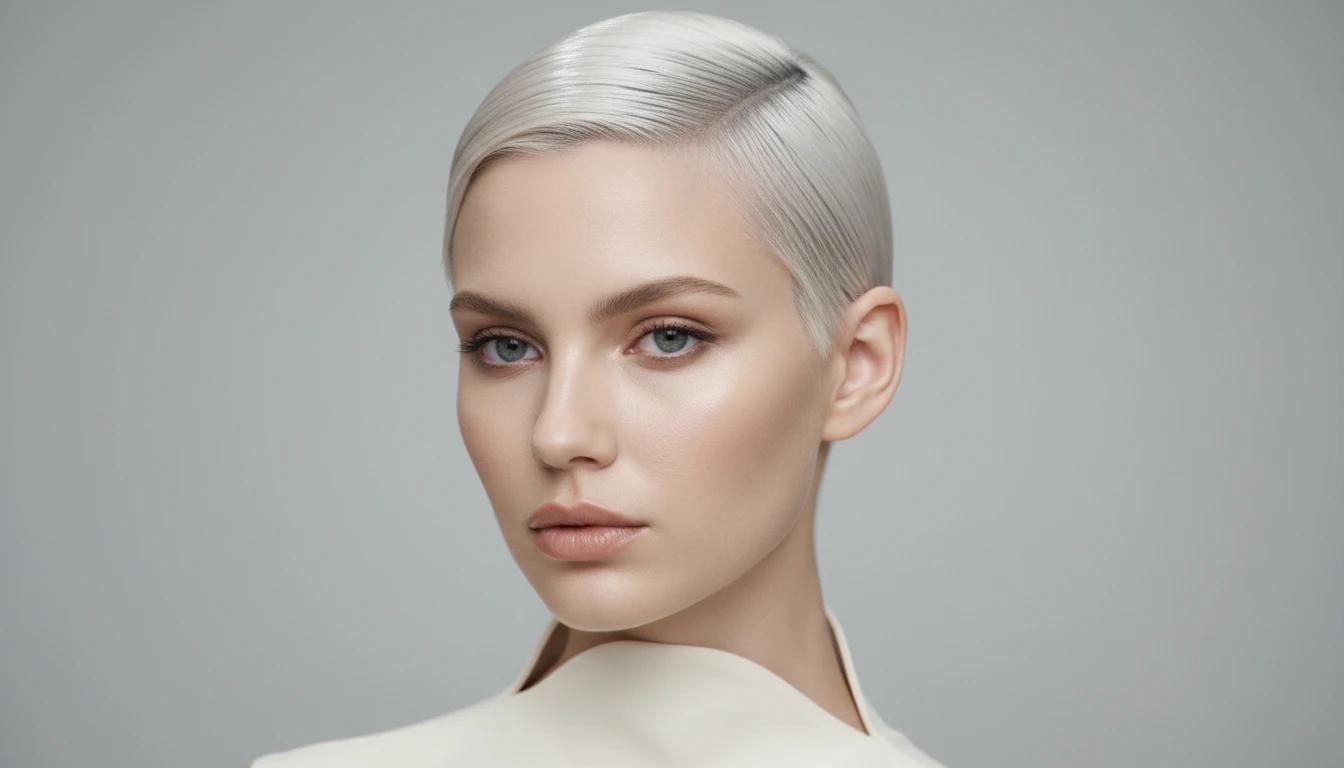
Change the Color Too
Pair any short cut with 18 hair colors — from natural browns and blondes to bold reds, silver and vivid fashion shades — and add custom notes for highlights.
Customize Your Look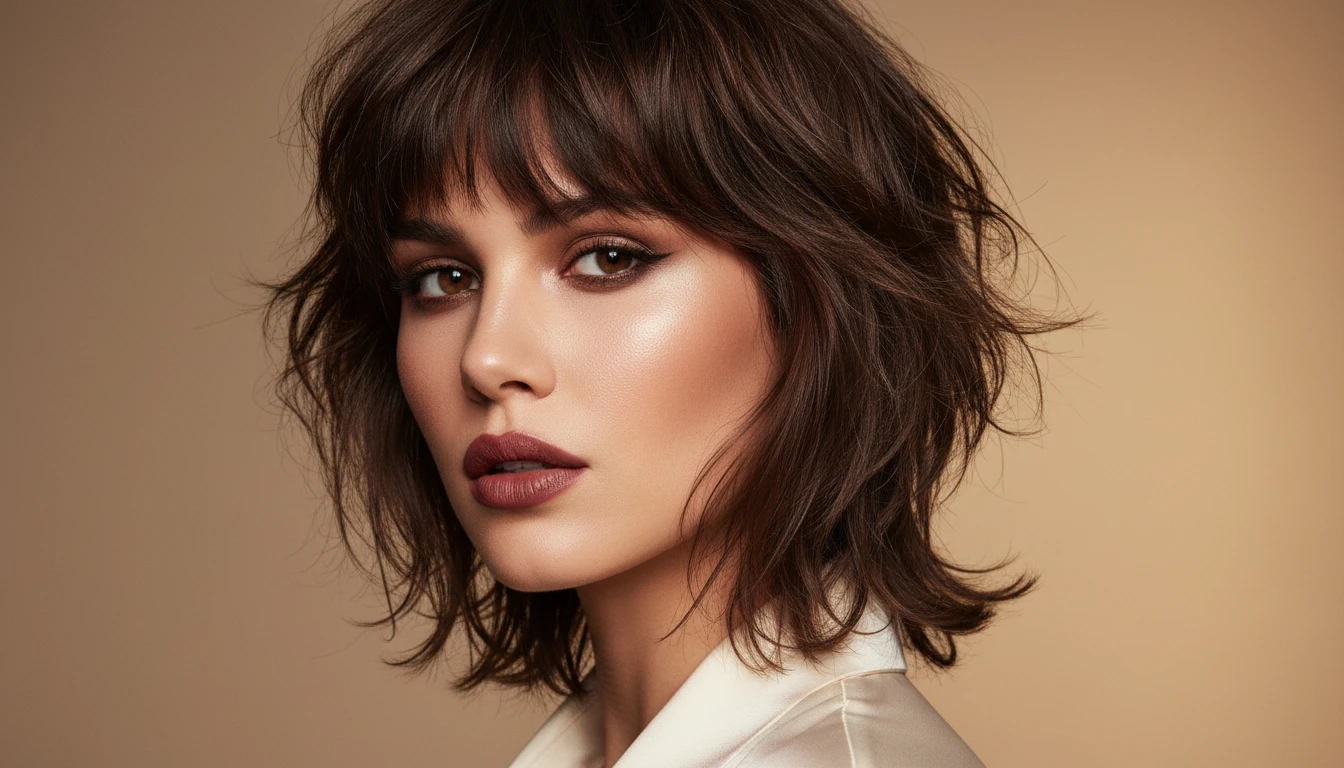
Photorealistic, Not a Cartoon Filter
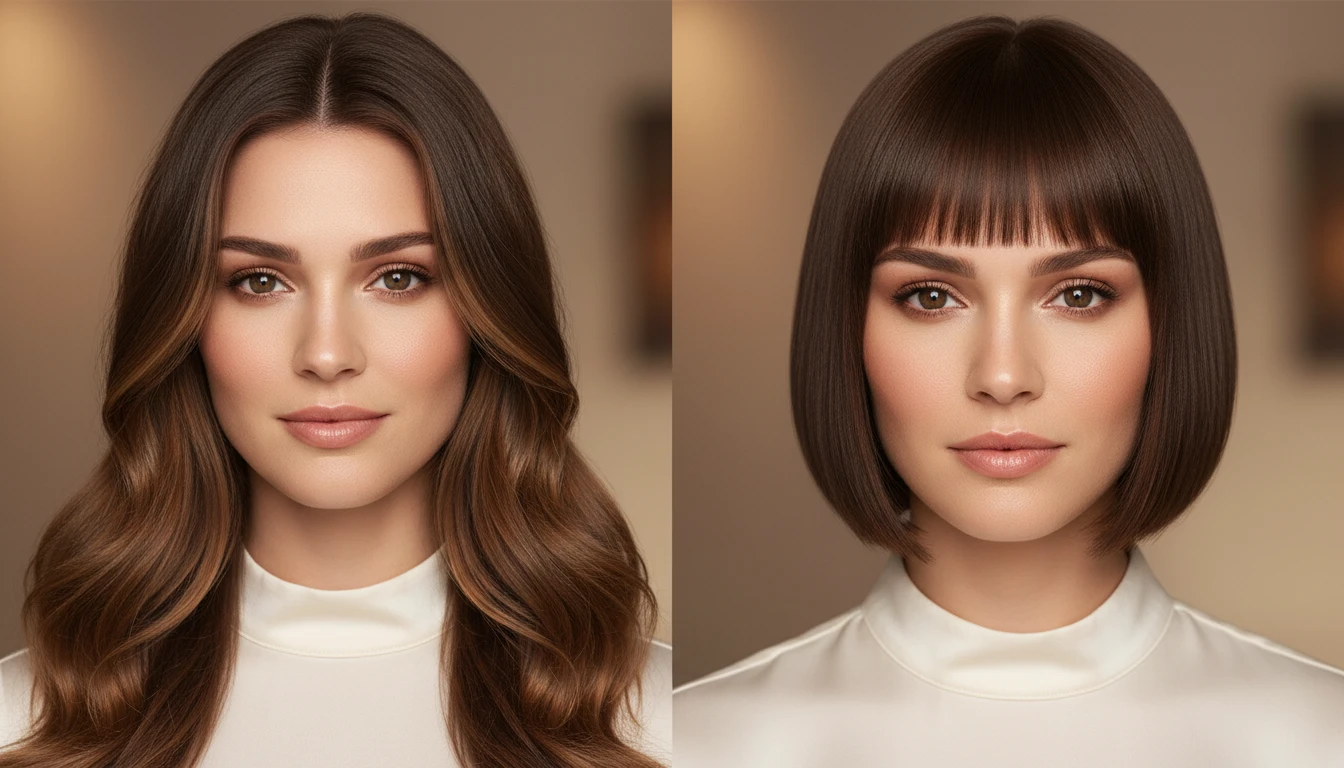
No stickers or plastic overlays — just a realistic AI preview of your own face with shorter hair. Compare before and after side by side, then download the result.
Get StartedWho Uses the AI Short Hair Filter
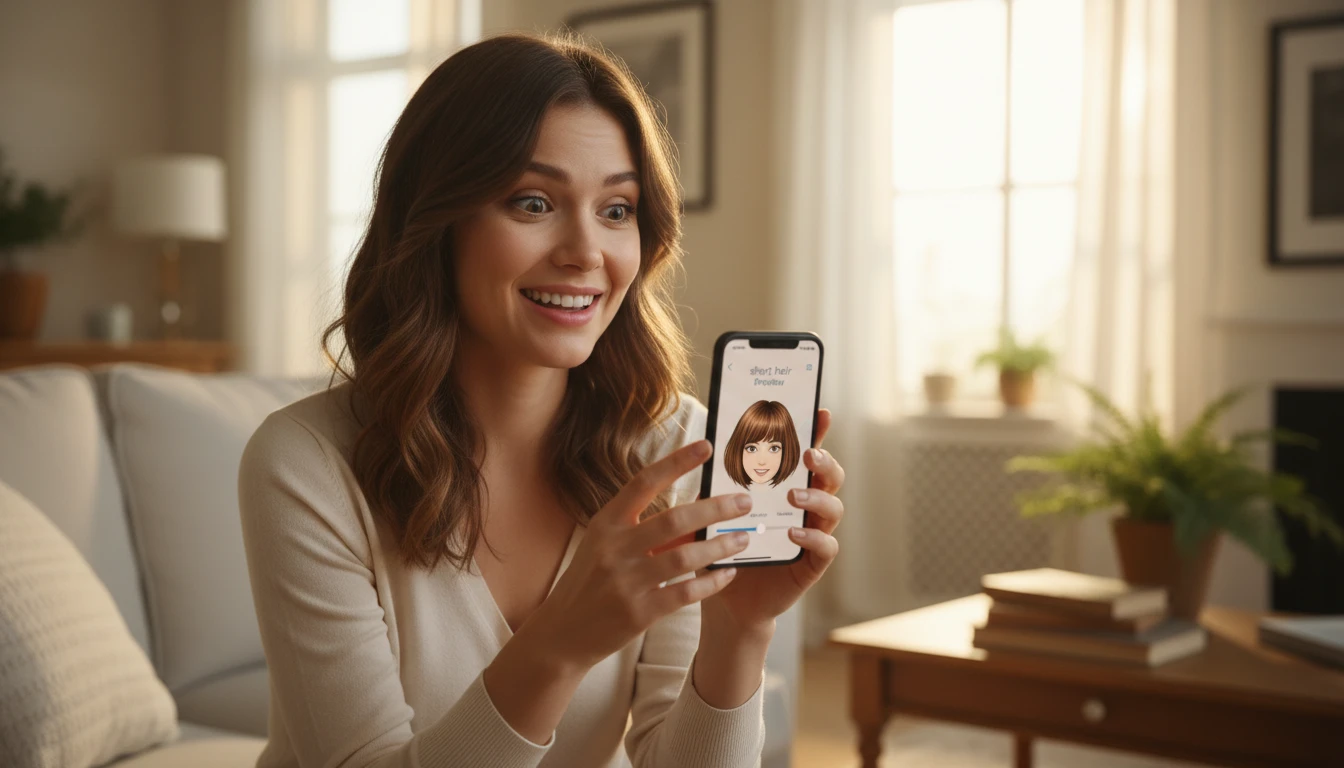
Before the Big Chop
Cutting your hair short is a big decision. See exactly how a pixie or bob looks on your face before you commit — no regrets.
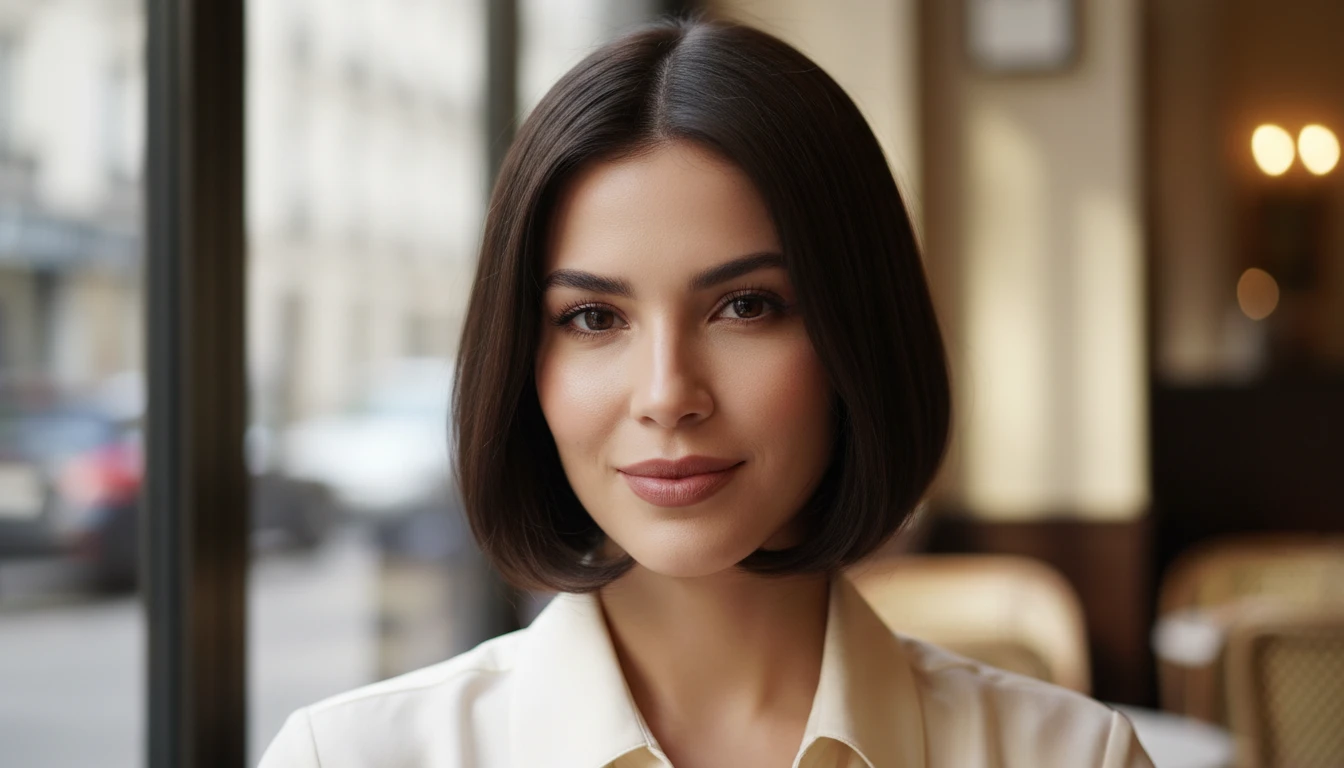
Finding a Cut for Your Face Shape
Not sure whether a French bob or a soft crop suits you? Preview several short cuts side by side and find the most flattering shape.
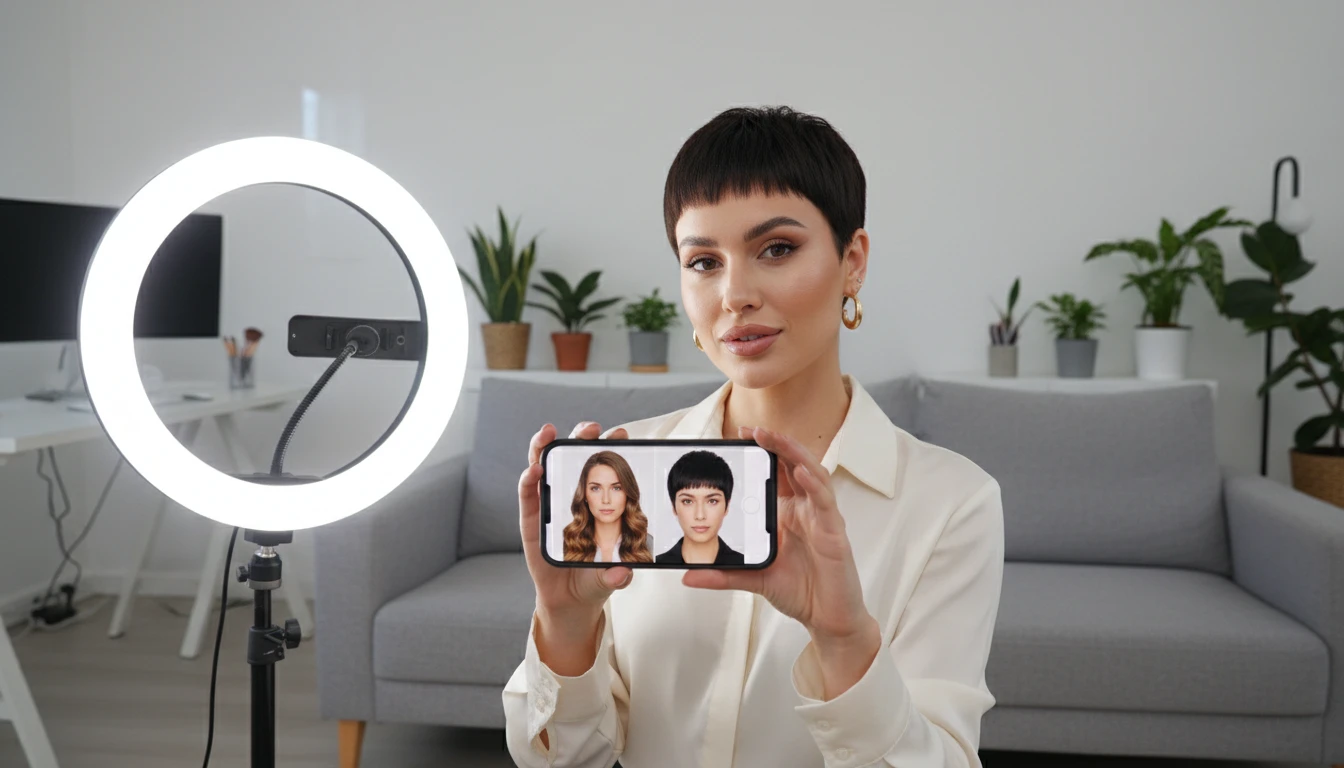
Content Creators and Beauty Influencers
Generate eye-catching hair transformation content for your audience. Explore dramatic short-cut makeovers and share the looks your followers love.
For Creative and Editorial Concepts
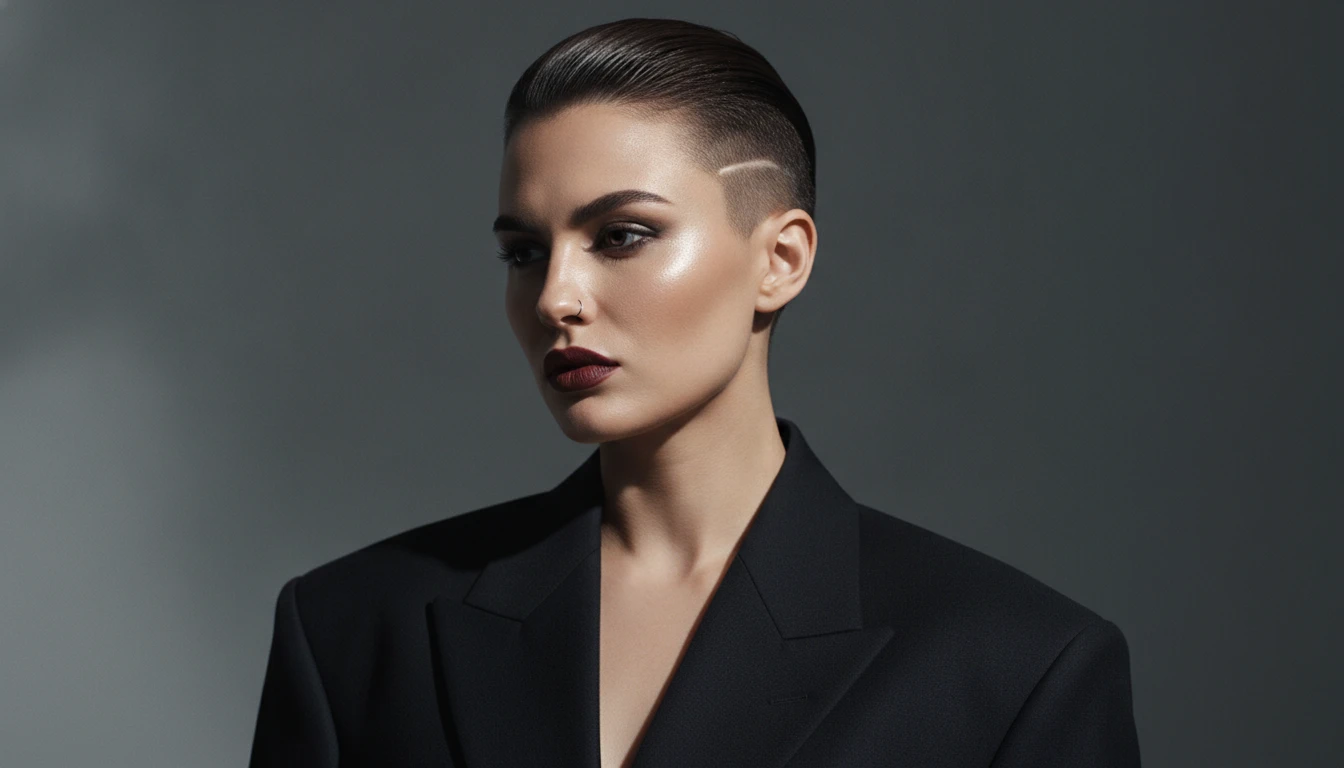
Visualize bold short looks for mood boards, editorial shoots or creative projects. Get an edgy undercut bob or a striking pixie in seconds.
How to Preview Short Hair with AI
Upload Your Portrait Photo
Upload a clear front-facing or slight-angle portrait where your hair and face are visible. Good, even lighting gives the most realistic result.
Pick a Short Hair Style
Hair Studio opens on the Short Hair category with your photo loaded. Choose from 10+ styles — pixie, bob, crop, fade and more — and add optional color notes.
Get Your Short Hair Preview
Receive a photorealistic portrait with your chosen short cut. Use the before / after view to compare, then download the result.
Explore More
More AI Studio Tools
Discover other powerful AI tools to enhance your creative workflow
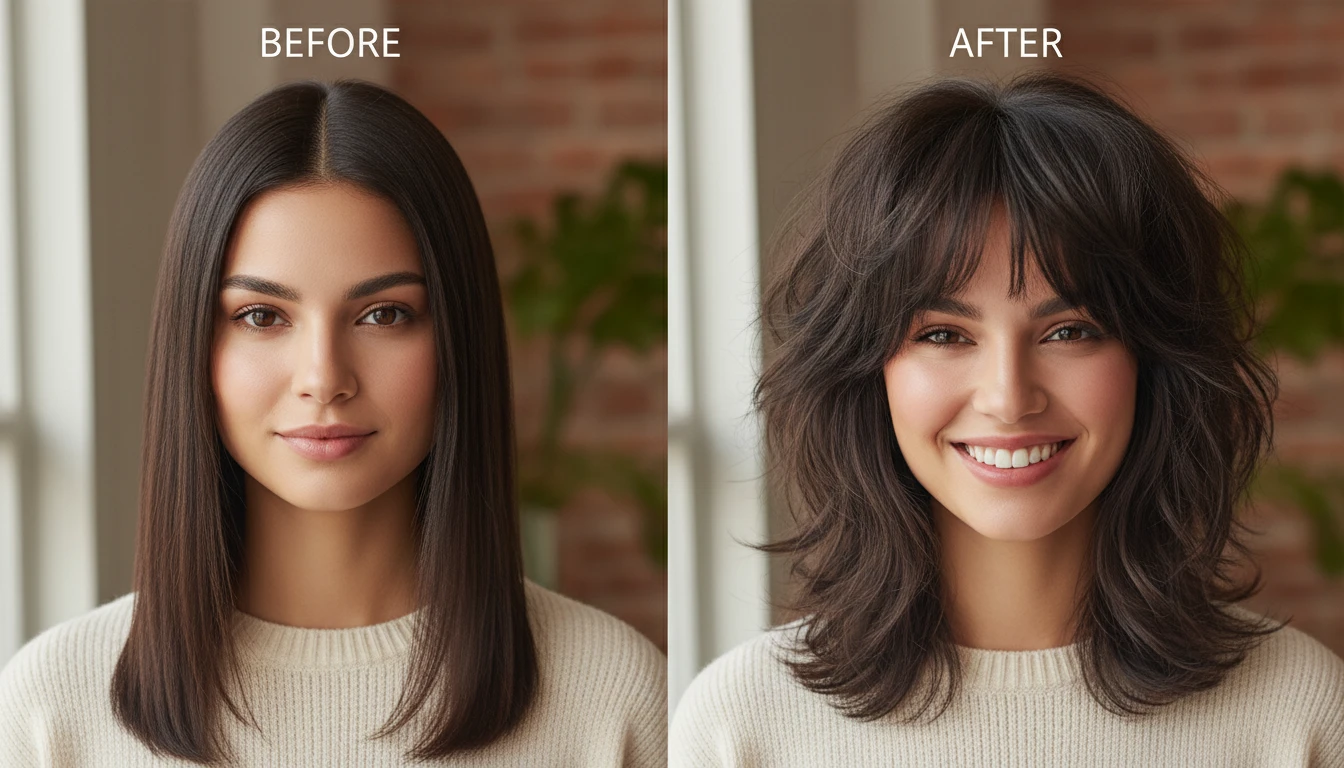
AI Hairstyle Changer
Try on 300+ hairstyles and 18 colors on your own photo and see your new look before you commit.
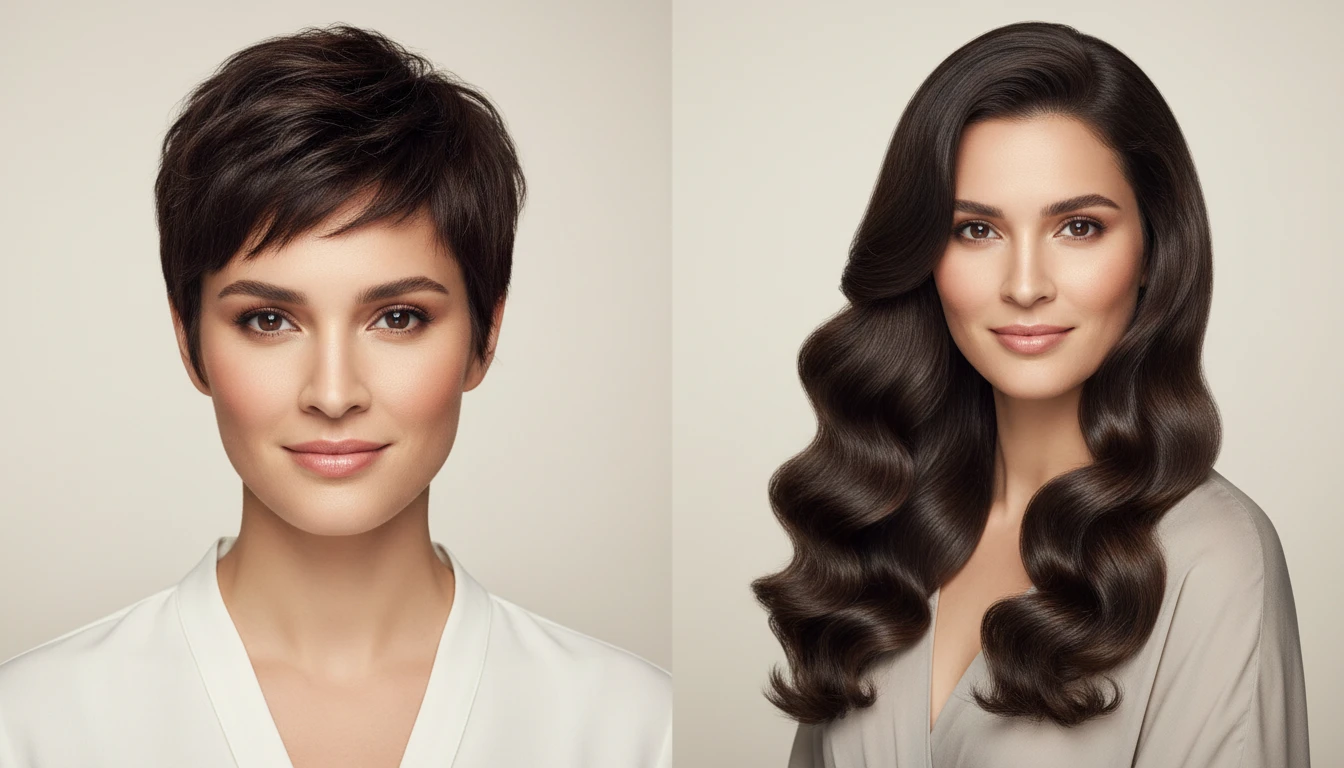
AI Long Hair Filter
See yourself with long hair — preview 10+ flowing styles like mermaid waves and waist-length.
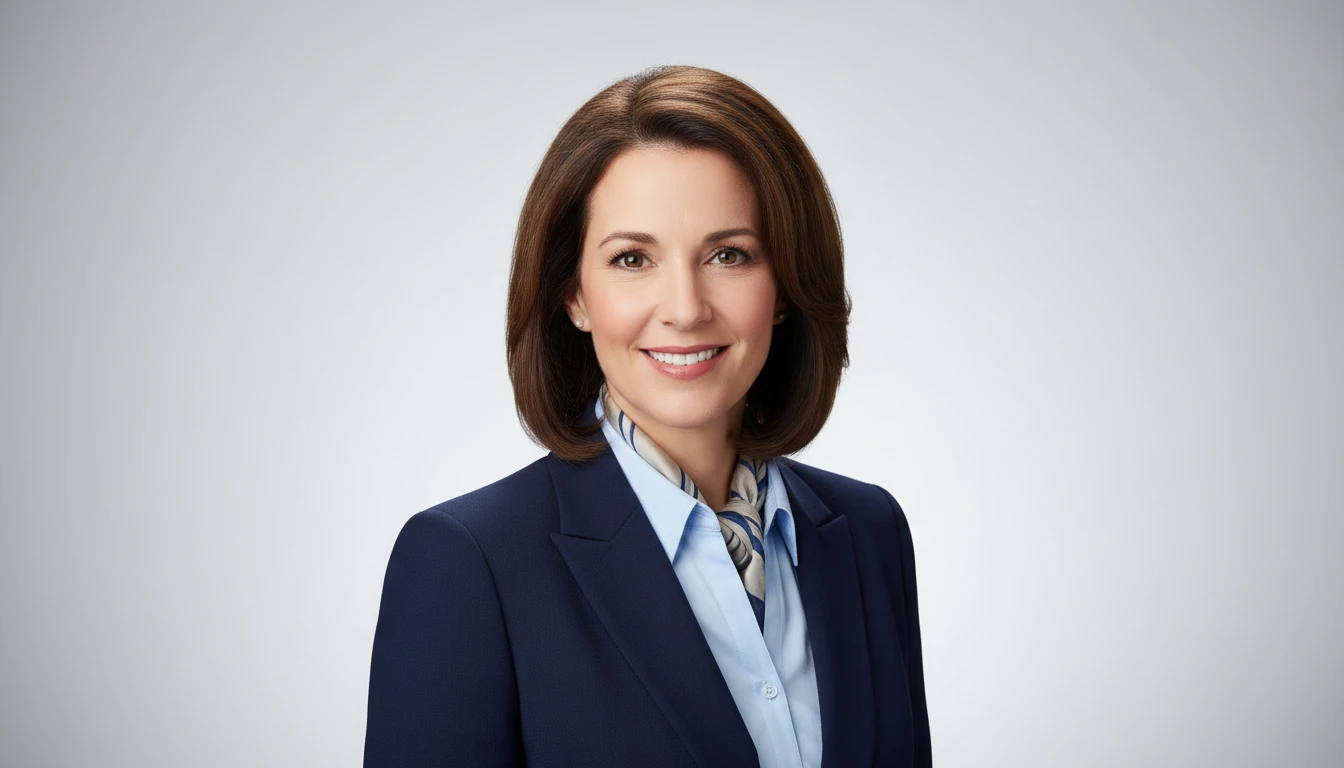
AI Professional Headshot Generator
Upload any casual portrait and AI generates a studio-quality professional headshot in seconds. Choose from 14 styles including LinkedIn Profile, Corporate Business, Executive Portrait, Creative Professional, Tech Startup, Real Estate Agent, and Personal Brand. No photographer, studio, or scheduling required. Supports a wide range of ages, genders, and professional contexts.
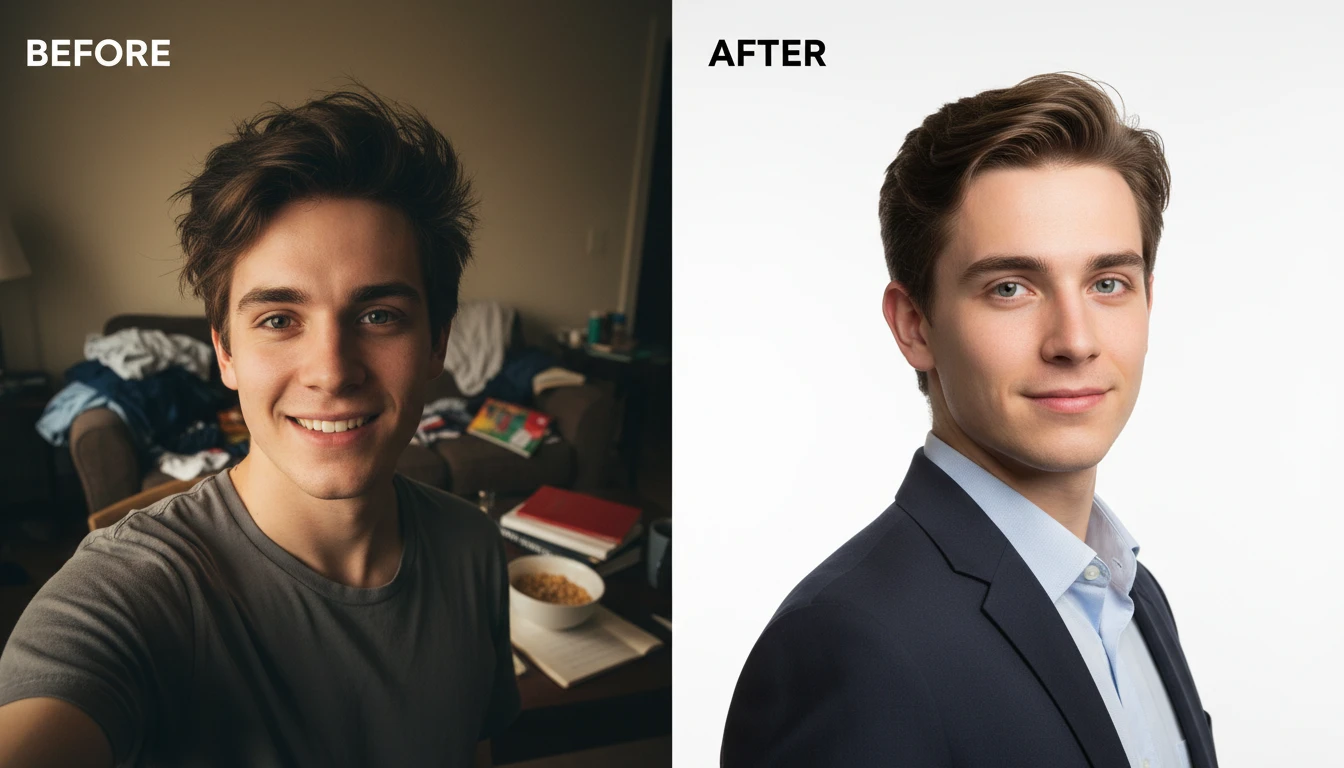
AI Profile Photo Maker
Transform any portrait photo with a new professional background. Studio white, gradient, office blur, outdoor, dark professional, and more styles.
Opens in
Image Studio
Frequently Asked Questions
Everything you need to know to get started.
What short hair styles are available?
There are 10+ short styles in Hair Studio, including a textured pixie, sleek pixie, buzz / low fade, French bob, micro blunt bob, soft layered crop, bixie, modern mullet, short wolf cut, undercut bob, mushroom cut, Chelsea cut, ear-length shag, tapered crop, and pompadour.
Can I change the hair color too?
Yes. Alongside the short cut you can apply any of 18 hair colors — from natural browns and blondes to reds, silver and vivid fashion shades — and add custom notes for highlights or balayage.
Does it work on long hair?
Yes. The tool works on all hair lengths. Upload a photo with long hair and the AI will show you a realistic preview with the short cut you choose.
What makes a good source photo?
A front-facing or slight-angle portrait with good, even lighting works best. Make sure your face and existing hair are clearly visible and avoid very dark or shadowy backgrounds.
Will the rest of my photo stay the same?
Yes. The AI focuses only on the hair. Your face, skin, expression and background remain identical to the original photo.
See Yourself With Short Hair in Seconds
Sign up free and get 100 credits instantly. Preview a pixie, bob, crop, fade and many more short styles on your own photo.
Try Short Hair Now