See Every Major City's Local Time at a Glance
Live clocks for 66 cities across every major time zone, with time-of-day icons and date offsets. Perfect for scheduling calls, planning travel, or staying in sync with global teams.
Open World Clock
World Time Clock
Current local time in 66 major cities, updated every second
More World Cities
| City | Time | Offset |
|---|
Time of Day Guide
Times update every second · 24-hour format · 66 cities worldwide
16 Featured Cities with Live Cards
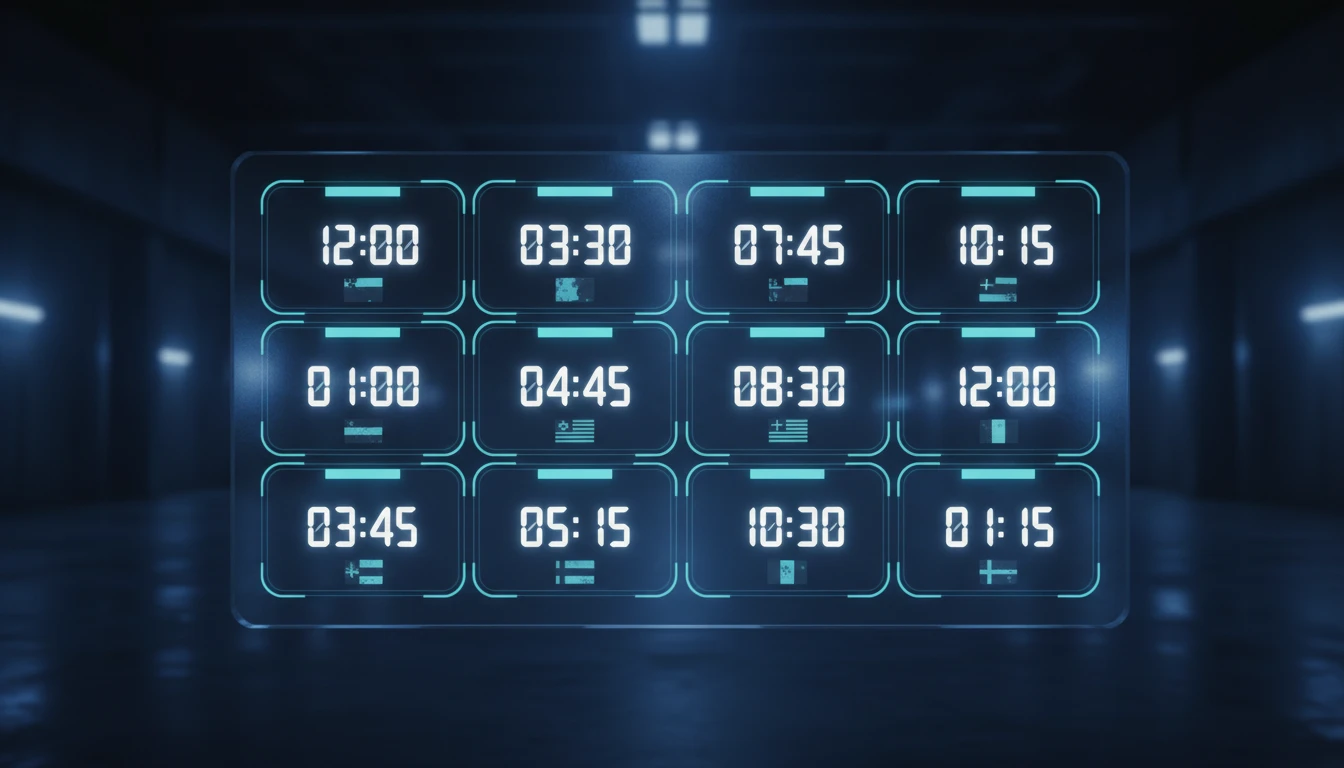
The top section shows 16 global hubs in individual cards. Each card displays the city flag, current time in 24-hour format, day of week, date, a time-of-day icon, and a colored offset badge when the date differs from yours.
See Live Clocks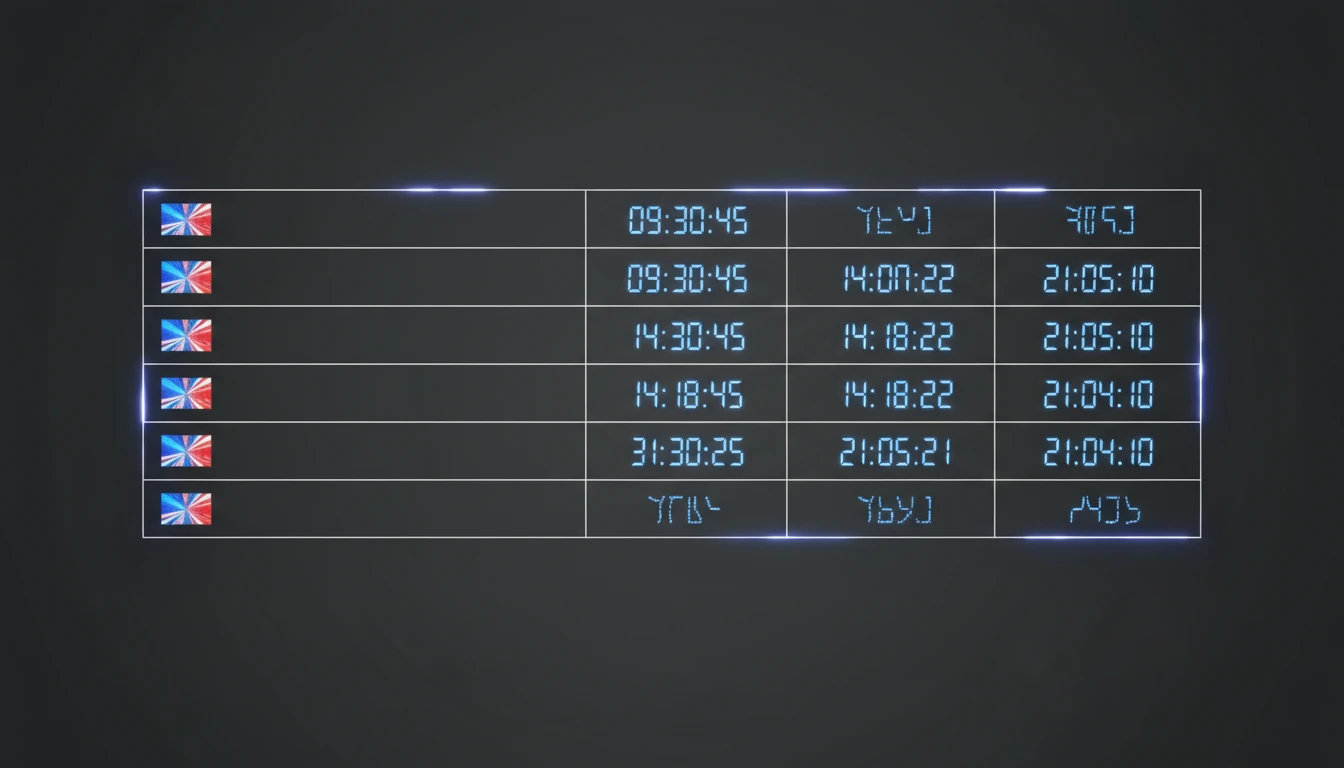
50 More Cities in a Sortable Table
Below the featured cards, a full-width table lists 50 additional cities with their flag, country, live time, date, and day offset. Covers every inhabited continent and all major business hubs.
View All Cities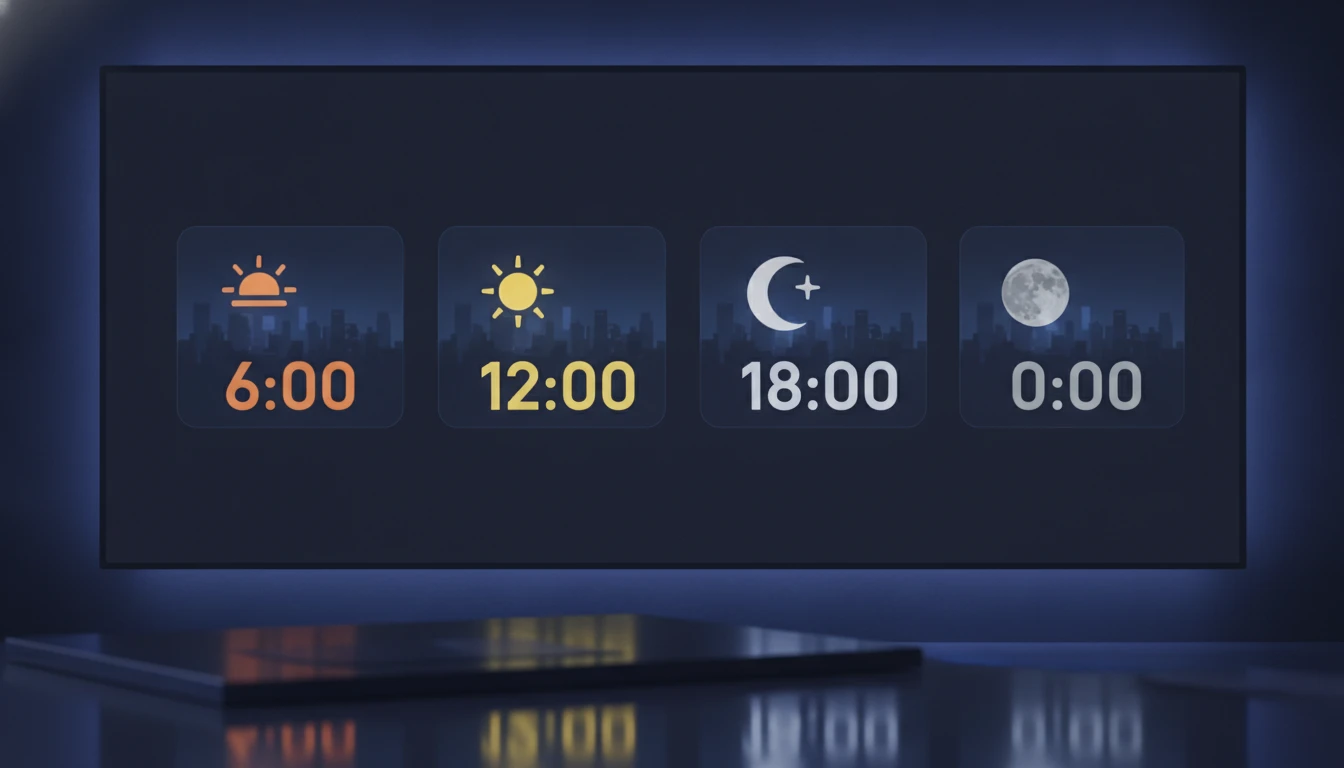
Time-of-Day Icons and Date Offsets
Each city is tagged with a sunrise, sun, cityscape, or moon icon so you can instantly tell whether it is morning, afternoon, evening, or night. A +1 or -1 day badge appears whenever a city's date differs from your local date.
Try It NowGet any city's local time in seconds
Open the world clock
The clock loads instantly with all 66 cities. No input needed — times start updating the moment the page loads.
Find your cities of interest
Scan the 16 featured cards for major hubs, or scroll the table for 50 additional cities covering every region and business center.
Check the time, day, and offset
Read the live time, note the day-of-week and date, and check the +1 or -1 day badge if the city is on a different calendar date from you.
Deep Dive
How the World Time Clock Works
Everything runs entirely in your browser using the IANA timezone database built into the Luxon library.

Why Use This World Clock
66 Cities at a Glance
Featured cards for 16 major hubs plus a full table for 50 more cities worldwide.
Live Every Second
Times update every second with no refresh needed — always shows the current moment.
Time-of-Day Icons
Sunrise, sun, dusk, and moon icons tell you instantly whether it is business hours or night.
Date Offset Badges
+1 and -1 day badges appear when a city is on a different calendar date from your location.
Who Uses It
Who Uses the World Time Clock
Anyone who works, travels, or communicates across time zones.

Frequently Asked Questions
How many cities does the world clock cover?
The clock displays 66 cities in total: 16 major global hubs shown as individual cards at the top, and 50 additional cities listed in a scrollable table below. Together they cover every major time zone and business center across all inhabited continents.
What do the time-of-day icons mean?
Each city card shows a contextual icon based on the local hour. A sunrise icon (🌅) appears from 6:00 to 11:59, a sun (☀️) from 12:00 to 17:59, a city at dusk (🌆) from 18:00 to 21:59, and a moon (🌙) from 22:00 to 5:59. The icons give you an instant sense of whether it is business hours or the middle of the night without reading the exact time.
What do +1 day and -1 day mean?
+1 day means the city is on the next calendar date relative to your local date, and -1 day means it is on the previous one. This happens when a city is on the other side of the International Date Line from you or when the time difference pushes the date forward or back.
Does the clock handle Daylight Saving Time automatically?
Yes. The clock uses Luxon with full IANA timezone data, so DST transitions are applied automatically for every region that observes them. You do not need to adjust anything when clocks change in spring or autumn.
How often do the times update?
All city clocks refresh every second. You do not need to reload the page — the times advance continuously as long as the tab is open.
Can I use this to schedule an international meeting?
Yes. Find the cities where your participants are located, read their current local time and the time-of-day icon, and check whether the date is the same as yours. This tells you at a glance whether a time slot falls within business hours, in the evening, or overnight for each location.
What time format does the clock use?
All times are displayed in 24-hour (HH:mm:ss) format. This avoids AM/PM ambiguity and is the standard used in aviation, international business, and scientific contexts.
Always Know What Time It Is Anywhere
Open the world clock and get live local times for 66 cities across every time zone, right now.