Make Any Scanned PDF Searchable with OCR
Upload a scanned or image-based PDF, pick a language, and get a fully searchable, copyable document in minutes. Supports 20+ languages including English, Chinese, Arabic, and more.
Run OCR Now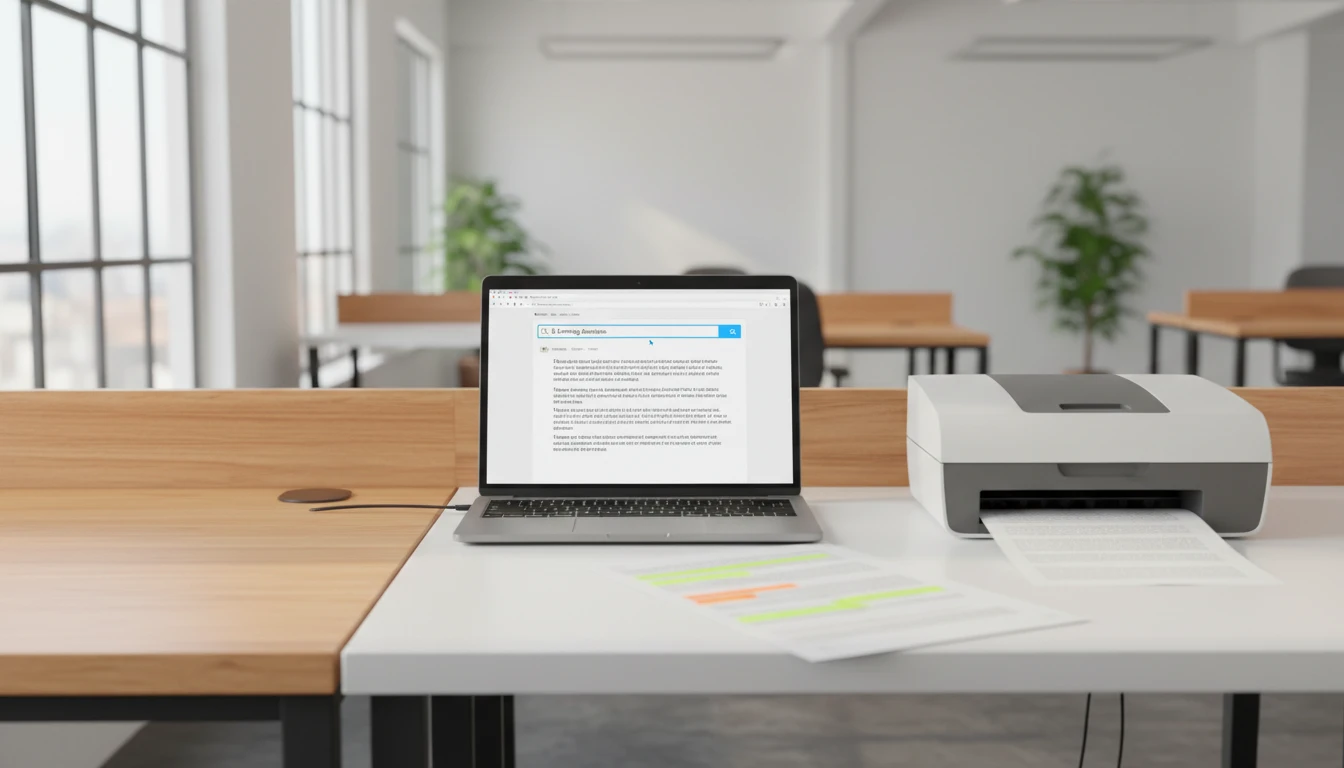
Upload a scanned PDF, select the document language, and download a fully searchable PDF with an invisible OCR text layer.
PDF OCR
Make scanned PDFs searchable using server-side Tesseract OCR.
Drop your scanned PDF here
or click to browse · PDF only · up to 100 pages
Your searchable PDF will appear here
Upload a scanned PDF on the left, choose a language, and click Run OCR.
Upload Your Scanned PDF
Drop your PDF onto the upload zone. The tool checks page count before processing, so only compatible files move forward.
Run OCR Now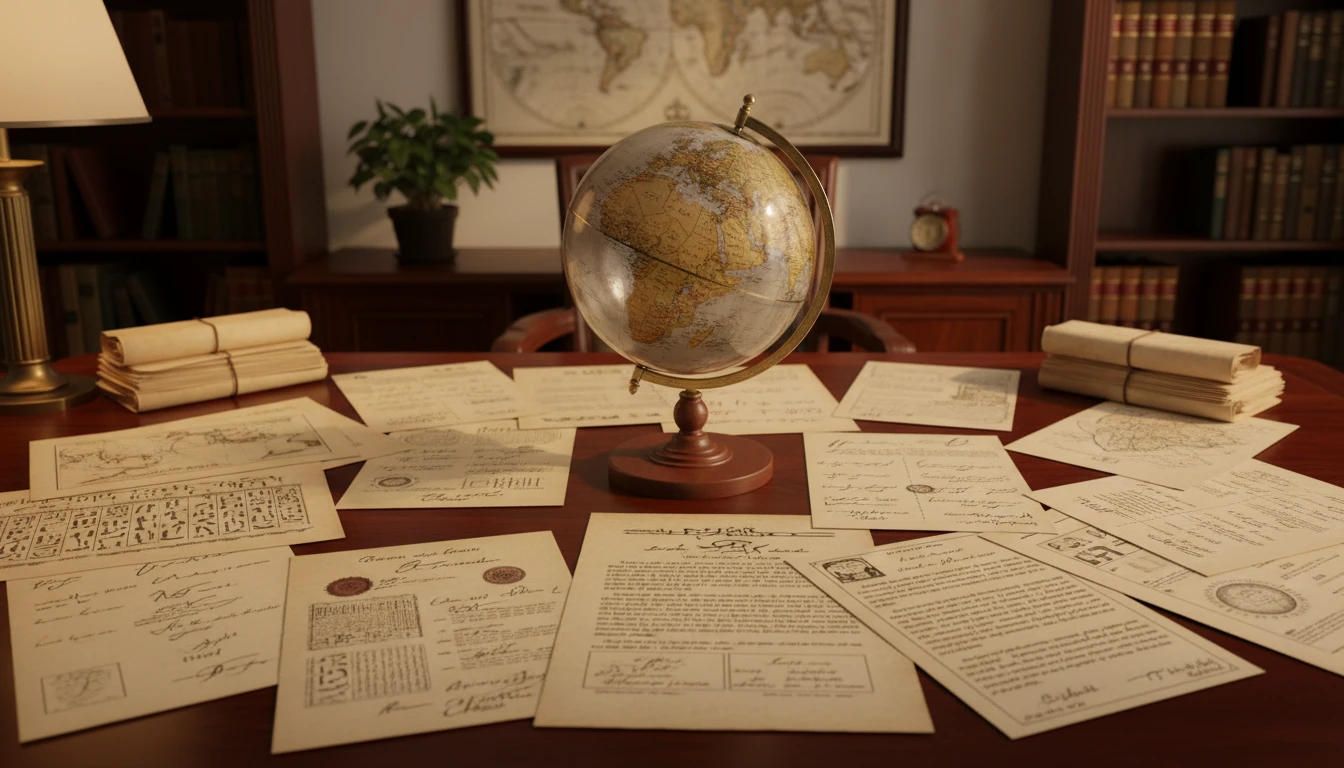
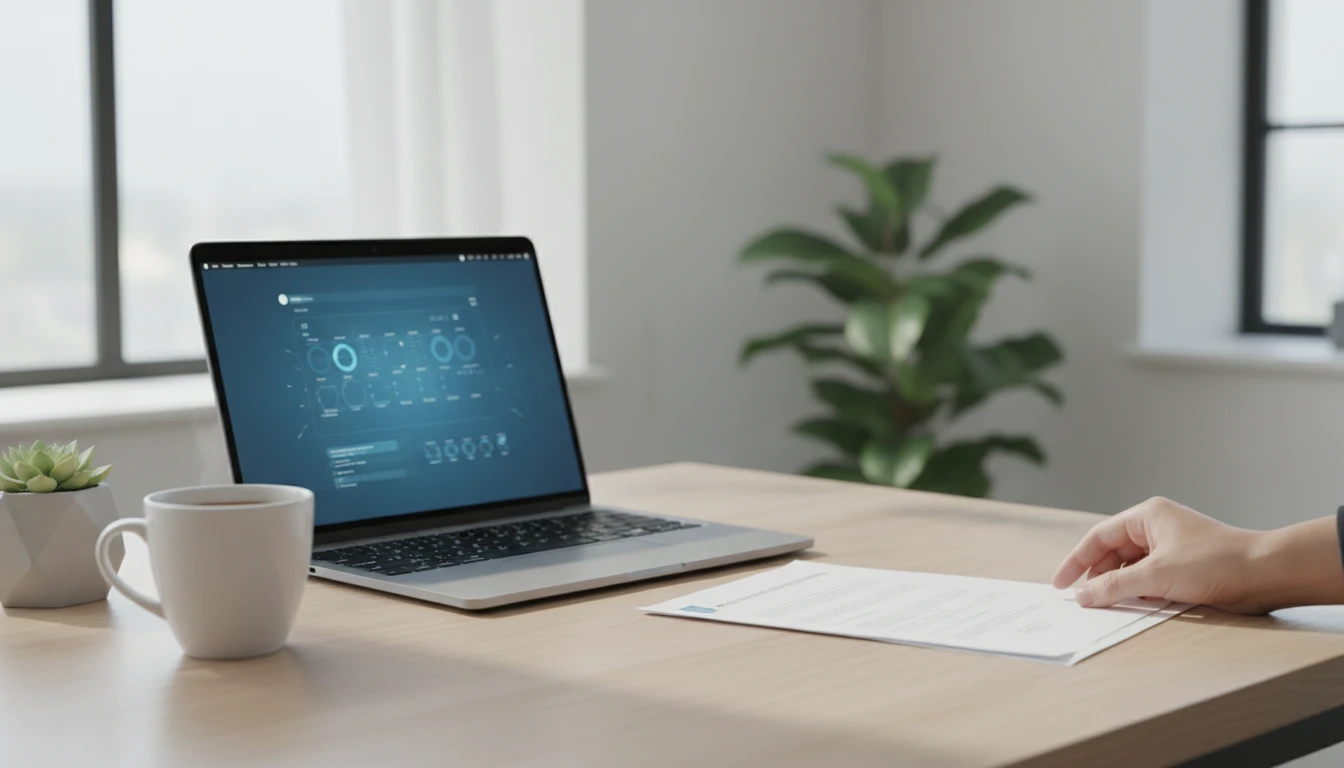
Select the Document Language
Choose from 20+ languages including English, Chinese (Simplified), Arabic, Japanese, Korean, French, and more. Matching the language to the document improves recognition accuracy significantly.
Run OCR Now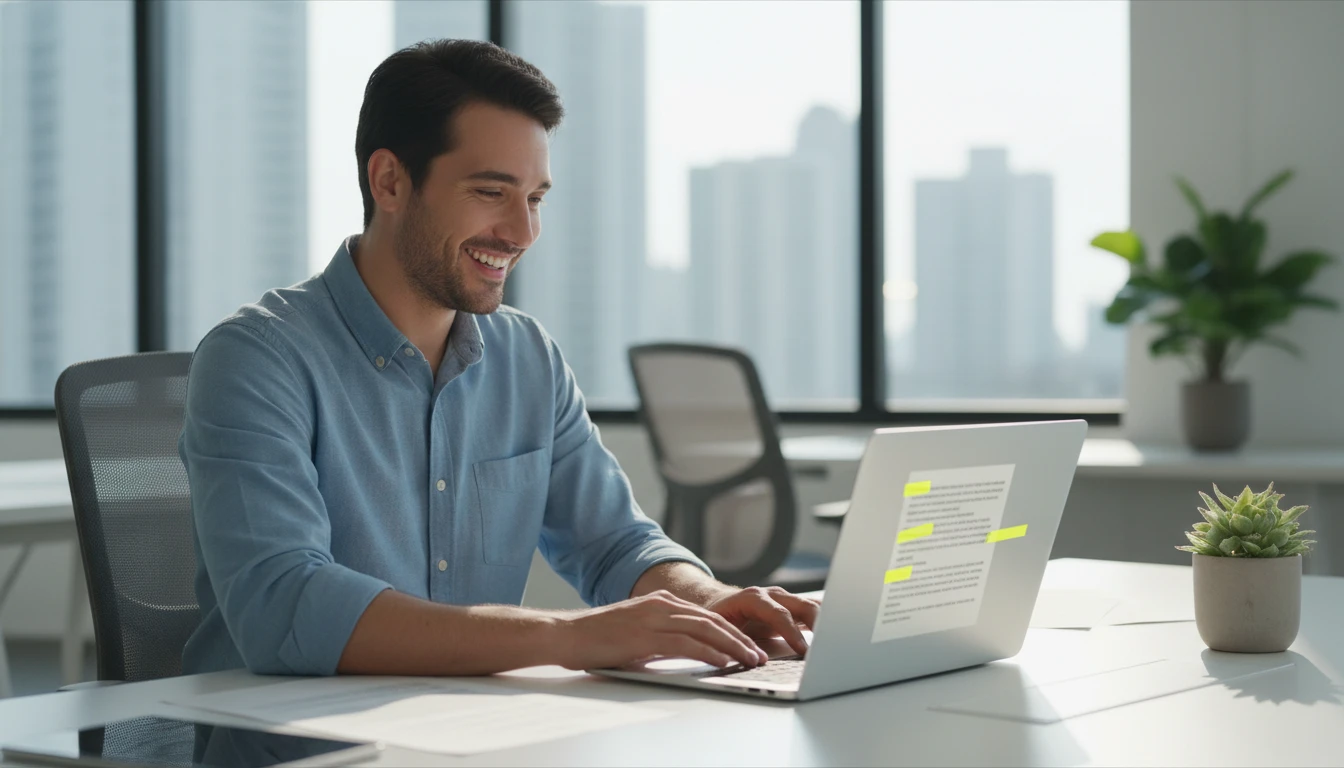
Download the Searchable PDF
Once OCR completes, the recognized text is embedded as an invisible layer beneath the original scan. The document looks identical but every word is now searchable, selectable, and accessible to screen readers.
Run OCR NowThree steps to a searchable PDF
Upload your scanned PDF
Drop or browse to a scanned PDF. The tool reads the page count and rejects files over 100 pages to keep processing fast.
Choose a language
Select the primary language of the document. Matching the OCR engine to the right language model improves character recognition accuracy.
Run OCR and download
Click Run OCR. Server-side Tesseract processes the file. When complete, a download link appears for your newly searchable PDF.
Deep Dive
How OCR Turns Scans into Searchable Text
OCR does not change how your PDF looks. It adds an invisible text layer that makes the content machine-readable.

Why Use This PDF OCR Tool
20+ Languages
Supports English, Chinese, Arabic, Japanese, Korean, French, Spanish, German, Russian, and many more.
Original Appearance Preserved
The invisible text layer sits behind the scan. Your PDF looks exactly the same after OCR.
Tesseract LSTM Engine
Powered by Tesseract v4+ with a neural-network recognition model for high accuracy on clean scans.
Screen Reader Accessible
After OCR, text can be read by screen readers and assistive tools, improving accessibility for all users.
Who Uses It
Who Uses PDF OCR
Converting scans into searchable documents is essential across legal, academic, and archival workflows.

Frequently Asked Questions
What types of PDFs benefit from OCR?
Scanned documents and image-based PDFs benefit the most. These are files where the content was photographed or scanned and saved as a picture inside a PDF container. Text-based PDFs already contain selectable text and do not need OCR.
How important is choosing the right language?
Very important. The OCR engine uses language-specific character models and dictionaries to resolve ambiguous characters. Running English OCR on a Chinese document, for example, will produce garbled output. Matching the language to the document gives the best accuracy.
What is the page limit?
The tool supports PDFs up to 100 pages. Larger documents should be split into sections using a PDF splitter, processed individually, then merged back together.
Why does OCR take a few minutes?
Each page is preprocessed, segmented, and passed through a neural network character recognizer individually. A 20-page document may take 1-3 minutes depending on scan quality and page complexity.
Does OCR change how the PDF looks?
No. The recognized text is embedded as an invisible layer behind the original scan. The PDF looks identical after OCR, but every word is now searchable, selectable, and readable by screen readers.
What affects OCR accuracy?
Scan resolution is the biggest factor. 300 DPI or higher gives the best results. Low-contrast scans, handwritten text, unusual fonts, or rotated pages can reduce accuracy. Correcting skew and improving contrast before scanning helps significantly.
Ready to Make Your Scanned PDF Searchable?
Upload your PDF, choose a language, and download a fully searchable document in minutes.