Play Djembe Right in Your Browser
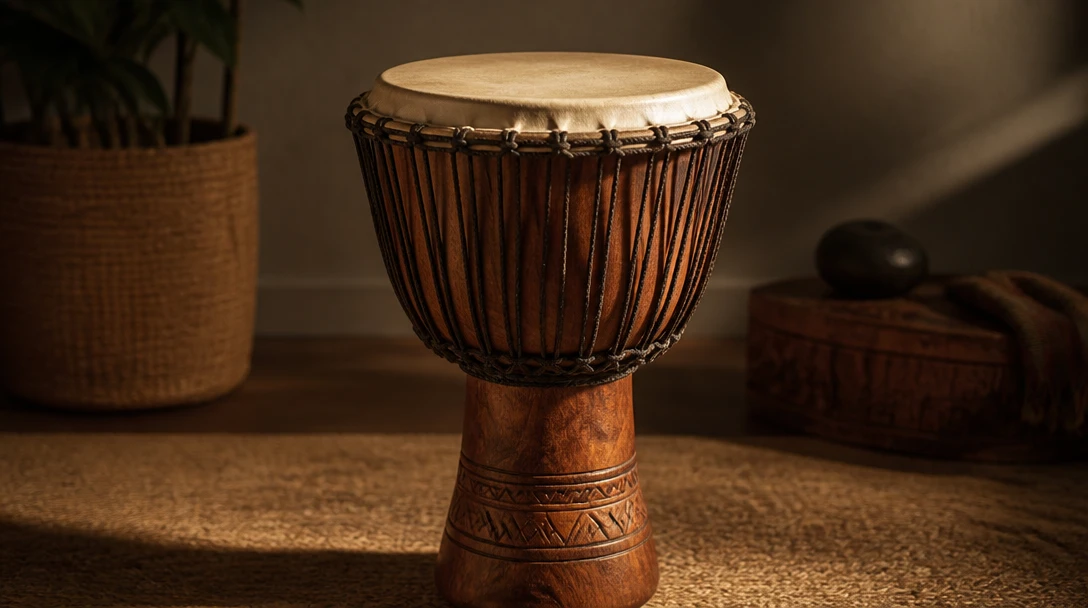
A goblet drum that runs in AI Music Studio. Center is bass, mid is tone, rim is slap. Keys A S D. Playing happens in AI Music Studio — no app or account.
Start Playing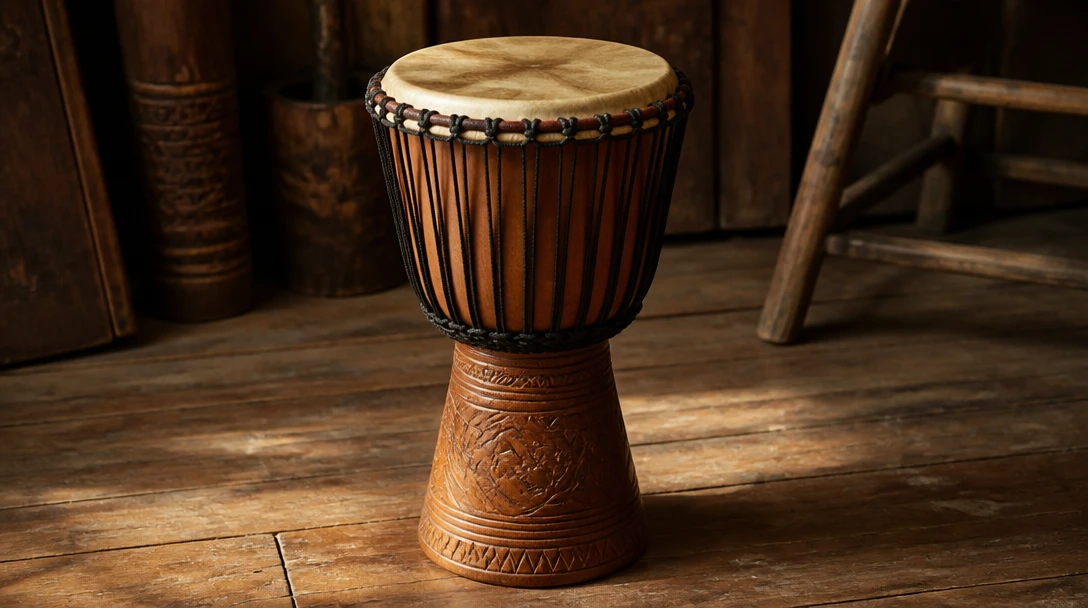
Ready in Music Studio
Click the djembe to play in AI Music Studio.
How to use the virtual djembe
Open the djembe
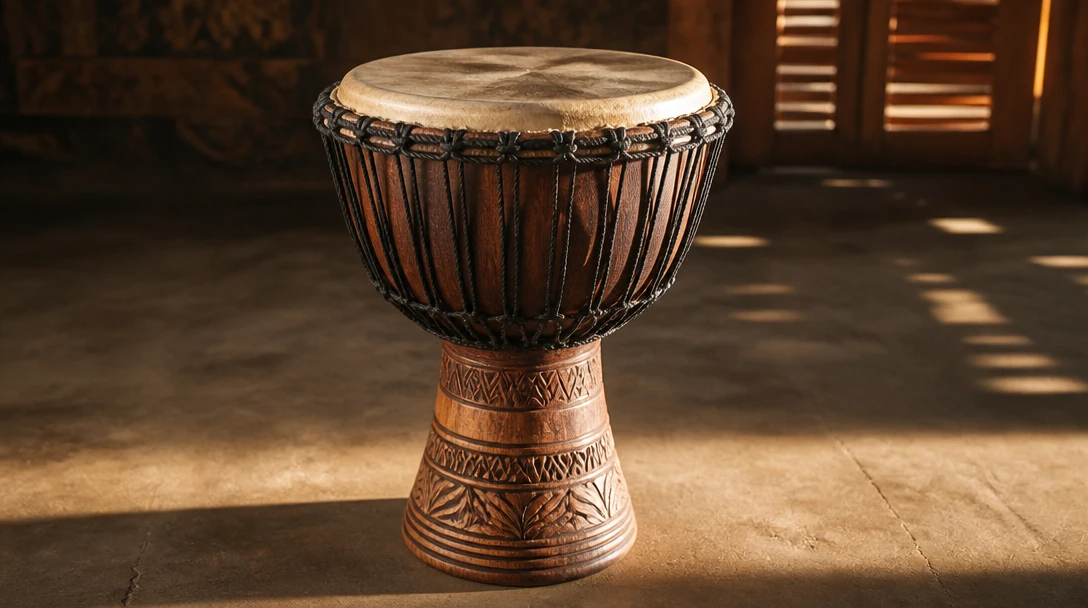
Click the instrument on this page to jump into AI Music Studio with Virtual Djembe ready.
Hit the head
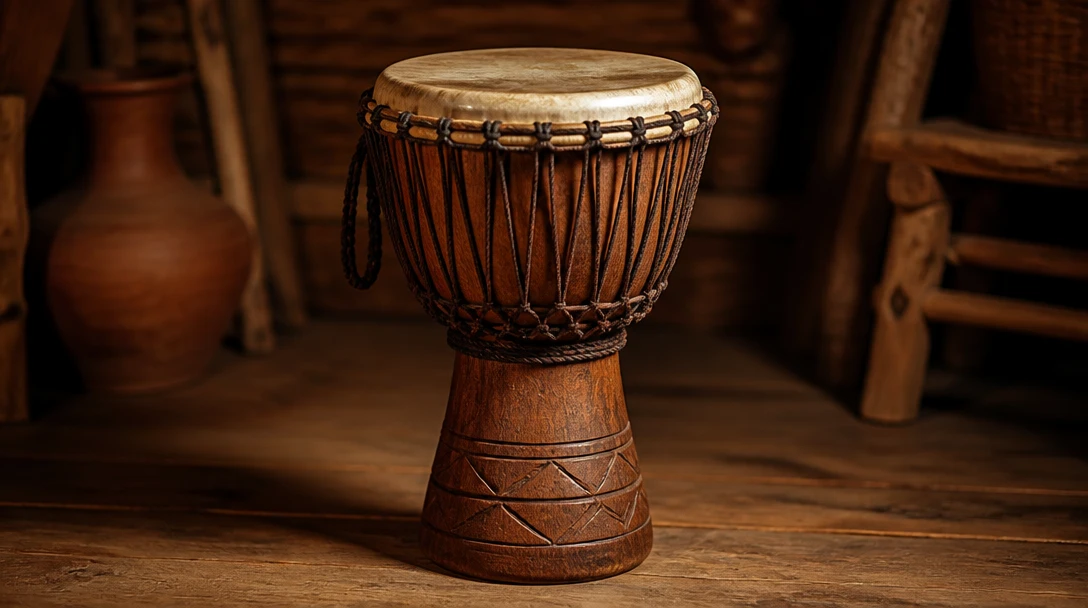
Tap a zone or press A S D.
Switch strokes
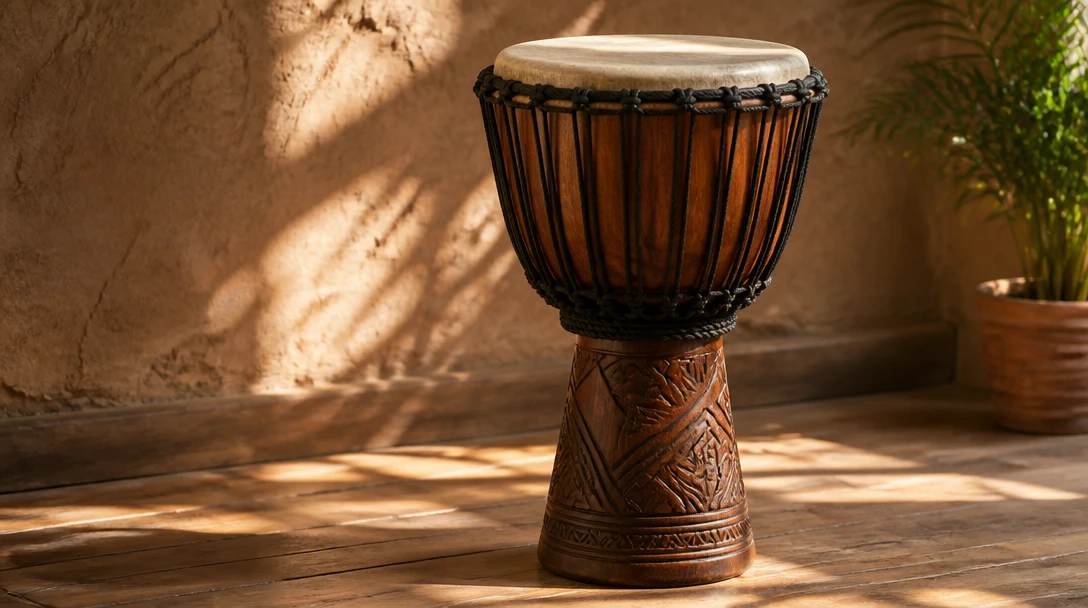
Center is bass, mid is tone, rim is slap.
Deep Dive
How the Online Djembe Works
All audio plays locally in your browser. Your playing is never sent to a server.

All audio plays locally in your browser. Your playing is never sent to a server.
Why Use This Djembe
Djembe
Bass, tone, slap.
Keyboard play
A S D map to the instrument.
Opens in Music Studio
Toolbox launches the studio miniapp — it does not play here.
Who Uses It
Who Plays the Virtual Djembe
From djembe players to anyone who needs the voice on a cue.
No sign-in, no download, no cost. Runs in AI Music Studio.
Related Tools
Frequently Asked Questions
Do I need to install anything?
No. Click the djembe on this page to open AI Music Studio.
Can I play on the toolbox page?
No. The toolbox page is a visual launch. Playing happens at /ai-studio/music?appId=virtual-djembe.
Ready to Play the Djembe?
Open AI Music Studio and start playing.