Resize Any Video to the Exact Size Each Platform Expects
Upload a video, pick Instagram Reel, TikTok, YouTube, square, landscape, Pinterest, or custom pixels, and download a center-cropped MP4.
Resize Now
Video Resizer
Upload a video, pick a social size or custom pixels, and download a center-cropped MP4.
Drop your video here
or click to browse · up to 100 MB
Social Sizes in One Grid
Video Mobile, landscape, square, Instagram Reel, TikTok, Facebook, LinkedIn, YouTube, Pinterest, and custom width × height. Each card shows the ratio and output pixels before you commit.
Resize Now
Center-Crop, Then Scale
The worker cuts the largest centered window that matches the target ratio, then scales to the preset pixels with Lanczos. A 16:9 clip becomes a 9:16 Reel without stretching.
Try It Now
Custom Pixels When Presets Are Not Enough
Need 720×1280 or 1000×1000? Enter width and height. Sides are evened for H.264, then the same crop-and-scale path runs.
See It in ActionThree steps to resize any video
Upload your video
Drop an MP4, MOV, MKV, WEBM, or AVI file up to 100 MB. Preview it in the browser before you pick a size.
Pick a size
Choose a social preset or enter a custom width and height. Sign in is required. The file is uploaded and cropped on our servers.
Download the resized MP4
Preview the result, then download. The filename includes the preset or pixel size.
Deep Dive
How Video Resizing Works Here
This tool crops first, then scales. It does not letterbox or stretch. That keeps faces and products from looking warped.
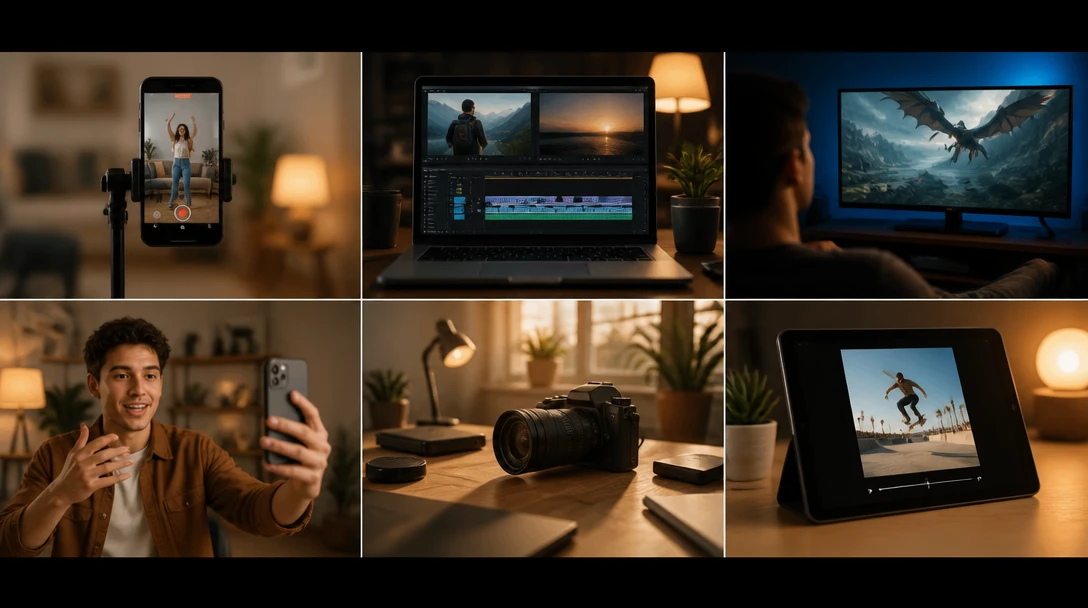
The crop is always taken from the center of the frame so the subject stays in view.
Why Use This Resizer
Social Presets Built In
Instagram Reel, TikTok, YouTube, Facebook, LinkedIn, and Pinterest sizes without looking up pixel charts.
Crop, Do Not Stretch
Center-crop to the target ratio, then scale. Circles stay circles.
FFmpeg on Dedicated Servers
Each resize center-crops to the target ratio, then scales with Lanczos and encodes as H.264 MP4.
Custom Size
Type any even-friendly width and height when a platform wants something the presets do not cover.
Who Uses It
Who Uses the Video Resizer
From turning a YouTube master into a Reel to fitting a phone clip onto a website banner.

Crops with FFmpeg on dedicated servers.
Frequently Asked Questions
What sizes can I export?
Presets include Video Mobile and Instagram Reel / TikTok (1080×1920), Video Landscape / YouTube / LinkedIn (1920×1080), Square and Facebook (1080×1080), Pinterest Video Pin (1000×1500), plus any custom width and height.
Does resizing stretch my video?
No. The tool center-crops to the target aspect ratio, then scales to the output pixels. Content at the edges of the longer side is cut away.
Do I need an account?
Yes. Sign in is required before a file is uploaded and resized. Signed-in uploads skip CAPTCHA.
What is the maximum file size?
The upload limit is 100 MB per video. Most clips under a few minutes at 1080p fit. Longer or 4K files may need to be trimmed or compressed first.
What format do I get back?
A new H.264 MP4 at the size you picked. The original file is not overwritten.
Can I choose which side gets cropped?
The tool always crops from the center of the frame.
Ready to Resize Your Video?
Upload a clip above and pick a social size or custom pixels.