Try Blush on Your Photo
Upload a portrait and preview a soft petal flush, peach, draped rose, a high sun stripe, berry, or terracotta. Only the cheeks change.
Try a Blush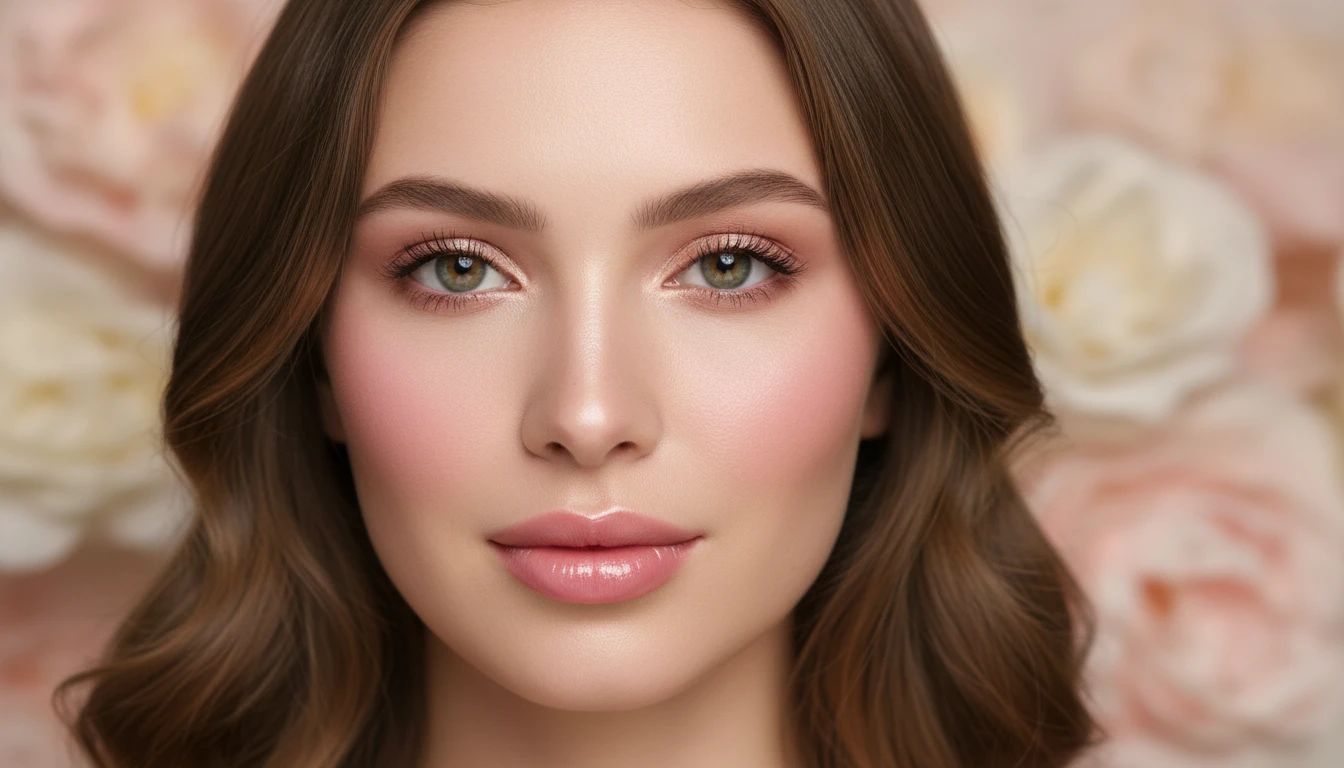
Upload Your Portrait
We'll open AI Face Studio next so you can pick a blush and preview it.
Drag & drop your portrait here
A clear, even-lit face works best — JPG, PNG or WebP, up to 15MB
Your photo is used only to generate this blush preview for you.
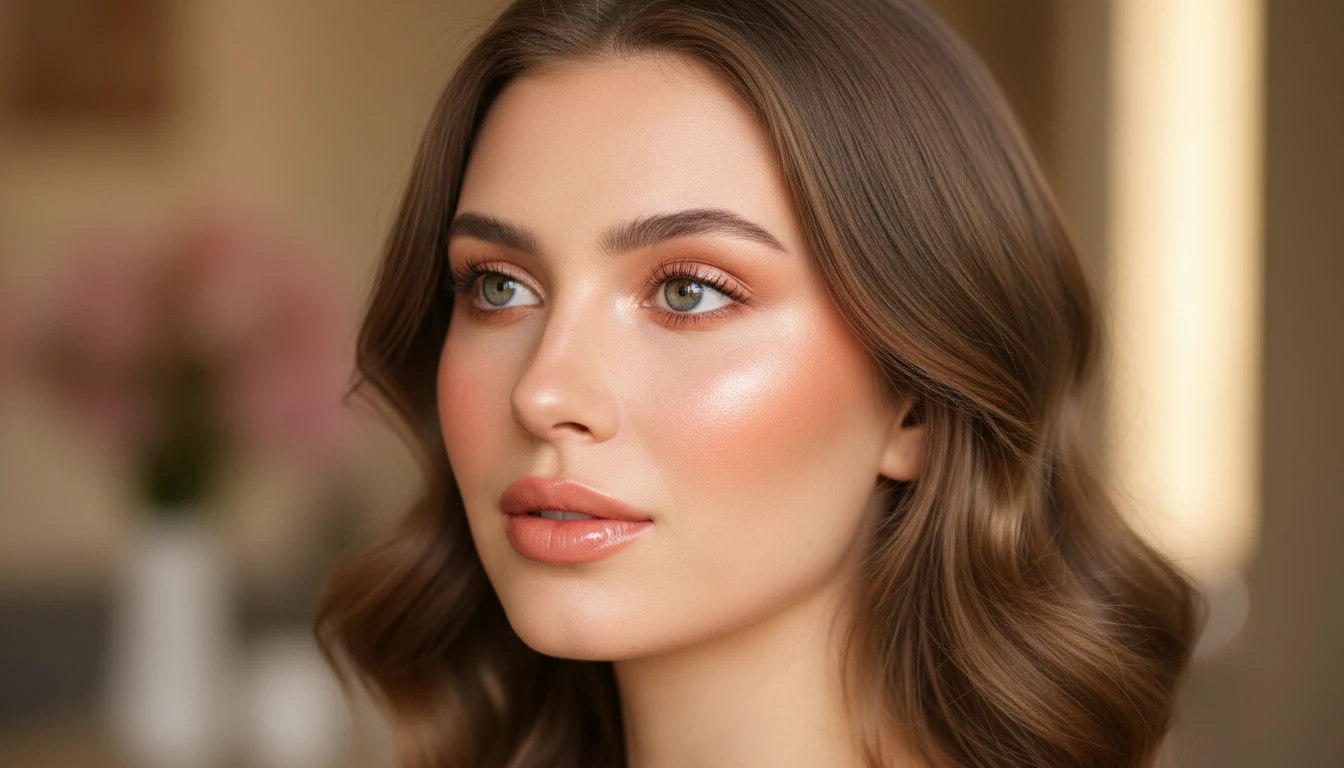
Six Flushes
Petal, Peach, Draped, Sun Stripe, Berry, and Terra. Color and placement change — the rest of the face stays put.
Browse Shades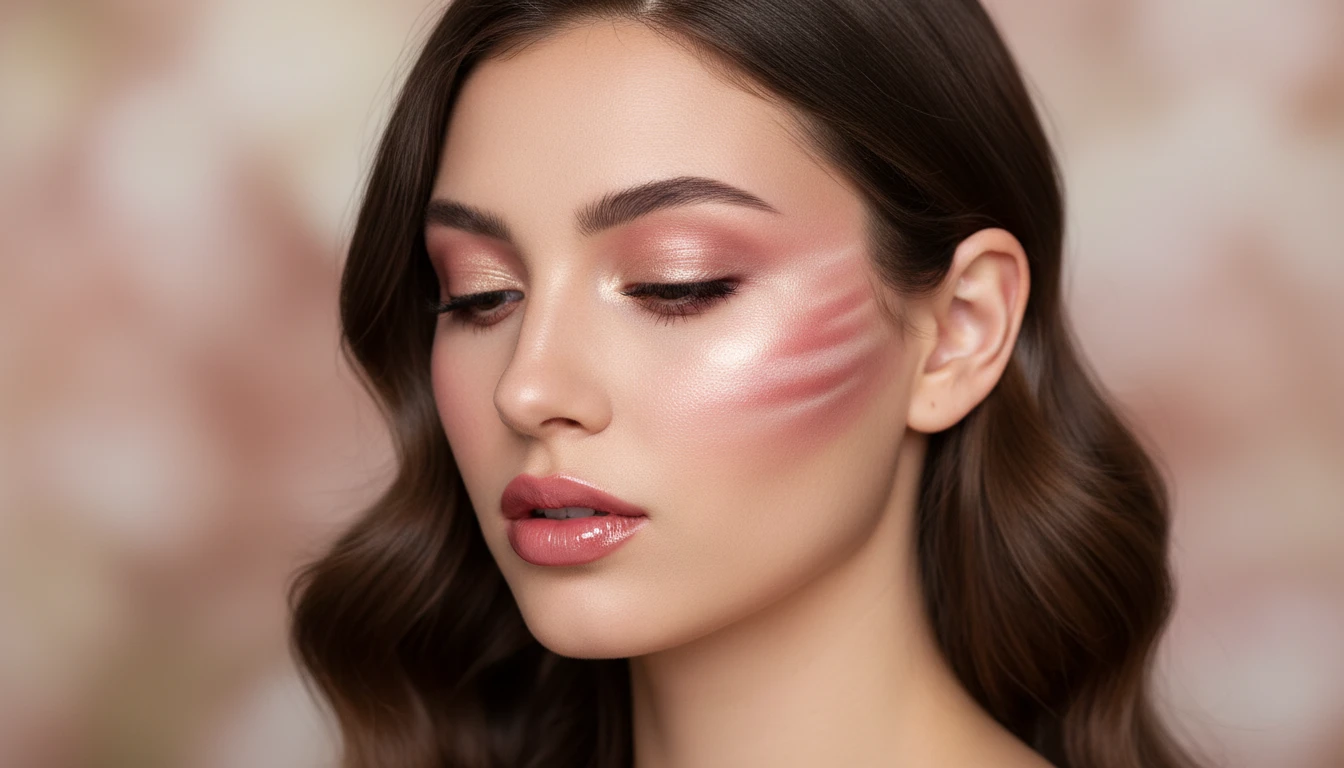
Placement, Not Just Color
Apples, a drape toward the temple, or a high sun stripe on the cheekbone — see which sit better on your face.
Try Draped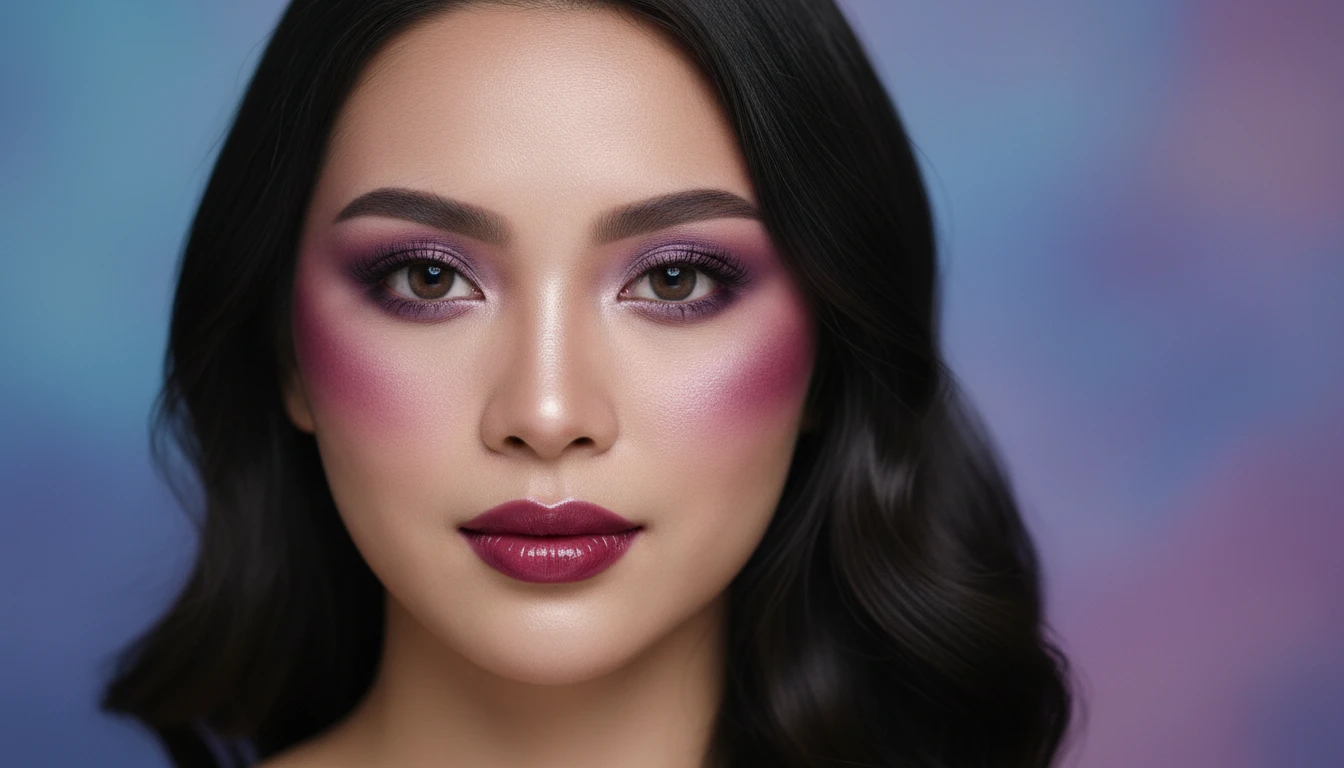
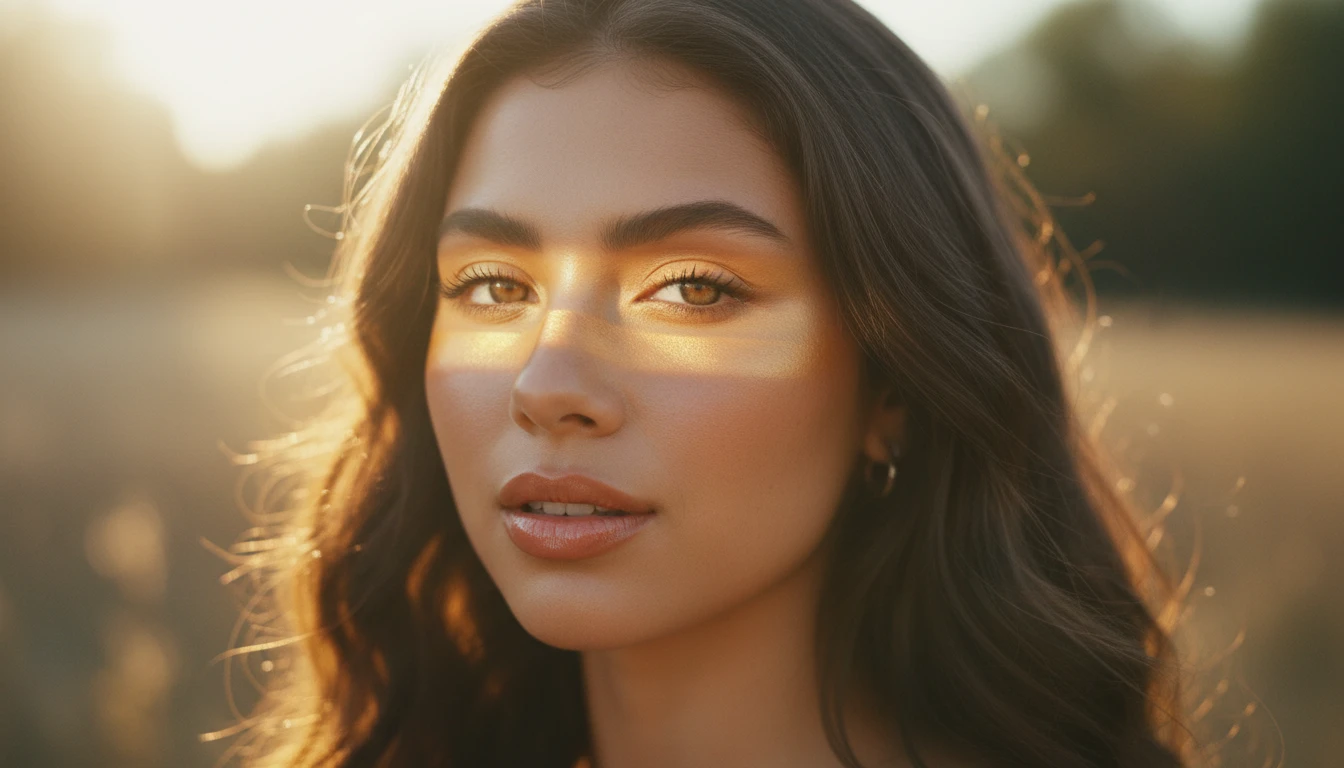
Pair With Other Looks
Use Makeup for a full face. Use Blush when you only want to try a flush.
Upload a PhotoWho Uses AI Blush Try-On
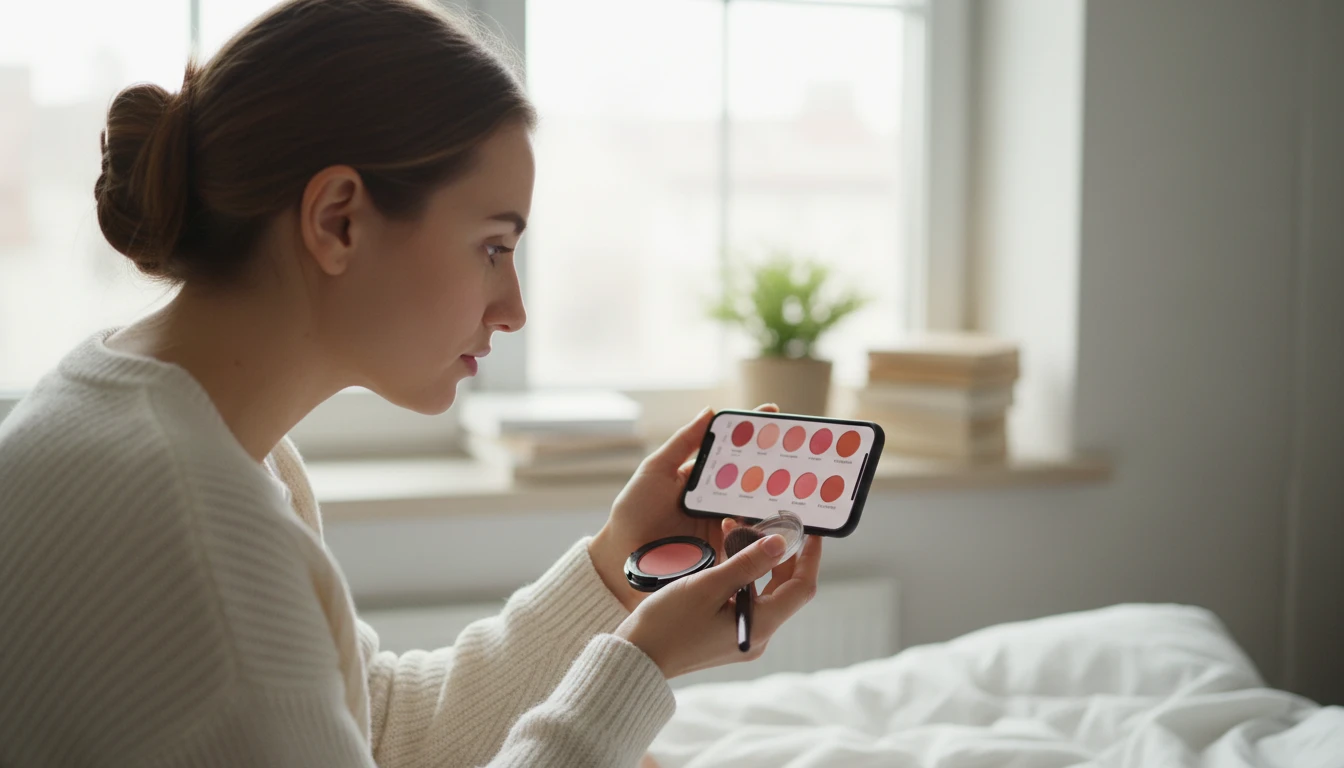
Shade Check
See pink, peach, or terracotta on your own skin before you apply.
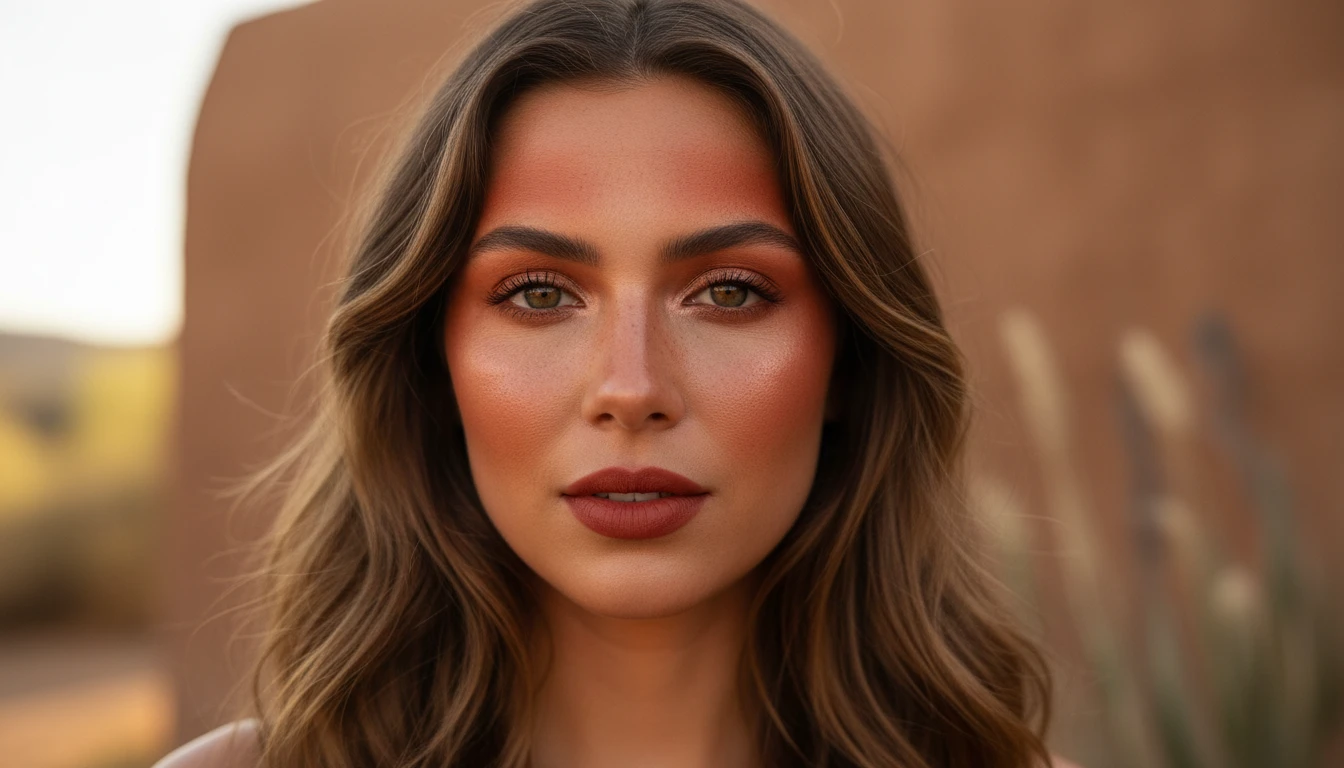
Placement Play
Try a classic apple flush versus a drape or sun stripe.
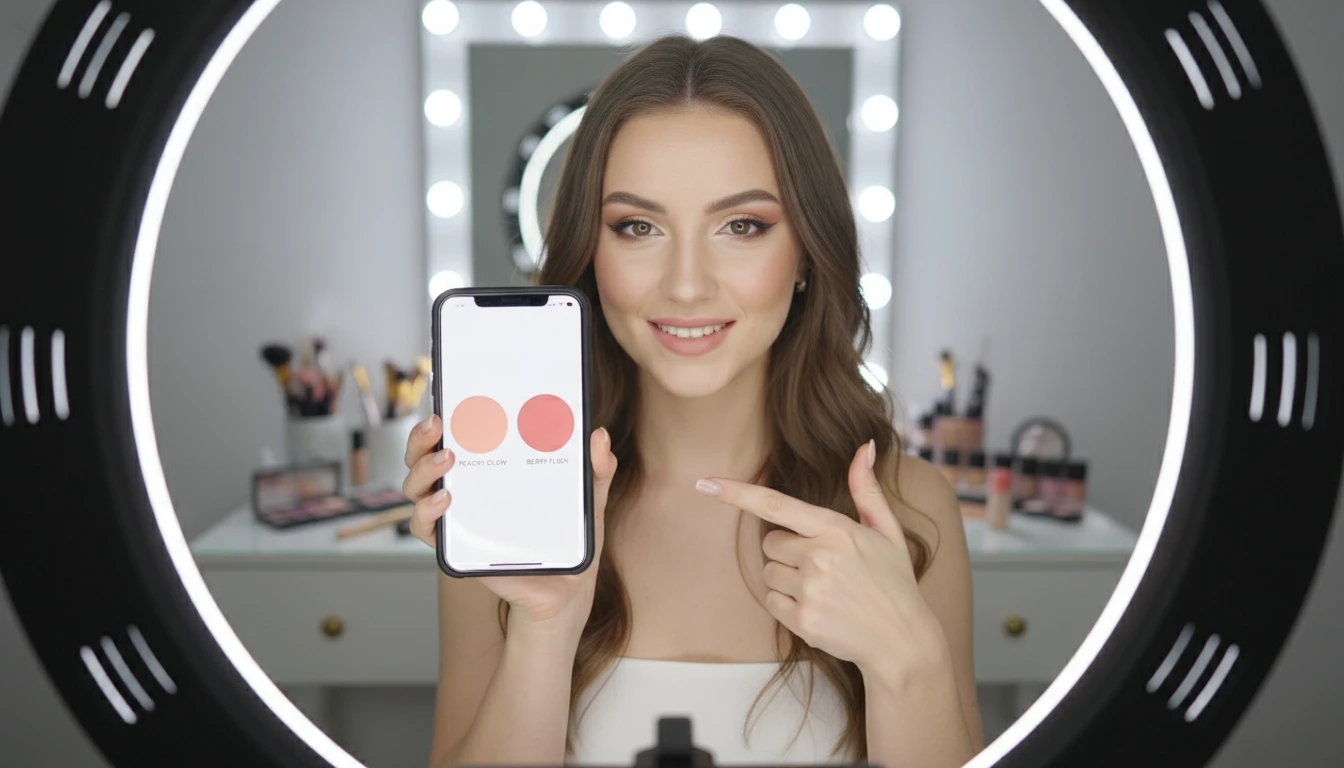
Content Swatches
Make blush comparisons for posts without filming a full cheek tutorial.
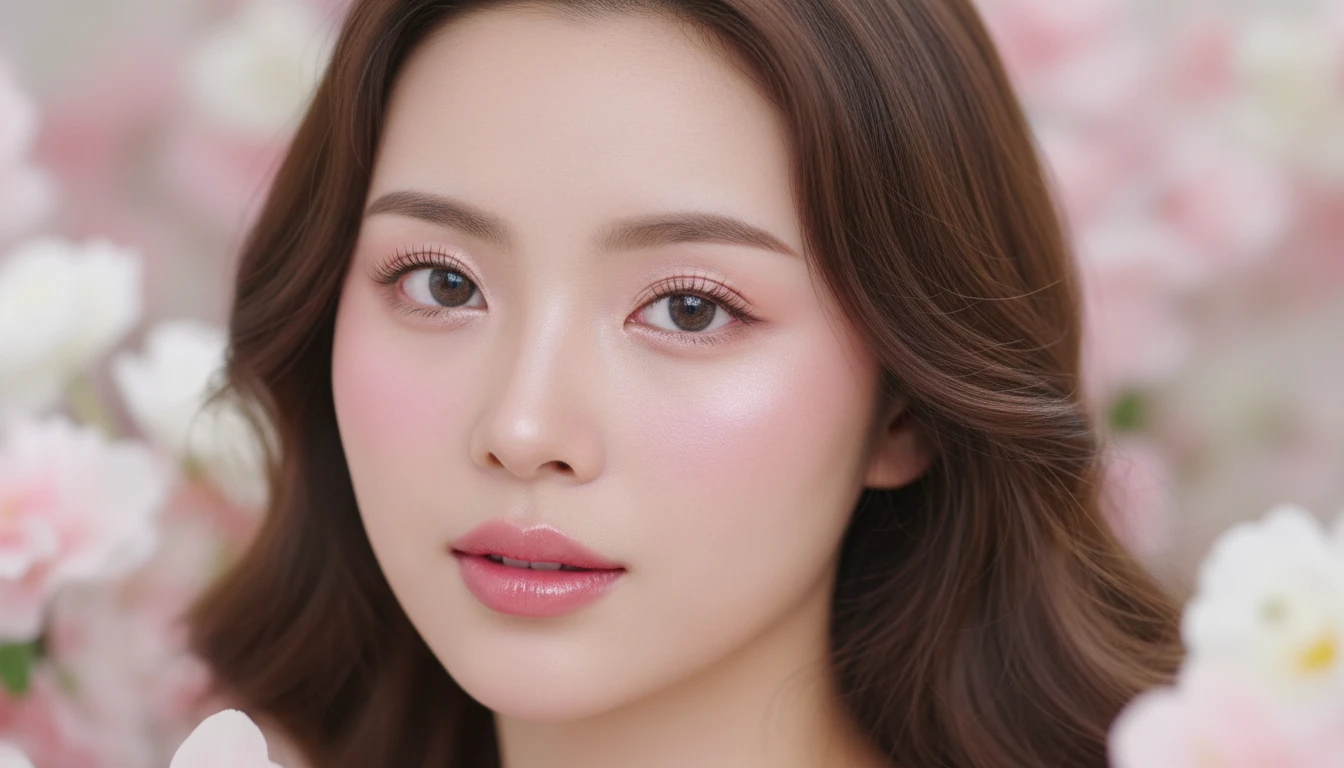
Everyday Color
Preview a barely-there petal flush for daytime photos.
How to Try Blush with AI
Pick a Blush
Choose Petal, Peach, Draped, Sun Stripe, Berry, or Terra.
Upload a Portrait
A clear, even-lit, front-facing photo works best.
Preview the Flush
Get a photorealistic preview with the new blush. For inspiration only.
Explore More
More AI Studio Tools
Discover other powerful AI tools to enhance your creative workflow
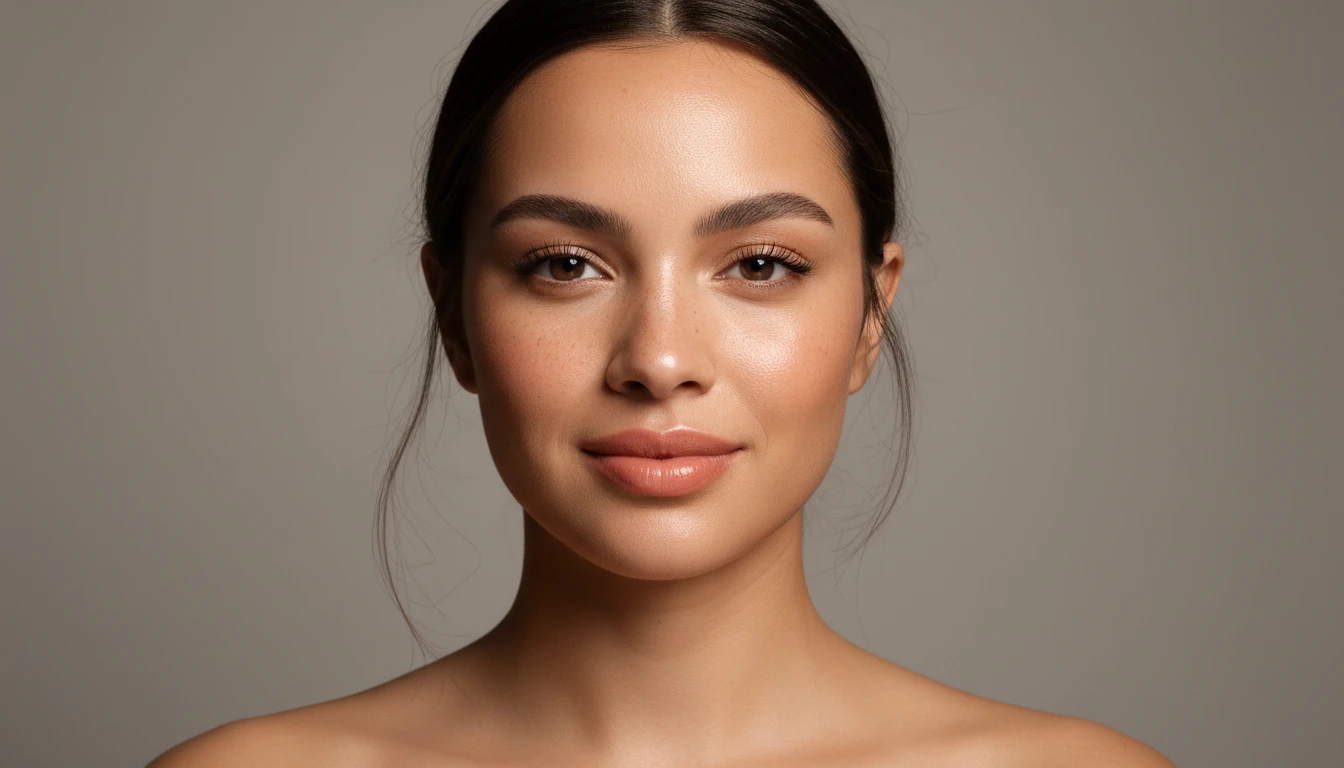
AI Makeup Try-On
Try full-face makeup looks on your photo. Everyday, red lip, smoky eye, soft glam, glass skin, bronzed, bridal, and more — photorealistic preview in seconds.
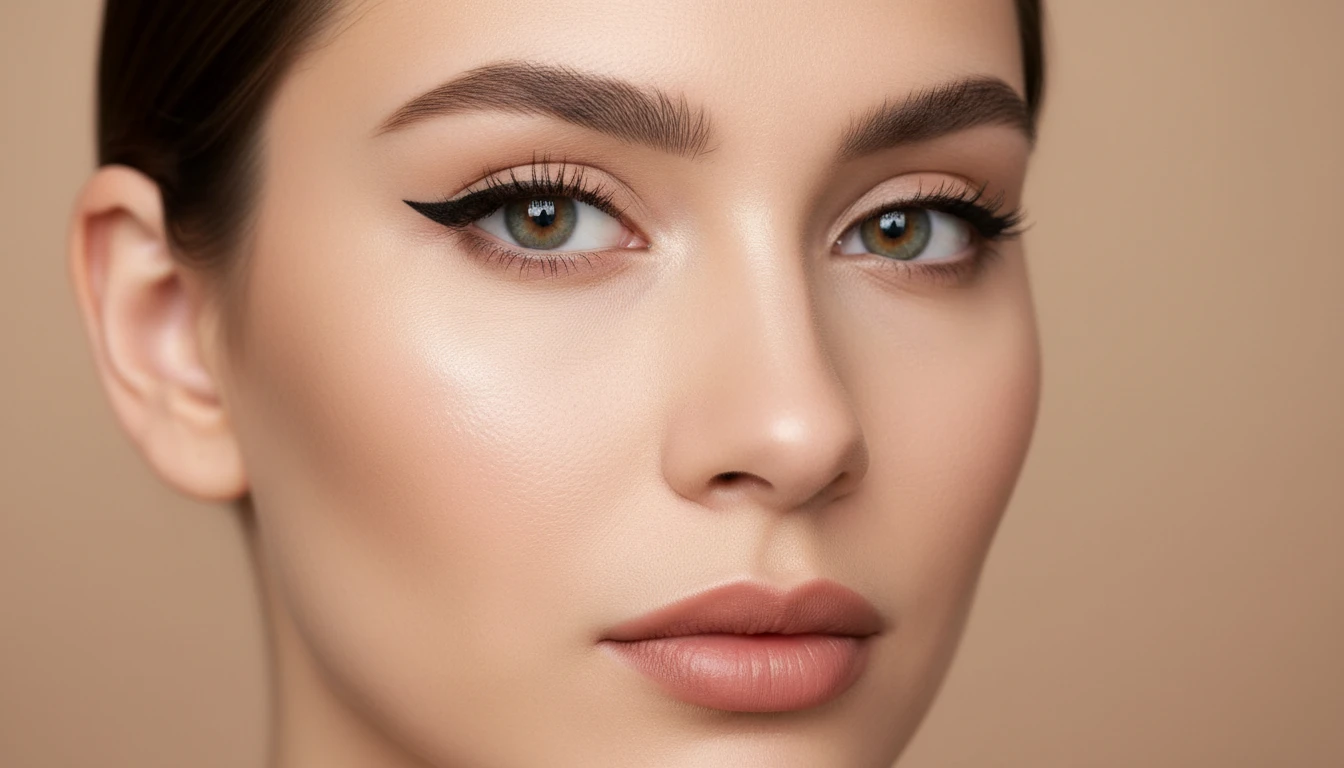
AI Eye Makeup Try-On
Try eye makeup looks on your photo. Soft lash, winged liner, warm wash, charcoal, gold shimmer, halo, tightline, and full lash — keep your eye shape, change only the makeup.
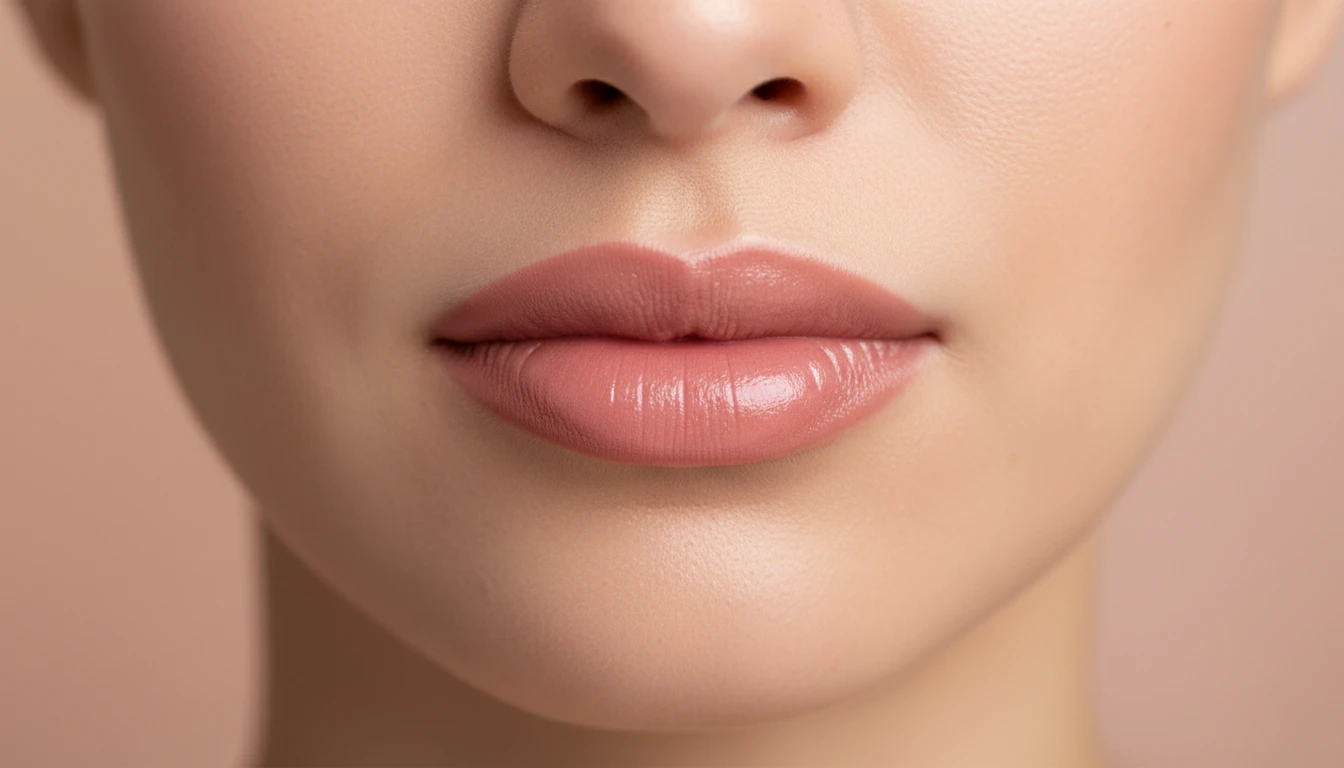
AI Lipstick Try-On
Try lipstick shades on your photo. Rose nude, mauve, cherry, berry, coral, cocoa, plum, and clear gloss — keep your lip shape, change only the color.
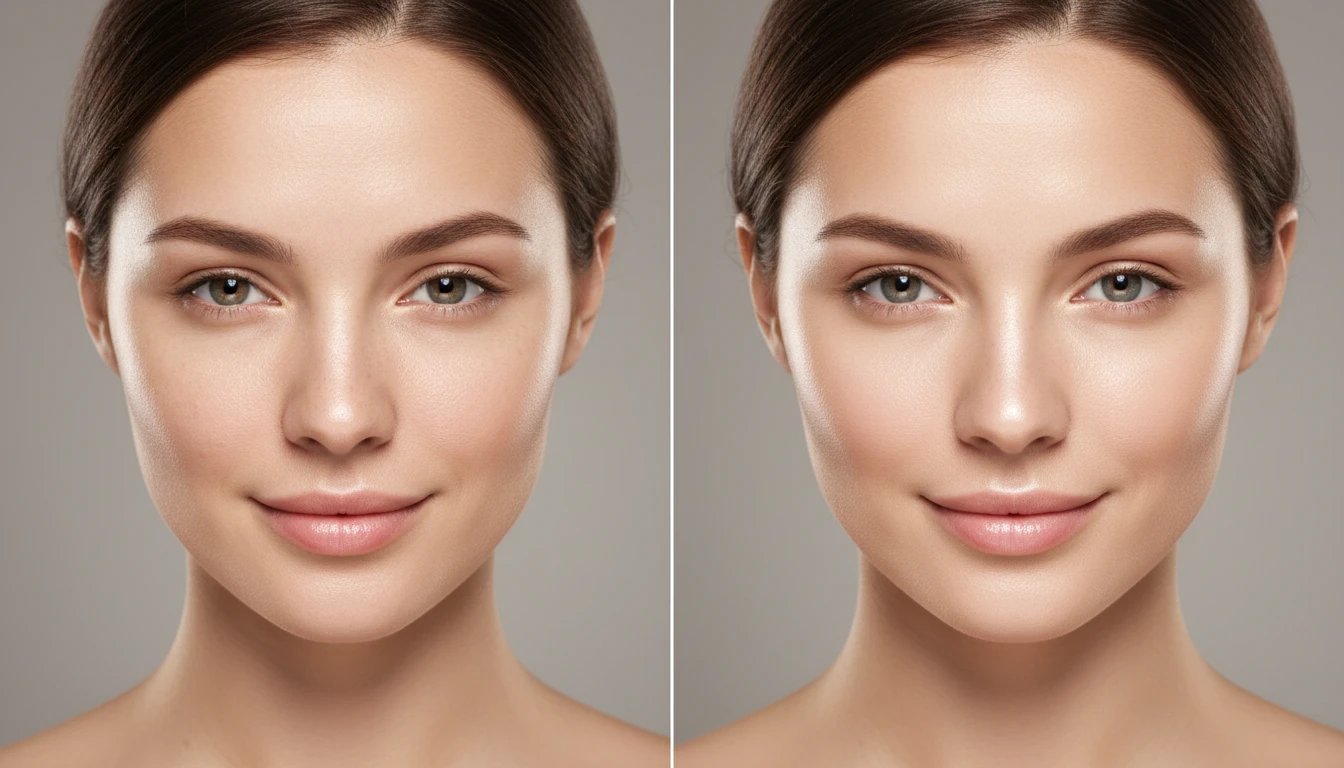
AI Face Retouching
Subtly improve your features and showcase your natural beauty. Smooth, clear, and flawless results — without harsh filters or excessive editing.
Opens in
Image Studio
Frequently Asked Questions
Everything you need to know to get started.
How does AI Blush Try-On work?
Pick a blush, then upload a clear portrait. AI generates a photorealistic preview with that flush. Results are for creative and entertainment use only.
Which blushes are available?
There are 6 looks: Petal, Peach, Draped, Sun Stripe, Berry, and Terra.
Will it change my face shape?
The tool is written to keep your face and only change blush color and placement. Results can still vary from photo to photo.
What photo works best?
A front-facing portrait with even light and visible cheeks. Heavy shadow or a sharp side angle makes placement harder to read.
Are these real product shades?
No. The names describe a color family and placement, not a brand or SKU.
Try Blush on Your Photo
Sign up free and get 100 credits. Preview flushes in Face Studio.
Try a Blush NowDisclaimer: This tool uses generative AI technology which may produce content that resembles copyrighted materials or that is inaccurate, incomplete, or out-of-date. It is provided for general information and educational purposes only and is not intended for illegal activities or to replace professional advice, diagnosis, or treatment. Users are solely responsible for how they use the generated content. If you plan to use AI-generated content commercially or publicly, we strongly recommend reviewing it for potential copyright issues and obtaining proper permissions where necessary. We accept no liability for copyright infringement or any other consequences resulting from the use of content generated by this tool.