Turn Words and Images into Cinematic Videos
Seedance 2.0 by ByteDance generates smooth, high-resolution video clips from text prompts or reference images. Pick your resolution, aspect ratio, and duration — then download an MP4 in minutes.
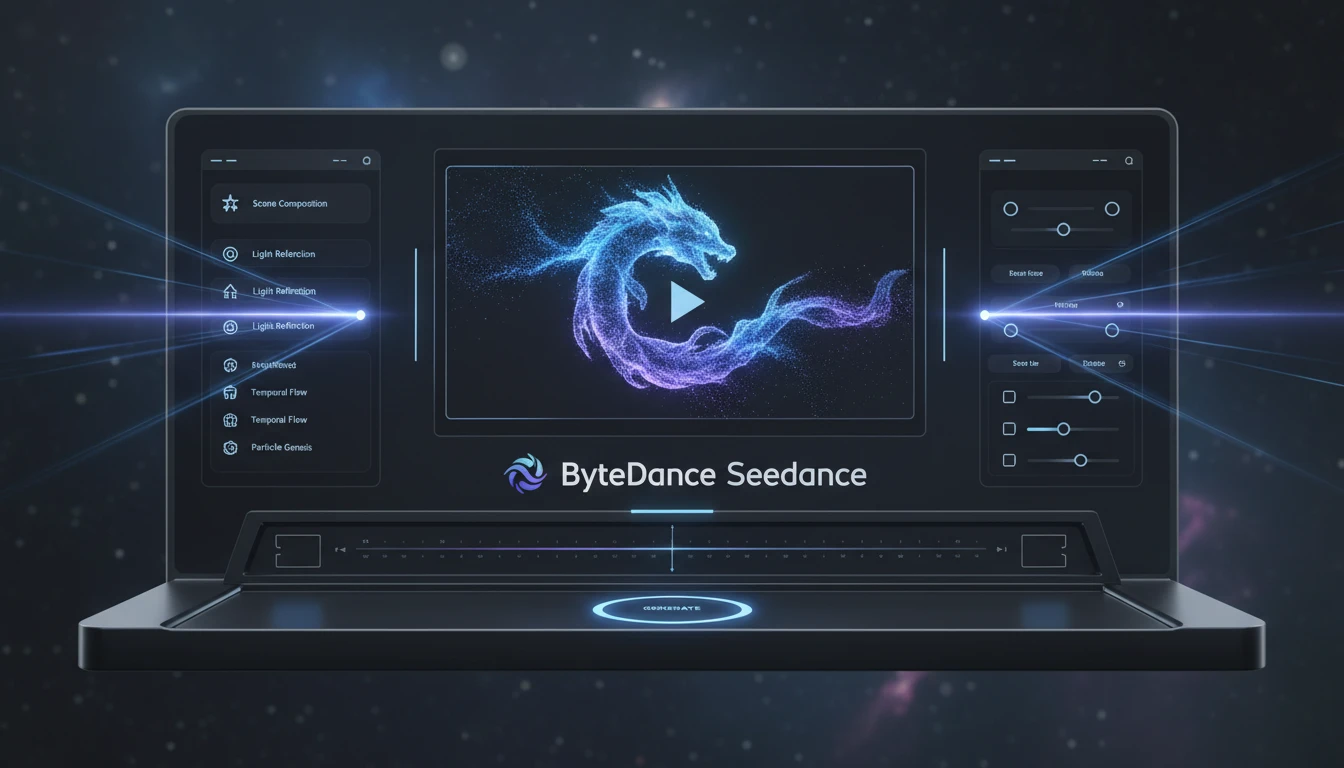
Seedance Video Generator
Generate cinematic video clips from text prompts or animate images using Seedance 2.0 by ByteDance.
Images containing real human faces or identifiable people cannot be processed due to content policy restrictions.
Describe the scene and motion. Or upload an image to animate it.
Output
Seedance Video Generator
Your video will appear here
Enter a prompt or upload an image, then click Generate.
What Seedance Can Do
Text prompts, reference images, multiple resolutions and aspect ratios — everything you need to generate polished video clips in minutes.
Text to Video
Describe a scene, camera movement, and mood in plain text and Seedance renders it into a smooth video clip. No reference image needed.
Image to Video
Upload any photo or render and Seedance animates it into a short clip, preserving your subject, composition, and color palette while adding natural motion.
Multiple Resolutions
Generate at 480p for fast drafts, 720p HD for social posts, or 1080p Full HD for production-ready output. Seedance 2.0 Full supports all three.
Flexible Aspect Ratios
Produce landscape (16:9), portrait (9:16), square (1:1), 4:3, or ultrawide (21:9) videos in a single click — no cropping or reformatting needed.
Controllable Duration
Choose from 5, 8, 10, or 15-second clips, or let the model pick the best length automatically. Right-sized output for every platform.
Built-in Audio
Every generated video includes automatically synthesized sound effects and ambient audio that match the scene — no separate audio editing required.
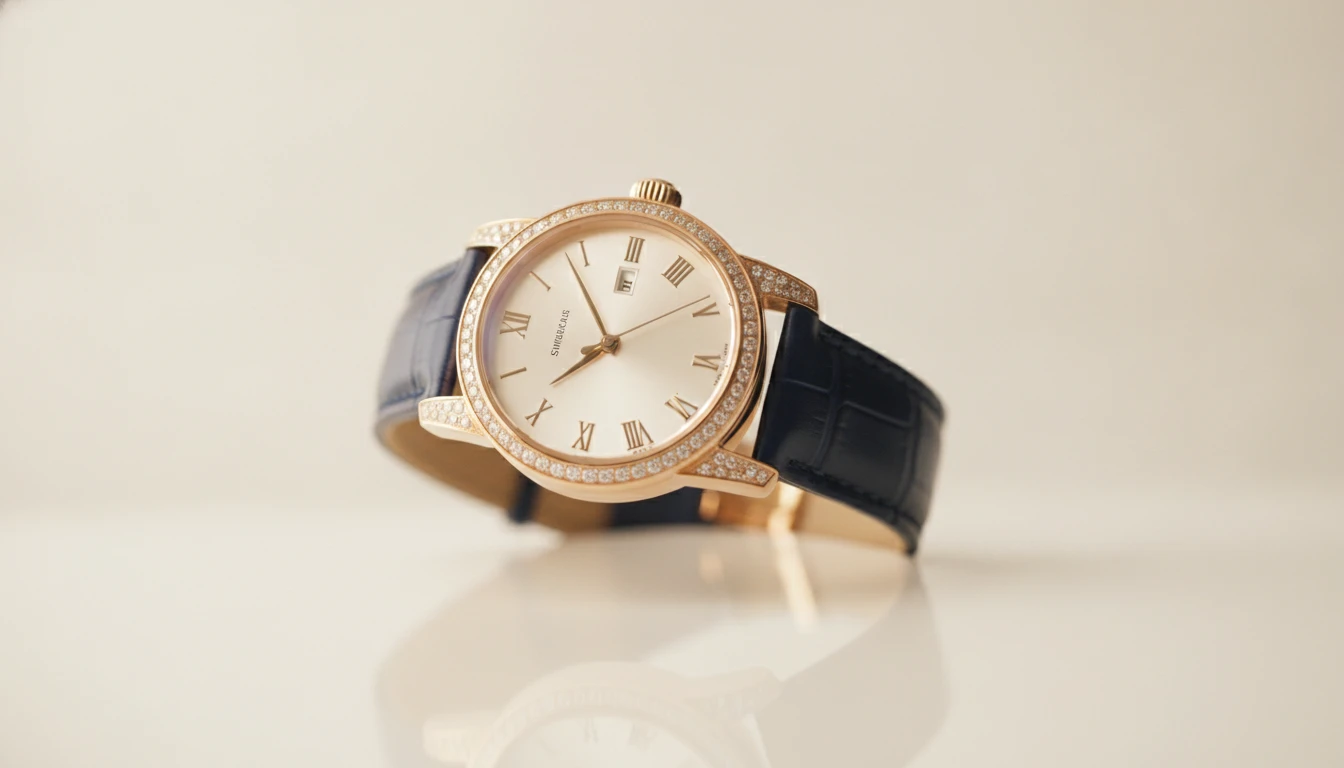
Product Showcase Videos
Animate product renders and lifestyle scenes for e-commerce listings, ads, and landing pages without a video production crew.
Create Product Video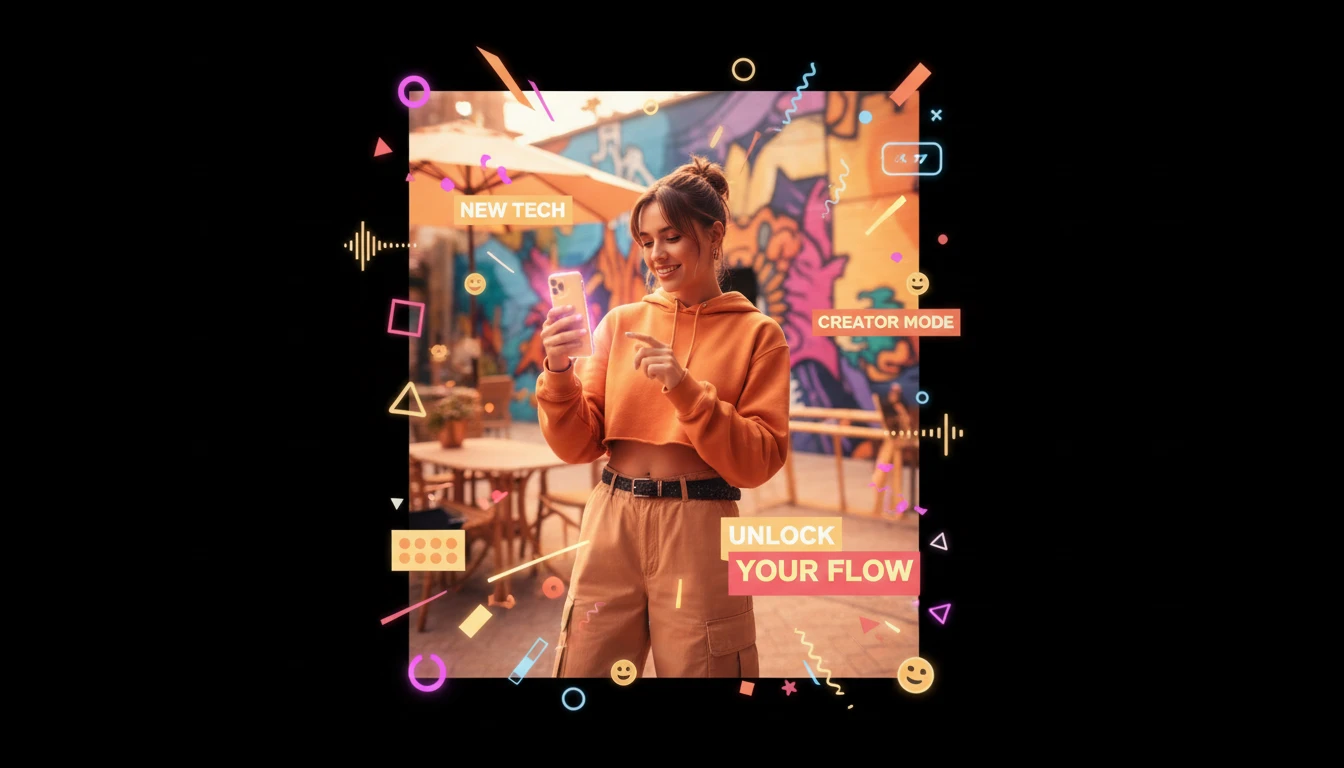
Social Media Clips
Generate vertical and square clips optimized for Reels, TikTok, and Shorts. Stay on-brand with consistent style across every post.
Make Social Clips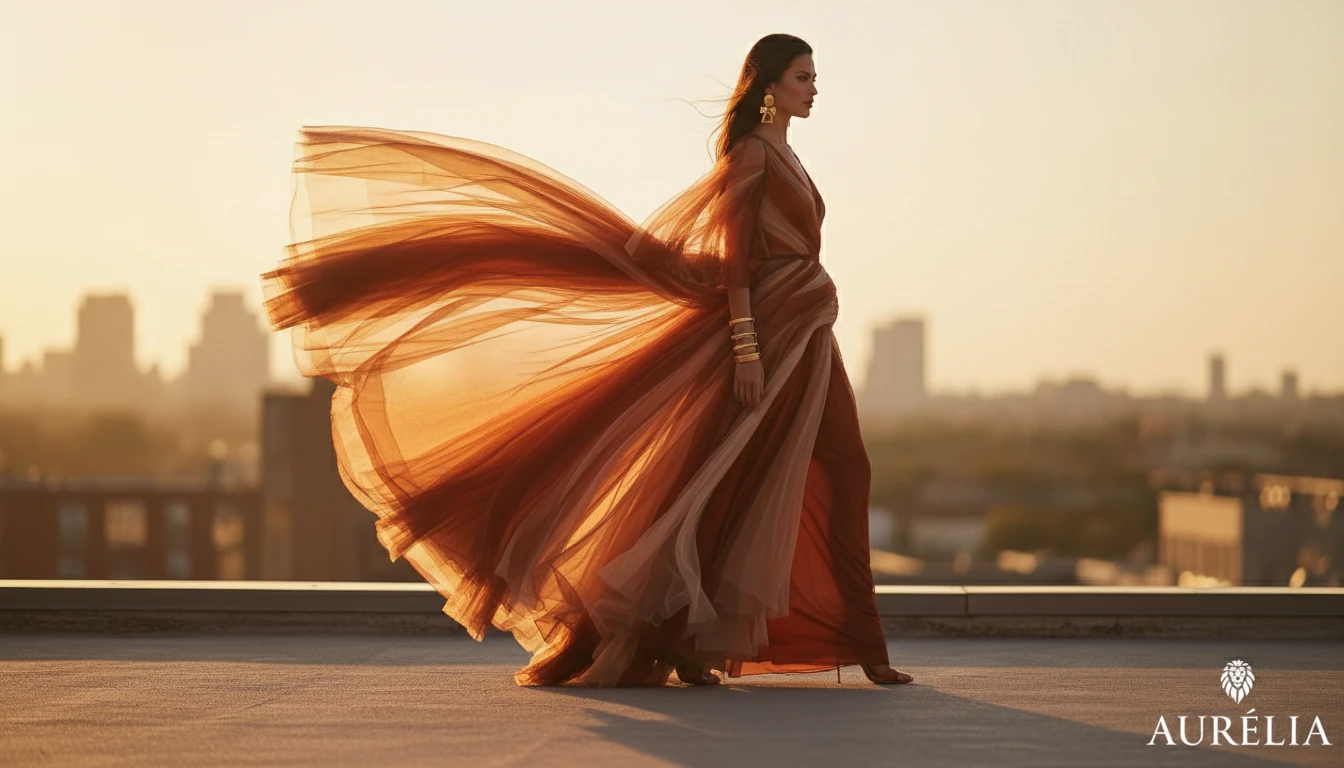
Fashion and Lifestyle
Generate model-in-context videos for fashion look-books, seasonal campaigns, and editorial spreads without a photo shoot.
Create Fashion Video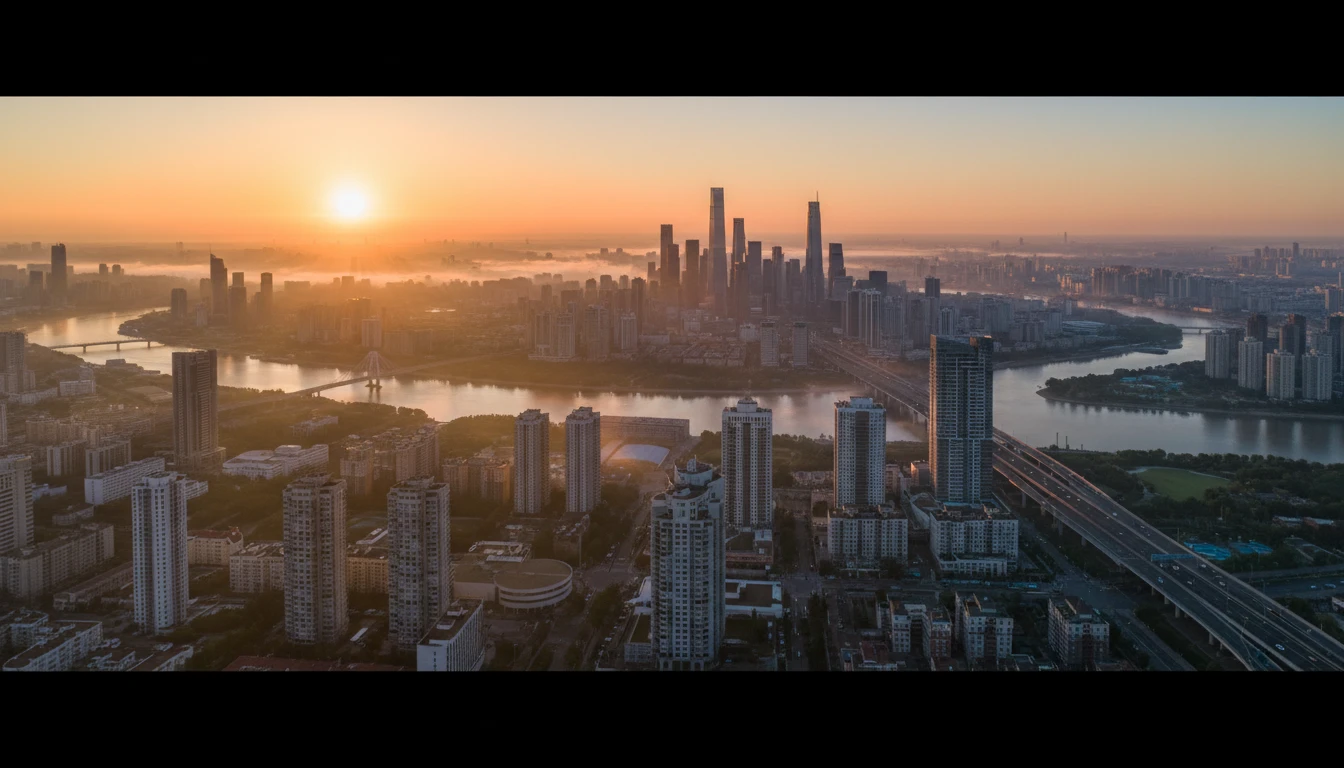
Brand Story Videos
Bring your brand narrative to life with cinematic establishing shots and mood-setting sequences for hero sections, presentations, and campaign launches.
Tell Your StoryUse Cases
What Creators Use Seedance For
From product pages to social feeds, Seedance turns static ideas into motion in minutes.
Product & E-commerce
Animate product renders and lifestyle photos for listings, ads, and landing pages without a video crew.
Social Media
Generate Reels, TikToks, and Shorts in the right aspect ratio and length for each platform, ready to post.
Fashion & Lifestyle
Bring clothing, accessories, and lifestyle imagery to life for look-books, seasonal campaigns, and editorial content.
Real Estate & Architecture
Transform property photos into atmospheric walkthroughs and dynamic room reveals for listings and presentations.
Education & Explainers
Turn diagrams, slides, and static visuals into animated explainers that are easier to follow and more engaging.
Creative & Art Projects
Experiment with cinematic scenes, abstract visuals, and artistic animations — from a single prompt or a reference image.
Generate a Video in 3 Simple Steps
From idea to cinematic video clip — no editing skills, no software, no waiting.
Enter a prompt or upload an image
Type a description of the scene, camera movement, and mood you want, or upload a reference image to animate it into a video.
Choose your settings
Select the model variant, resolution (480p to 1080p), duration, aspect ratio, and visual style that best fits your project.
Download and publish
Your video is ready in 2–5 minutes. Download the MP4 and publish directly to social media, your website, or any platform.
Explore More
More AI Models
Discover other powerful AI models available on RauGen
Browse All
AI Models Catalog
Frequently Asked Questions
Everything you need to know to get started.
What is Seedance?
Seedance is a video generation model developed by ByteDance. On RauGen you can use it to generate short video clips from a text prompt or a reference image, with control over resolution, aspect ratio, duration, and visual style.
What video lengths can I generate?
You can choose 5, 8, 10, or 15 seconds, or set it to Auto and let the model decide. Clips are ideal for social media posts, product highlights, and looping visuals.
Can I animate my own photo?
Yes. Upload any JPEG, PNG, or WebP image and Seedance will animate it into a short clip, preserving your subject, composition, and colors while adding natural motion.
What aspect ratios are supported?
You can generate in landscape (16:9), portrait (9:16), square (1:1), 4:3, and ultrawide (21:9) to match any platform or placement.
What is the difference between Seedance 2.0 Mini and Seedance 2.0?
Mini is faster and more affordable, supporting 480p and 720p output. Seedance 2.0 Full adds 1080p support and higher motion quality, at a higher credit cost per second.
How do I write a good prompt?
Describe the subject, setting, lighting, and motion clearly. For example: "A white coffee mug on a wooden table, morning sunlight through a window, slow zoom out, warm cinematic tones." You can also use the ✨ Auto Prompt button to expand a rough idea automatically.
Does generated video include audio?
Yes. Seedance automatically generates ambient sound effects that match the scene. You cannot upload custom audio — the audio is synthesized by the model.
Start Generating Videos with Seedance
Type a prompt, upload a reference image, and get a high-quality video clip in minutes. No video editing skills required.
Try Seedance Now